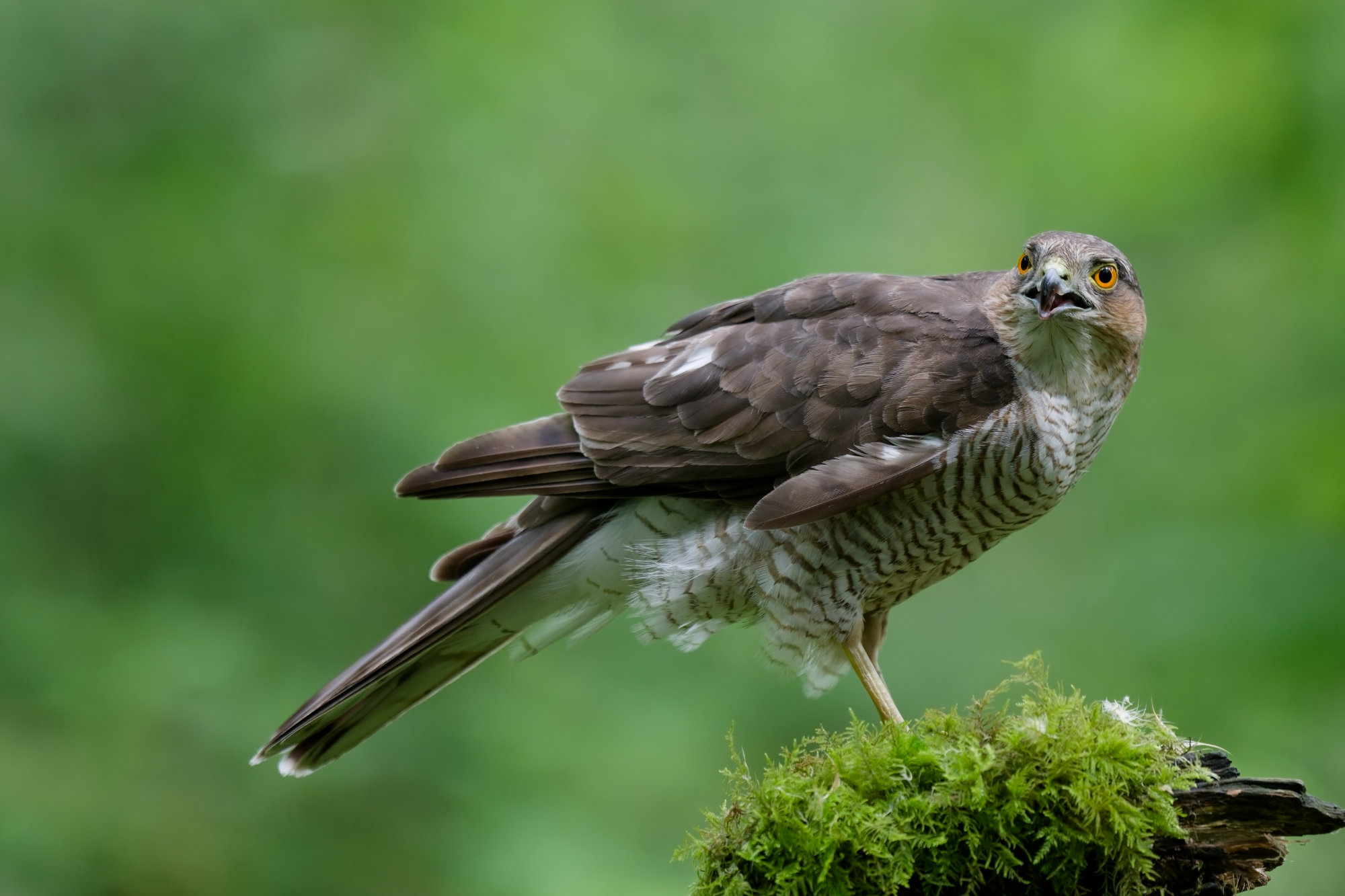
So, this is my first attempt using PL 9,used a lot of the auto options then made slight adjustments to them, figured out how to export to Lightroom to sharpen as I didn’t go down the buying NIK software road.
Russ.
3 Likes
Umm, isn’t one of the Big Things™ about PL its lens sharpening feature? Why then use Lightroom?
Because I no how to sharpen in L/R I have only just got PL 9 so don’t no the ins and outs yet. Thanks, Russ.
Fair, but it’s definitely worth learning. Like @stuck said - de-noising and sharpening are arguably where PL shines brightest.
I wish PL had some of Lightroom’s colour tech (3-way toning, point colour, camera calibration)…
Cracking picture though!
Thank you for the replies, as I said just started learning how to use PL 9, so anyone advise me on a good video/s to show how to process wildlife/bird images in PL 9 please? Thankyou.
Another way to learn is if you are able to share your RAW file, e.g. by using something like Wetransfer, users here can edit it and then upload the .dop sidecar file holding the edits made.
If you then put that sidecar file next to your RAW file, PL will read it and you can see the edits made.
You can start with
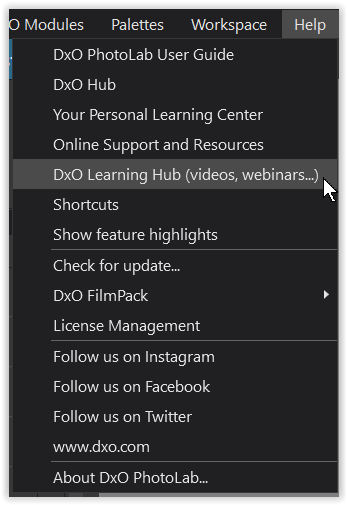
The current videos are provided by DxO and Photo Joseph.
.
For example, also take a look at Robin Whalley and Take Better Photos …
have fun, Wolfgang
1 Like
An image for anyone who would like to process it.
I have already tried processing images, would be interested to see what others can do with this one.
Hope the link works.
https://drive.proton.me/urls/WR89K3ZWEG#KA6ZRhgIgn6c
Thanks in advance
Russ.
regarding sharpness ( PL 9 )
If you are using Windows, you take a look at → VC 1 0Z8_1161.NEF.dop (30,3 KB)
and compare it with the Master.
Alternatively, experiment with …
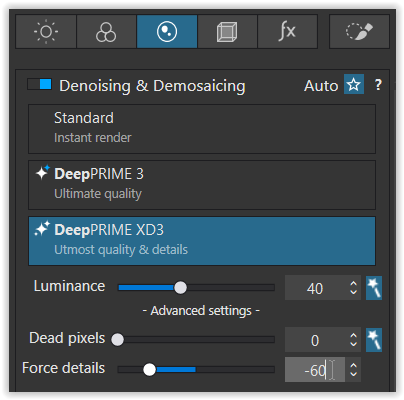
Overall: Force details -60
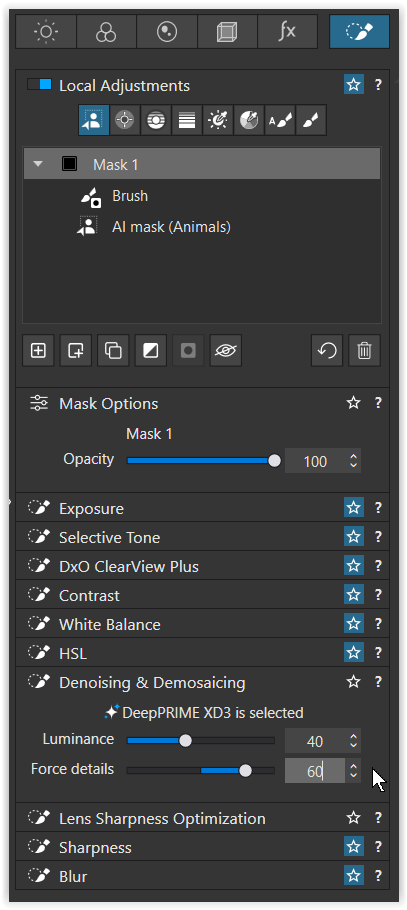
Bird: Force details +60
1 Like
Thankyou for the help here, I have just started watching Robin Whalley on YouTube, no there are loads of videos all over the web and that makes it hard to choose what ones to watch, still only had the software a couple days so will see how I get on in a couple months 
All three speakers I mentioned present their content very well and concisely, but each with their own style and pace. Choose what you like best, pause the video if needed, try it out for yourself, and maybe take some notes.
It’s more important to understand things (even if only roughly) and recognize how they work than to rush through the matter. This way, you’ll remember the steps better and be able to apply them again when needed.
Most importantly, have fun and keep taking interesting photos. 
1 Like