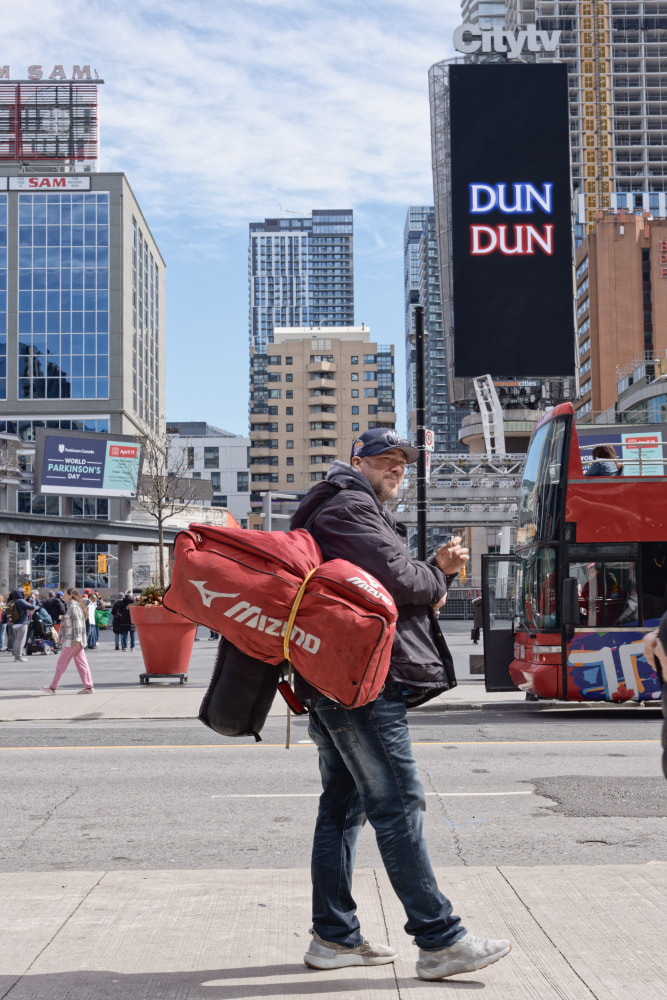
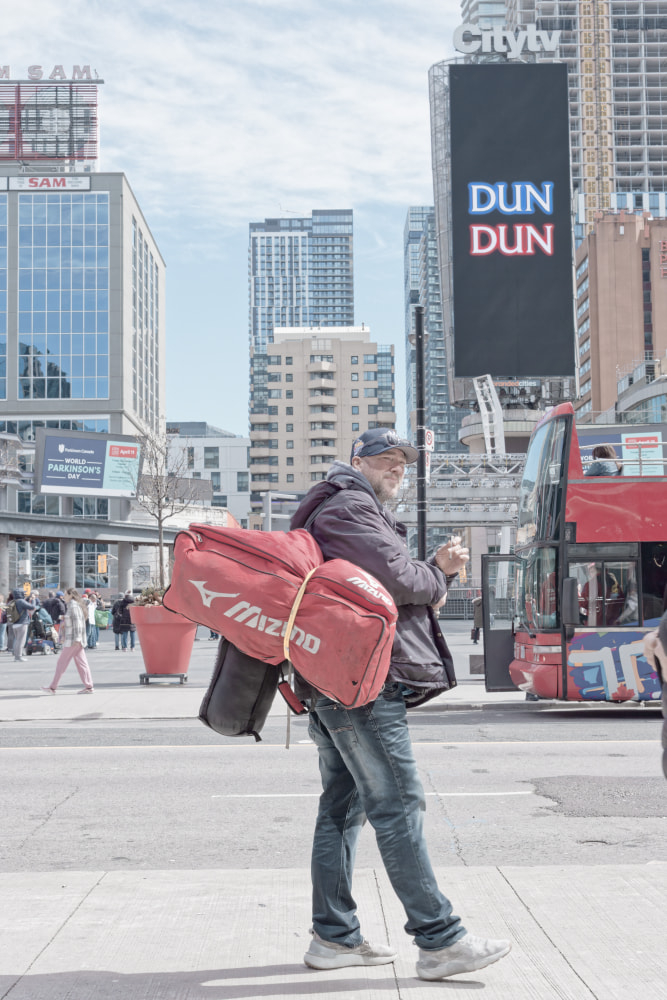
I recently picked up a Sony a6700, and this is my first time working with Sony color science.
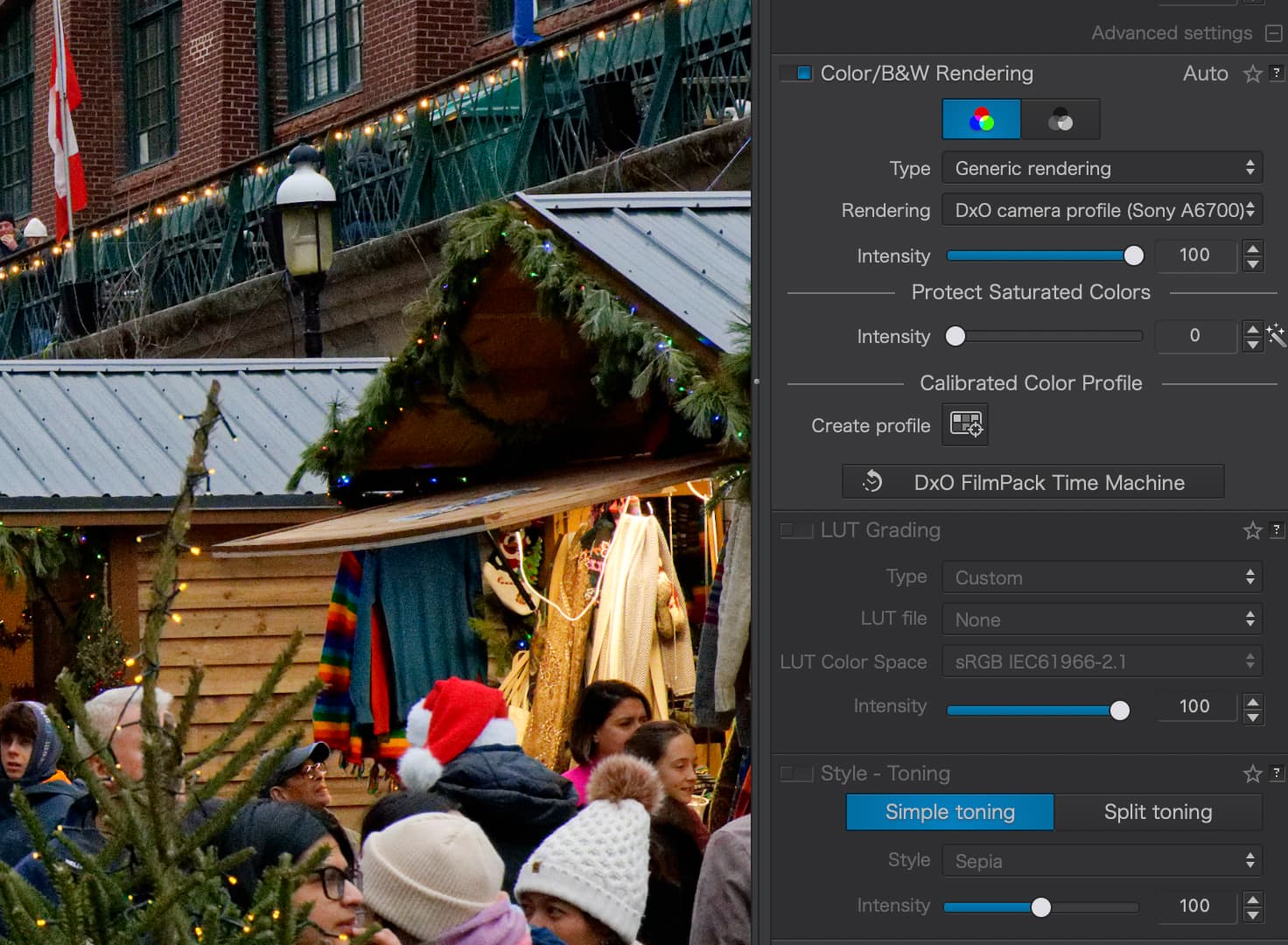
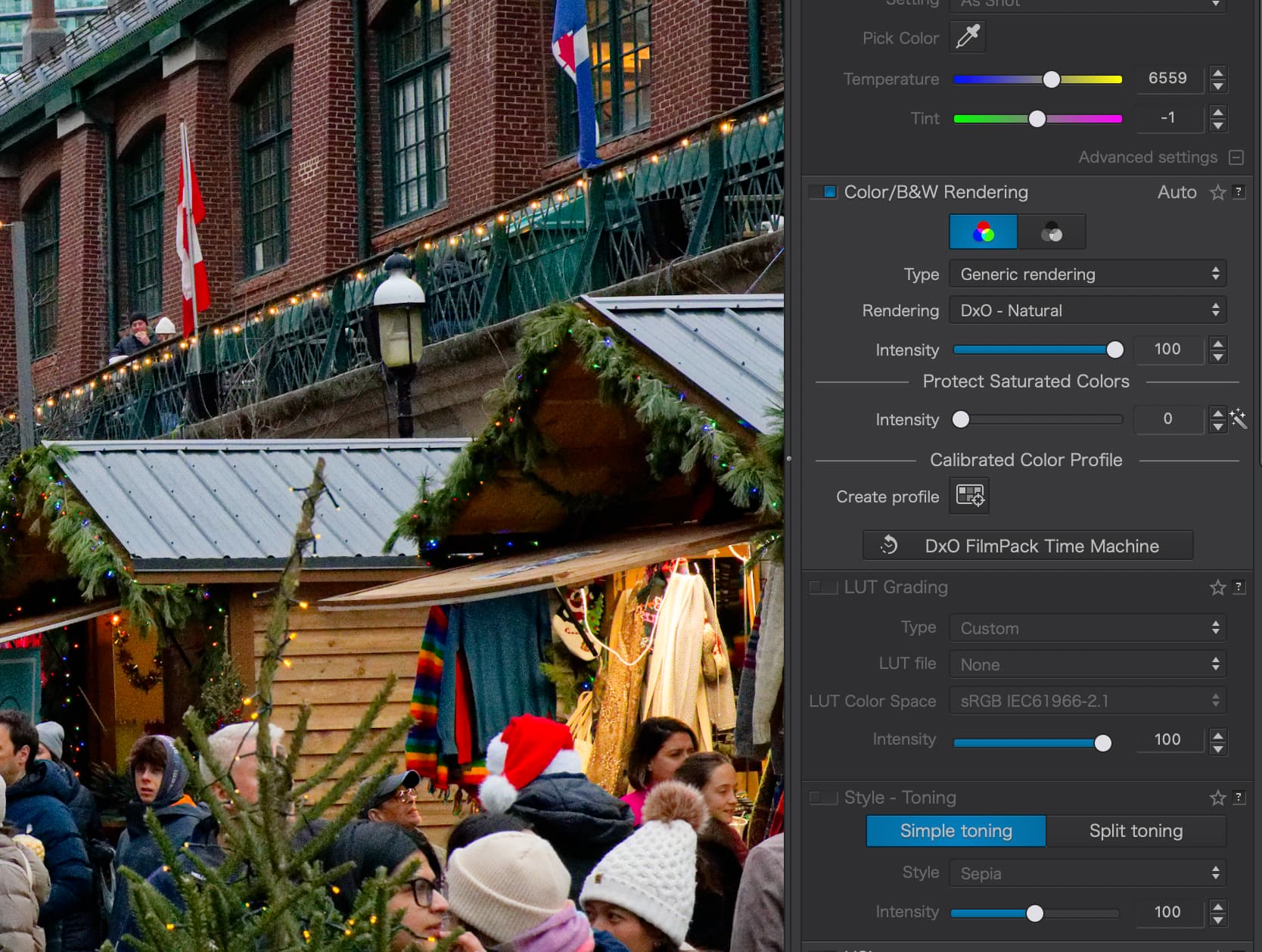
Right away, I noticed something I’m struggling with in DxO PhotoLab. When using the default DxO Camera Profile (Sony a6700) with Generic rendering, reds tend to look quite orange. On the other hand, when switching to DxO – Natural, the reds appear heavily saturated and almost too intense.
Look at the hoho-hat below, I think it illustrates what I’m trying to convey.
I’m coming from Fujifilm, where the colors feel much more restrained and predictable, so I’m wondering whether this is simply an adjustment in expectations or if there’s a better way to tune Sony colors.
Has anyone had success creating their own presets for Sony sensors, specifically dialing in reds so they look more natural and less aggressive? I’d be curious to hear how others approach color rendering, HSL tweaks, or profile choices for the a6700.
I moved from the Canon 6D to R6 and found the colour science troubling different and awful through PhotoLab.
Workarounds include:
Protect Saturated Colors - You might want to try this for your red hat. It’s very red and the above option may help take the edge off if you like everything else about your chosen color except that.
Pick any color rendering - Yes, this is an option. You don’t have to adhere to your cameras true color science. If you prefer literally anything else - use that.
“Steal” DPReview’s color chart and create your own profile - Head to this link and save the studio scene color chart in the “Image Quality” section of their review. Then, in PhotoLab, navigate to that saved image and then click the “Create profile” button found towards the bottom of the Color/B&W Rendering section of the menu in your screenshots. Select “Calibrate ColorChecker Classic” under the Chart Type and place the relevant colors over each other in the tool that opens after that. Save it with a memorable name and you should have a calibrated color chart for future use.
That last one is a bit of a faff to set up, but it does provide me with a good baseline of colors for my R6 versus the other options. Be sure to check your white balance too.
Normally, a sample image is captured of a colour-chart using the camera to be calibrated … So, how is using the DPReview standard image supposed to help ?
As a user of Sony a6000, 6400 and 6700 after moving on from canon 5Ds and 7D2 I have always had a degree of red problems. I take a lot of garden flowers using macro. Red poppies and others can be tricky with both Sony and Canon with DXO. I have used Huelight profiles but though DCP use was enabled it was done so only in really part. There is no fixed location to put the profiles, and you can’t pass the images to anyone else to open unless they have the profile in exactly the same place as you. With out that the dop will block the image opening! As its so limiting I have used them less now. But I do find the Protect saturated colors works quite well and it normally automatically adjusts between 2 and 15. The other useful one is Spot Weighted Smart Lighting. I find as you move them/it about you can vary the intensity of the dreaded red with a use often of the selective Tones. The new manually selected AI enables further changes. But yes red is the sod and has been with both makes of cameras and all of their cameras I have used.
Thank you folks, much appreciated. I’ll try to tone down the saturation, specifically in the reds. I’m usually nervous about playing in HSL as it sometimes get people skin way off.
I have defaulted to using a “camera body” rendering as the simplest way to go with a back catalogue of various cameras. I go for Camera Body - DXO1. Seems to work OK with Nikon, Olympus, and Panasonic cameras. Can’t speak for Sony.
Just checking in. I’ve just picked up the a6700 and have noticed a “red” thing as well. Have you figured this out?
One thing I noticed is that I may get more realistic reds when revert out from DxO’s new Wide Gamut Color Space and select the legacy version. Well, at least the reds in the RAW files better match the off the camera JPG colors in DxO PL - I think looking a little more realistic.
For what it’s worth: with my Olympus RAW files, I find it helpful to start with the following color rendering when using the DxO Wide Gamut working color space:
Type: Generic rendering
Rendering: DxO camera profile
Intensity: 100
Protect saturated colors: Intensity 100
Plus, I have Soft Proofing on with default values for sRGB (what my monitor is calibrated to).
How much of a difference do these settings make with a6700 files?
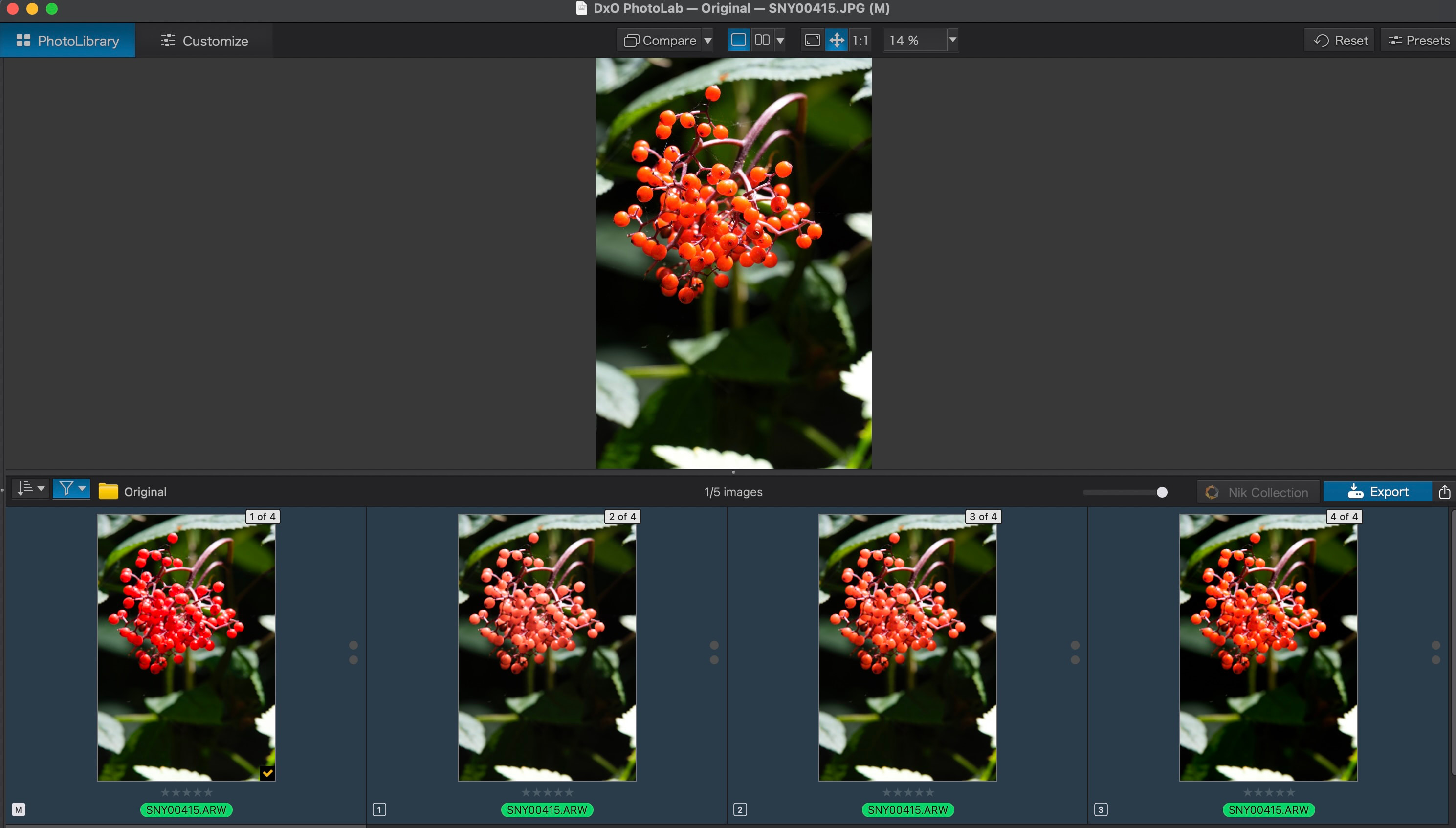
Here is what I’ve gone using your suggestions and then playing around some. I am comparing against the SOOC JPG
415.JPG
Straight out of camera. Colors not oversaturated compared to ARW.3 (by checking with histogram)
415.ARW:
M - no adjustments to Raw File (Color Space: Wide Gamut)
1 - your suggestion (Color Space: Wide Gamut, Rendering: DxO profile, 100,100)
2 - adjust saturation intensity (Color Space:Wide Gamut, Rendering: DxO profile, 100, 50)
3 - no adjustments to Raw File (Color Space: Legacy). Colors much more saturated than Wide Gamut
Currently the sooc jpg is pumped some by the camera to help pop the image some. I do not know how much though. A proper way to do this would be to have a calibration card included in the image capture to help correct exposure and white-balance. Also, it would be good to shoot the SOOC JPG in a neutral profile.
I think I will go with ARW.2 settings for now. More research later.
I think I found a good solution as well in DxO documented the PhotoLab a message above.
Cheers, –Tim
Stenis
(Sten-Åke Sändh (Sony, Win 11, PL 6, CO 16, PM Plus 6, XnView))
12
This is a pretty old problem. The worst I have seen was in the 14 MP Sony A350, the last camera from Sony that did not have a CMOS but depending of motif it can still be a problem.
Another often more severe and more time consuming problem is some blue skies that gets too grey. The problem though is that it is not a general problem with all blue skies - just some of them which makes it quite time consuming to handle. Hard to say why these problems persists after all years. … and Photolab has no miracle tools to fix it either. Maybe the Hue Mask is the best after all - the general Color Wheel is pretty useless.