Simple method to create strong black skies when creating black and white final product

I previously used CaptureOne, and it was very simple to create strong black skies when converting to black and white. Dxo 9 involves multiple steps, and final product is less than desired for dark skies. Using Silver Efex does not help much. Please create a simple method and a stronger filter or whatever is needed. Thank you.

The “easiest” way is to use the red filter from FilmPack, from within PhotoLab

1 Like

and →

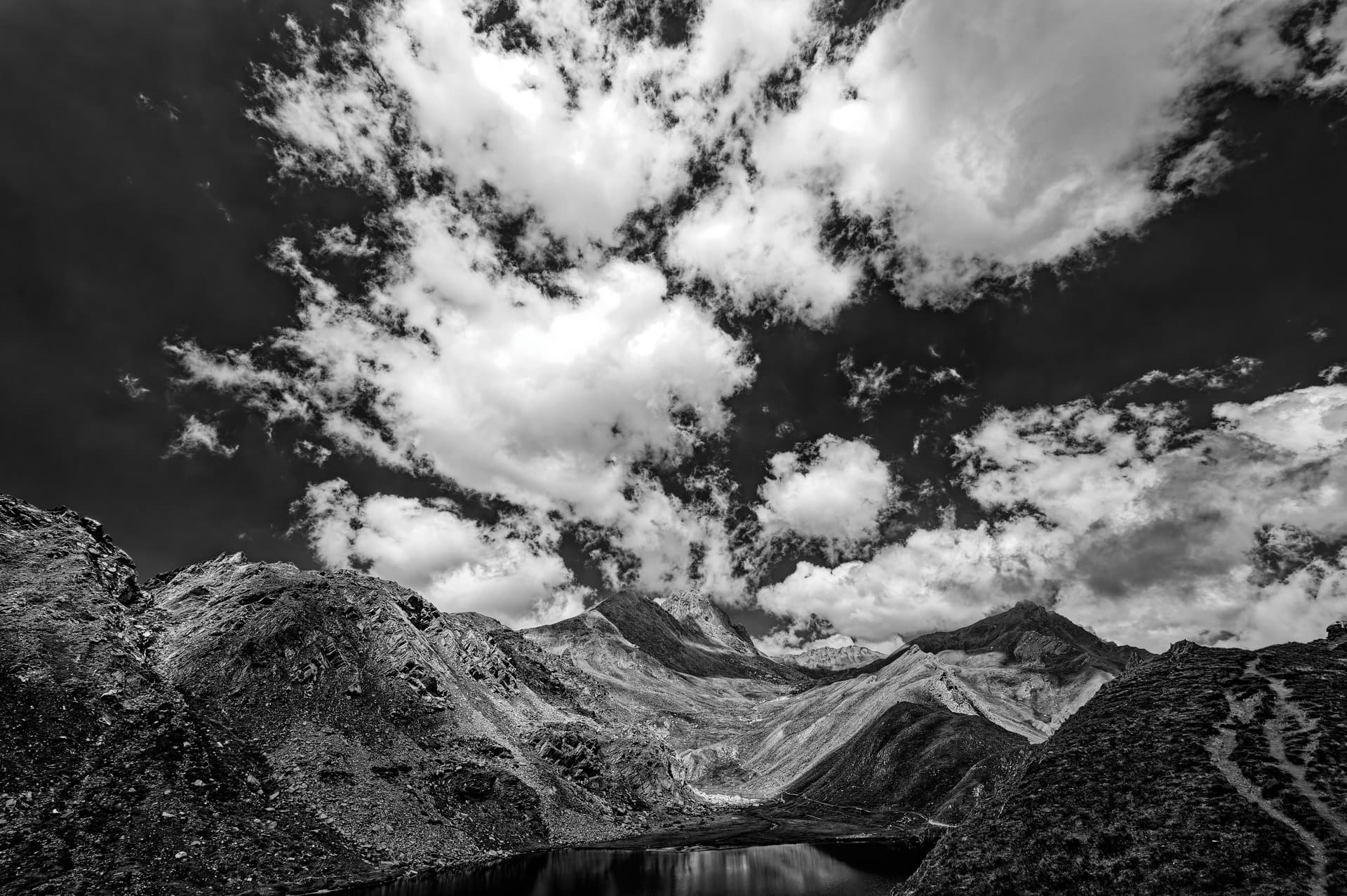
An example of mine with the suggestions above, which mirror my own workflow.

1 Like

thank all of you for this information. I cannot locate (and not sure how to add to my screen) the red filter for DxO film pack (just the red or all). Where is that? Thanks again.
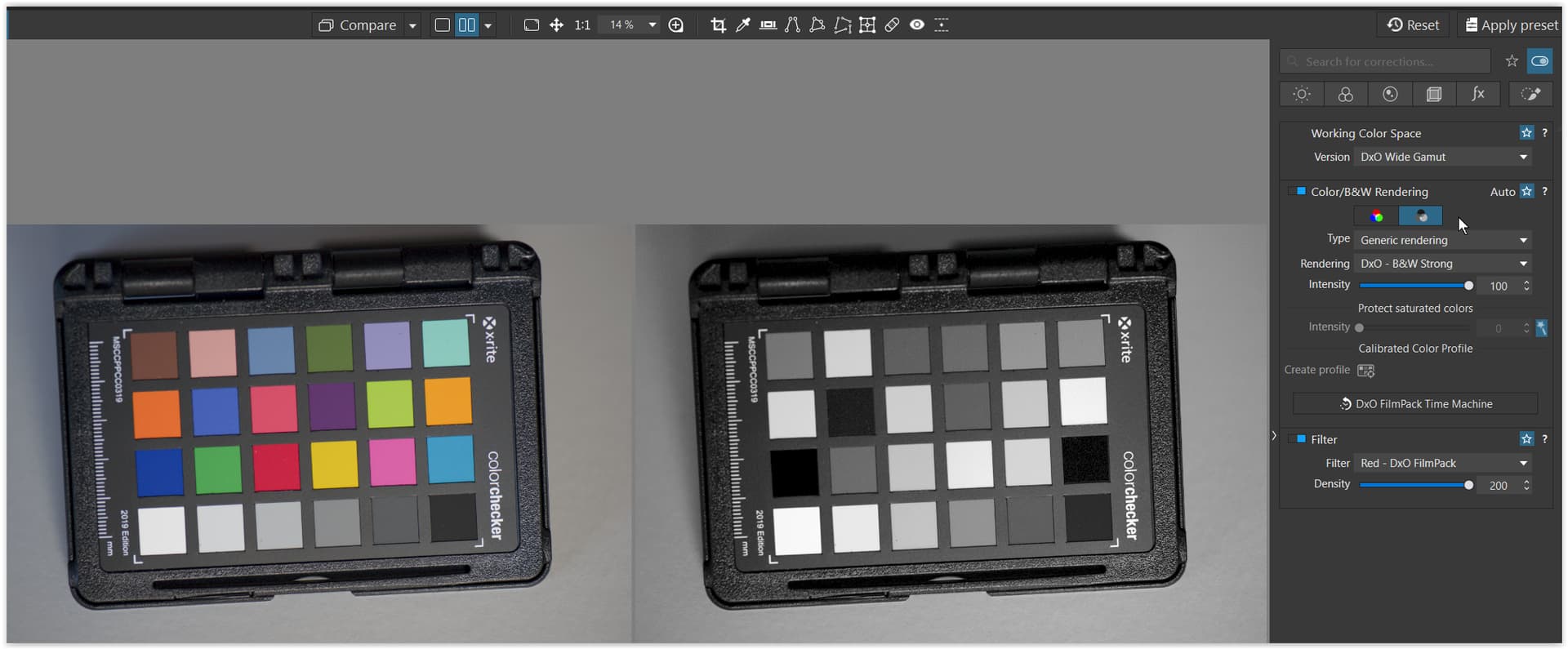
I do have all the DxO film packs.

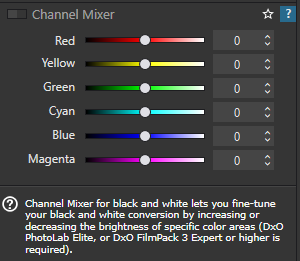
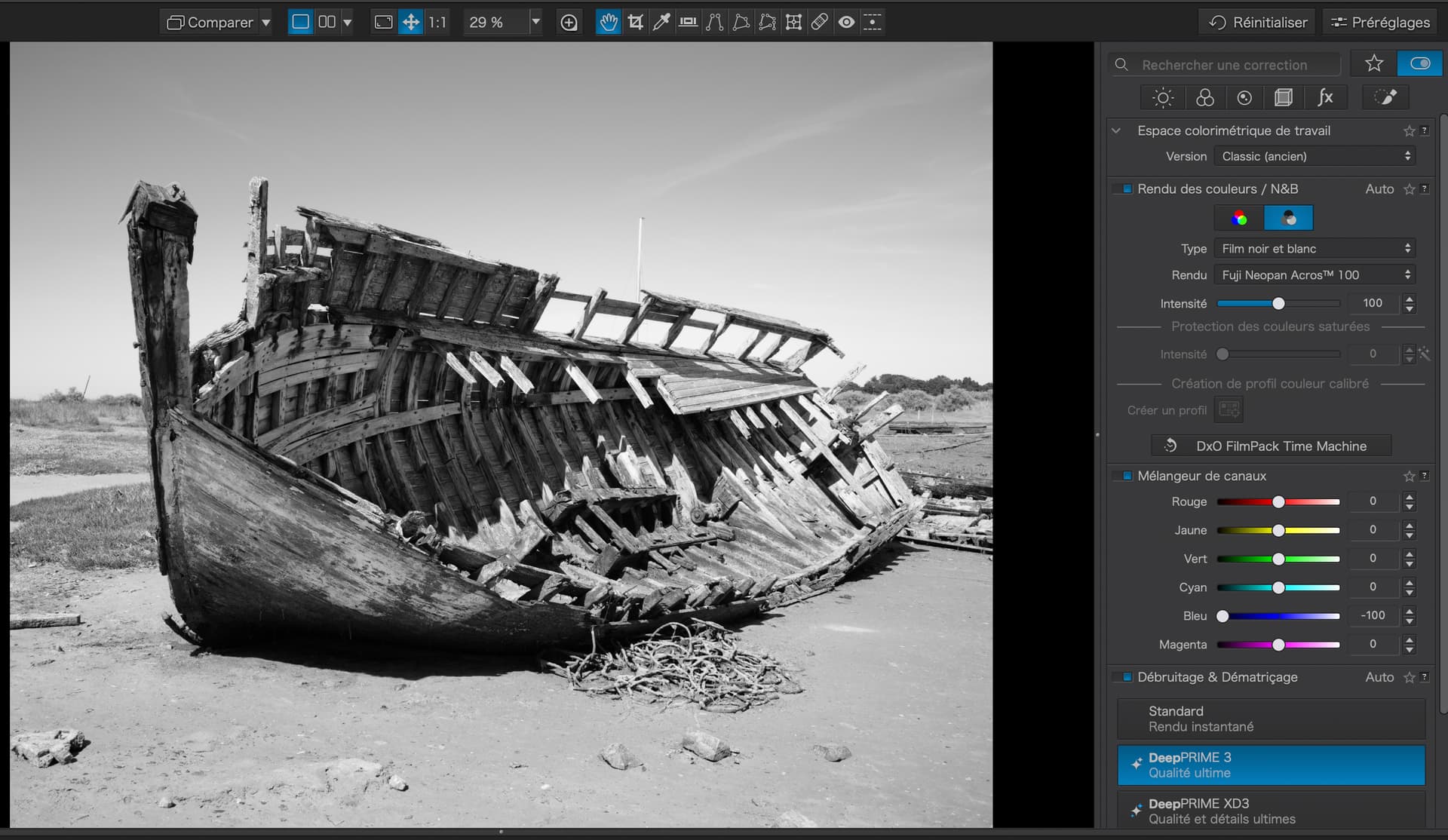
On the “Color” tab …

I’m sorry John but that is not the Filter palette. If you use the Channel Mixer as you suggest, you will only get a very weak change in density…

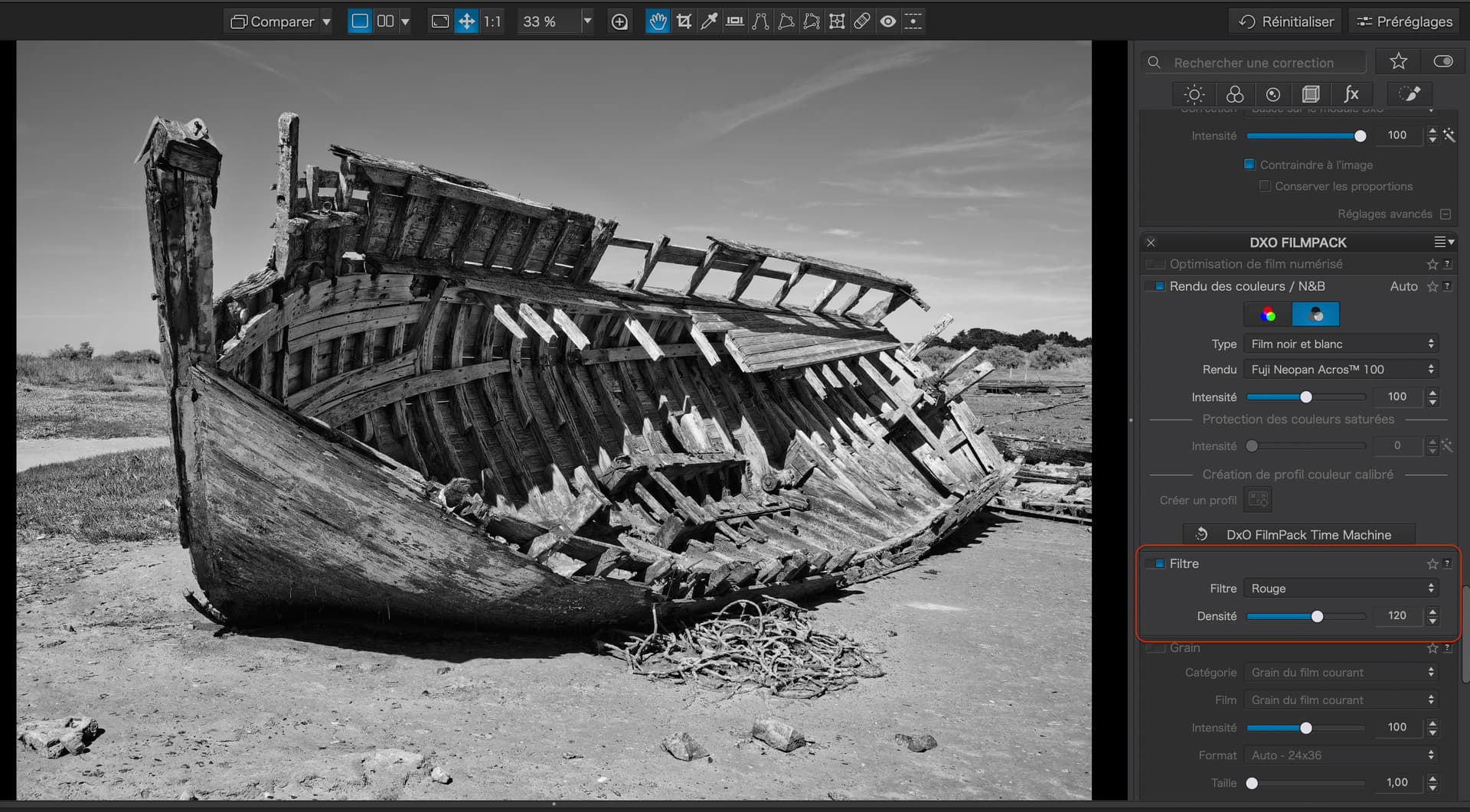
But, if you use the Red Filter part of the FilmPack palette, you can get much stronger effects…

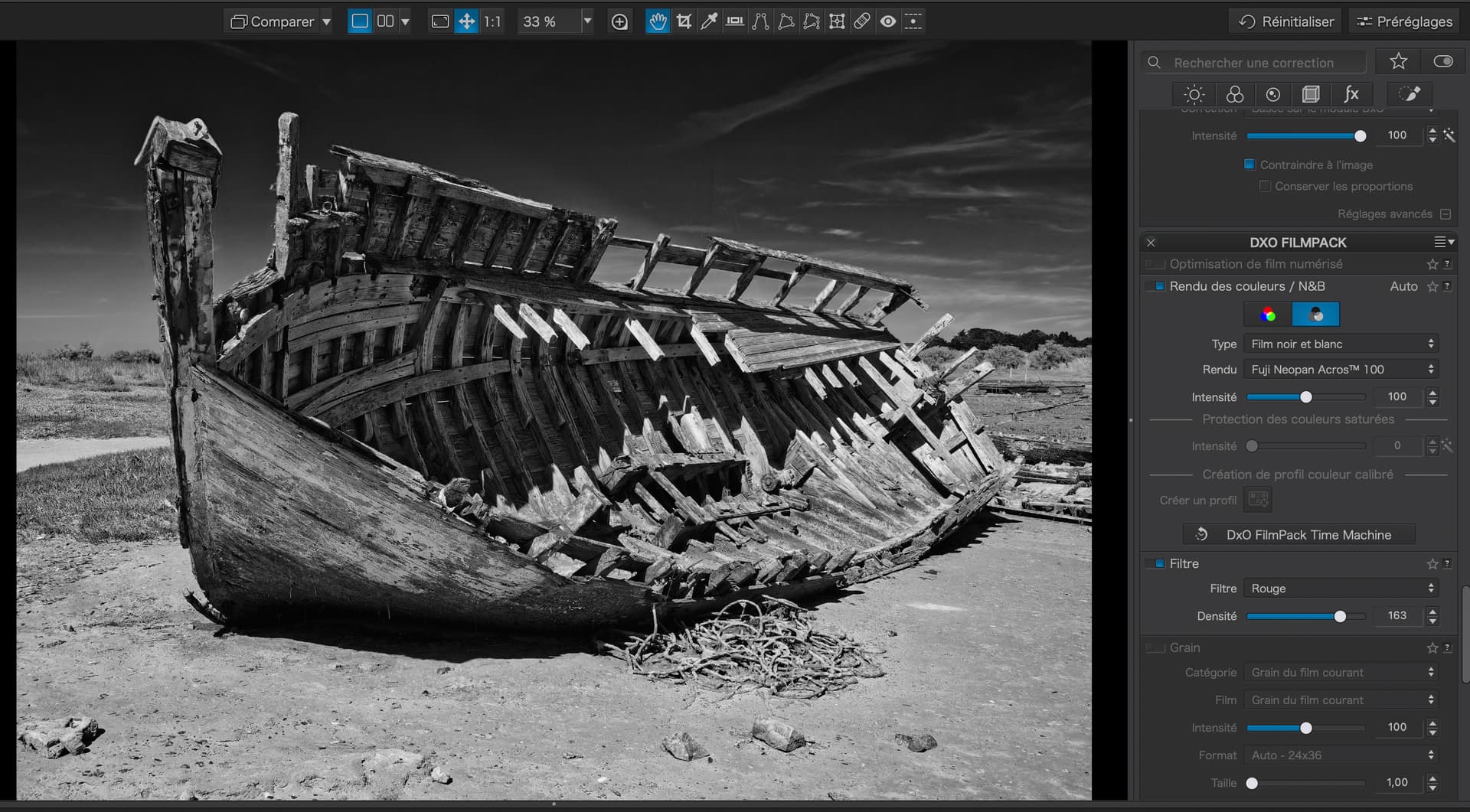
… or even stronger…

Ahhh - Thanks, Joanna … There’s always something new to learn !

In my defence :smiley: - I was misled by the “help-blurb” associated with the Channel Mixer … Seems it needs updating (?)
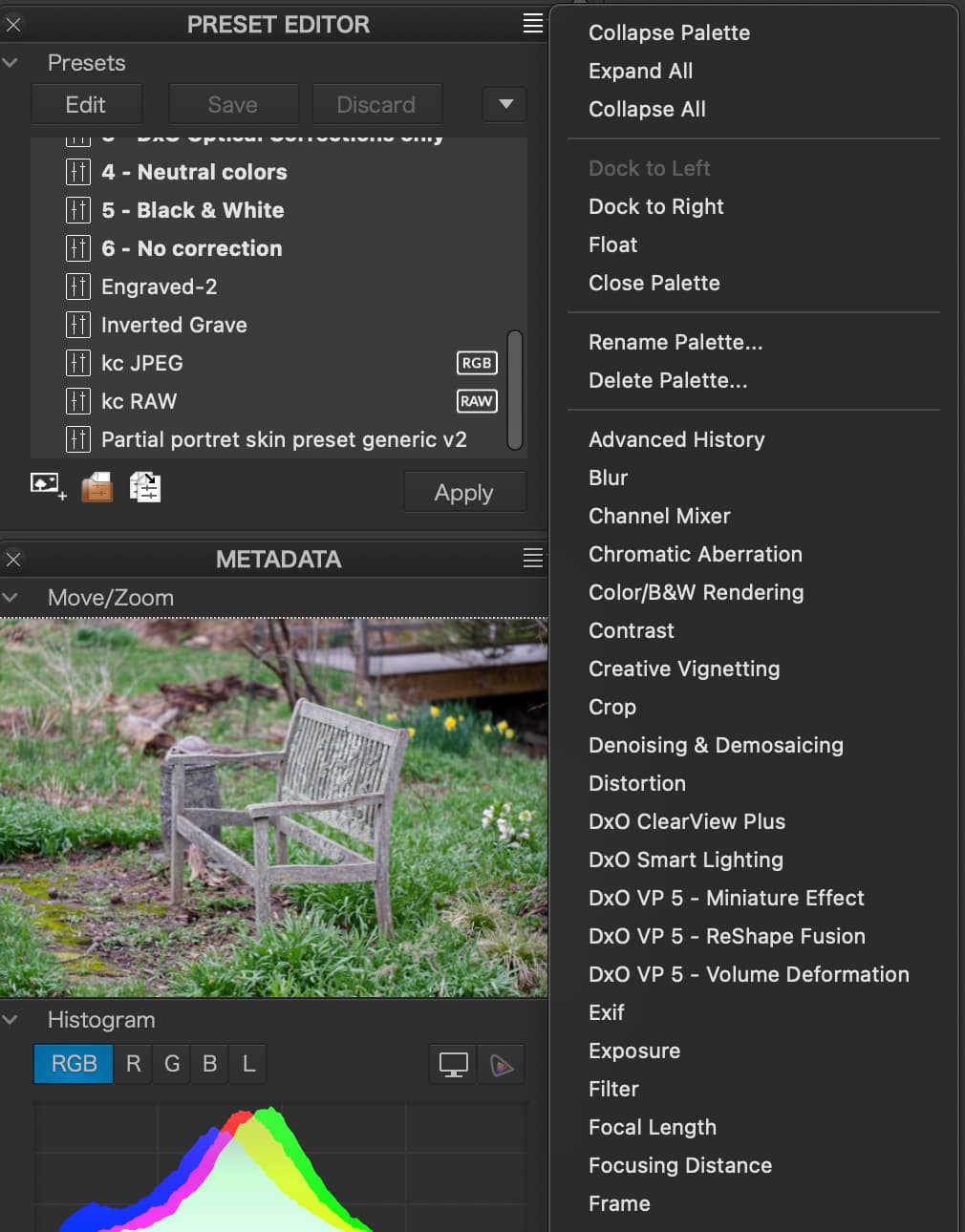
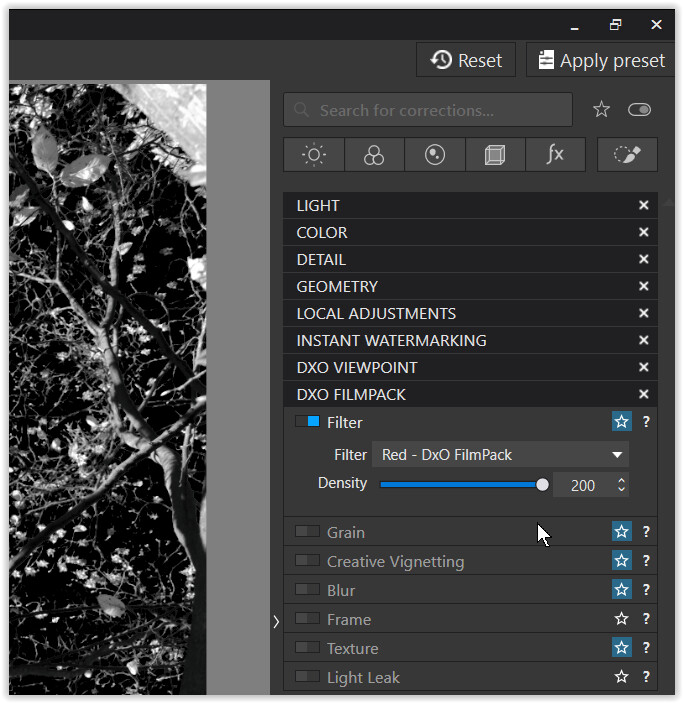
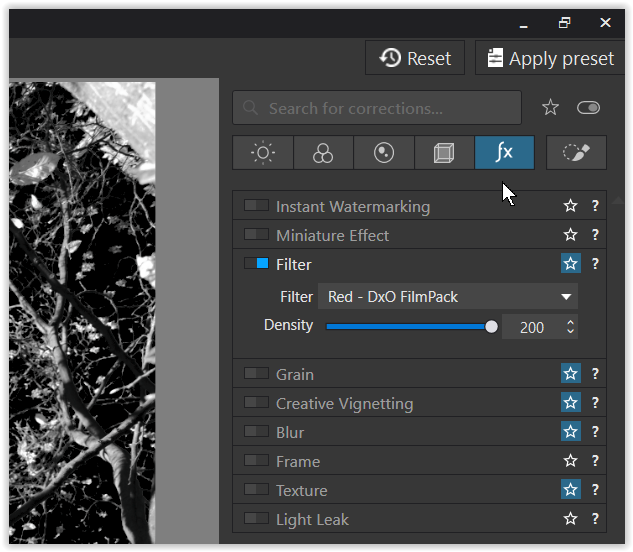
If you don’t see “Filter” in your palettes it can be found in this drop down menu.

If you have the FP license activated, in Windows → Customize