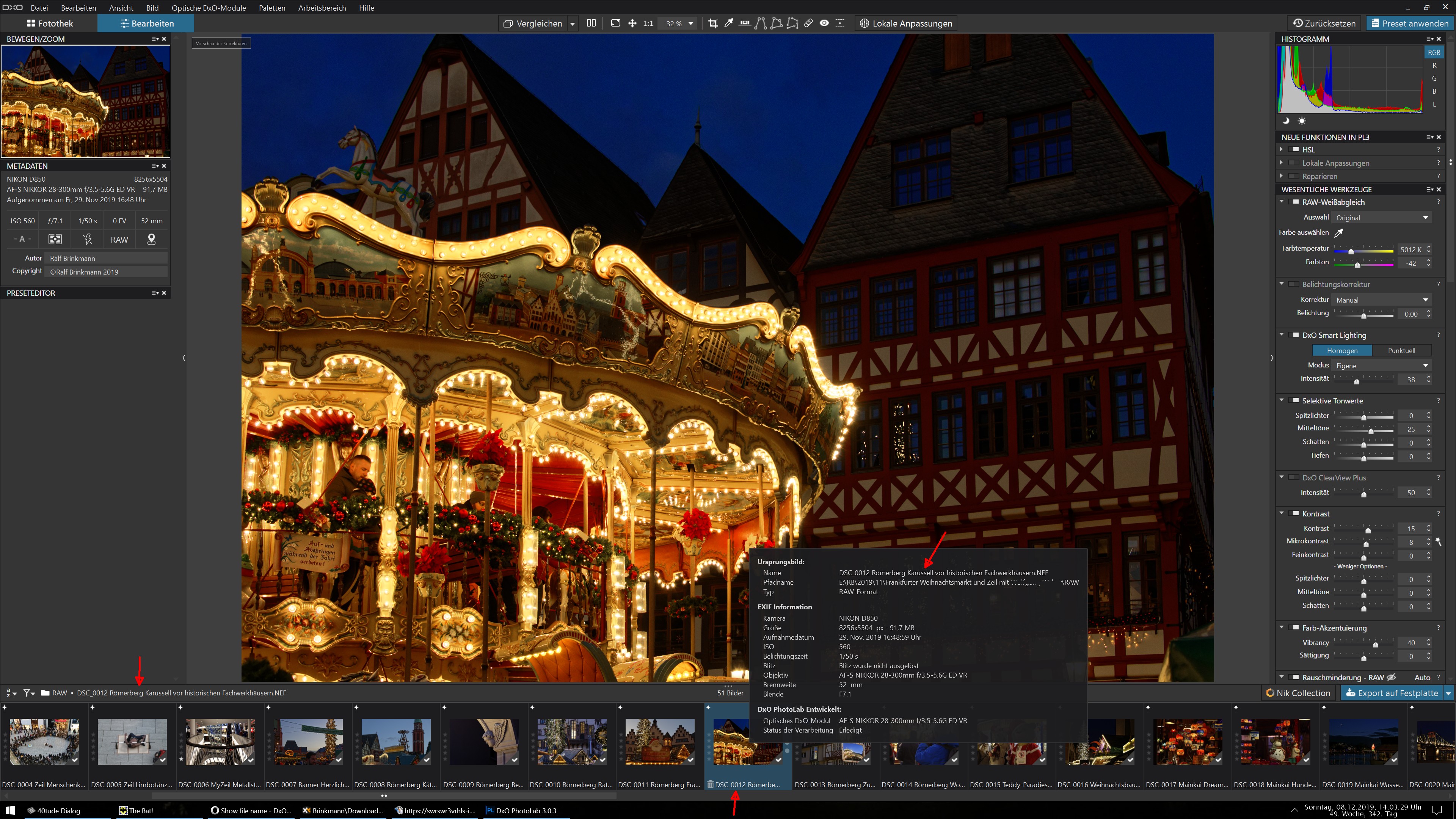
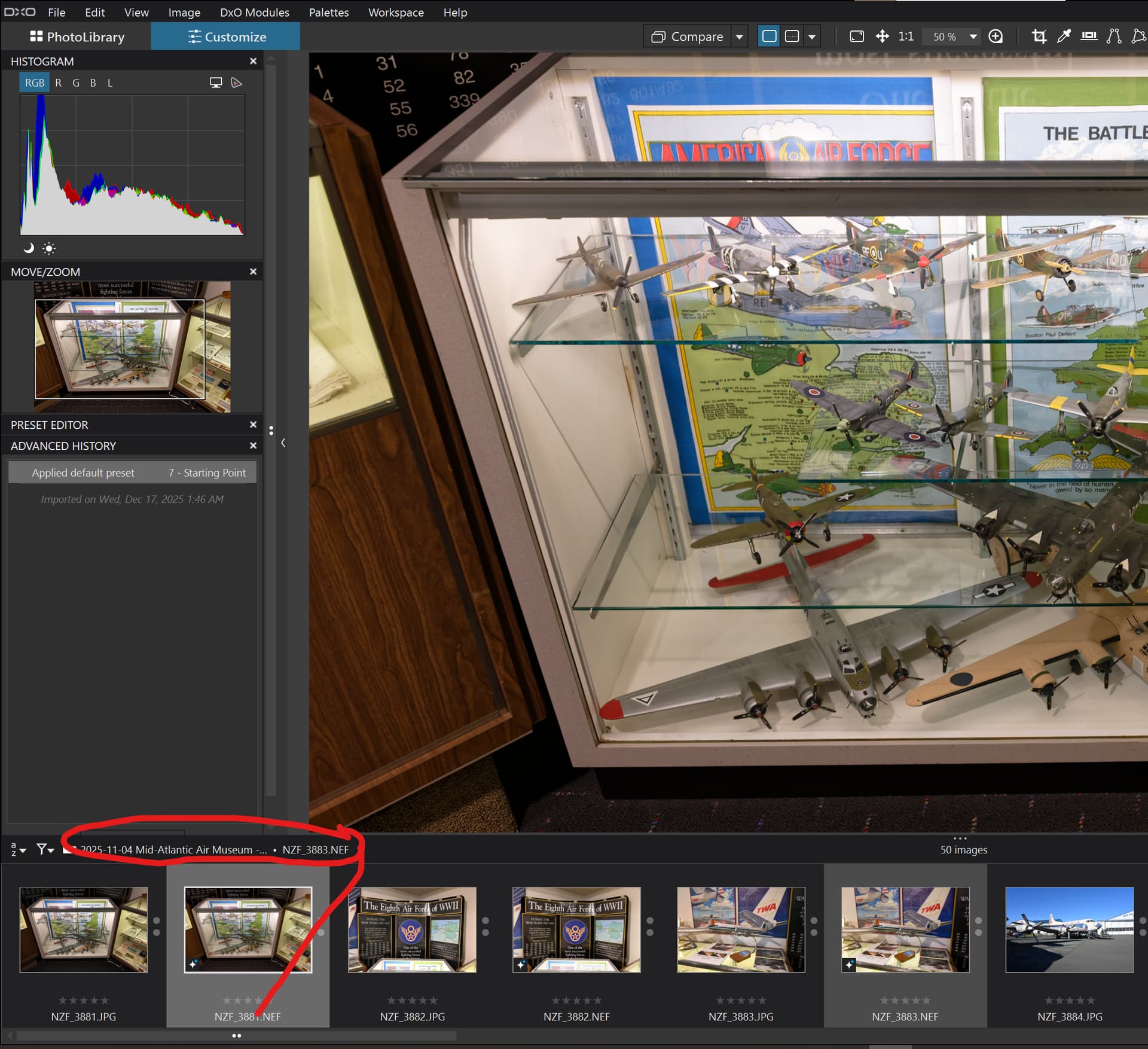
When you’re working on a picture, PL3 doesn’t show the file name anywhere on the screen. The “meta data” box always shows the camera name, author and copy, things that I rarely change.
But no file name, which makes it difficult to compare very similar shots of a scene.
Non, because my image browser is on a second screen and the photo name miss me on the work screen.
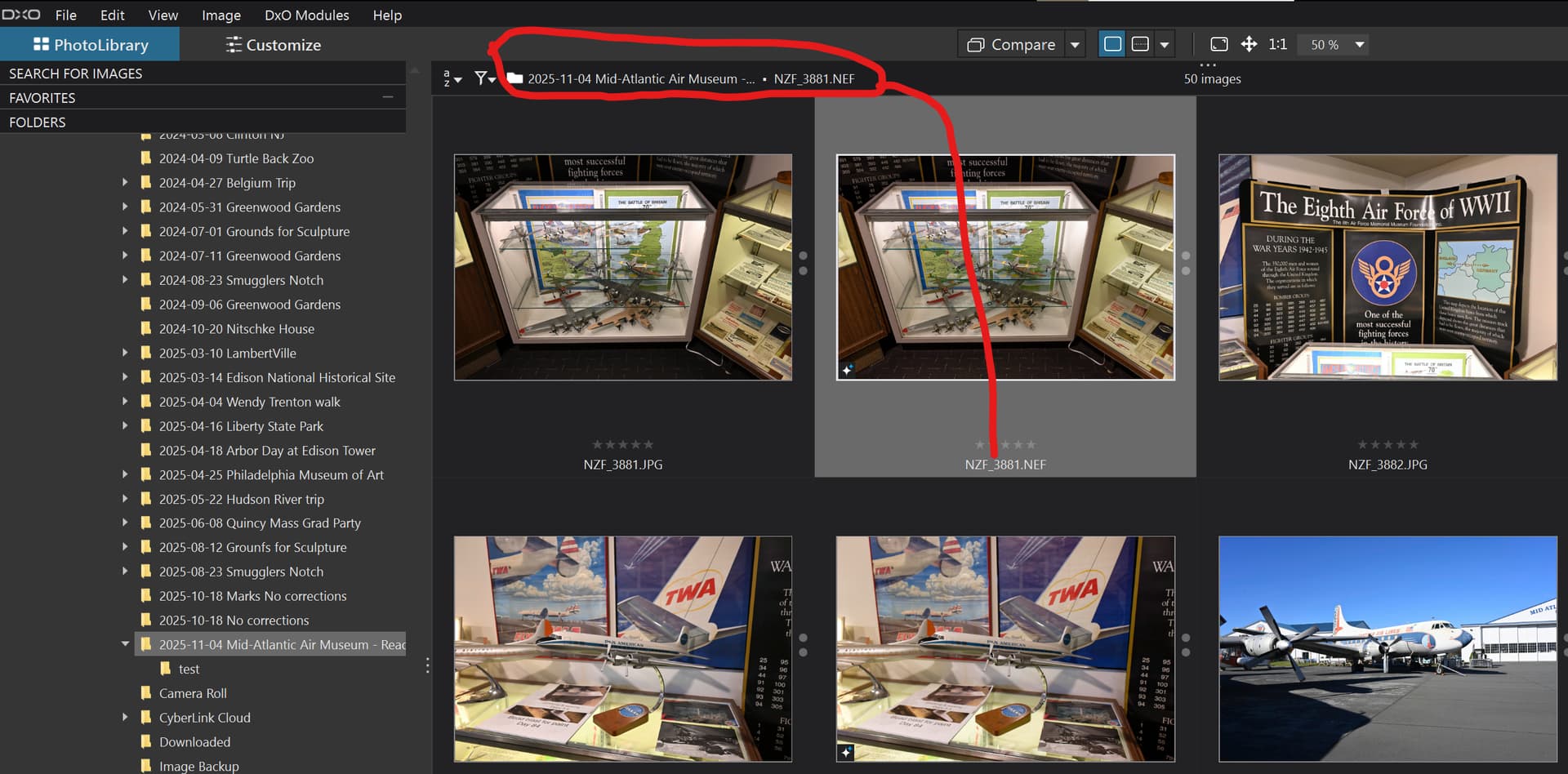
There is a great place where to mention in on the top
Pascal
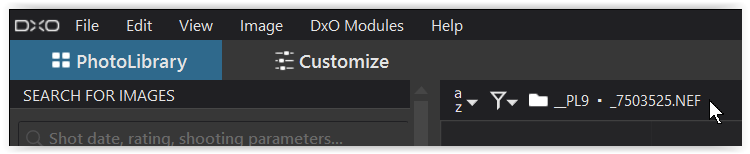
yes, the filename is displayed in different places, but not if you are editing an image and therefor only the edit mode is shown. And this is the request of roseblood11 - an I fully agree.
I’m new to DxO Photolab and using v9.4 on Windows 11.
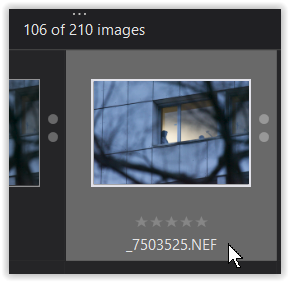
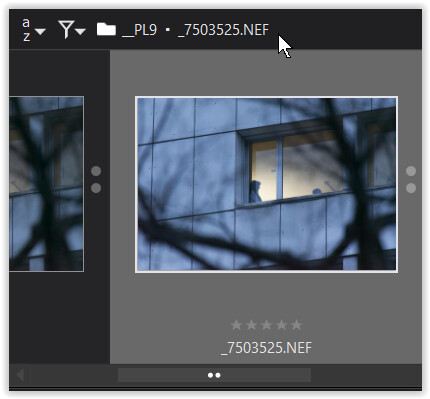
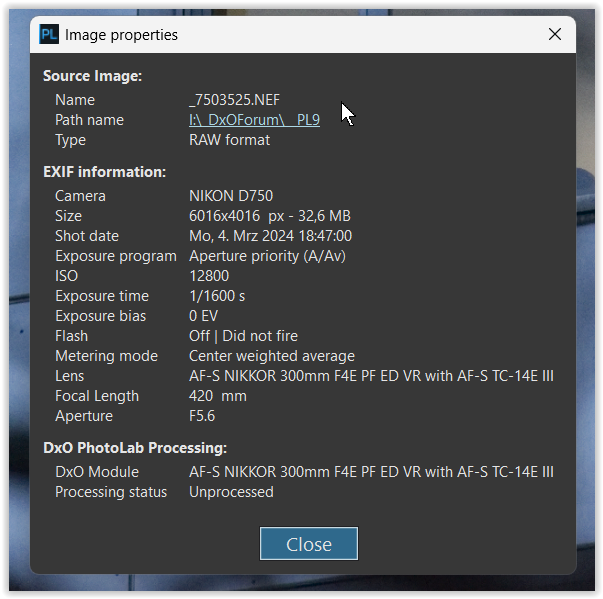
I do not see the file name above the toolbar. I can choose Image Properties to see it or press F12 to open the thumbnail bar at the bottom to see it. Both are clumsy workarounds that involve an unnecessary key press and if showing the thumbnails, decreases the size of the image I’m working on unless I press F12 again.
I keep the left side information open for the histogram anyway, so the metadata is also always visible and has all the information I need EXCEPT the file name and if it is a virtual copy.
Is there a fix I haven’t found for the newer versions of the program or shoukd I be pleading with DxO to include this functionality?
Thank you for your reply. I have found all of these methods (and also saw reply #3 above, which I alluded to in saying that this information is not displayed for me) and all work well, but using them interrupts workflow. I was hoping there is a way I have not discovered to show file name and if it’s a virtual copy with the rest of the metadata so I only have to shift my eyes for a moment rather than leave the module or open other windows to see what it seems like could be right there in the metadata palette.
I guess I’ll present this as a suggestion to the DxO team.
Thank you again for taking the time to send this information!
If I recall correctly, the last version of Lightroom I used, Lightroom 6.14, was able to display a large banner with the filename and other information on the top left of the image which I found very distracting. I much prefer the approach in PhotoLab.