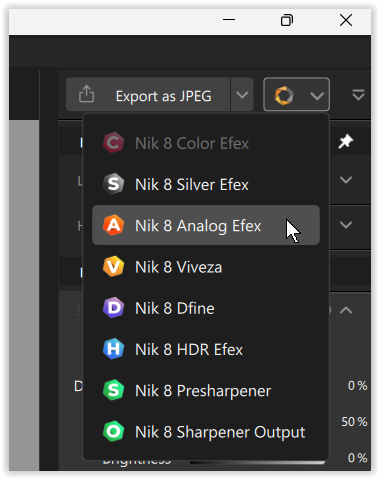
Ok, so I edit images in Photoshop and often use the Nik Collection. I have a particular look that I use and want to be able to repeat it by creating either a) an action in Photoshop (that doesn’t seem possible as the actions won’t record the adjustments in the Nik Collection), or, b) is there a way to do this in either the Nik Collection or in PhotoLab?
Hi many thanks for the answer, yes, you’re correct, it is more of a Nik question. What I’m getting at though is can I automate the specific presets I use in the various parts of Nik as one preset.
So, for example, I will use denoise, then say tonal adjustment from another section, a colour from another section and so on. Rather than going through each section and trying to find the elements I use regularly it would be really good if I could combine them in one preset. Hope that make sense.