I may be looking in the wrong place but I can’t work out if there is a way of removing vignette for unsupported lenses. I recently purchased several viltrox EVO lenses (as the Nikkor equivalents don’t have as many features and they have comparable performance). However, these lenses are not yet supported so lens corrections are graded out. Presumably vignetting is automatically removed in supported lenses but I can’t see a manual adjustment to correct this. I know creative vignetting is available but that isn’t the same thing?
True, that’s not the same thing (… otherwise DxO’s measurements wouldn’t have been necessary).
→ In some cases, when using lenses not supported by DxO, you can try gently brightening the corners using a large, inverted Control Point.
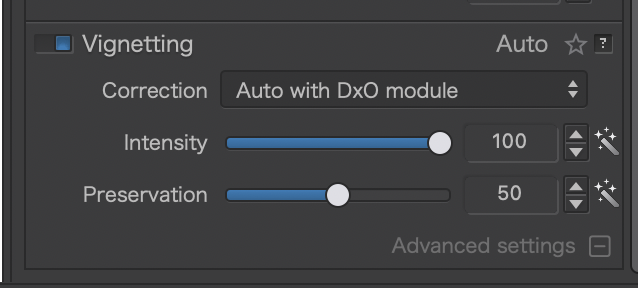
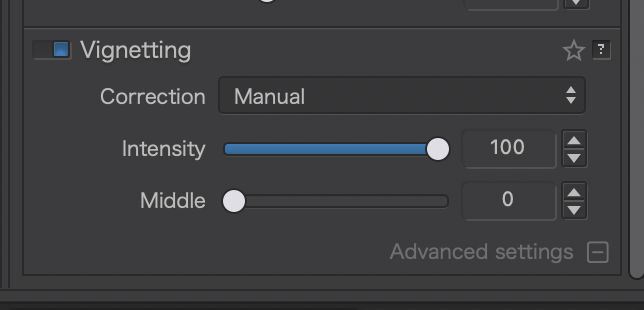
You are absolutely right 
I often use the CP method to add an “invisible” vignette (better than the creative vignetting tool).
In addition to manually correcting vignetting, you can also adjust sharpness (which is no longer corrected automatically) using the Unsharp Mask and adjust the edge slider to differentiate between the center and edges. Finally, you can use the distortion tool to manually correct barrel or pincushion distortion.
Thanks a lot everyone