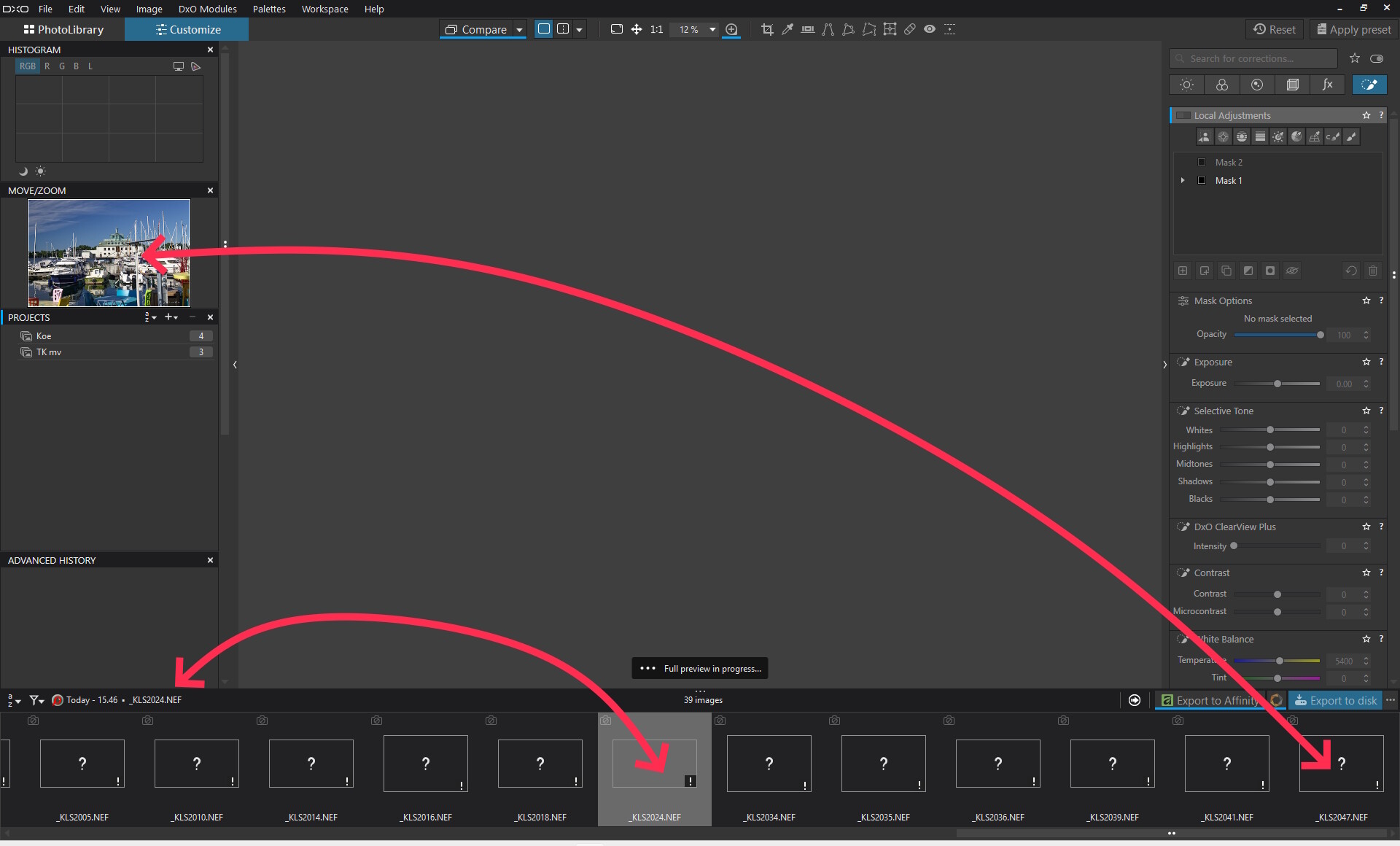
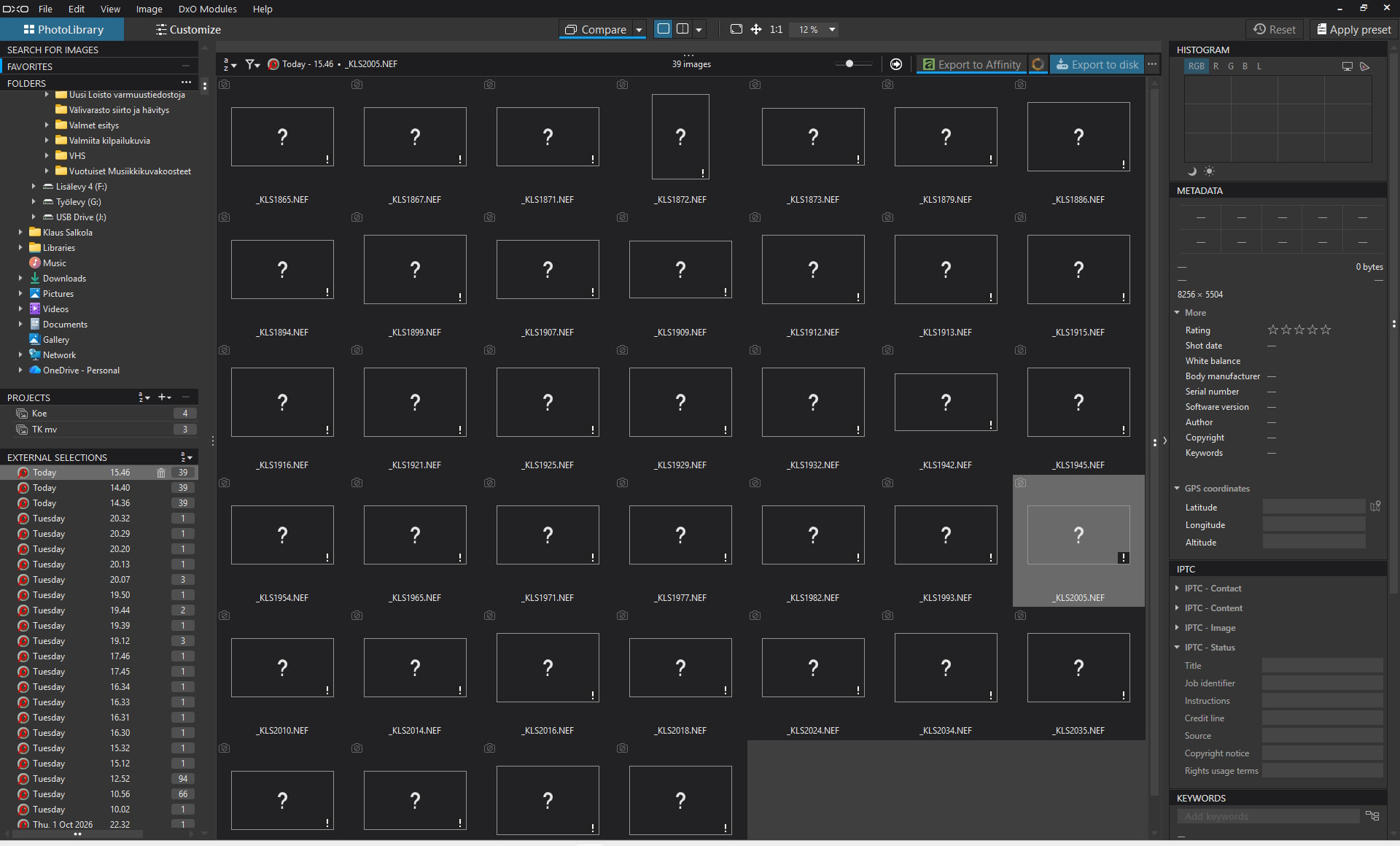
After up-dating to PL 10 1.1 WIN, I experienced following error (new to me)
Placing a control point made it select the entire image. No way to change the radius or shape of control point area. Changing scale did not help finding the circle to grab. Looks like the selection expands to infinity and everything is evenly selected regardless color or lightes.
The only way to remedy was to re-start PL
Has anybody been in the same situation?
mwsilvers
(Mark - New Jersey, USA, Win10, RTX 4060, PL9, FP8, VP5, Nikon Zf )
2
When you restarted PL was the issue resolved? Did it occur a second time? I just started PL 10.1.1 on my Windows 10 machine and could not reproduce the problem. If it only happened a single time, let us know if it happens again. Perhaps it was just a one time glitch.
Mostly it happened on an evenly blue sky, but I have no evidence it could not happen elsewhere.
If the control point was killed (= → waste bin) the issue came back when making a new control point. Only remedy was re-starting PL. I had to do that every time.
I can not tell what makes the issue to come. Control points may be useful for quite a while until the issue comes back and requires a re-start. After re-start it often may be possible to place a control point exactly the same place without problems.
mwsilvers
(Mark - New Jersey, USA, Win10, RTX 4060, PL9, FP8, VP5, Nikon Zf )
4
Thanks. I will do some additional testing to see if I can trigger the same problem.
It looks like you made the radius of Control Point (CP) large enough (probably for the sky in your case), so that its “manipulation circle” (oval) is no longer seen and you can’t shrink it back, e.g. when creating next CP. The CP radius size is a “running default”, i.e. it is used only in the current session and it’s not saved in local user.config (at least for PL10.1.1). Hence if you restart PL, you can resize CP back again, until you once more enlarge it beyond the visibility limit. The fact that PhotoLab makes it possible is clearly a (minor) bug (which you can’t call a feature ).
The control element (gizmo) should remain visible even when you have zoomed all the way out. If you move it to a corner of the image: Can you bring the outer shape (the circle) into view?
mwsilvers
(Mark - New Jersey, USA, Win10, RTX 4060, PL9, FP8, VP5, Nikon Zf )
7
To be honest, I misread his original post and didn’t pick up on the fact that he enlarged it to cover the entire image. So when he says he has to restart PL to fix the problem, he’s clearly creating the problem himself every time the enlarges control point past the full size of the image. As mentioned, moving lhe centerpoint towards one edge of the screen might give him access to the edge of the control point. Why someone would want to cover the entire image with a single control point is not clear to me. I cannot imagine what advantage that would provide.
He’s not a new user so maybe we’re not fully understanding the nature of his issue.
No, this I can not if the issue is going on. When so, the control point radius looks like it is infinite. Moving to the edge will not reveal the circle.
This infinite radius is there at start. I have not enlarged the radius myself.
Please don’t derail your own topic, make another one.
At start of what? PL session? That’s definitely not reproducible here. The problem is there if you enlarge the CP radius too much, but it’s gone once you restart PL.
To be honest, I don’t believe you. Make a support ticket to DxO and attach a video (you can use Windows Snipping Tool for that) which would include PL startup session. Beware – don’t do it here, as your licenses would be shown.
Sometimes yes, also using minimal magnification can help. But if I enlarge the radius while using minimal magnification, I can’t make it visible, only PL restart helps.
EDIT:
Only the following is reproducible here, which you may report as a bug: You can enlarge CP radius so much, that you can’t shrink it back again without having to restart PhotoLab.
Looks like a minor bug, good to be aware of, but too unimportant to me to escalate.
mwsilvers
(Mark - New Jersey, USA, Win10, RTX 4060, PL9, FP8, VP5, Nikon Zf )
13
There may be a memory glitch somewhere. I suggest you rerun PhotoLab’s installation file using its repair mode. Do not manually uninstall PhotoLab..
Before rerunning the repair installation for PL 10.1.1. I would suggest that you reboot your computer to clear memory. Do not start PhotoLab again until after you finish the repair.
Since you already have PhotoLab installed re-running the installation will present you with an option to repair it. Select that option and continue to allow it to reinstall. After completing it, go back into PhotoLab and test it again. There is no guarantee that this will resolve your issue, but it is the next step I would take.
A double click to restore medium size would be welcome !
This would help too when the last control point done is really small. And that the view has been restore at normal zoom and then creating a new control point. Again no outside circle visible (easier to solve but not quick in term of user actions needed).
It happened to me. Just put the mouse outside screen (oups, I moved too quickly and too far) and release it (oups, I have to restart …).
Or sometime just to get the right effect (let say 100% center and 50 % border. Where is the control point circle ? Outside screen !!!). This was not for vignette. (Don’t argue on the numbers, you get the idea).
Yeah, but you can still grab it at minimum magnification.
The bug is obvious, at least for me, but the OP claim is NOT: “I have not enlarged the radius myself”. Could be another problem or just (unwillingly) fake story.
Well, I use the Creative Vignette for that purpose. But if you have a real problem, please elevate to DxO. The bug is obvious but completely not important to me, so I won’t bother them.
 ).
).