Hi,
I’m trying to swap from LR to DXO but when pushing shadows they get slightly colourful and purple [it’s not the sensor]. Does anyone feel the same? In lightroom or affinity shadows stay balck-ish/ don’t get this color cast.
Hi,
I’m trying to swap from LR to DXO but when pushing shadows they get slightly colourful and purple [it’s not the sensor]. Does anyone feel the same? In lightroom or affinity shadows stay balck-ish/ don’t get this color cast.
It’s best to use an exposure push to lighten shadows - the shadows control is not like Lightroom’s . Experiment with smart lighting, and also use local adjustments, especially the control line.
I completely agree. The Global shadows slider should only be used occasionally and even then in small amounts. If you insist on using it, you must compensate by lowering the Midtones slider. Although DxO’s Shadows slider is problematic, there is no global shadows slider made by anyone that will give the same targeted results that can be achieved using local adjustments
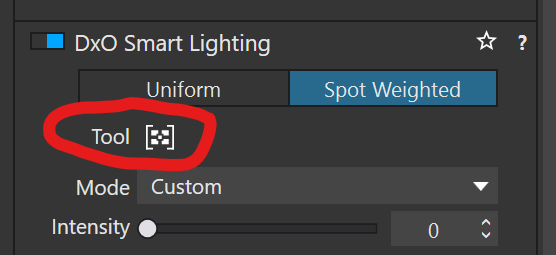
My general approach, depending on the image, is to start by applying the Smart Lighting Spot Weighted tool to the darkest and brightest areas in an image which affects the dynamic range. In addition to, or instead of, using the Smart lighting tool, I may use one of the local adjustments masks to specifically target areas where I want to raise shadow details without affecting the rest of the image. I may also use the tone curve. What I do, how I do it, and how much correction I apply with these tools completely depends on the image and my goals for it.
Mark