I have several problems with DxO PhotoLab 9 that are making using it an uncomfortable experience.
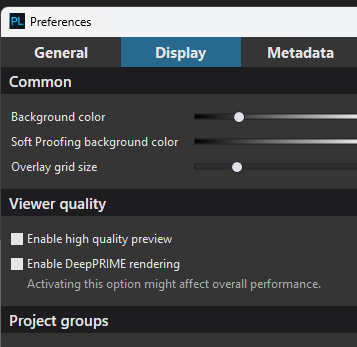
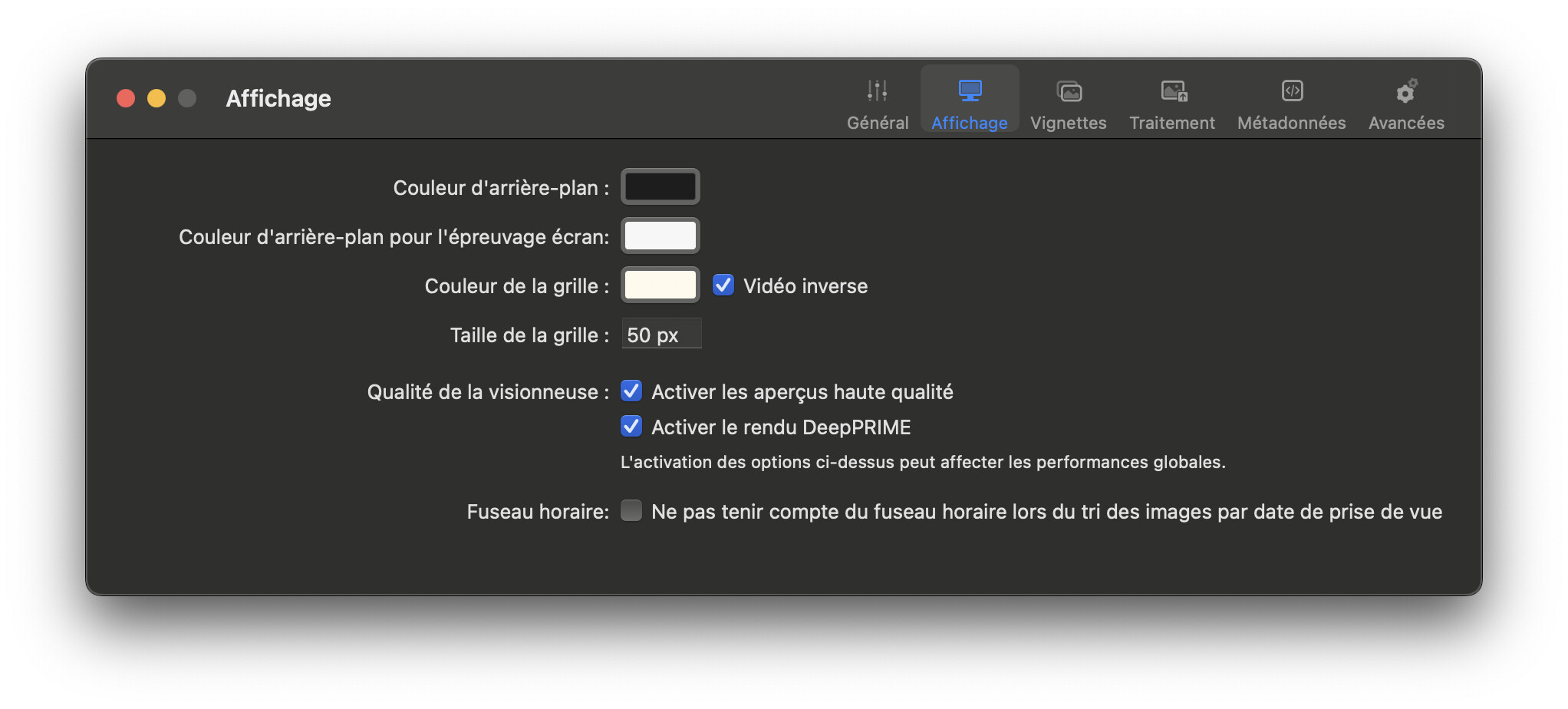
Correction Preview after making an edit is a lot slower than before
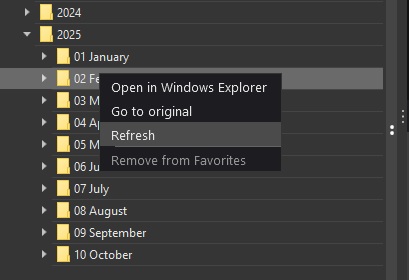
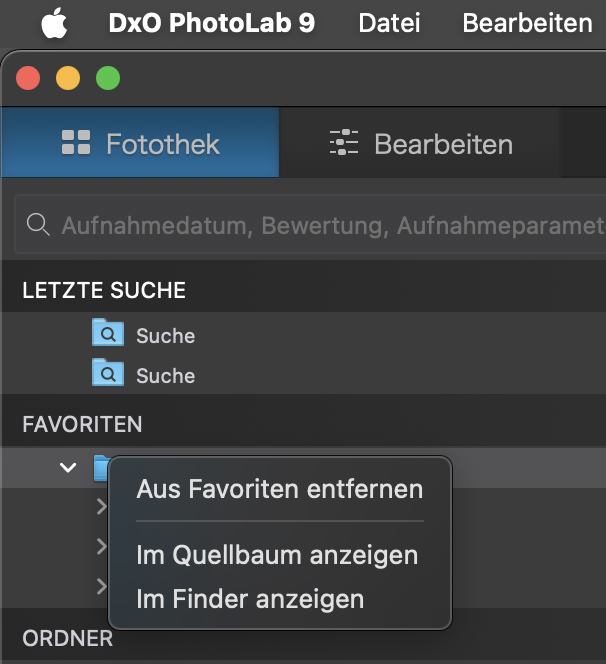
Subfolders of images added to existing folders do not show up in the PhotoLibrary - I need to quit/reopen to be able to see them (when accessing them from the Favorites section of PhotoLibrary
It takes a long time for the PhotoLibrary to show the results of edits when viewing a folder not opened in a while
It takes a long time for the PhotoLibrary to show the results of edits when viewing a folder not opened in a while
Yeah, that isn’t Mac specific. PL9 is sluggish for a lot of us, especially when lots of masking is introduced as well. PL also likes to render a new preview whenever an image is accessed (even if you click off it to another image, then straight back again.) It doesn’t seem to ‘remember’ between these two steps, annoyingly.
It is incredible to me as to what people accept without a fight from DxO products. I bet you there isn’t another photo-editing program out there that has a statement like that in the release notes
To be honest all this has put me off from upgrading from 8 to 9 , was interested in the new masking feature , but version 8 does everything else that I need
I am also on an older machine anyway an MacBookPro M1Pro, 32gb RAM
Yes, and courses start at 10 times a PhotoLab license. You can also start here:
the four kanji on the tsukubai share a common part which is the square around the water.
Sure they’re there, but turning them on shouldn’t cause a problem. And I noticed this only after I installed the first update after I upgraded to PL9. I will try downgrading to the initial version of PL9 to see if things improve.