I want to be able to blur the background on photos. but I cannot duplicate the steps shown in the video, and it seems that the problem may be that he is using a MAC, whereas I am using Win 10.
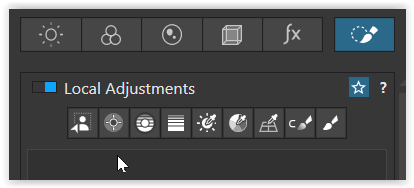
I click on local adjustments (either control brush or depth mask), and all I see added is a fader for mask options/opacity. No box, as the man has to the left of the Local adjustments bar.
Can someone point me to the directions I need, please?
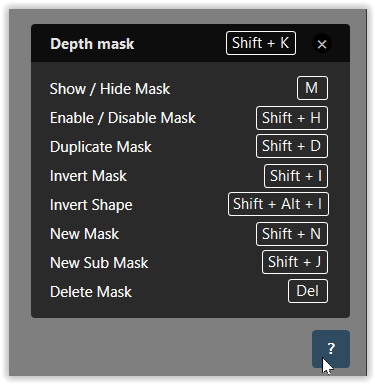
What do you call a box ? The black little window which explains shortcuts ?
If this is it, just click on the “?” at the bottom right of the main view.
This is not needed for the tool to work properly. It is just a shortcut reminder.
Anyway, i tested WIN11 PL10 trial and depht masks works exactly as described on this video.
But the guy has images very well suited for the tool.
The AI sometimes has a harder time than that isolating depths accurately.
But it generally produce an usable and good result. And you can tweak it easily if needed (PL masking system is flexible).
It gives bad result with some images with shallow depth of field (not curable).
Using it to accentuate depth of field doesn’t work as soon as mask edges are sharp, because the blur “bleeds” - subject colors (?) are mixed with background in a kind of halo (example : a sharp portrait of a subject against a blurry background). To achieve this, the tool would need to reconstruct (or maybe stretch ?) pixels behind the subject to create the blur. And it does not.
.
Now, regarding what looks like a glitch:
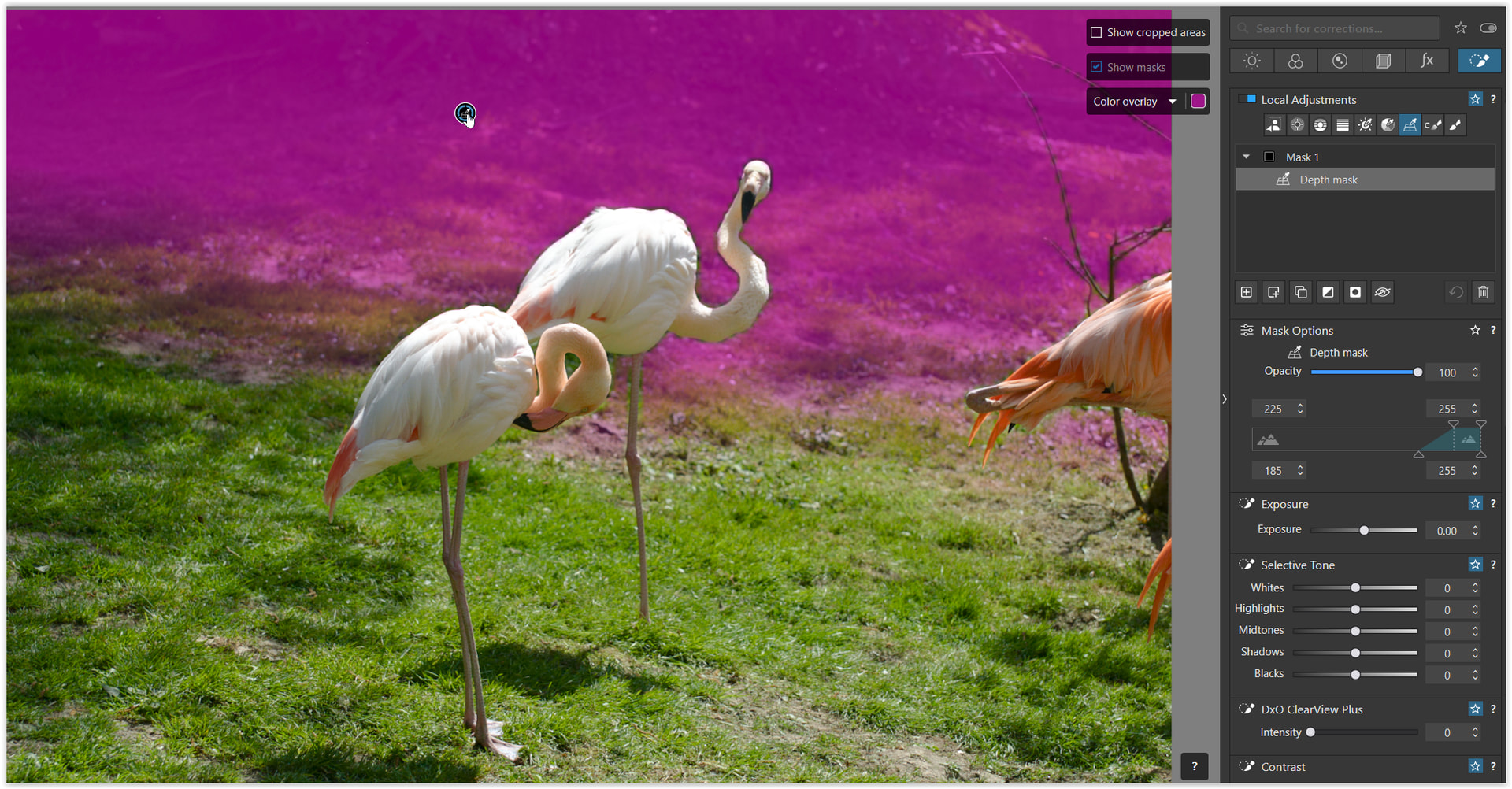
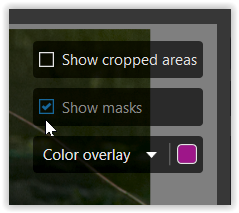
as soon as I move the mouse pointer away from the preview window, the overlay disappears – as if I had already applied an adjustment (which i didn’t) and the mask state indicates → “visible”.
To make the current overlay visible again, I simply adjust the spread of the depth mask – carefully move the slider or change one of the numerical values.
.
ADDENDUM
I have looked for further tutorials on the topic of depth masks; here is one …
Ok. Many thanks for the help: I have made progress. I expected there would also be a “Close” button, as there is for cropping, but I guess that is also only on the MAC version.
I do wish they would make both pc and MAC versions of these tutorials, and not assume that everyone important and ignorant has a MAC!
I have never understood why one cannot program a Windows application to behave and be controlled in the same as the MAC version or vice versa. As far as DXO is concerned, I can only assume that they are MAC lovers.
I am having a problem when trying to save to tiff after applying depth mask to a raw file. i get the message Save has failed: Internal Error (p.Execute), condition failed.
Check DopCor.txt log. Maybe there’s no disk space, like for someone recently?
Yes, and it’s not enough to use the scroll-wheel for that – you have to move the sidebar scroll (at least in my case). Obvious thing to fix.
Since I use the mouse for PhotoLab editing almost exlusively, I just use double click on the Retouch button on the top bar to “close” LA, but ESC key is also OK.
“%LocalAppData%\DxO\DxO PhotoLab 10\Logs”, e.g. “C:\Users\JohnDoe\AppData\Local\DxO\DxO PhotoLab 10\Logs”.
You have to enable “Show Hidden Files” option, if using File Explorer.
PhotoLab.txt logs UI events, DopCor.txt logs export process events.
Search for “Exception” or just “Error”.
“Internal error” events were common in early PL9 versions when using AI Masks, mostly due to NVIDIA drivers or NVIDIA/Microsoft incompatibilities and I’ve not seen them after DxO switched to another processing path in PL9.6 or 9.7. Never had this error in PL10.
Probably there’s also some exception info including partial stack dump, containing better approximation for the reason of ExecuteROI() error, maybe some additional info in Windows EventLogs. If that doesn’t show anything obvious, which is quite often the case, escalate to DxO support. Might be very specific bug, never got similar errors. With limited info it’s hard to speculate further – too many possibilities.
Btw, ROI probably stands here for “region of interest”, maybe boundary of Depth Mask (?).