Preview-only exposure adjustment (non-destructive)

Description:

I would like to request a simple way to temporarily adjust exposure in the preview, purely for evaluation purposes.

This would not be an editing feature and should not affect the exported DNG in any way—only the on-screen preview.

Proposed behavior:

  • Add temporary exposure controls for preview only (e.g. << < > >> buttons, similar to Lightroom Classic)
  • Adjust brightness by small/large increments (e.g. ±0.3 / ±1 stop)
  • Reset automatically or be ignored at export
  • Clearly labeled as “preview only”

Why this is useful:

When working with underexposed images, it is difficult to evaluate:

  • noise after shadow recovery
  • fine detail (e.g. feathers, textures)
  • how well the file will hold up to exposure adjustments later

Currently, this requires exporting the DNG and opening it in another application just to test exposure.

A temporary preview adjustment would allow faster and more accurate evaluation directly within PureRAW.

Scope:

This is not a request to add editing capabilities to PureRAW—only a visualization aid to better assess the processed result.

Summary:

A lightweight, preview-only exposure adjustment would improve usability without changing PureRAW’s role as a preprocessing tool.

If others find this useful, please comment or vote so DxO can gauge interest.
2 Likes

100% agree, this would be an amazing feature if it can be implemented.

So what is the use of the preview??

George

The preview is only to be able to see what the effect of DxO adjustments. When an image is too light or especially too dark by maybe 2 or 3 stops, then it is difficult to really assess the effect of a setting. There are instances where I over-sharpened but couldn’t see it because the image was dark by 2 stops. Then I needed to return to DxO and adjust the setting. By doing this exposure adjustment only in preview, I didn’t want to request a change that would deviate from the core purpose for PureRAW because DxO might reject that idea as diving down into an editing rabbit hole. I only request the change to better select the settings one time. Eventually, I will adjust the exposure of the DNG itself in LrC.

I just noticed he is working in PureRaw. I don’t have PR so I don’t know if he can create VC’s.

George

@BernieN ,
A second thought. If you’ve PL why using PR.

George

I do not use PR and have consulted the online user manual.

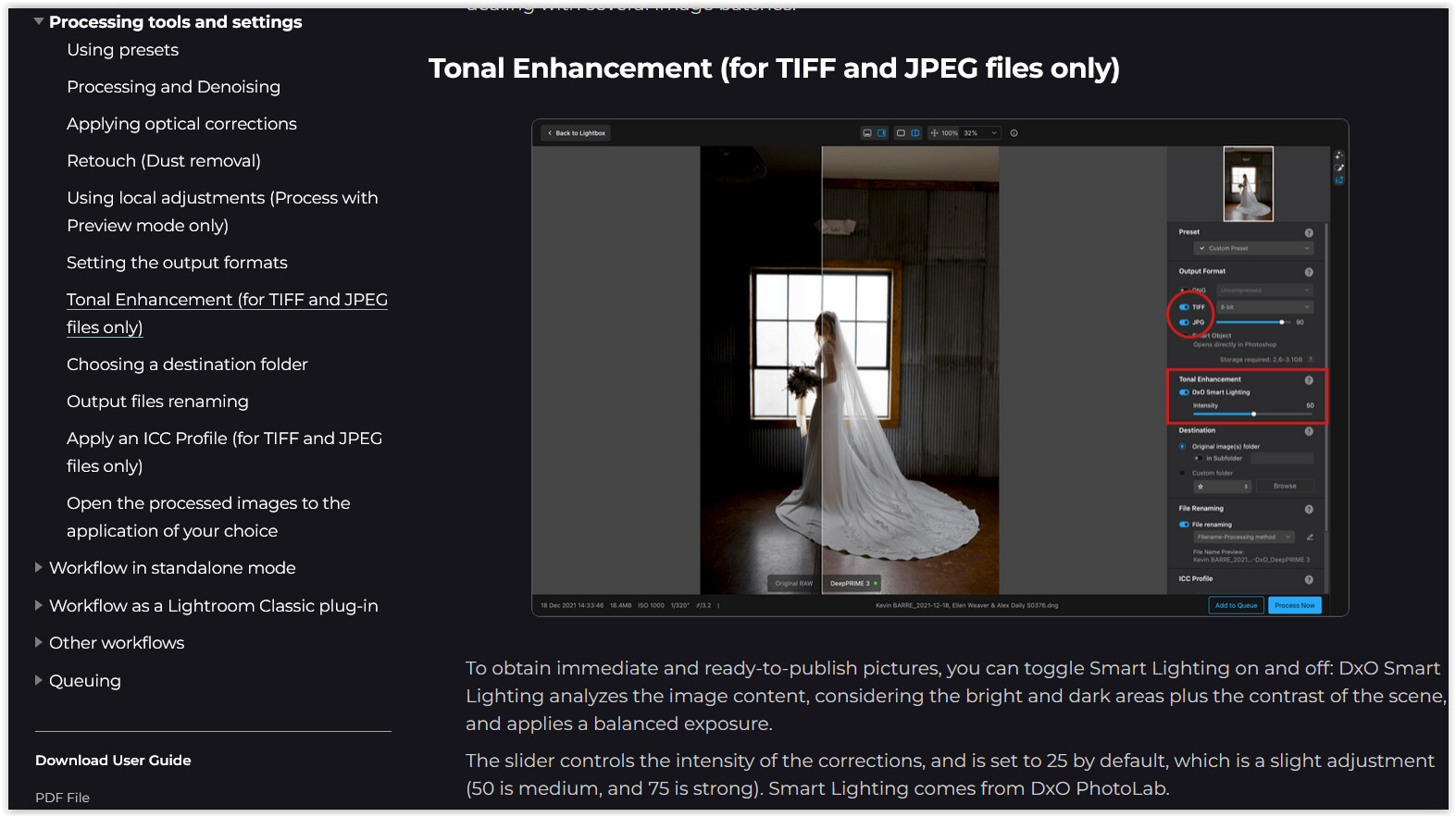
Exposure correction is not / no longer (?) possible during DNG export. – If you are unsure about the brightness or darkness of your image, use the 16-bit TIFF export instead. You should then be able to utilize the → Tonal Enhancement.

Sorry, my mistake.

Mark

I also found out with his second post. But if you’ve PL then you’ve PR to integrated in PL.

George

I am not the one who made the original post, but the reason for using PureRAW instead of PhotoLab is quite simple: creative freedom.
Even DxO acknowledged that the choice of processing software is subjective in the last paragraph of this article: What are Linear DNG files? How do you use them? - DxO .

For example, I personally use Darktable for post-processing because it offers features that no other photo editor has. However, when it comes to demosaicing and denoising, it still falls short.
That’s where PureRAW comes in, providing excellent technical corrections and amazing noise reduction. But it can sometimes create weird artifacts, especially in very underexposed areas of the photo. I have found that playing around with the Force Details slider can help reduce these artifacts, but if I can’t see what I am changing, how can I make an informed decision on this matter?

Having the ability to preview exopsure is simply a matter of convenience and personal workflow preference. I don’t want to go back and forth between Darktable and PureRAW, and I don’t want to use PhotoLab.

I hope this clears things up.

And technically, this should be possible, since DxO PureRAW works with linear raw data.

In a scene-reffered workflow, exposure adjustment becomes a linear operation: increasing exposure compensation by +1.0 EV doubles the pixel light intensity, which is exactly how light behaves in the real world when an additional stop of light is captured.

But I don’t want to make assumptions, as it might very well be impossible to implement in PureRAW. I have no knowledge of the specific processing steps that take place under the hood.

If you’ve PL Elite, I believe, then you’ve PureRaw too. Its part of that release. And you can do all kind of edits within that program.

PureRaw is not using linear dng. Its working directly on the raw data. It’s using linear dng just to export the result of the denoising proces. so other program can continue.

I bought PureRAW separately because I didn’t want to change my editing software. Yes, you can edit with any program and perform all kinds of things, but for my use case, I prefer Darktable’s scene-referred workflow and AgX tonemapping.
I am the kind of person that likes to know what goes under the hood in most applications, and Darktable is perfect for that.

But I also don’t expect people to change their preferred editing program. That entails learning a whole different workflow, and in a professional context, that time is better spent elsewhere.

And yes, PureRAW doesn’t mainly utilize Linear DNG, that is just a way of transferring editing flexibility to other more capable programs. And if PureRAW allows me to utilize any editing program I choose, why wouldn’t I?

The point of this is to make PureRAW a more enjoyable user experience. There could even be benefits to this, for example preserving dynamic range. Raising ISO in camera lowers the dynamic range because of the Analog-to-Digital Converter’s limits, but adjusting exposure digitally doesn’t do this. However, digital exposure does amplify read noise more, but this could be further resolved by DxO’s denoising algorithms. This is purely theoretical, but it could be a genuine benefit, if it can be implemented.

A side note

If you are considering the “best” dynamic range (or, in reality, the best trade-off between dynamic range and ISO), take a look here…, for example.

You might potentially benefit even more from choosing the “right” camera than from tricks such as underexposure.
:downcast_face_with_sweat:

I agree with you that, in many cases, getting a new camera is most certainly going to provide a better trade-off. Photography is all about trade-offs :slight_smile:
I am not disputing the facts. For example, the difference between the Sony α7 III and α7S III is close to a full stop of shadow recovery.

That said, the benefit of software such as DxO PureRAW is that we can get more out of the equipment we already own. Upgrading is not always practical, as photography is pretty damn expensive! In comparison, DxO is way less expensive than upgrading your gear, and potentially changing to a new lens ecosystem entirely.
Moreover, photographers get used to working with a specific camera. Even upgrading to a new model from the same manufacturer comes with a learning curve, as ergonomics and settings change. And personally, I am a fan of making the most of what you have.

A bit of relevant technical information:
A lot of professional cameras are ISO invariant, meaning that raising exposure in post-production is almost identical to raising ISO in camera. This is especially true once you reach the dual native ISO, and if you are working in a scene-referred space.
The “trade-off” is dynamic range, but you can only get so much dynamic range from a full-frame camera.
The example I gave earlier with the Sony α7 III and the α7S III: well believe it or not, the α7 III has better dynamic range! But as I said, this shouldn’t be surprising because a full-frame sensor is a fixed physical size, and therefore the pixel size and its full well capacity is also fixed. If you want more dynamic range, your only option is going with a medium-format camera, but that is even less feasible. I don’t want to get into more details, but you get the idea.

So, if we could keep the ISO in-camera at the dual base ISO, then have DxO PureRAW apply further exposure adjustments; this would not only make the workflow better, but we would preserve most of the dynamic range of the camera and get amazing real-time denoising. That sounds like a close to perfect workflow that lets us get the most out of our gear without the need to upgrade.

Personally, I am not sure if this is even possible.
And I also want to apologize for straying the conversation towards this technical direction, as the original commenter’s idea was only an exposure preview adjustment. But I want the best out of this software, and if only the workflow can be improved, that is a still a major benefit in my book.

I appreciate the conversation, and I wish everyone a great day.

As posted before. I believe from his posts @BernieN has PL, he’s going back to DxO. If so he has PureRaw and the aballity to use it and to do some edits and to export as linear DNG.
That was all he asked.

George

1 Like

I have PureRaw. My request was to have a feature for viewing only, not editing, that would help me see the effects of the PureRaw processing settings when the photo is dark. When that happens in my case, I need to import back to Lightroom, increase exposure only to see what happened, and possibly return the PureRaw to adjust settings. My request was only for previewing the results in PureRaw, so hoped that would be something considered worth consideration to improve workflow.

2 Likes

Yeah exactly. Well let’s hope that it’s possible, that’s why I explored the technical side of your request, because exposure compensation does inevitably make noise more visible.

Add a bonus autoexposure to a set limit, e.g. “Clipping - (customisable value)”

Such a feature variant exists, e.g. in FastRawViewer and RawDigger.

And while we’re at it: add a gizmo that can be used for highlight inspection.

:+1:

2 Likes

Oh yeah, something like FastRawViewer would be great!