hi I have been enjoying photo labs 9 its a big learning curve for me as I have a very limited knowledge of editing or working a computer I made a couple of basic presets to start with until I got going with it but now would like to remove them ?And start a fresh But I cannot find were or how to do this any help would be appreciated
Look for the Preset editor (PL Elite version).
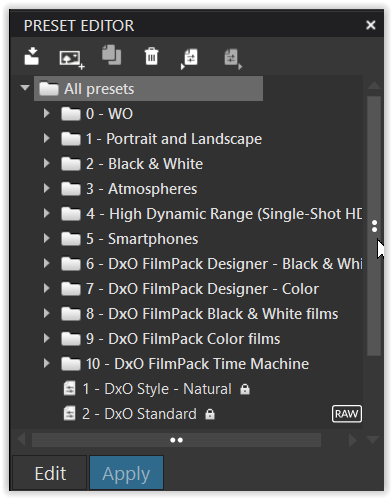
note - I have my presets stored in a new category “0 - WO”
1 Like
I have the same issue but I can’t find the .Preset Editor. Palette. I do have PL9 Elite on Mac.

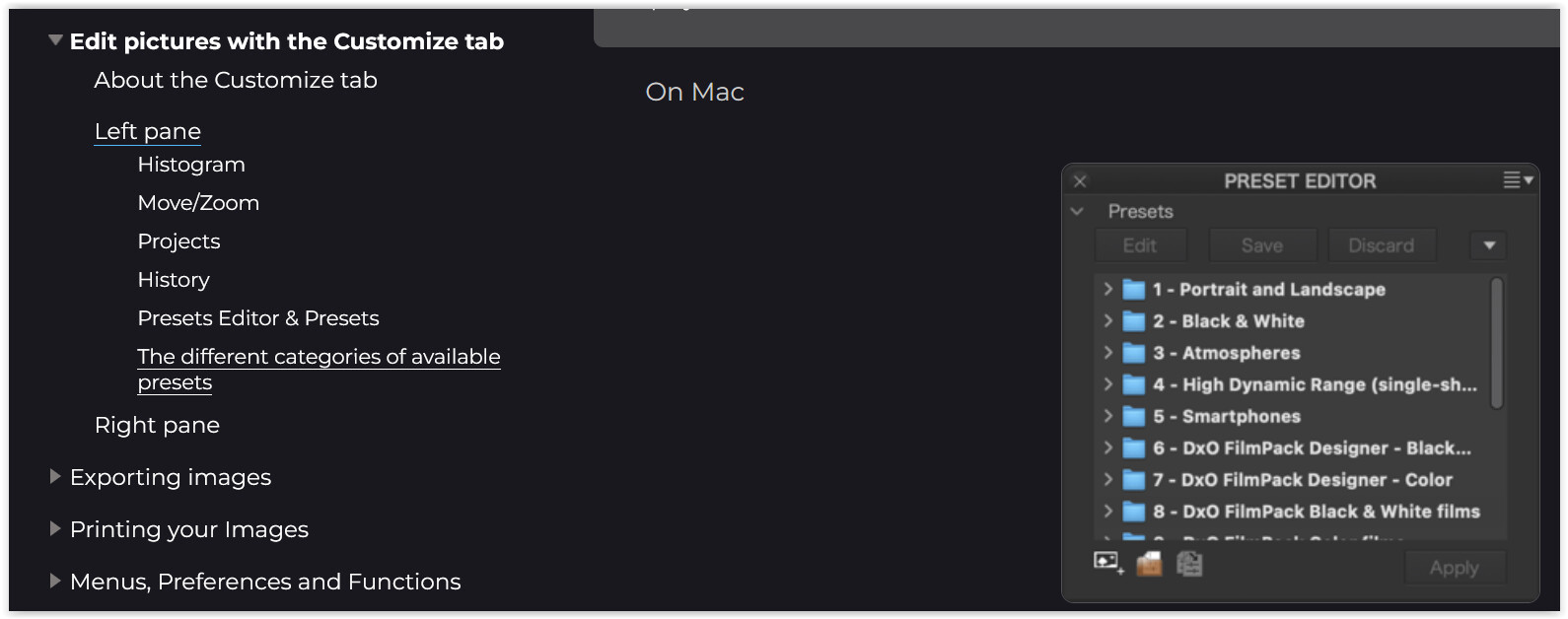
I finally found it! The Preset palette had first to be activated in the left column and then it was possible to delete the extra presets I didn’t want anymore  .
.
Thanks Wolfgang. It’s not always ovbvious…
Thank you so much for your Help