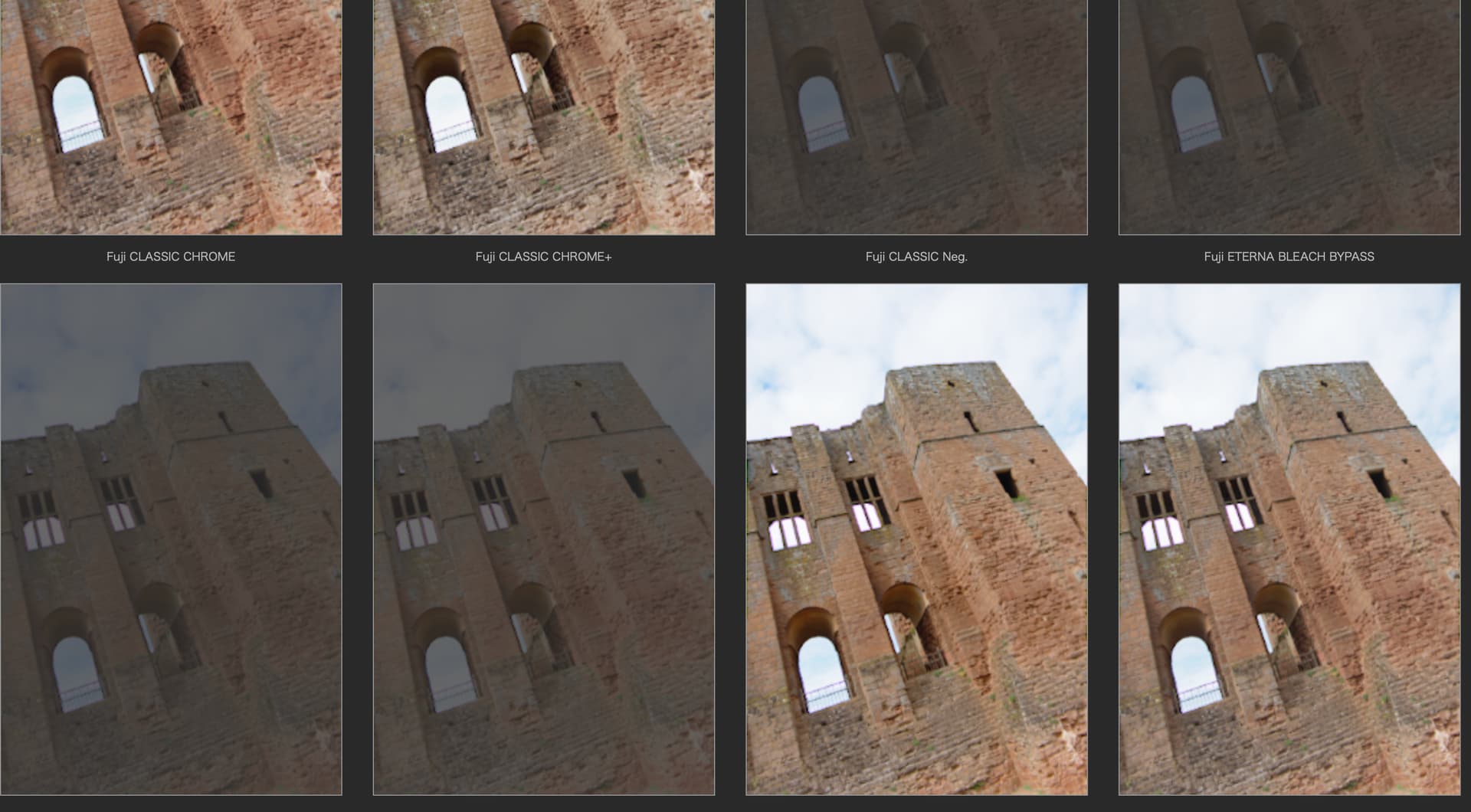
Have just noticed that some of the presets - Fuji ETERNA/CINEMA for instance - are greyed out and “cannot be applied to my image”. I find this strange as it is Fuji raf file that I am processing. This is a fully updated version 8 of PL.
I have attached information from the Photolab 8 Release notes with regard to using Fuji film types with non Fuji generated images and you are obviously aware of this limitation.
However, I also tested many of the film types listed below on .raf files even though I am not a Fuji shooter, i noticed that when applying these film types to Fuji .raf files, it appears that those raw files must have been created by a FujiFilm camera model that supported those specific film types in-camera. If they were not supported natively by that camera body. I was unable to apply them to the image file.
I have a variety of downloaded .raf files created by around a dozen different Fuji bodies. I did not test images representing all those bodies when I made these observations, but I did test a number of them. While my testing wasn’t definitive or completely conclusive, and my test criteria may have been flawed, it suggests, as an example, that you were attempting to apply Fuji ETERNA/CINEMA to a .raf file originally captured by a Fuji body that did not support that film type.
My observations confirm the following statement from the release notes. The bolding is mine: "These renderings now apply exclusively to RAF files from Fujifilm cameras and only correspond to the simulations available on those cameras.”
“At the express request of Fujifilm, we have revised how the Fujifilm digital film renderings function in our software.
These renderings now apply exclusively to RAF files from Fujifilm cameras and only correspond to the simulations
available on those cameras.”
Colin, please read my updated post again. By your response it appears you may not have read it thoroughly and may have missed my main point. If you have not already done so, you need to confirm that the specific camera model used to create the .raf files actually supports natively in camera, the specific film simulations which you are unable to apply in PhotoLab,
Sorry Mark - in too much of a rush. Yes that is the reason. The presets work fine on my current camera. Thanks for taking the time to respond so fully and, again, my apologies for rushing through your post. You deserved much better
No apology necessary. I just want to make sure you understood the issue and that it doesn’t require a support ticket. It is unfortunate that we are prevented from applying several newer Fuji film simulations to .raf files created by older Fuji camera models that did not support those simulations natively.