I have used these plugins for years (Since the Nik Multimedia Days) I have constantly managed to transfer my presets, usually manually by copying them to the correct folder.
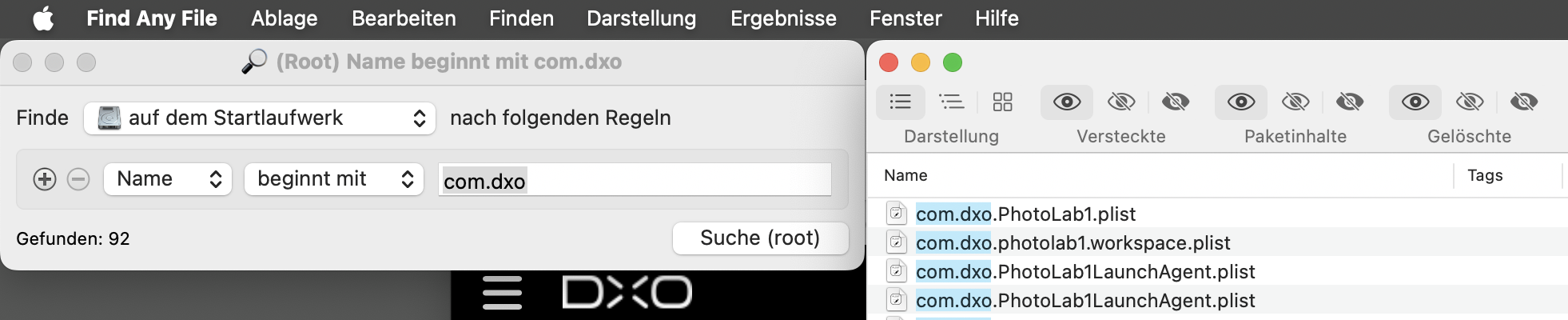
Recently I changed my MAC and installed V8 fresh, but I cannot find where the presets are located, I even crated a new one and then search for it (using Find Any File) and couldn’t locate it. So have a feeling it might be database driven now?
Can anyone help at all? Or have I got to just import them from within the interface?
Rather frustrated at the moment, so any help appreciated,
I’ve recently removed all of Nik from my drive, that’s why there’s just photolab.
Moreover, my Nik8 trial license has expired and current policies don’t grant more than one trial per product and (major) version.
Open Finder, go to your home directory, press Cmd+Shift+. (period) to show hidden files and folders, enter “Library”, then “DxO PhotoLab v8”, then “Presets”.
Or type in the Terminal: open "$HOME/Library/DxO PhotoLab v8/Presets"
Hmm, DxO has changed the Nik Collection heavily and step by step with every new release. It’s therefore possible that presets are stored someplace else, even in a DB.
As for now, I’d try to import the presets. Importing will probably also convert presets if necessary. Whether that will make them appear in FAF remains to be seen.