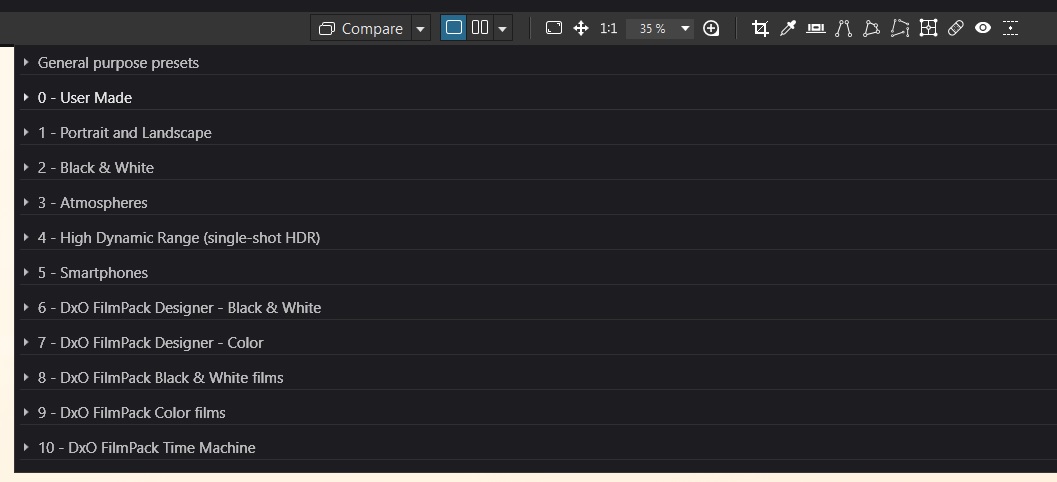
When I click on apply presets in the workflow I will get a selection of what the specific presets would look like on a given photo. However, the list of presets is rather long. I have Filmpack 7 and there are many presets to choose from. I typically use only a small range of the film looks and I don’t like to scroll every time through the whole collection.
Is there any way or method to rearrange the presets so that the ones I prefer appear on the top of the list?
The only way to do this is to rename your presets. You can prefix the names of your preferred presets with a special characters (e.g. _) or a number. However, the folders are always listed first anyway. So, you may have to group all your favorites in a folder named adequately, so that it will be listed first.
It’s not super elegant but you can create a folder beginning with “0” and it should sit above almost all the other preset folders, meaning you won’t have to scroll to find and expand it. I called mine “0 - User Made”
If you use certain presets often, you might consider saving your own iterations of those within that “0” folder.