Playing with PL9

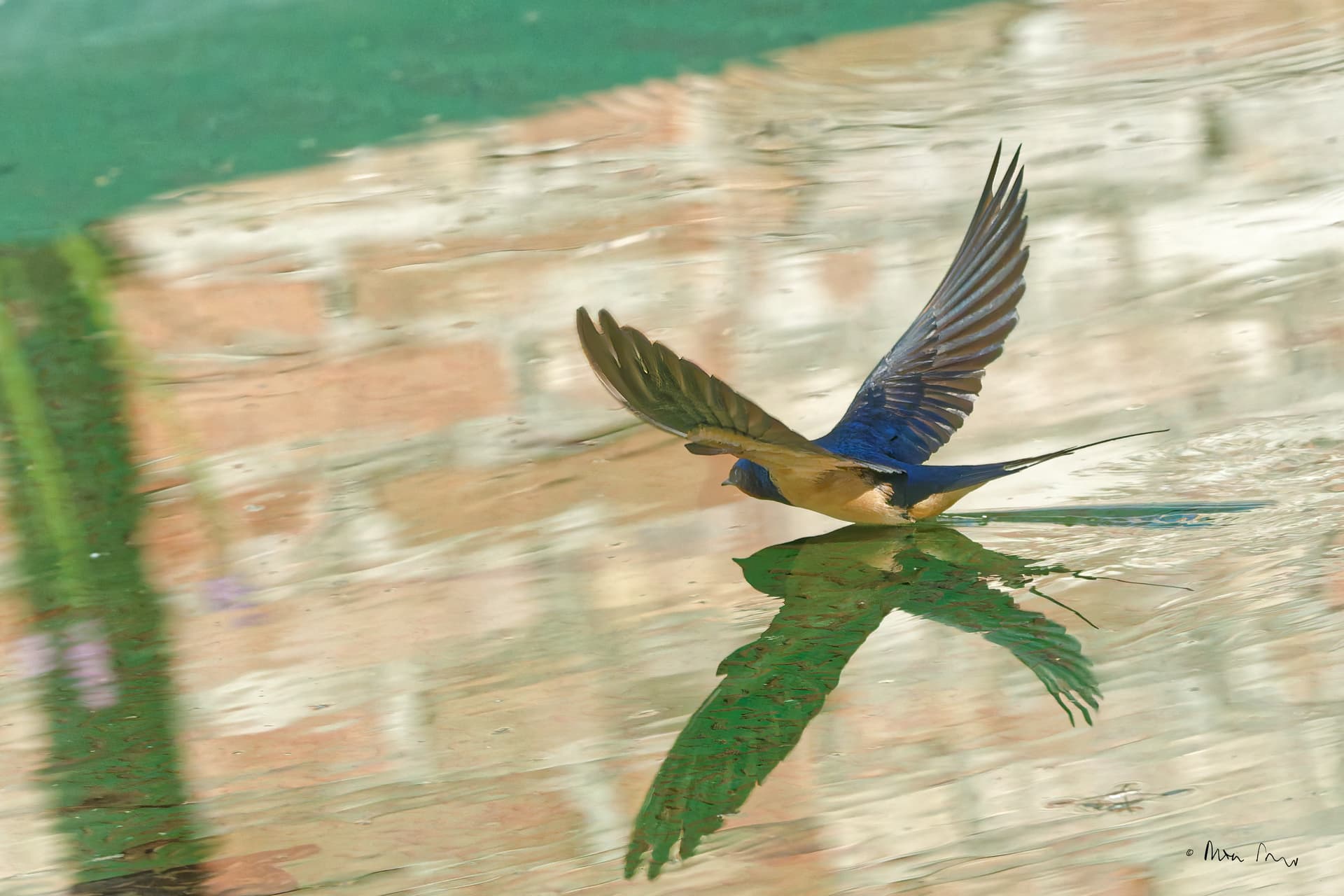
With the new masking abilities in PL9, I’ve tried out a few bird photos. I’ve been picking on ones I hadn’t attempted in LR so I am forced to approach the photo anew and not try to replicate exactly what I have already done in LR.

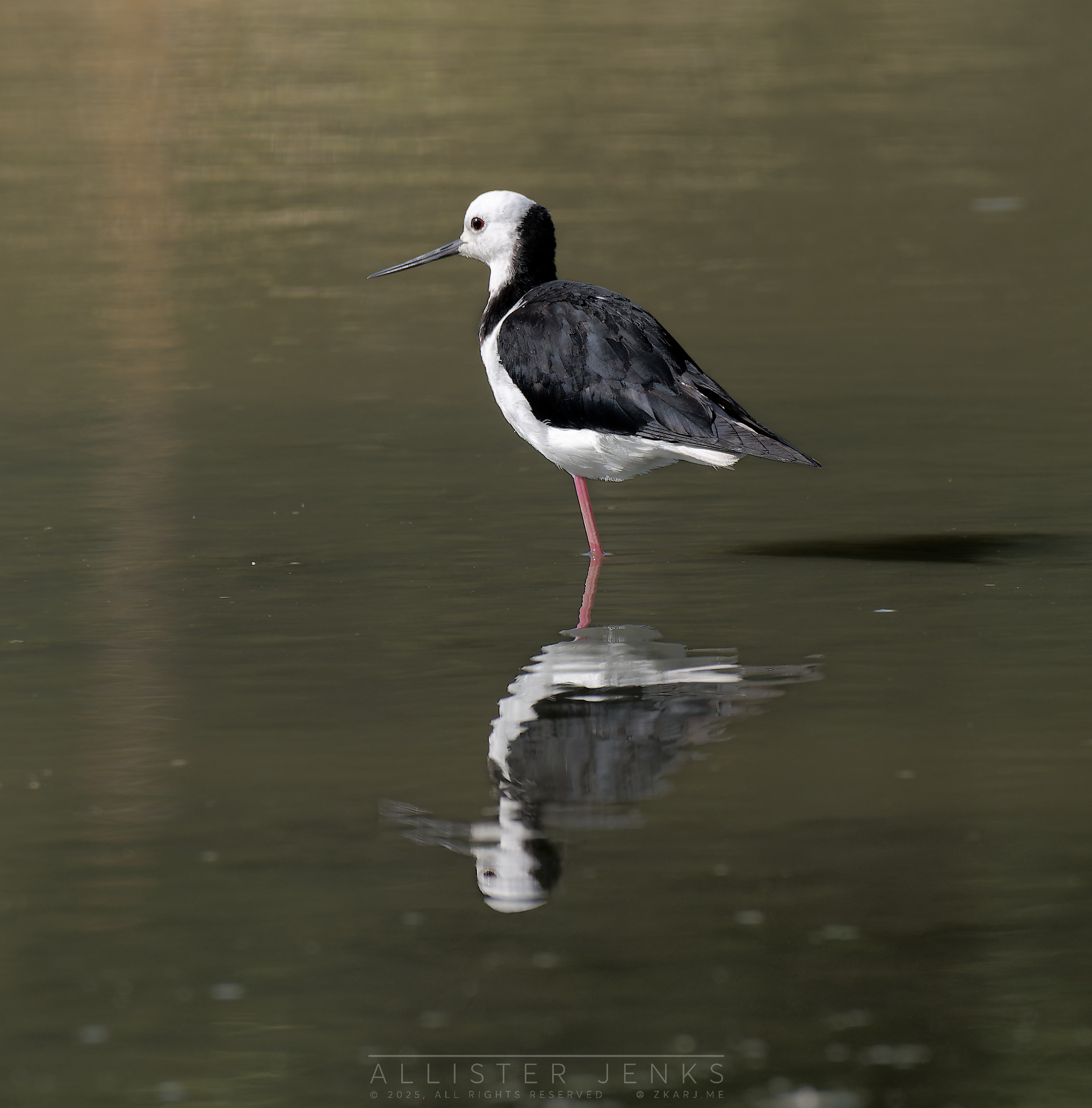
This was a fairly basic one.

4 Likes

And another.

Five masks are used here.

  1. The bird and its reflection using an AI mask — boost whites, darken shadows and blacks.
  2. The shiny black feathers using Control Points — tone down the shine to make them look less grey.
  3. The water using an AI mask (background) — slight exposure increase and warming.
  4. Top left using a gradient, subtracting the bird (AI) — emphasise the light coming from that direction.
  5. Bottom right using a gradient — darken the foreground slightly to offset the light from the top.

There was some manual brushing required to get rid of some spill where black feathers met water.

2 Likes

You’re picking this up faster than me! I made my first satisfactory combination of smart and control point today, but not as an intersection. For the moment I am stuck on superposition.
D6704831.ARW (39.8 MB)
D6704831.ARW.dop (11.9 KB)
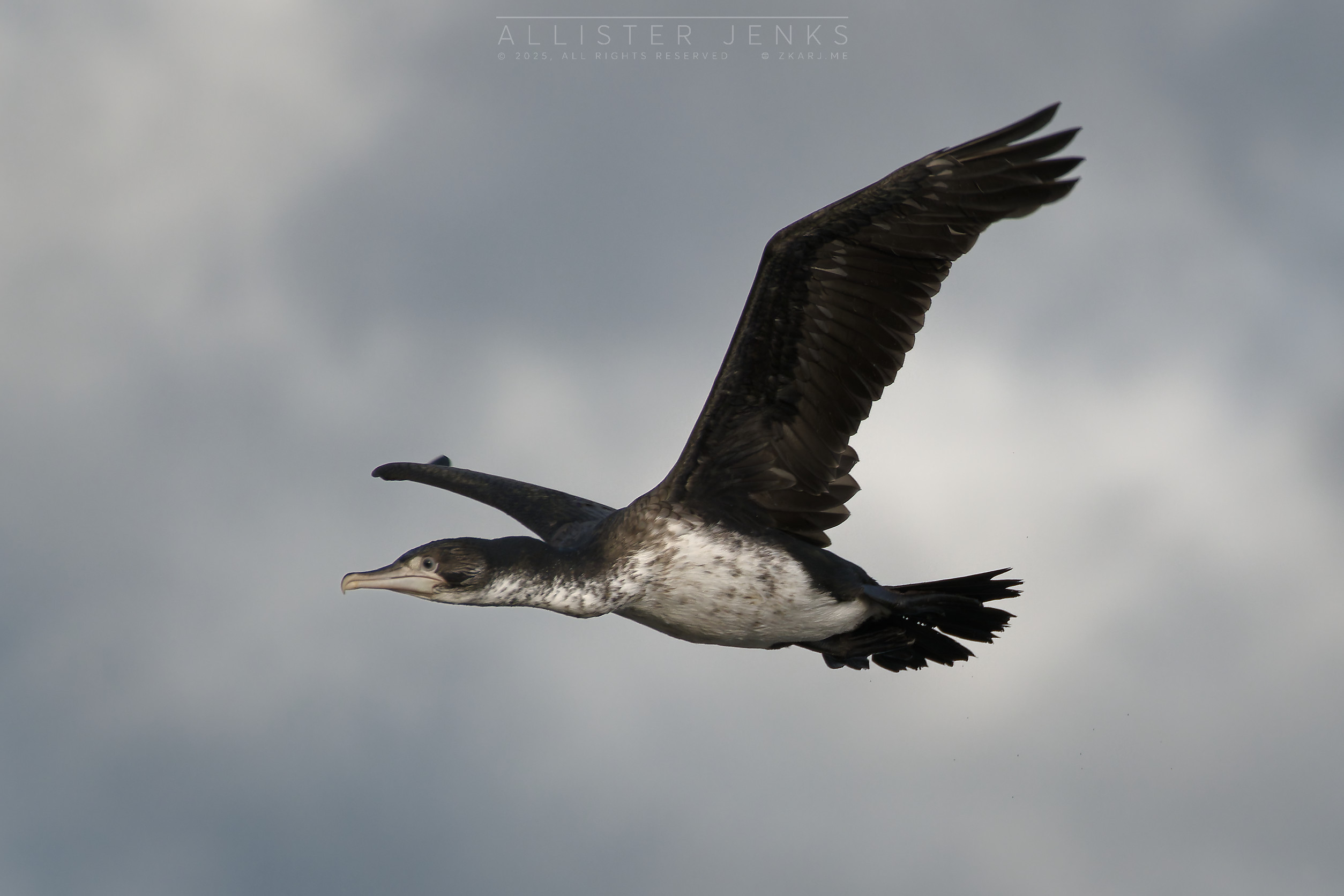
Here is the result, after a tad of sharpening in TPAI
3 Likes