As mentioned here, I replaced my old GTX 1060 6GB with an RTX 4070 12GB.
Due to the well-known NVidia driver debacle, I also reverted to an older version, but then installed version 581.57, which obviously works better.
After updating to Windows 11 and DxO PL 9.1.0_488, everything runs smoothly, well normally … I also tried it with a 100 MB (Bayer) as well as another 30 MB (X-Trans) RAW file (both from other people’s Fuji cameras) and was able to select sky, subject, people, and vehicles with the predefined AI masks, combined one with area AI selection, applied DP XD2s or DP3 X-Trans, and exported the images as TIFFs – so far no problem.
But when I called these files again, PL responded with the familiar execution error message and it was better to restart PL. I tried it much later or another day … no problem, but then the next time … execution error, no error after restarting, and so on … simply unreliable.
In other examples that had proven difficult in previous weeks (images of cheetah, leopard and red panda, that I had picked up from the Forum as JPEGs or even as screenshots), the predefined AI mask either worked partially or triggered a message that it couldn’t recognize, while the Area AI Mask tool worked – well, not so much with the cheetah, presumably due to its perfect camouflage and blending with the background.
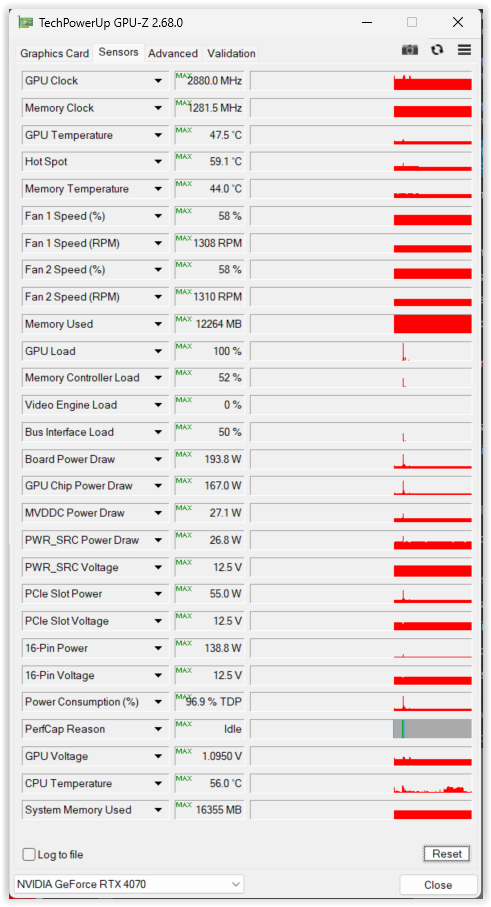
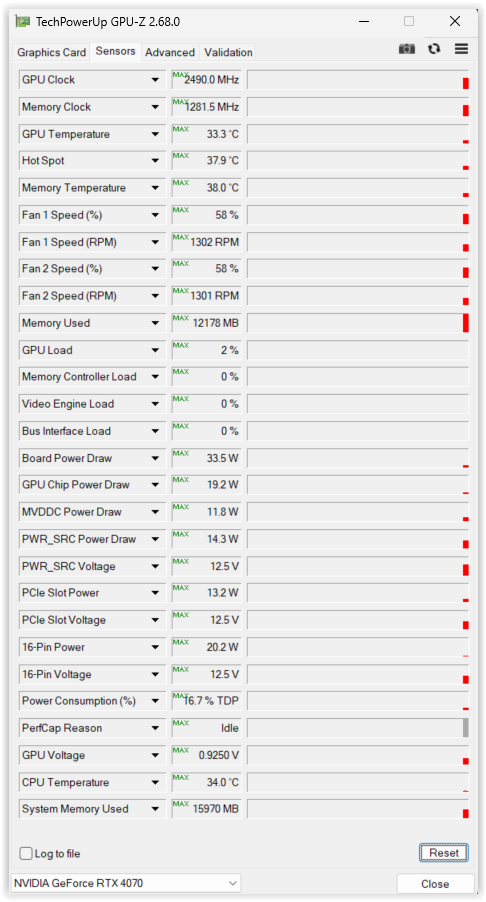
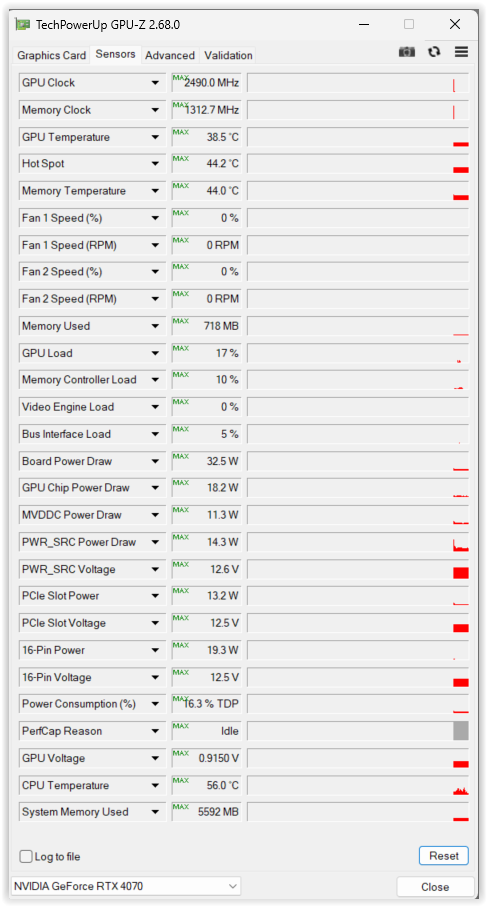
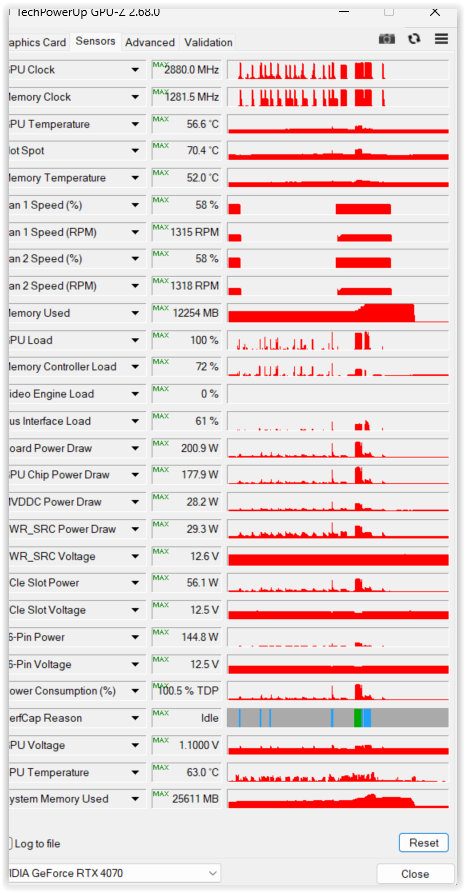
Unlike before, the new driver 581.57 frees up the GPU load! – I’ve taken some screenshots showing typical moments, but not necessarily all with the same images.
left: PL9 running full speed + idle || right: PL9 running + idle after reset
left: PL9 off + idle after reset || right: PL9 running, then off + idle without reset
Well … DxO still needs to solve the predefined AI mask problems.