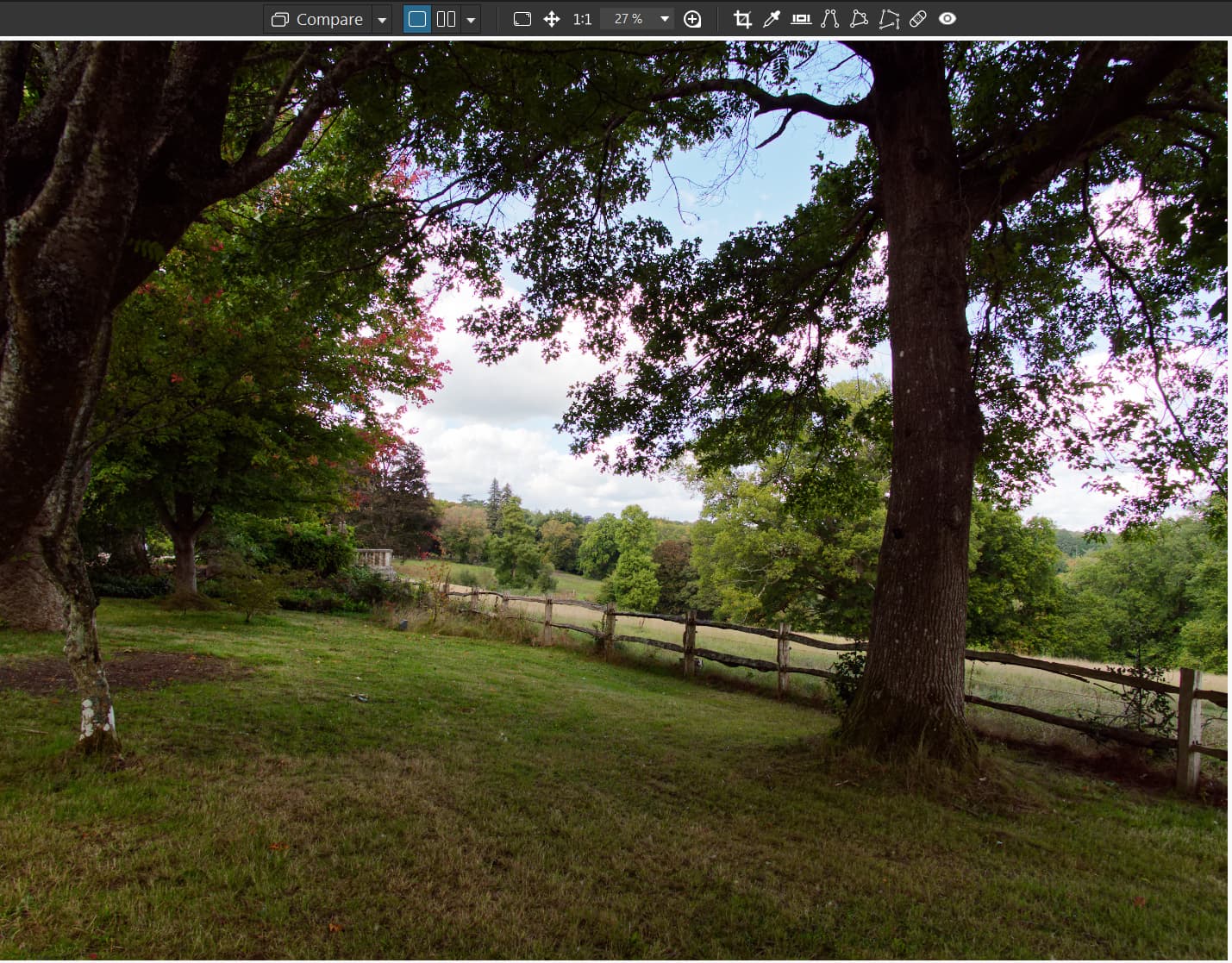
Although I have set this to be a ‘Feature request’ I actually consider the current placement by DxO in the ‘Preferences’'Display’ section a bug, certainly a missed opportunity.
It is becoming clear that if a user uses AI then there is a performance price to pay, which may well improve with more effort from DxO, for some systems the impact is minimal, for others far from minimal.
However, even users with modest systems will want the opportunity to view an image/images in “High Quality” mode and with DP rendering from time to time.
To enable the use of these features by all users the options need to be accessible on an image by image basis not buried away from view!
So we could have a button either side of the ‘Loupe’ or both to the left of the ‘Loupe’ that the user can toggle on and off to provide a more accurate and detailed view of the edited image.
As for the ‘Preference Display’ options either leave then as an alternative place to set or add to them or replace then with a ‘Toggle’ option. If the ‘Toggle’ option is set then the settings from the display are automatically cancelled when moving to a new image or left permanently at the menu selection value until toggled off as chosen by the user.
What is the point of an option that cannot be instantly accessed that governs the user view of the image edits and their effect.
Pretty good idea IMO. I wish several of the Preferences options were more accessible. At the same time, I don’t want to see the UI become too cluttered. I think you’re right that the viewer options could be clustered together in the UI. I also wouldn’t mind if, as an alternative, they were available through their own drop-down menu as an enabled/disabled checklist. Pop-up settings interfaces are too disconnected.
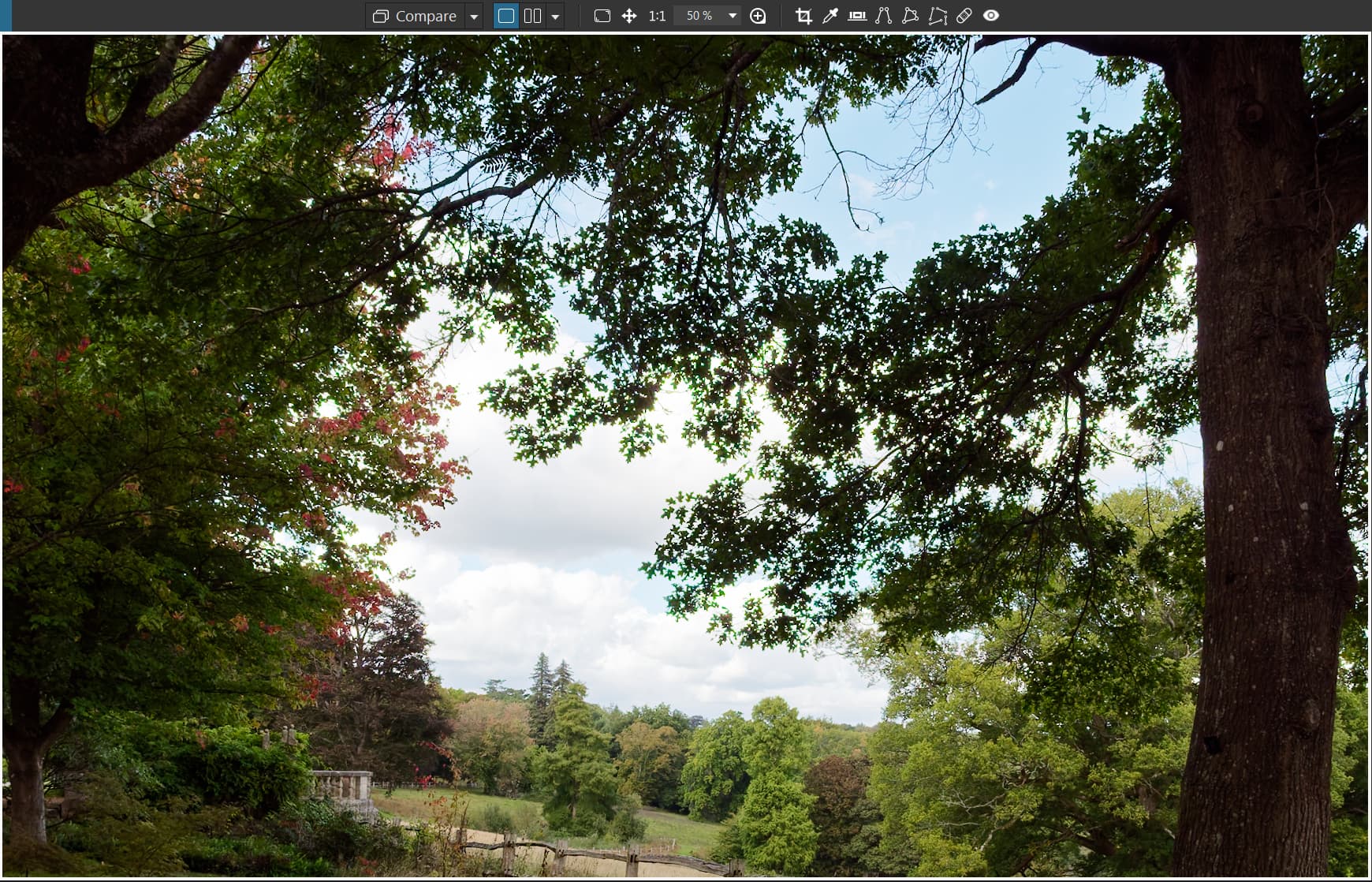
The current options govern the image view in the following way
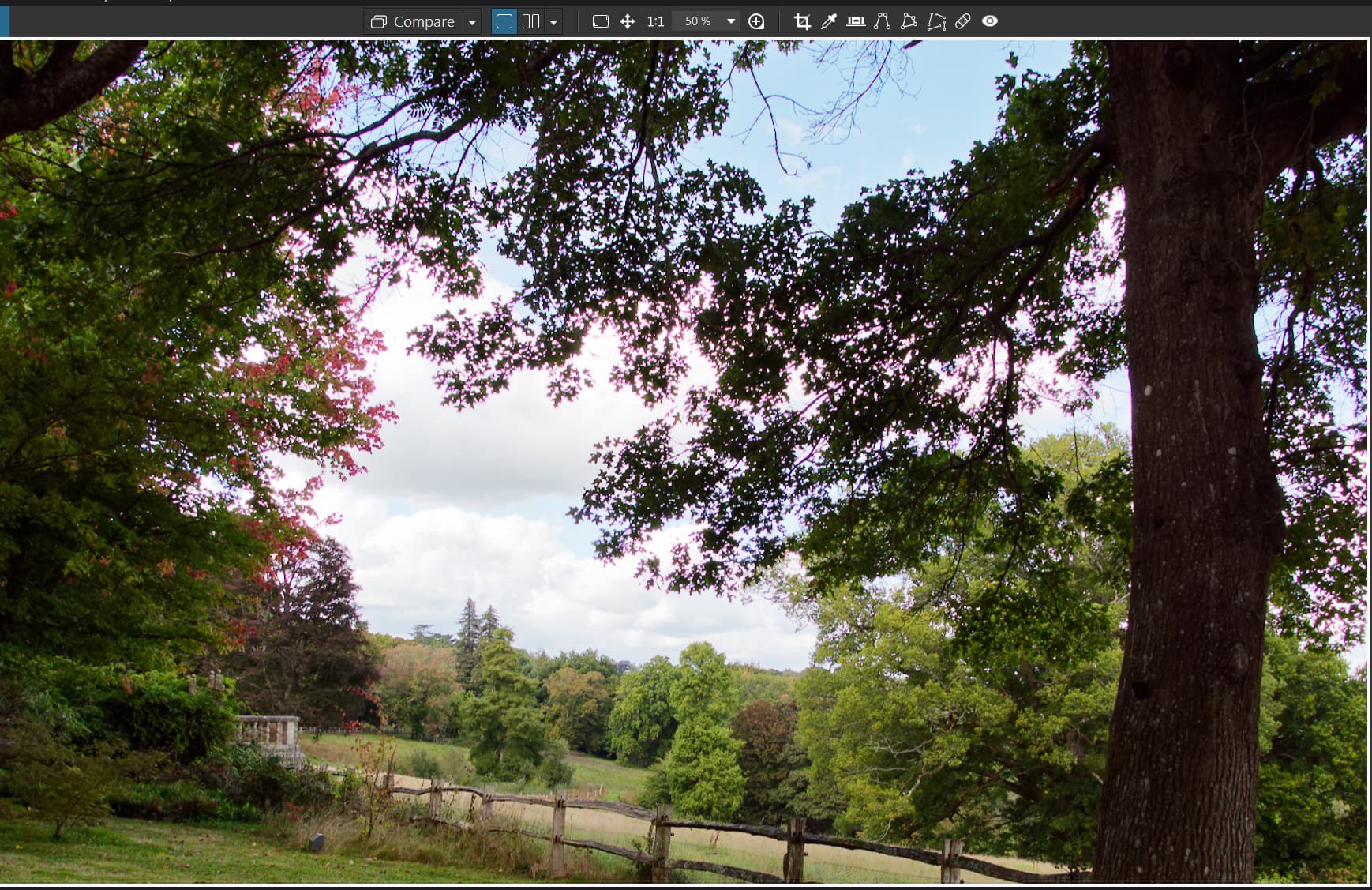
Both Options off:-
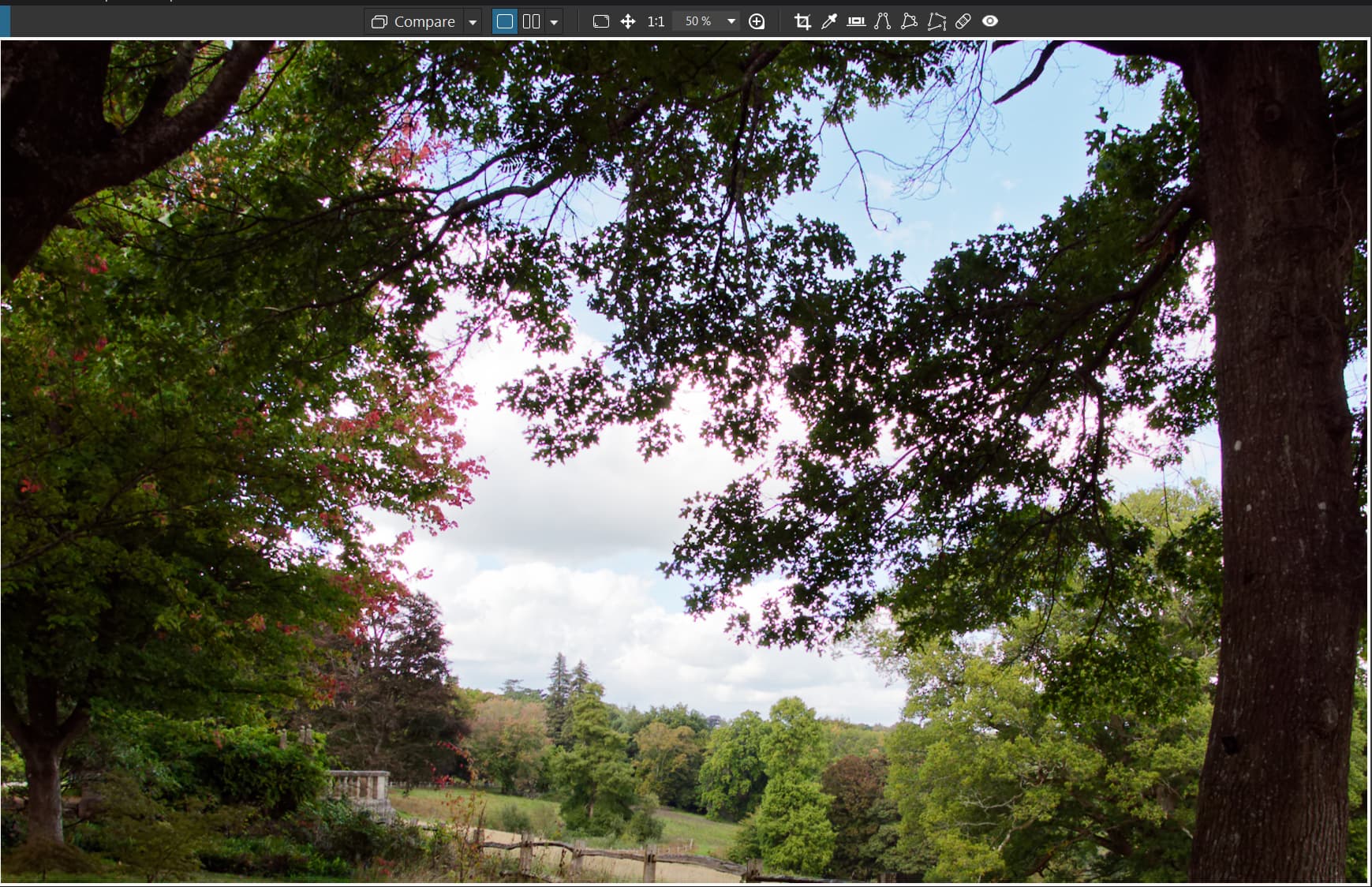
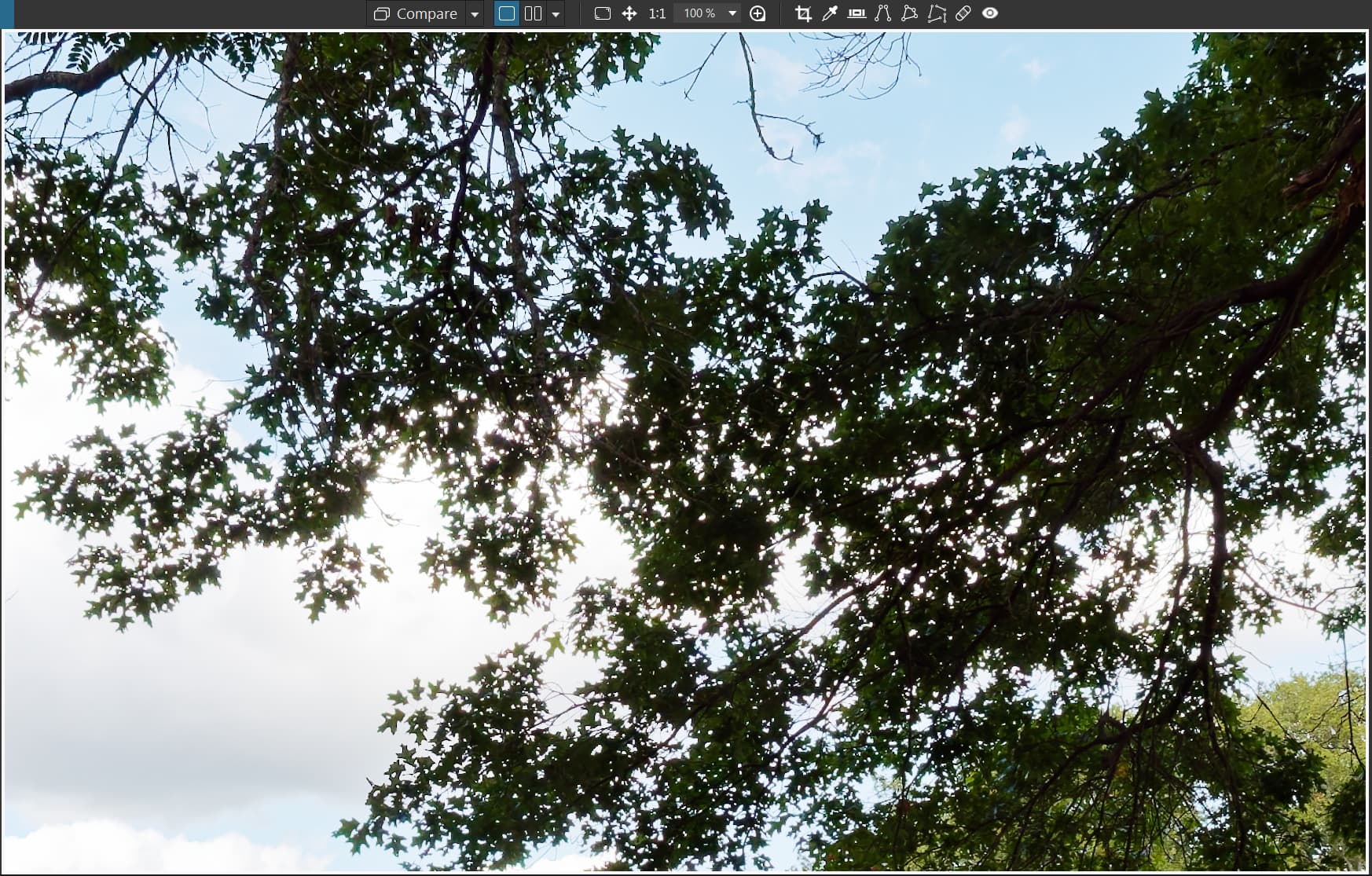
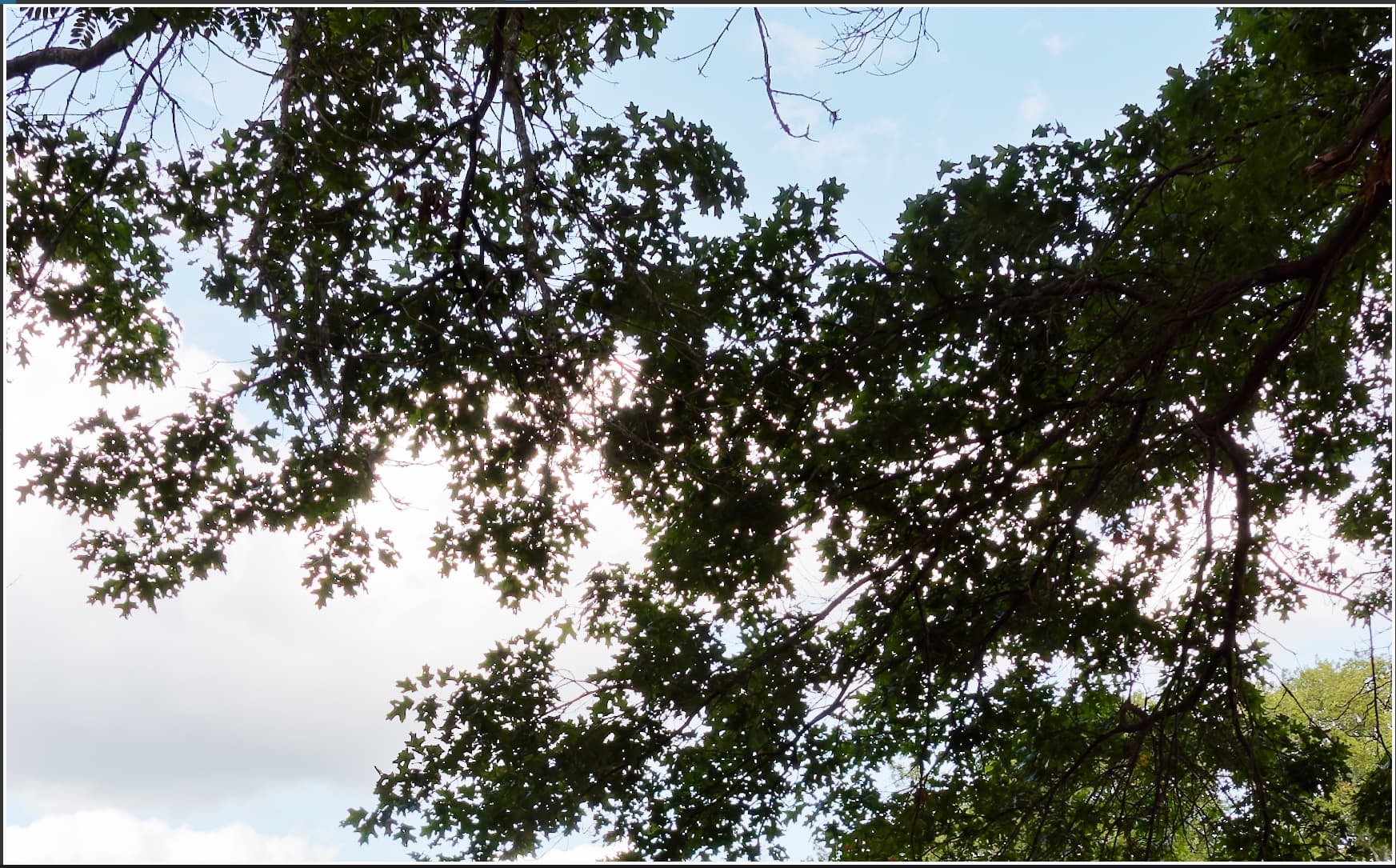
DxO showing what it does to add additional CA to my images.
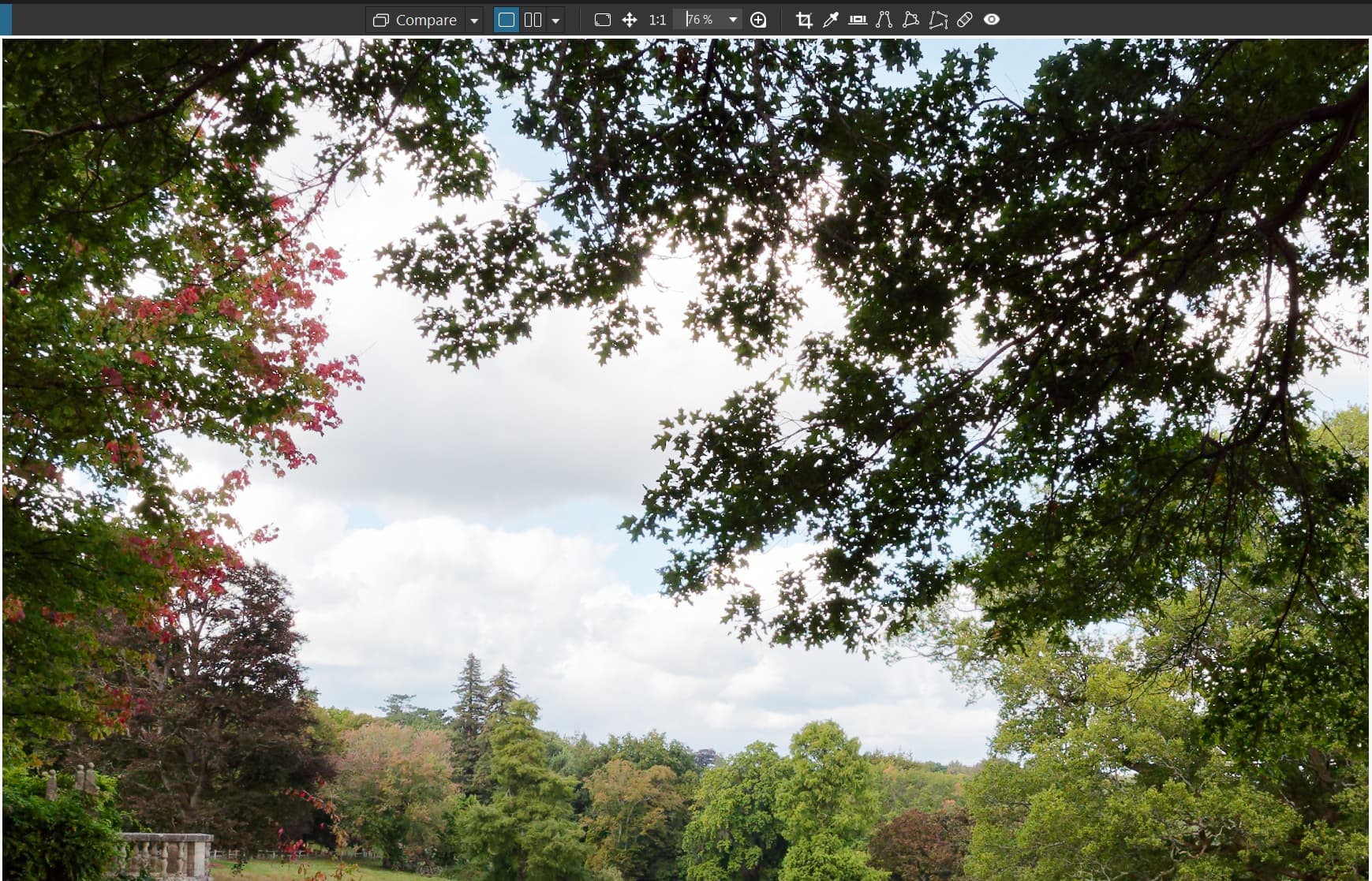
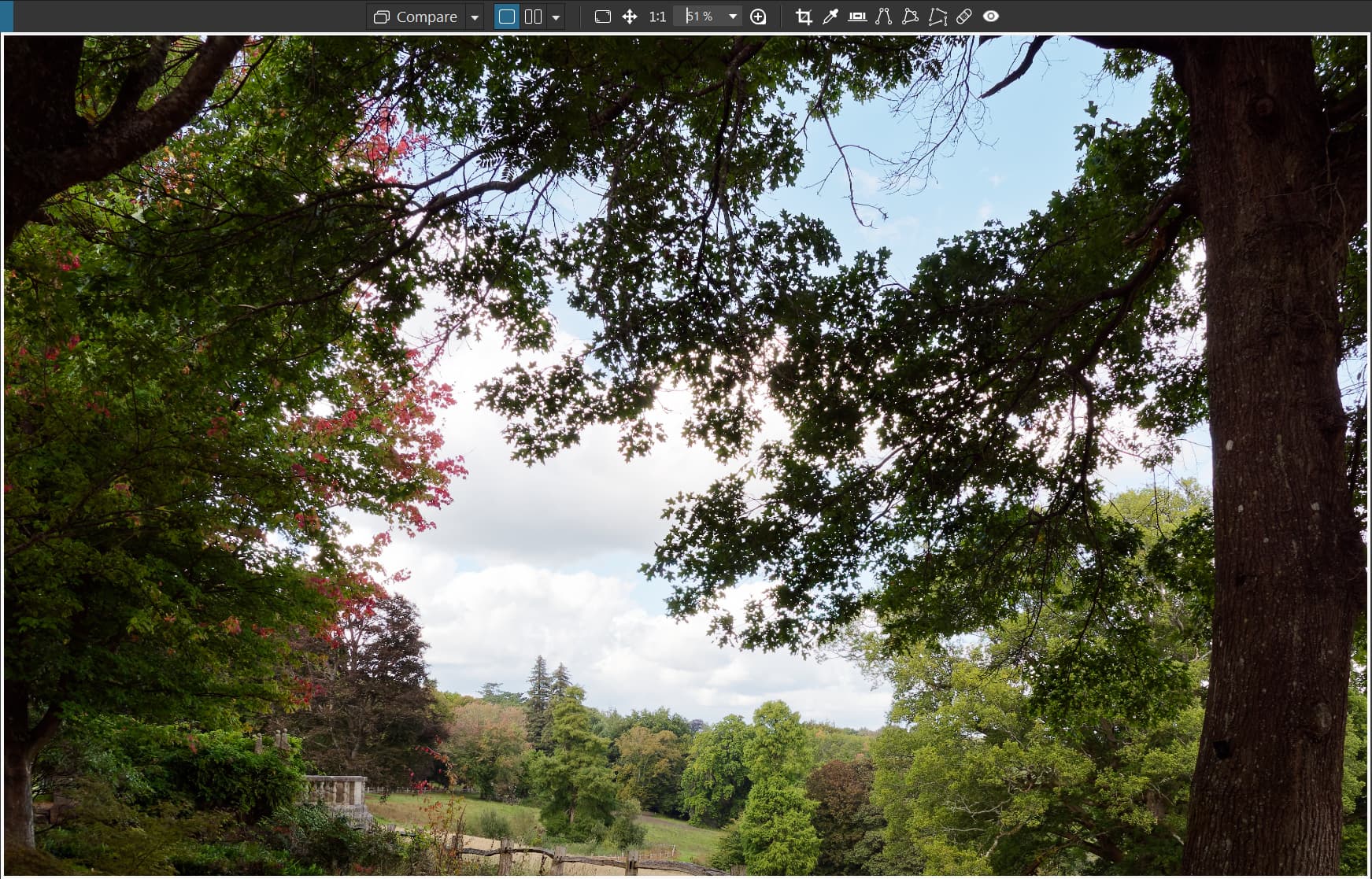
Please note that DxO have "fiddled with the point at which the change is made, it used to be 75% for the “better” view, it is now 76% which is not easily accessible, i.e. the next easily accessible point is now 80%!
Without any DP option being selected this behaves the same as both options off, i.e. things become better at 76% but not until then.
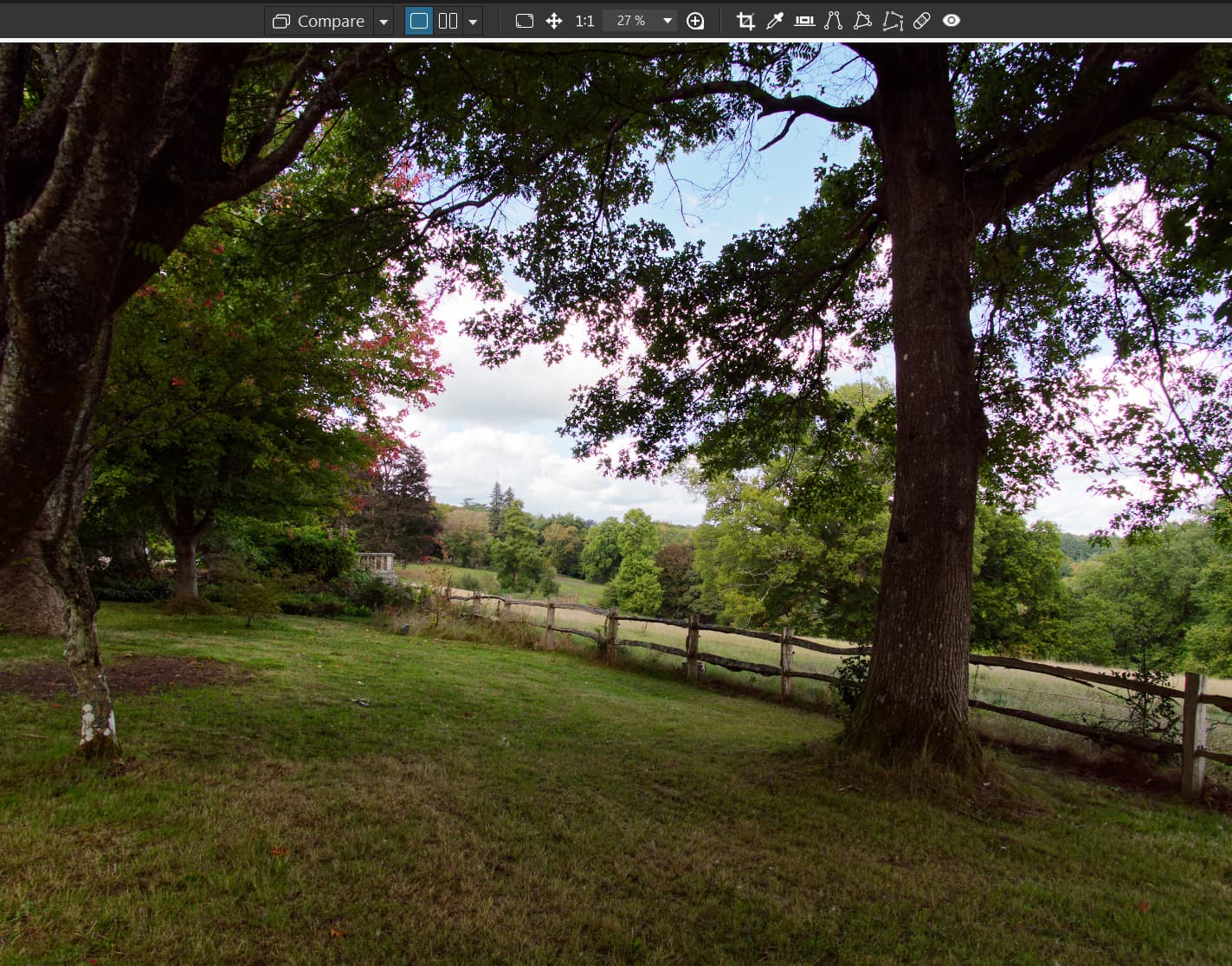
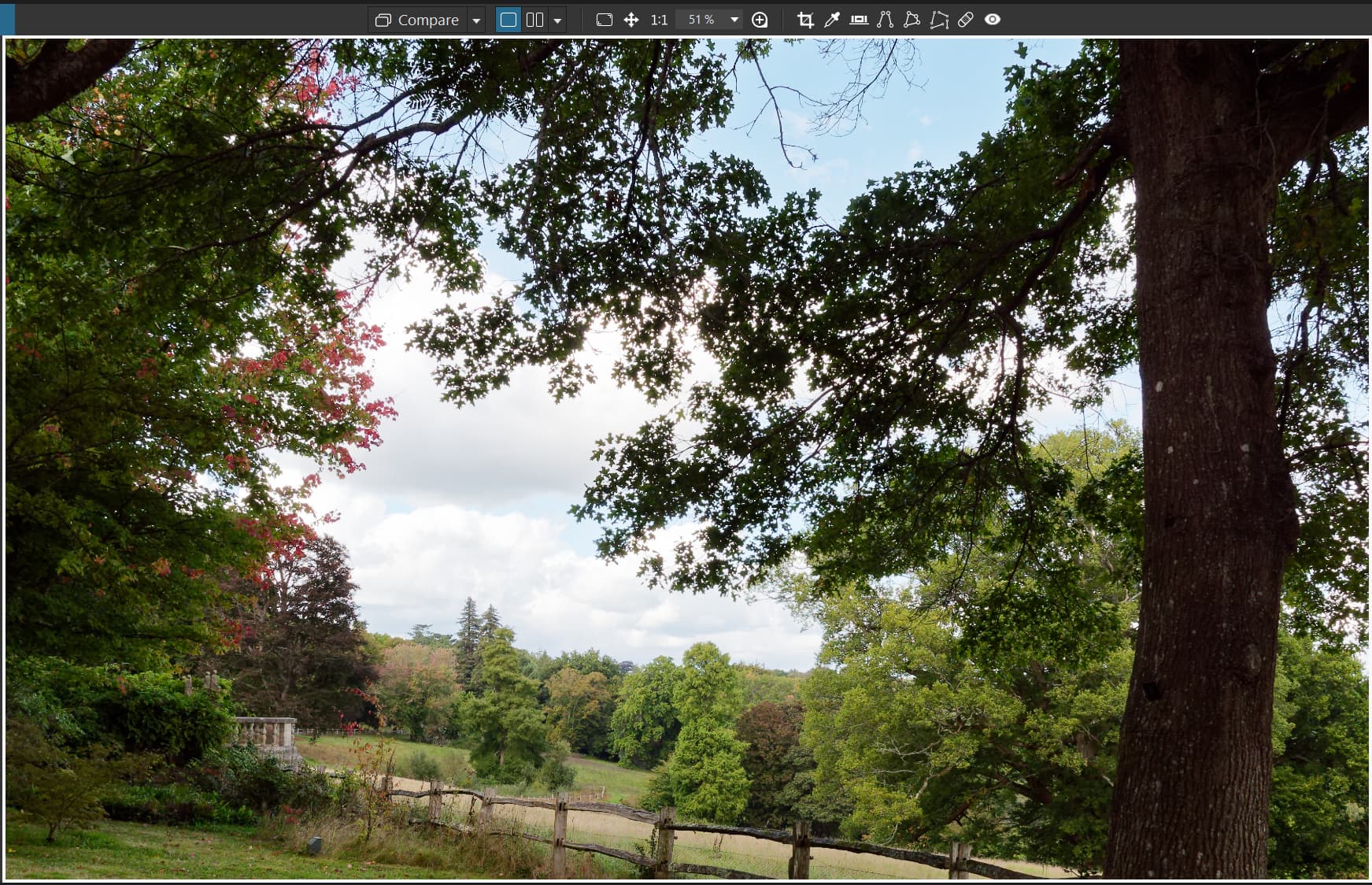
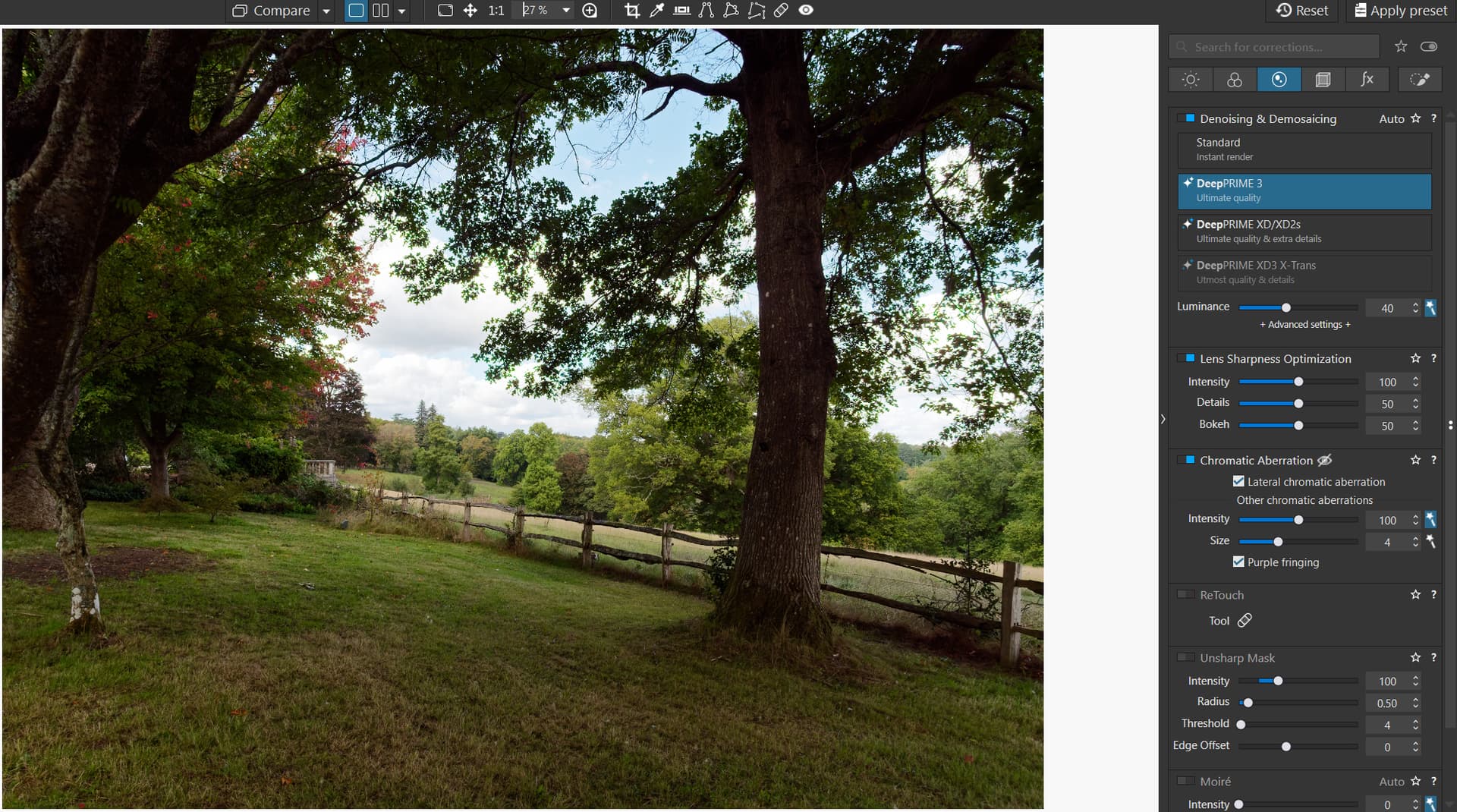
However, with ‘DeepPrime 3’ selected we have a “cleaned” image all the way from 27% to 75% and beyond.
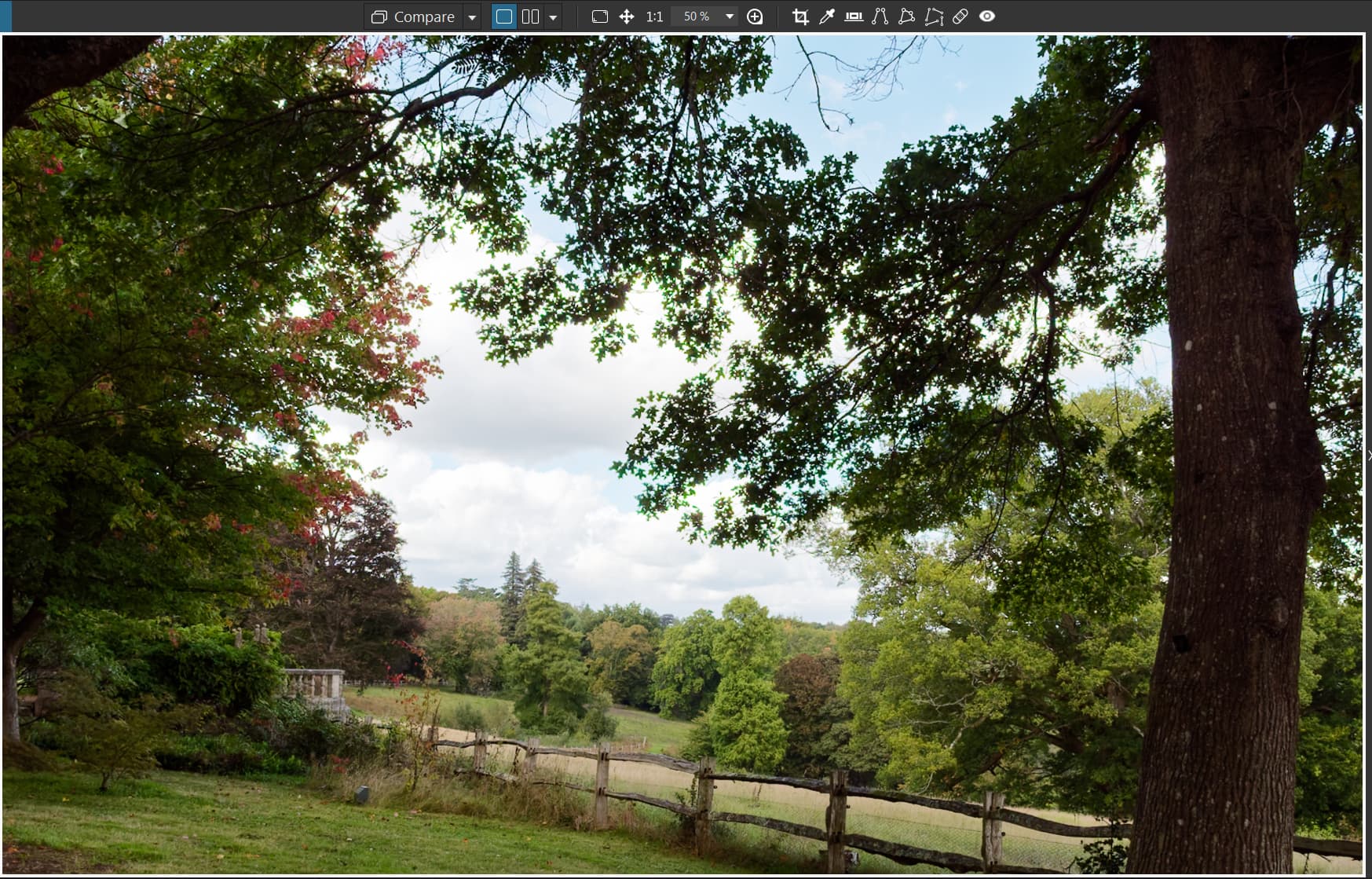
The same applies to images with ‘DP XD2s’ selected up to the 75% “boundary” but as the image magnification increases above 75% (76% and above) DP3 shows its improved CA handling versus XD2s (i.e. it doesn’t add any to the image unlike XD2s)
While I don’t want to see it too cluttered imagine how much easier it would have been to put the above post together if all I had to do was press one button or the other or both instead of going into and out of the ‘Preferences’!?
With PL9.0.2/Win I have tested only with both options enabled, CA LaCA enabled and purple fringing disabled (my standard settings), on a photo of lake with the sun straight above the lens and small waves. Using DP3 or XD2s preview looked OK at all magnifications.
The strange thing happened only with denoising disabled or using Standard denoising – magenta casts appeared at 28-50% magnification, but at smaller or larger magnification it looked OK. Thumbnail had magenta cast. Using 4K monitor, 45mpx uncropped photo.
BTW, @BHYAT – did you have your lens checked by service? I once had a Nikkor AF-S 50/1.4G which produced strange results and service has fixed it free of charge.