That’s true, but I think hyperbole invites hyperbole. If somebody made a post saying “McDonalds takes your money and gives you NOTHING”, that would practically beg people to come and respond with tales of how it’s a great value, or a very consistent burger across locations, or actually has less incidents of food poisoning per sale than other international fast food companies, etc.
I’m still squarely in the PL9 = best-thing-ever camp. I haven’t had a crash on any of the 3 versions. I immediately bought the upgrade when my trial ran out even though I know it will be cheaper a month from now. The idea of going back to PL7 feels like going back to Windows 95 after a month with PL9. I haven’t used the AI predefined subject masks at all, but the regular AI mask that you click selections and the ability to combine masks together make it incredibly powerful and convenient.
I truly believe if everyone were able to use it, everyone would love it. But the frustration of not having it work properly (or at all) on your computer is surely compounded by the rave reviews from others. Now that I upgraded to a proper modern GPU I’m happier with PL than I ever have been. With PL7 and my older GPU it was stable but slow. Now it’s stable and fast, even with more functionality.
That’s true, but I think hyperbole invites hyperbole. If somebody made a post saying “McDonalds takes your money and gives you NOTHING”,
That’s true, it’s not a perfect analogy and (that) isn’t the claim I would make. PL9 does give “things” but its headline trick is clearly having problems. Being told “well we’re not having problems” is… pretty useless to those who are.
I haven’t had a crash on any of the 3 versions.
I wish I could say the same. Besides AI subject masking (and other pre-defined masks) not working for me, I also have occasional crashes when simply cropping (and have done in PL8 and 7 too), and found AI masking also crashes when combined with ReShape Fusion. I don’t use that last one often, fortunately.
I truly believe if everyone were able to use it, everyone would love it. But the frustration of not having it work properly (or at all) on your computer is surely compounded by the rave reviews from others.
That’s the nail on the head, really. I can get by with the (very useful!) AI click selections, and it is all a potential step in the right direction, I’m just not prepared to say everything is fine when it’s obviously not.
I like the way you’ve laid out your thoughts though, that’s very fair
Stenis
(Sten-Åke Sändh (Sony, Win 11, PL 6, CO 16, PM Plus 6, XnView))
66
Me too! A control line is in some ways a better alternative especially with a “non-clean” horizon cluttered by trees etc.
This is not about one or the other - the new AI-masks or the older tools that we already have learned to like a lot like as the Control Points, Control Lines, Hue and Luma masks … its about both and the fact that 1+1=3 or more in this case.
And that’s why (sky AI vs control line) i guess, the release was a bit in rush. I write a few days back:
I guess as few AI mask quality issue, like ‘Sky’ frankly not the best (at the moment) - DxO well aware of this ( i think its impossible to not see it), but they may think users work around with chrome/luma masks until mask AI is tuned. I think that’s one sign the release its rushed . But for business purposes they ‘need’ to put ‘Sky’ model - as other hand reviewers noted: ‘But no SKY preset!’
In this context, how the following works in practice?
From PL9 User Guide:
" No matter the selection mode, the AI mask might look rough at first in the image, but the final selection is refined once it’s applied.
"
Stenis
(Sten-Åke Sändh (Sony, Win 11, PL 6, CO 16, PM Plus 6, XnView))
69
Wlodek is right about the activation of the mask and the final result. Try it.
With that said it is also the case that not just Photolab is struggling fixing the spaces between “the branches” of a tree at the horizon with on open sky behind. The same problems have Capture One and in a similar way we have to use the older “Magic Brush” way of doing it to fix exactly the same problem. Both works with tone and luma. So, this is “nothing wrong” that is special for Photolab there will always be some problems the premade AI-masks will have on the margin. We will have to use a mix of tools in order to fix these problems. In Capture One they also have a “Refining Tool” that I think both Lightroom and Photolab is lacking as well as they lack a “Magic Brush”. Nothing to get completely hung up on or lose sleep over. It´s better to be a little open to being pragmatic in order to solve the problems we are facing.
So no, this particular issue is not a sign in itself of a premature release more that all these different tools and methods has their special strengths and limitations that we will have to live with and make the best of to solve the problems we are facing in our editing.
PL9 with version 9.1 is the best upgrade from DxO ever! (OK, I’m only used PL from V4…) The AI masking is fast and simple to use, and it does that I can get my desired results faster than ever before!
Your perfectly right on that. To made a best we have a lot of possibilities, and for sky: control line, luma, hue can produce fine mask. True.
I guess none of us expect perfect AI masks (especially sky/tree cases). Frankly I also not expect.
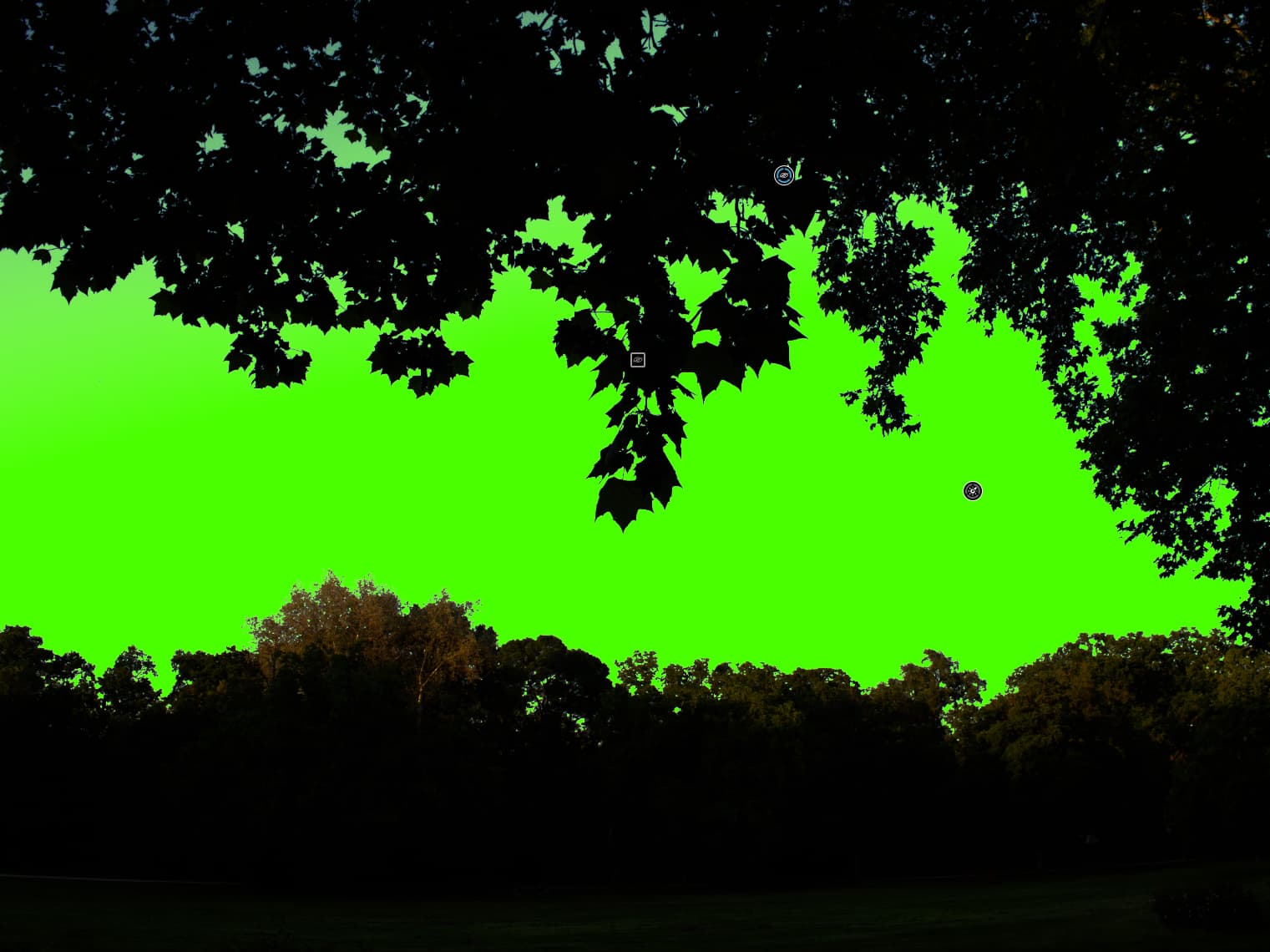
However, the ‘Sky’ preset (AI prompt) anyhow seems has issues - i think its the ‘weakest’ from all PL AI keyword AI masks.
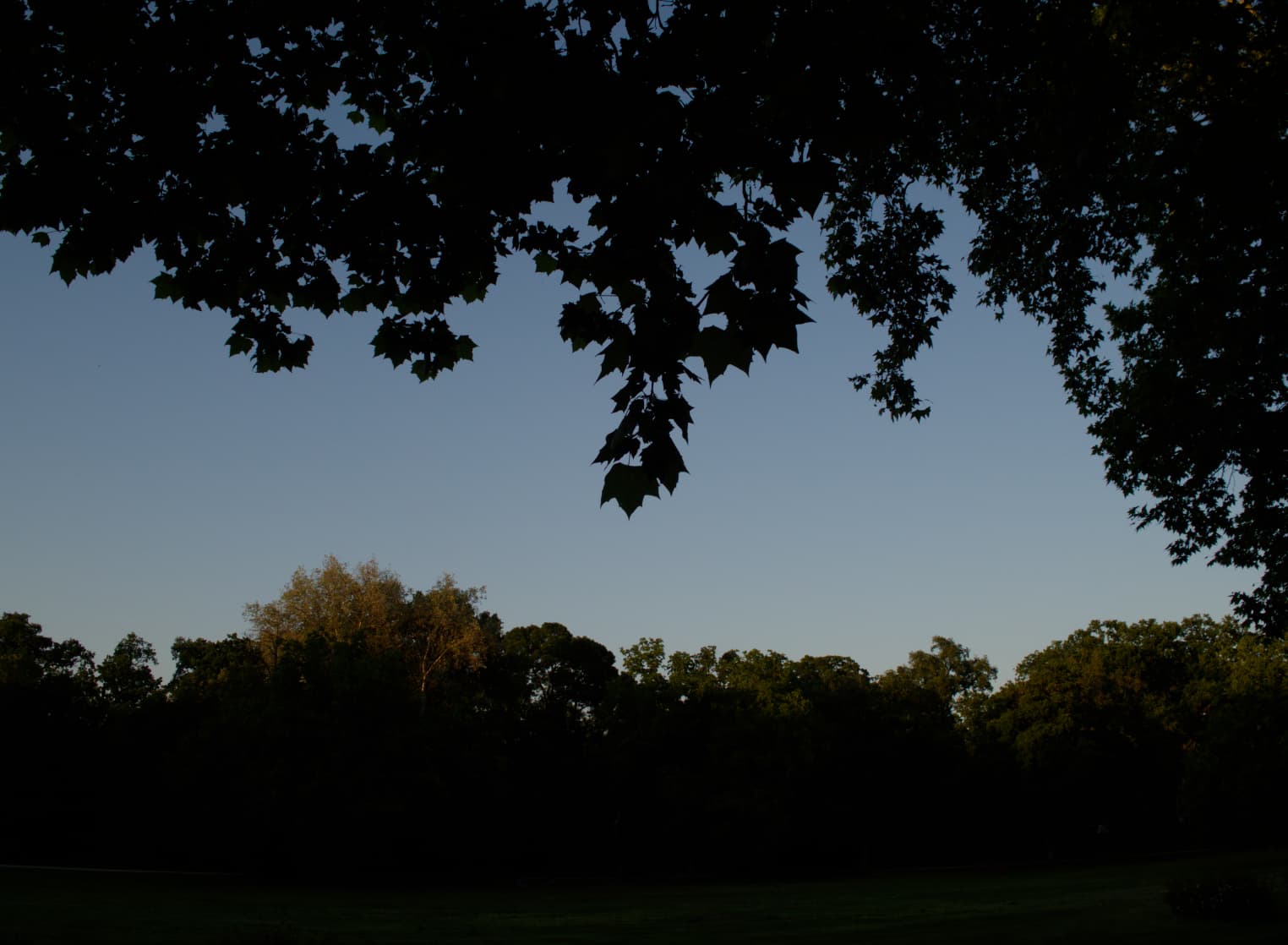
Example, Base photo:
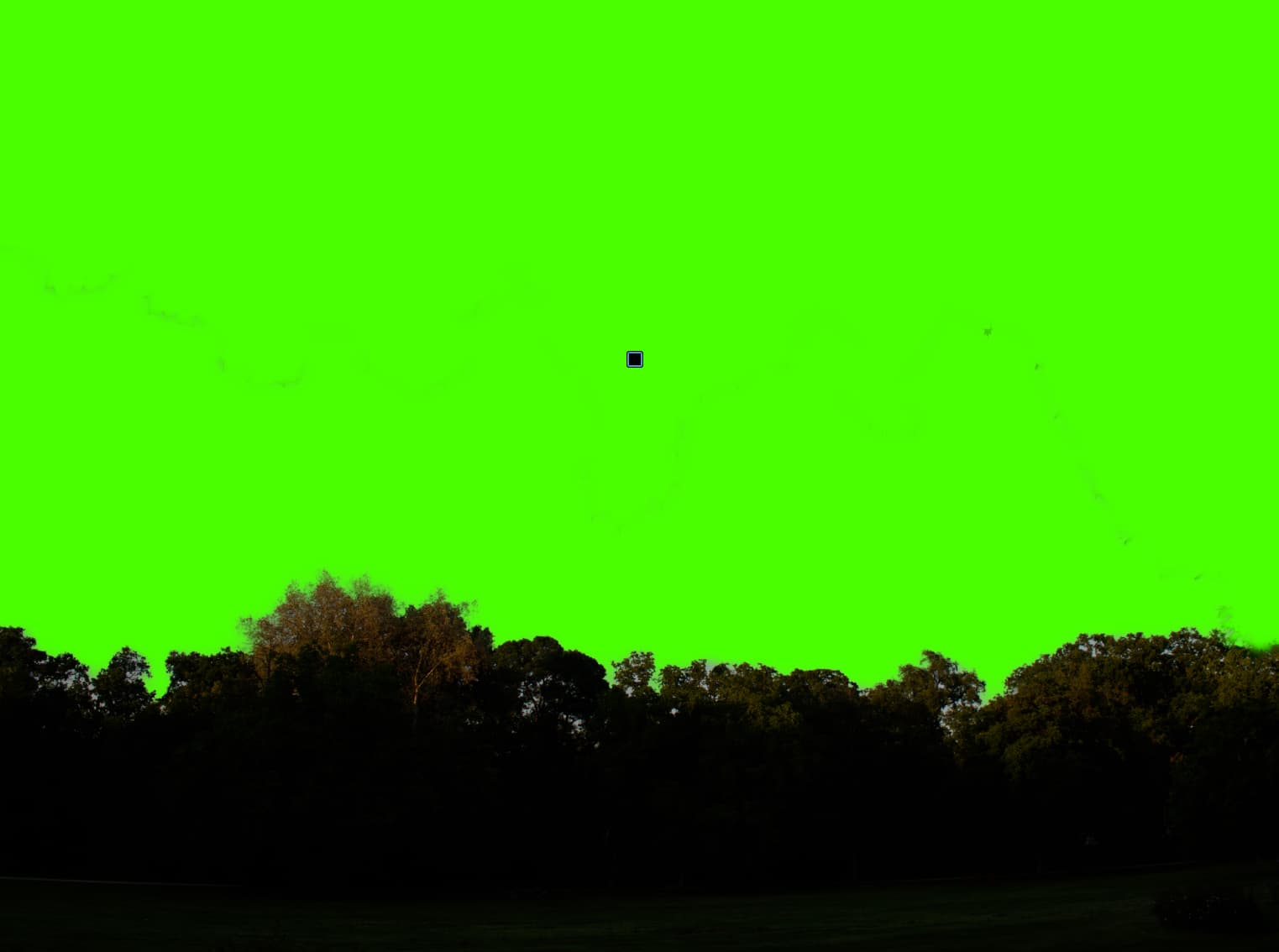
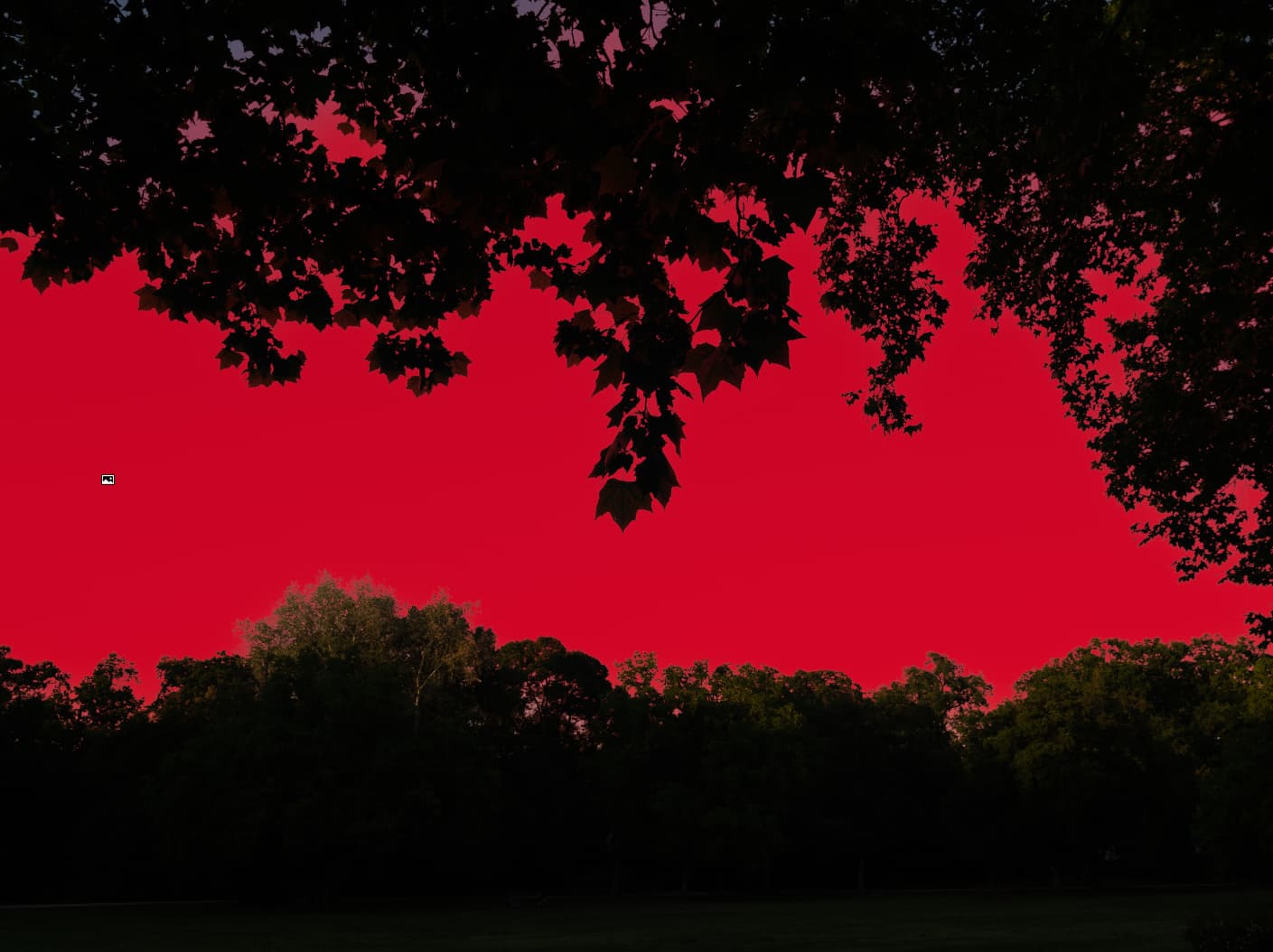
Note: i guess LR not use ‘full’ AI mask for Sky, some base logic to detect sky (try to pick auto luma and hue) → Do Luma + Edge detection, as its does pretty fast.
So, PL Luma mask and LR Sky quality very-very similar - if not the same.
So no, this particular issue is not a sign in itself of a premature release
I see the world differently, but its Okay. I still think they (DxO) was aware Sky its not the best, but they release anyhow, as they know, with Luma you’re fine.
I think both of us has right is some way.