Likely down to hardware? I wouldn’t dream of leaving PL running when I’m not actively using it, but there’s few programs I do leave running if I have the choice.
See if the start is still slow when you launch PL from a newly created user.
This can reveal if PL is slow on your hardware or from rubbish that has accumulated over time.
I’m currently busy with other stuff, but will give it a try in a couple of days. I’ll report back once done.
1 Like
You have thought so but I just tried PL9.7 and it took 51.952 seconds until the blue line started to appear and probably just under the 61.513 seconds before it opened an empty directory., i.e. the subdirectories are full of St Pancras test images but I was not opening them I was just opening the “master” directory of that group".
The hardware is my 5900X(32GB) - 3060(16GB). The PL9.7 is located on a SATA SSD, the Page file is on N:\ (an NVME), as is the database, the data directory and the PL9.7 cache.
The database was non-existent, having been deleted in preparation for some of the test I have been running, so an empty database needs to be created!?
The display options are
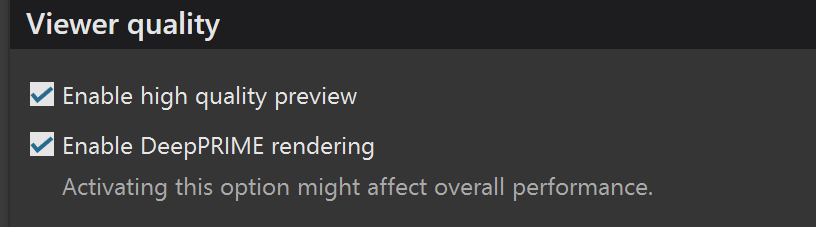
but then there was nothing to display anyway!
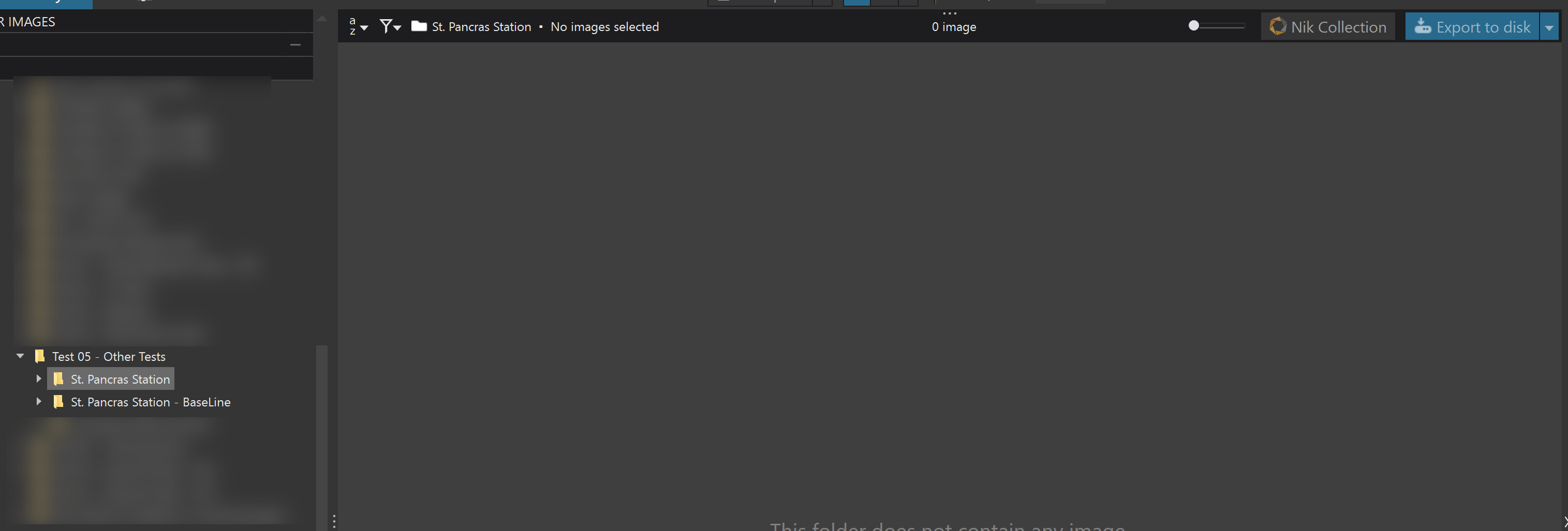
I repeated the test on PL8, I wasn’t sure what version at the time and that took 31.145 seconds to the start of the blue line and 37.327 till the reminder for the latest version
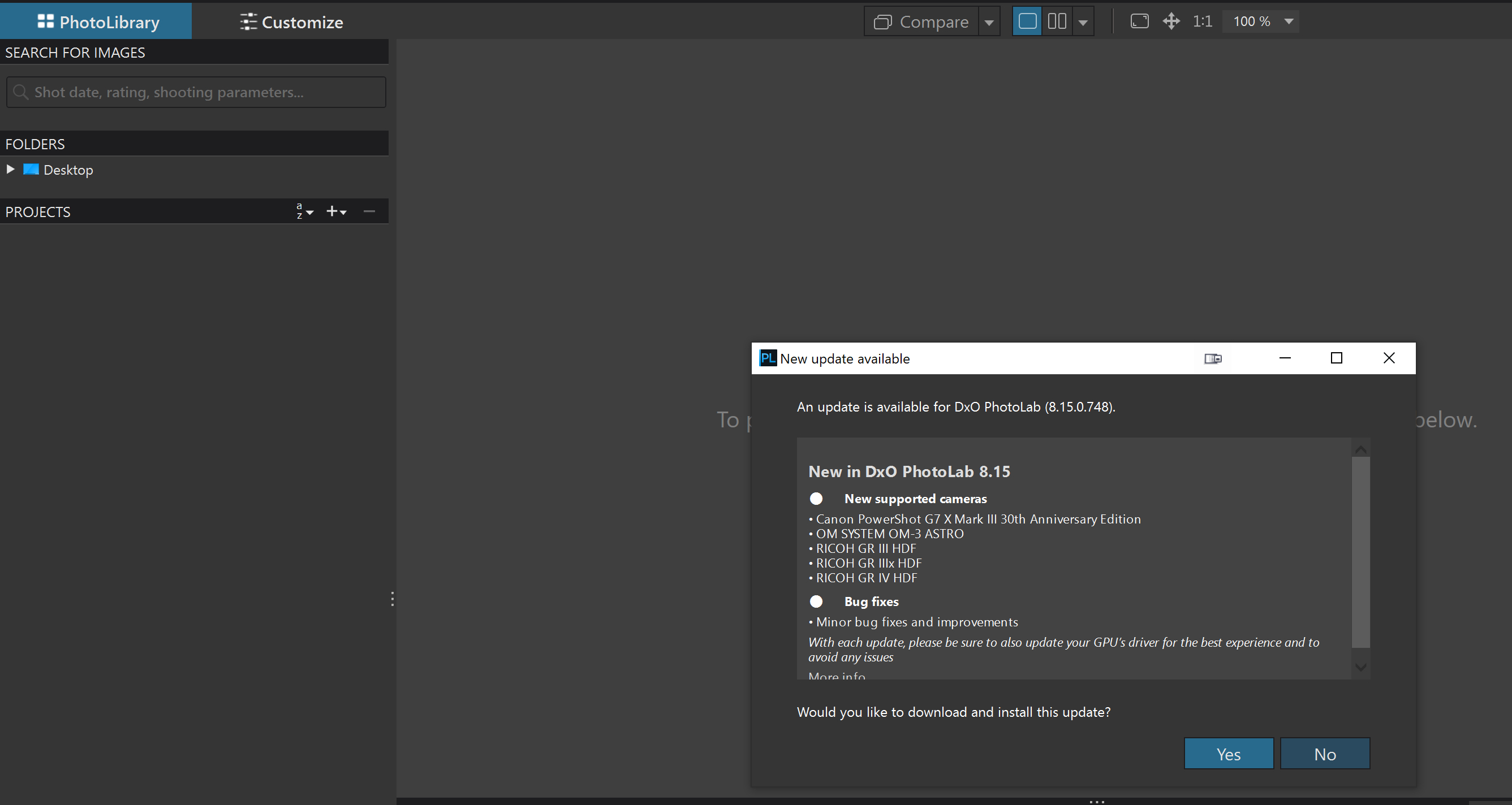
Having dismissed the reminder because I have already downloaded it but simply not installed the new version over my current version which is 8.12.0

The only thing that I believe may be holding up the load on both versions is the large number of presets I have.
Each and every one of those will be read from the same drive as PhotoLab and installed into memory arrays, or so I believe having once monitored the whole process and seen ever preset file being opened and closed (at least once!?.
I my case that means opening , reading and closing 308 files and 341 files respectively.
So having run the test on PL8.12.0 I went ahead and installed PL8.15.0 and after the install had finished I ran PL8.15.0 and it took 27.100 seconds to the start of the blue line and 32.064 seconds to opening a master directory.
Observations:-
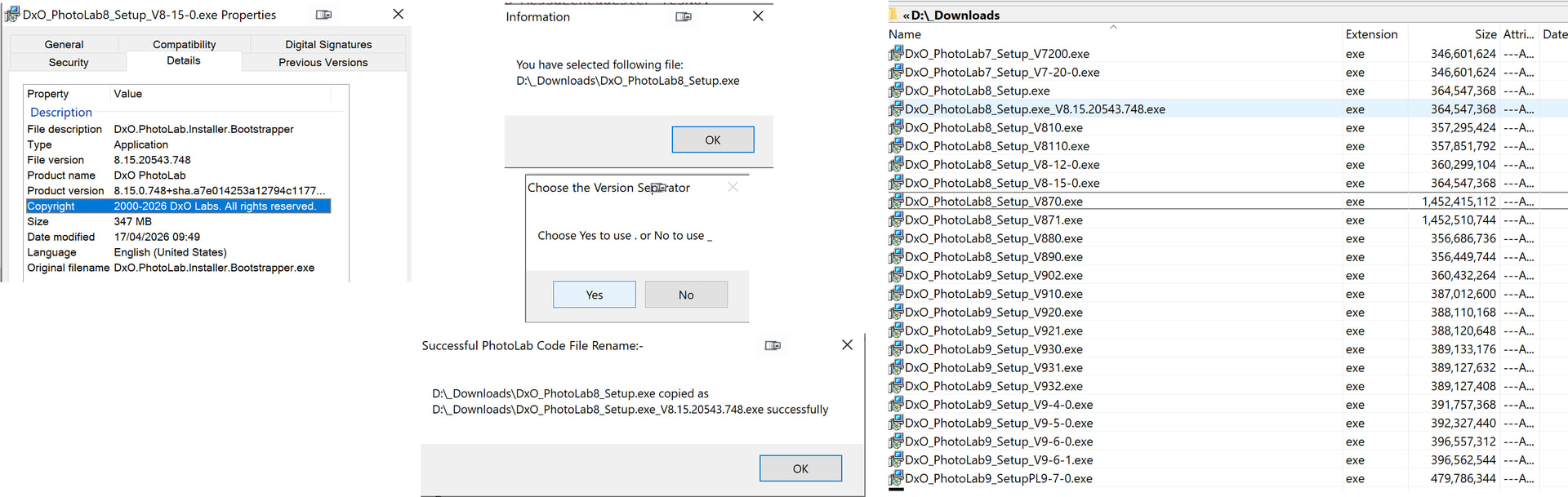
- DxO still continue to release every release with the same file name, at least they include the major release number, frequently causing users to have problems when they want to revert!, i..e. they have overwritten the previous version with the latest version!!
I can supply a program to DxO or users so they can correctly name the code file given that they do at least correctly version them. The following shows the version field in my renamed PL8.15.0 code file. I then copied that and changed the name of the copy back to DxO_PhotoLab8_Setup.exe, the form in which users receive the program (unless they change it before or after the download).
Sorry I published that before I had finished the write up but will leave it in that state for now.
My computer is a very old 2016 Windows 10 machine with an i7-6700 @3.40 ghz processor, 24gb ram, and updates which consist of a new power supply, RTX 4060 graphics card and a WD Black 2tb SSD drive.
I did not go through the same rigorous test as you did. I just started PhotoLab 9.7 to a folder containing around 200 raw files from my Nikon Zf sized between 26-30 mb each. From clicking on the icon until PhotoLab finished refreshing the folder with the Zf raws, the timing was 17 seconds until the blue line started to appear and a total time of 29 seconds until the populated folder was refreshed.
I also have 622 presets including the standard ones that came with PhotoLab, around 100 FilmPack filmtype presets that I created and distributed here several years back, around 50 specific purpose presets that I created for myself, and over 400 commercial PixaFoto presets (apparently no longer in business) that I purchased several years ago. Most of these 600 plus presets are rarely used and many have probably never been used.
I can’t account for why my startup time seems to be so much faster than yours, especially when you are starting into an empty folder and I am not.
Mark
@mwsilvers Your computer is indeed old, as is my i7-4790K(32GB) - 2060(6GB) which I did use to experiment with a PL9 trial when the issues of PL9 and VRAM first emerged but the last release installed on the machine is PL7.
So with no prep I launched PL7 (PL7.17.0, as it turns out) and it took about 35 seconds to reach the first blue line and 48 seconds to get to the update warning. Although timed on a hand held digital stopwatch, starting and stopping the stopwatch is down to my aged reactions, using the lap timer(s) and the final stop timer.
Your processor is about as powerful as my i7-4790K with the Passmark ratings being i7-6700 (8035, 2275), i7-4790K (8063, 2464), 5900X (38924, 3466). So although the 5900X is way more powerful that is only with all cores etc. able to run the task at hand. But the single threading score is over 50% greater than your i7!?
My testing was deliberately as controlled as I could make it because I know the figures are way too high for reasons that make no sense, given that you are loading even more presets than I am and I don’t use Filmpack for anything other than Fine Contrast and luminosity masks, actually only Fine Contrast really!
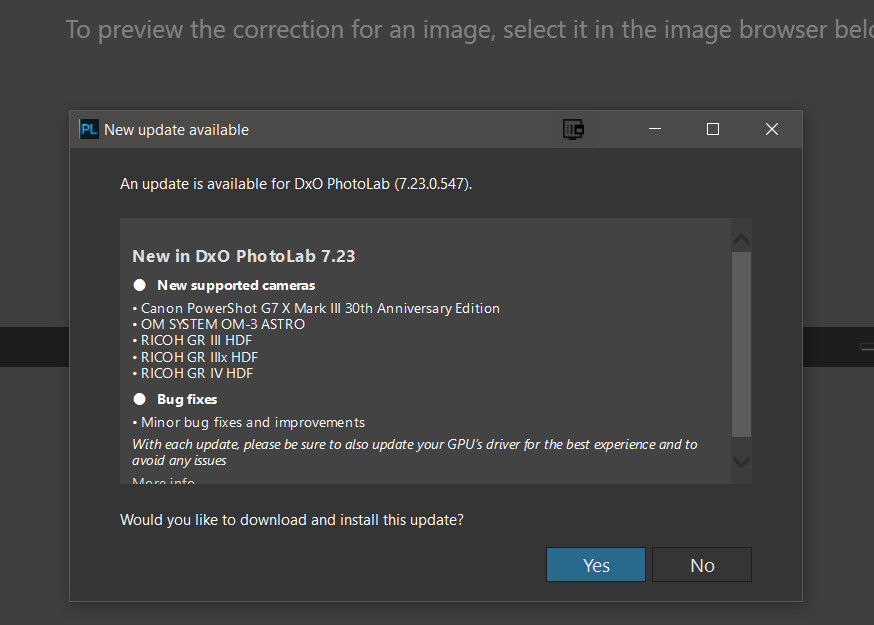
Given I arrive at an empty directory, whenever possible, when starting up, the GPU shouldn’t really come into play at all but the relative power differences are 4060 (8GB-50.9%), 3060(12GB-42%) and 2060(6GB-37.2%), plus the 5060Ti, now installed with the 5600G(32GB)(19663, 3180) 5060Ti(16GB-71.4%).
Given how different your figures are, something is off!? Although I have suspected that my figures are higher than they should be I have not found any real reason. All my machines are equipped with SATA SSDs as boot drives, typically 480GB split into the C:\ and E:\ drives.
The 5900X now has a D:\ drive because I need to re-arrange the split between C:\ and E:\ to see if I can get enough space for the upgrade to Win 11.
All are fitted with NVMEs, the i7 via a plug in PCIe card, but they are not used for booting, they are used for housing the Page file, PL database and cache, and test files and test file outputs and all are equipped with near identical HDD configurations and each machine acts a as primary backup for files, i.e. the disks are backed up to each other.
Plus I forgot the retired i7-4790K which also has a 2060(6K) GPU but only limited HDD storage.
So, Mark, even my retired I7 just beats your main processor and we still have a large discrepancy with respect to boot times, yours better than mine.
So I ran the PL9.7.0 boot up test again and got 49 seconds to first part of the blue line and then 56.909 seconds to the screen showing the directory. Slightly better than my previous figures but still way out
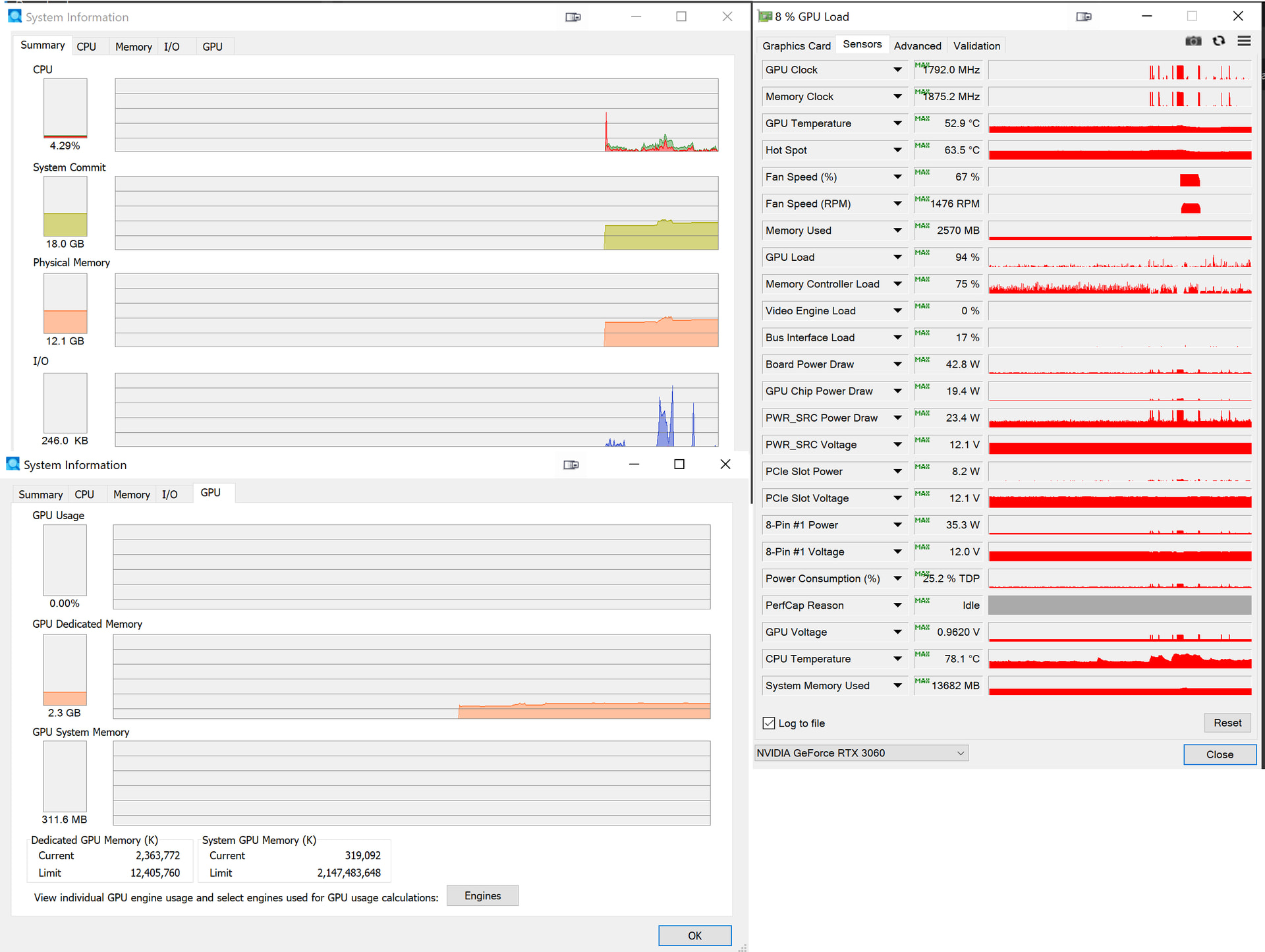
Regards
Btyan
PS: Sorry but I had to include at least one snapshot (actually two), I have my reputation to uphold after all!! 
UPDATE:-
PL7.23 start time test immediately after the update was 24.977 to start of blue line and 30.619 seconds to arriving at the directory with no images but the configuration is different to the PL9 tests.
The database is on E:, a partition of a SATA SSD, the code file is also on E:\ and the cache is on N:\ (the NVME) and the data directory opened is on F:\ an HDD.
The Page file is also on N:\ and deliberately restricted in size for test purposes
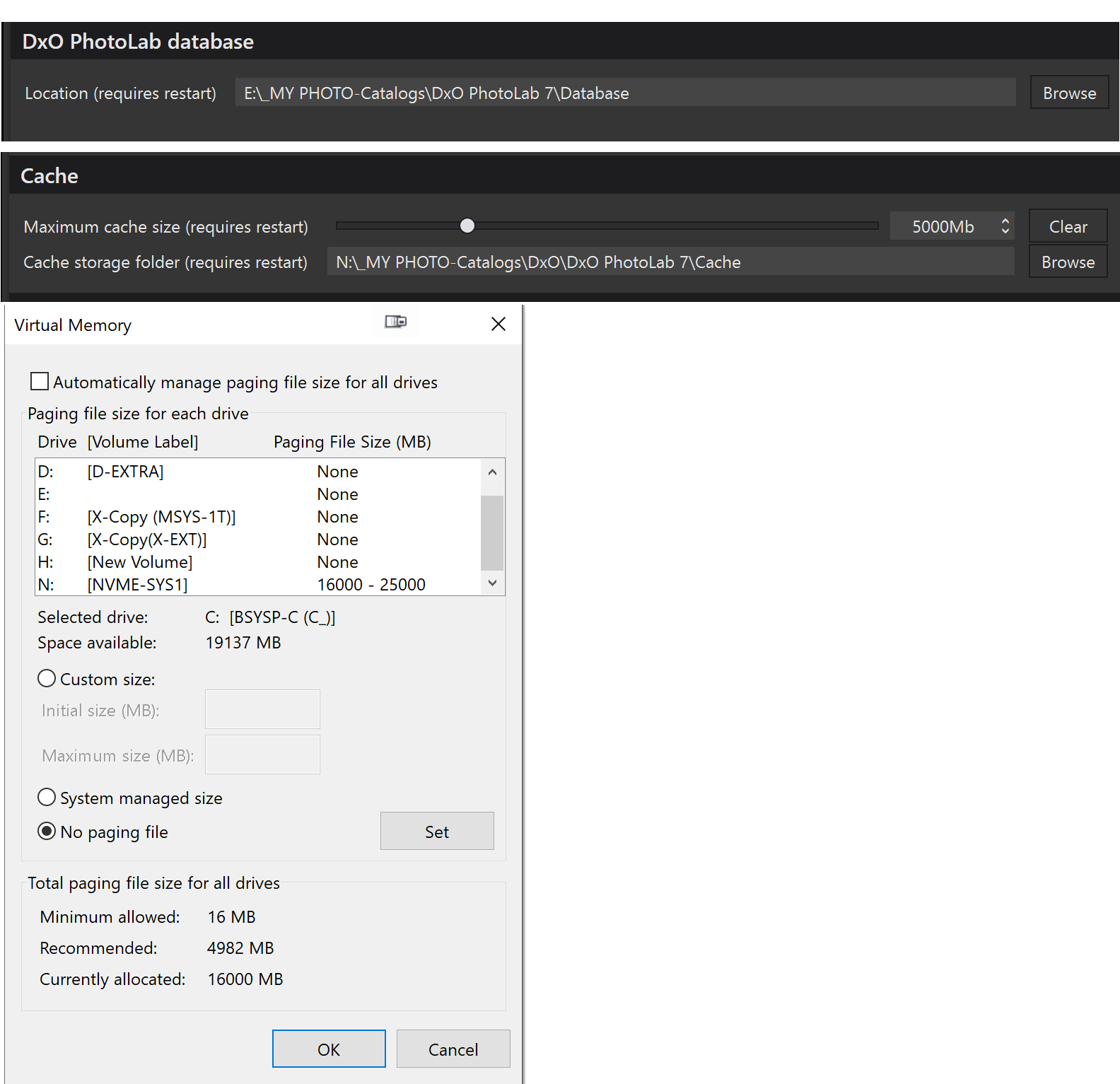
A run with PL8.15 gave the best times so far.
The time to the start of the blue line was 14.405 seconds and the time to the directory display but with no directory selected was 20.034 seconds with the same configuration of PL9, i.e. code file on E:\ (SATA SSD partition), database, cache and Page file on N:\ (a gen 4 NVME) but with no directory opened at all.
Further update:-
Another run of PL9.7 yielded 22.15 seconds to the start of the blue line and 28.88 seconds to opening the empty directory on the N:\ drive.
I just started PL 9 again while running several other apps simultaneously including watching a live New York Yankees baseball game streaming via the Gotham Sports app, an MS Excel spread sheet, MS Outlook, and Google Chrome. This time it took 20 seconds until the blue progress bar and a total of 33 seconds until the populated folder was fully refreshed. Later I will reboot my computer and start PL 9.7 again without running any other apps to see if that makes a difference.
Mark
Out of intrest just tried my one with 9.7 on my laptop, a XPS 14 9440, (intel® Core™ Ultra 7 165H, 32Gb memory) 1 min 3seconds to fully open, Only keep current and past year on it and no links to anything that I know effects my desk PC which is older and always much slower. Its always been slow. I would love to know how anyone gets it opening so much faster? Update: Out of interest ran on the desktop and totally wrong it now loads in under 30 seconds. Last ime I timed it it was well over 1 to nearly 2 minuites so somthing has changed well withn it or PL 9.7 if only on the laptop.
I can’t account for why some here with much higher spec’d machines than mine seem to have significantly slower startup time than I do. However, even on my machine, total PhotoLab startup time is much slower now than it had been for most of the last eight years with every update to it installed.
For the majority of that time startup took between 12 and 15 seconds. I believe that the current slower startup time is directly related to the larger number of modules now being loaded at startup for the many new features added in the last couple of versions, especially those now supporting AI functionally in PL 9. However, once startup is completed, overall performance and export time is still very good, even for images containing a very significant number of edits.
Mark.
1 Like
For what it’s worth, I’d rather a slower initial startup time and faster in-app performance.
Especially if the alternative (to achieve faster startup) is to only load certain modules as-needed, resulting in (presumably/potentially) stuttering or slower performance while trying to edit.
The only other “option” I can think of there would be to make certain modules “modular” and let the user choose not to load them on startup, which could be handy if you know you never use module “X” in your workflow, so you can miss it out entirely. That sounds a reasonable amount of work to implement, however. So I’m not saying “Oh just do this to fix it” (!)