Back in 2024 I purchased Photolab 7. It has been working great for editing thousands of photos on my M3 Ultra MacBook Pro 16” (64GB RAM, 16‑core CPU, 40‑core GPU, 16‑core Neural Engine ). This was the most decked out configuration money could buy at the time.
A few months ago I noticed the auto brush tool performance drop significantly to the point where after refining the mask on some subjects, the sliders for local adjustments won’t let me change them or the change takes 30 seconds to apply. I notice this across multiple different compressed RAW images from a Sony A7IV and A7V camera.
Has anyone else experienced this issue? I first noticed it in Mac OS Sierra 10.12.5. Then upgraded to Tahoe, issue is still about the same. Anyone found any workarounds?
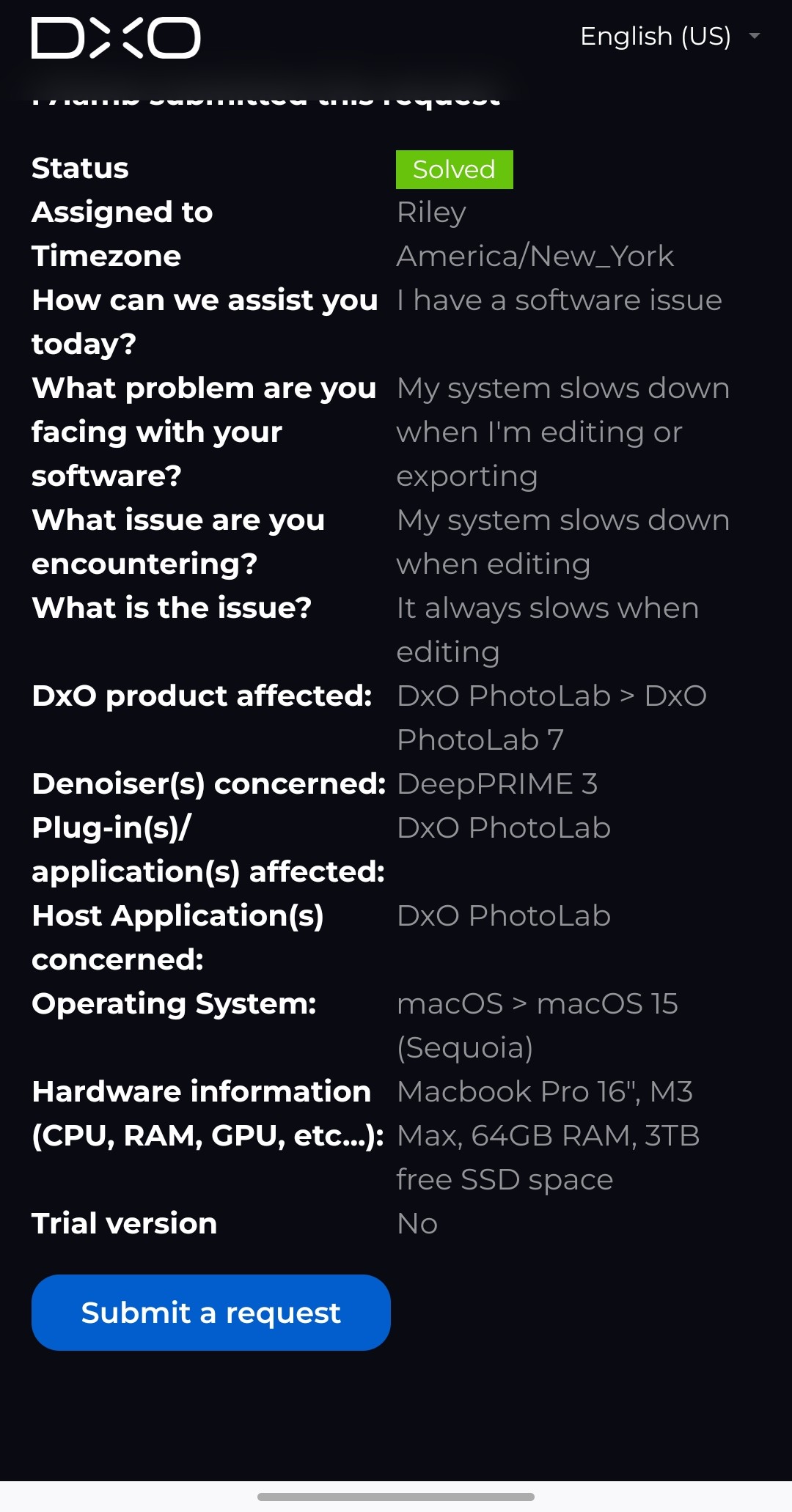
I’ve had a ticket open with DxO support for one month now and they keep just asking for more sample photos and videos, which I understand helps to debug the problem, but after they recommended switching to PL9 trial to see if the issue goes away, it was resolved!
Thing is, I’m not paying for PL9 just to remove a performance bug. And, unusually, after mentioning the PL9 trial option, they closed the case and marked it as resolved. I’d gladly upgrade as part of a regular upgrade cycle, but in my eyes this absolutely must be addressed in the older versions, or DxO should offer some sort of compensation for users on new versions purchase. The problem is so bad that I can’t thank of any way I’d be able to edit even a few dozen photos in an afternoon with how the local adjustments slow down on each change.
I want to bring this problem to the forefront because I firmly believe DxO is ignoring my support requests and has a serious issue that has gone unresolved for quite some time.