@Tbolt @George @LJC etc. This is related to my topic Win 10 DxPL6.0.1 Can't handle large directories - thumbnail refresh fails where I was using two directories one with BULK images 11,960 to be precise and another Bulk directory with 1,000 images.
I decided to see if there was any way to avoid the problem and moved my Cache from a DATA SSD to an NVME, however that NVME contained the database and the actual files themselves but I loaded the initial BUK (11,960) images and scanned all thumbnails and all were present!
So this is the incomplete post I started:-
@LJC, @IanS, @roogirl While I look forward to the fix I decided to move the cache from where it has been since PL4 to my NVME drive, so two changes there
- The action of moving the cache and restarting PL6 with the new setting
- The cache moving from a SATA SSD to an NVME (not the fastest NVME but …).
So we have on H:, (the NVME):-
- The PL6 Database
- The Cache files
- The actual 11,960 BULK image directory
I believe that the initial discovery of the 11,960 BULK directory went much slower than I expected (but had failed to time it - sorry)!?
However I have traversed the directory from one end to the other with no apparent issues, please note that the 11,960 images are also held on the NVME drive (as is the database and now the cache)!
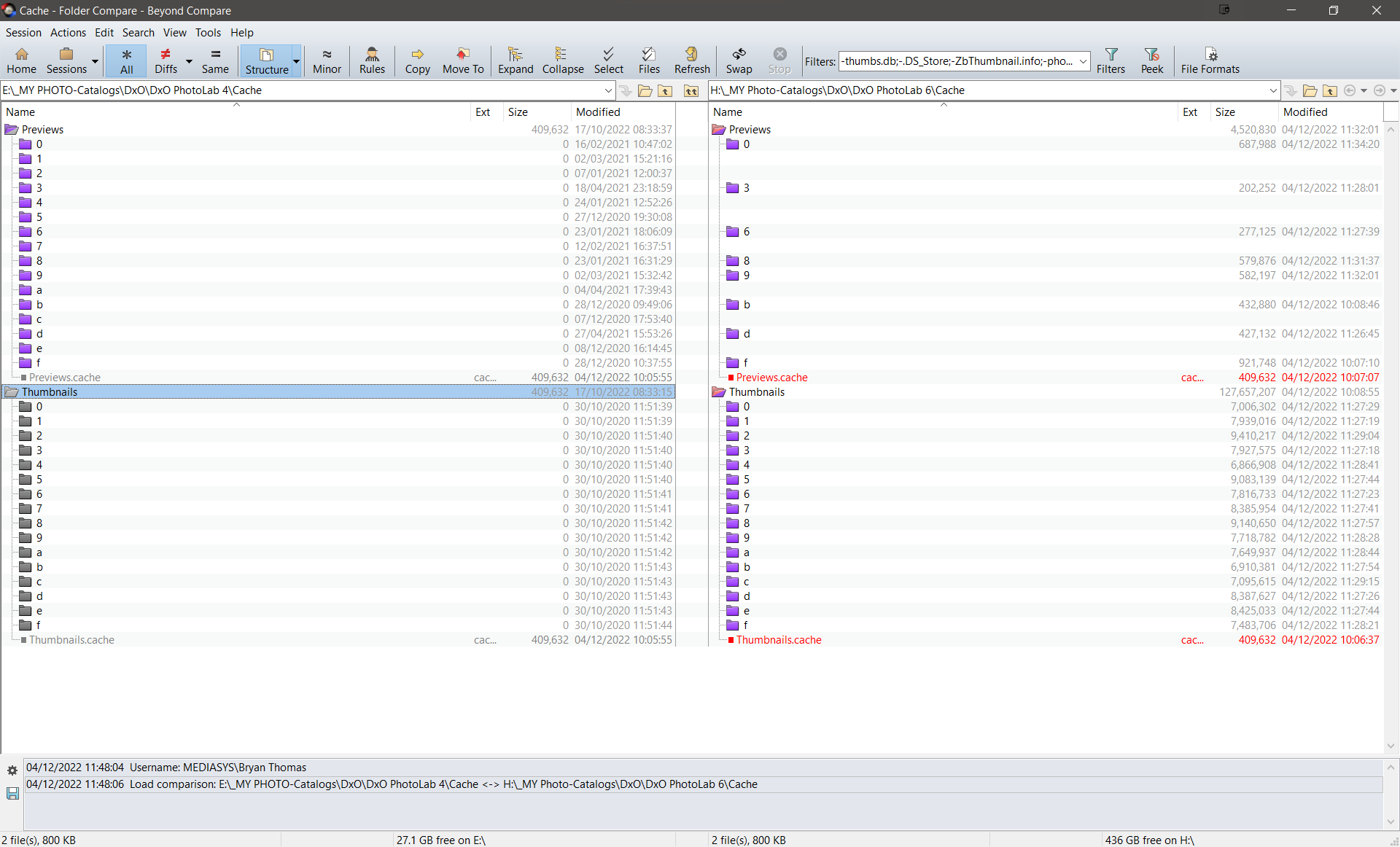
It looks as if a lot has been taken over from E: (Sata SSD) to H: (NVME) when I moved the cache directory!
Most screens still show the “render swirl” but no ‘Loading please wait…’ issues.
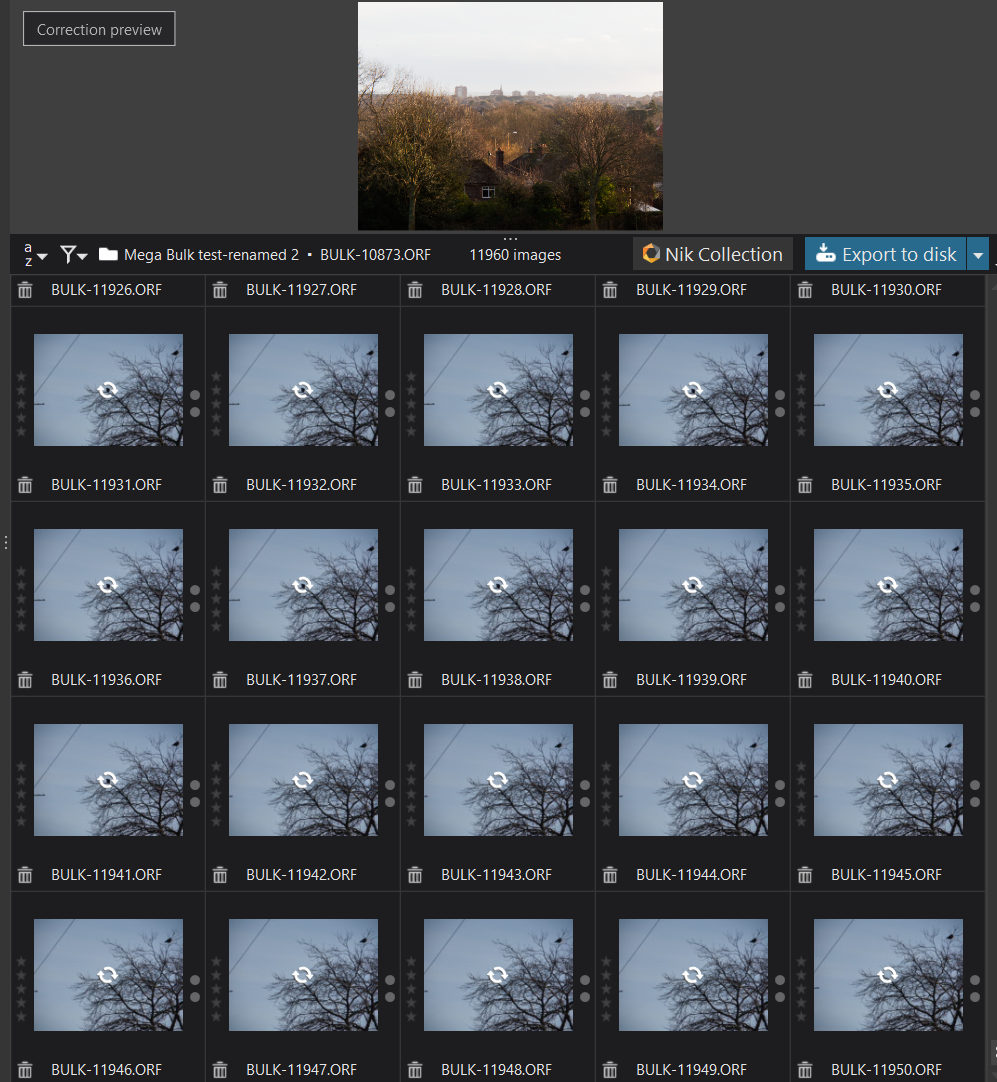
Switching to the 1,000 image Bulk directory (also on the NVME) took about 2 minutes and 20 seconds to load and no problems encountered traversing the structure in PL6!
So I copied the 1,000 images to F:, my main HDD and included the 11,960 BULK directory and tested as follows:-
- 1,000 Bulk images without any sidecars 1 minute & 25 seconds and no problems traversing thumbnails.
- 1,000 Bulk images with sidecars 3 minutes & 4 seconds and no issues with thumbnails.
- Navigate to BULK directory on H: (the NVME) 13 minutes &54 seconds and no issues with thumbnails
I then opened the Bulk directory and they were all correct and finally I tried opening the BULK directory on HDD and either 54 minutes or 84 minutes later (I was using a conventional stopwatch and getting on with Lunch and DIY etc.) DxO had finally accessed the directory and finally the problem resurfaced.
I now have BULK on a USB3 SATA and will clear the database and start testing again and then update this post!