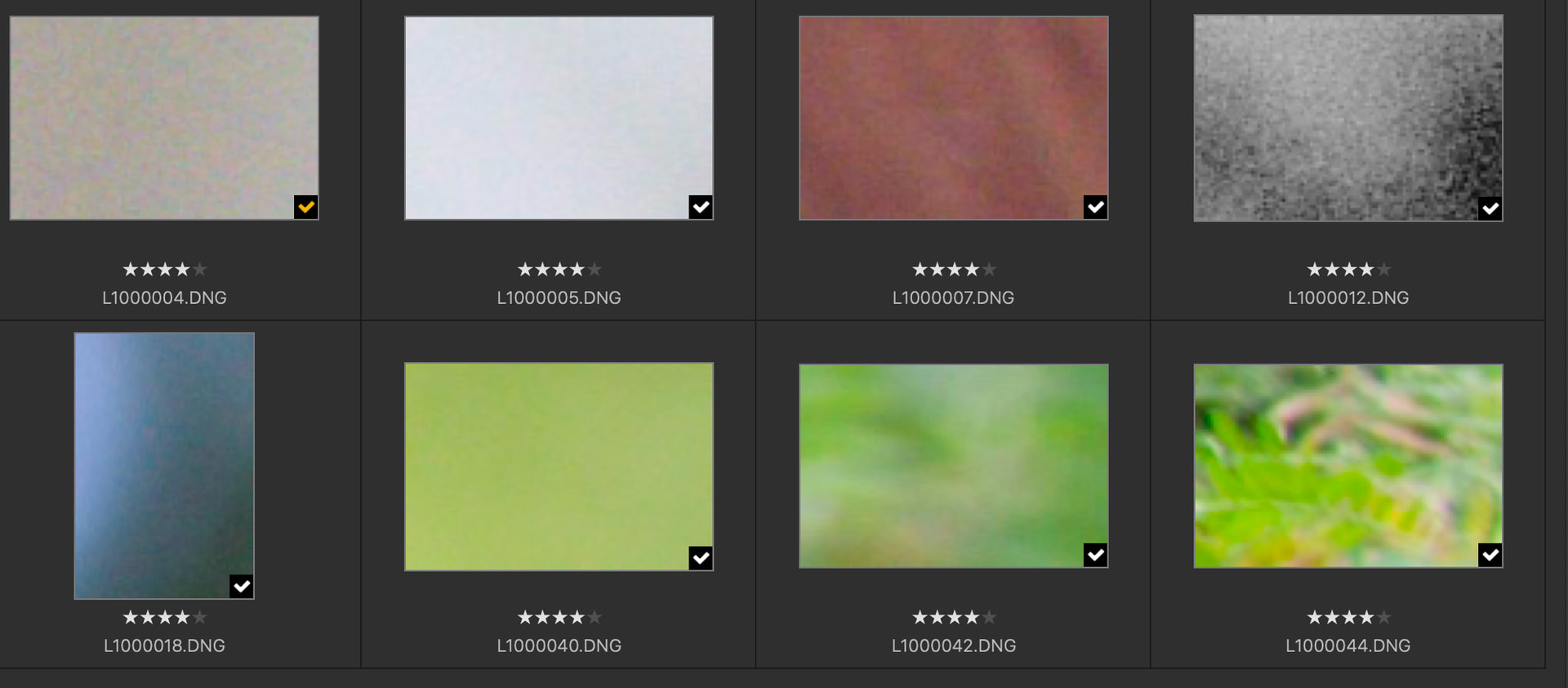
I just installed PL 9.9.0 build 48 and processed a set of DNG’s from a Leica Q3. The images imported just fine, PL recognized the camera and lens, and I did mostly default corrections for the images. After the images were processed, the thumbnails changed to be tiny sections of the source images. The original and processed images are fine and look good. It’s just the thumbnails that are messed up (see attached image).
Also, when I double-click on the thumbnails, I don’t get the original images: I only get the messed-up images. So any further comparison of processing choices on the original images are impossible.
I’m running PL 9.9.0 build 48 on an M3 MacBook Pro running macOS 26.5.1 (25F80).