Your video driver is at least six months out of date, which in the PL and Video Driver world, is an eternity. The current version is 32.0.101.8626 Also check your NPU driver version which is a separate d/l from Intel.
The Lenovo vantage software is not to be depended on for drivers. It only recommends those drivers that have made it through Lenovos internal (slow, old) process).
If I only used Vantage to update the drivers for the RTX4050 in my Lenovo laptop I think I’d still be on a driver dated at least a year, perhaps longer, ago.
I have been working with DXO development team testing trial versions of PL 9.5 and problems with Intel ARC iGPUs and Intel Ultra Core CPUs for the last couple of months after opening a support request with problems I was experiencing with Intel 140T iGPU
The latest trial version of PL9.5 sent to me by DxO worked flawlessly - no crashes, no errors with AI masks and exports. The fix that DxO’s development team arrived at with the trial was incorporated into the release of PL 9.6 earlier this week.
I was asked to test out the released version by the development team a couple of days ago only to find that the AI masks fail to work at all in exactly the same manner that you describe.
The development team have been informed of this error and I have submitted a diagnostic log to them and they are working on a fix for this.
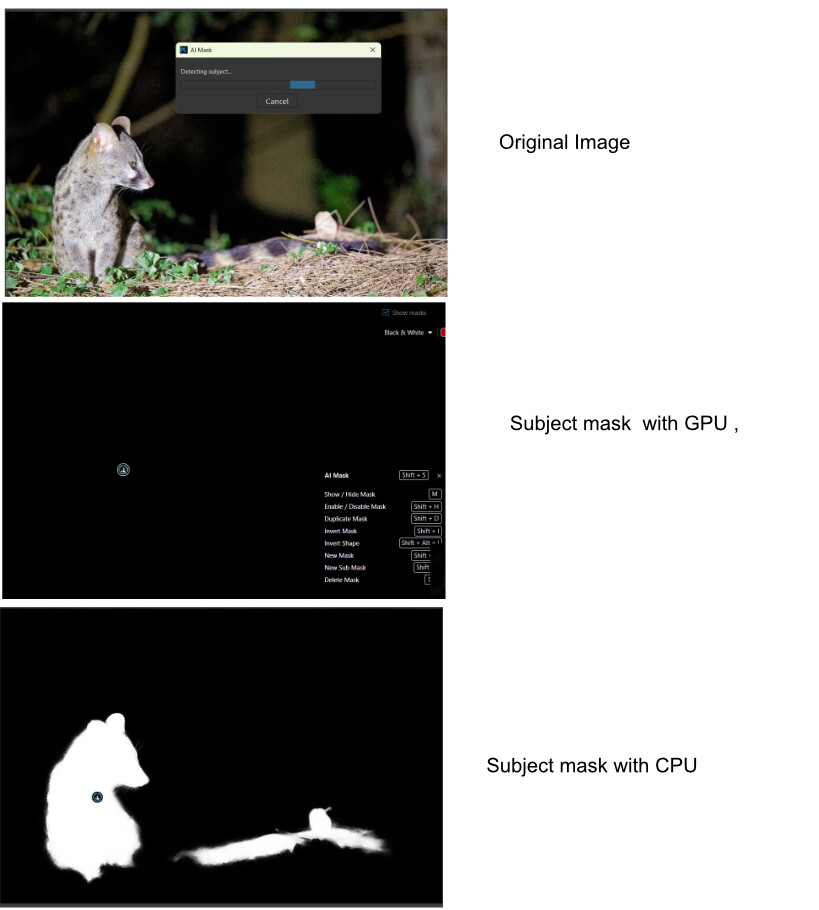
You may find that selecting “CPU Only” in the performance tab of settings will work, but at the expense of speed! it worked for me.
You need to submit your report to DxO and request a suppoprt ticket to let them know about this.
hope this helps!
Dave
mwsilvers
(Mark - New Jersey, USA, Win10, RTX 4060, PL9, FP8, VP5, Nikon Zf )
12
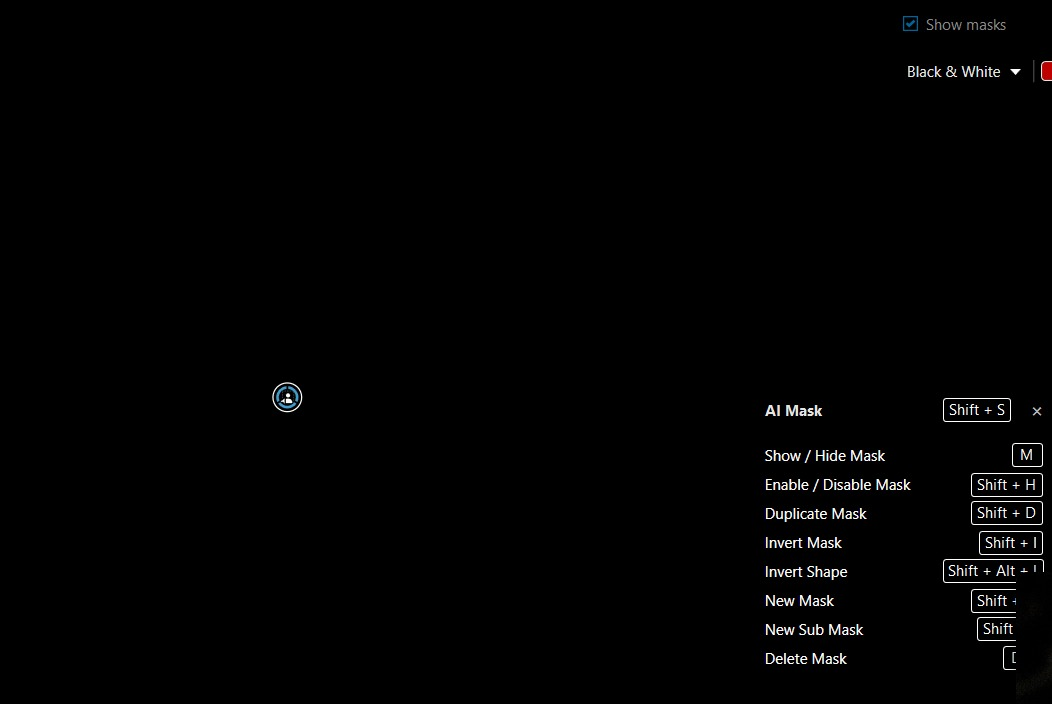
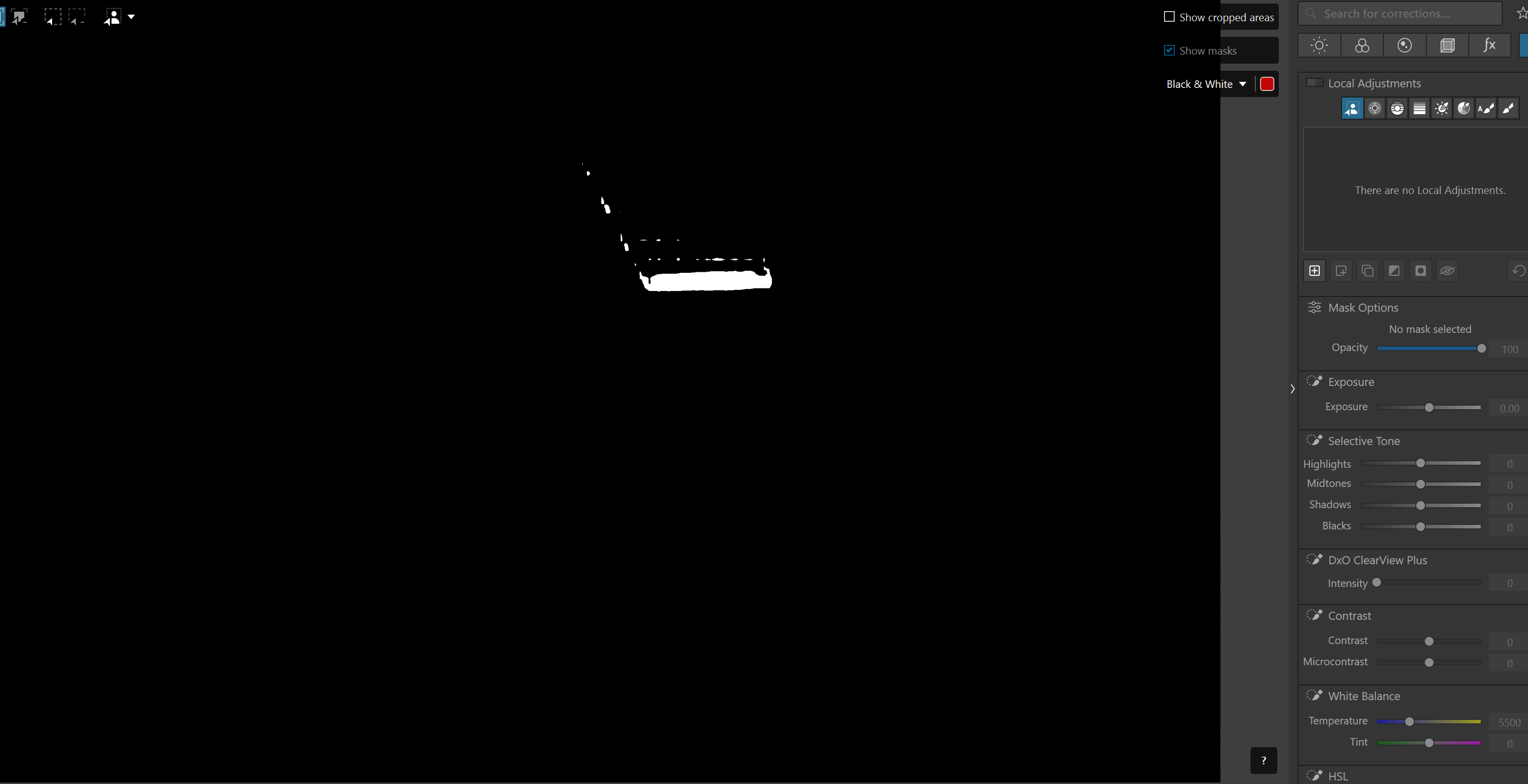
What exactly do you mean by this? Can you post a screen shot?
When you say a black mask, does it look anything like this with perhaps some portion of the editing window in white?
The CPU only option works now I get a mask with option selection like subject or sky. The issue is obviously a lot more time to compute.
The other thing I am noticing now is that flipping between two images with masks, it seems like it is computing the mask every time you select an image , looks like the actual mask is not saved.
I don’t know if this is has always been like this and because of the GPU acceleration it was not as obvious. But now flipping between images takes almost a minute to get the mask back to a pint where it can be edited.
I have now submitted a support ticket. will revert with with feedback.
Hi - a hotfix for Intel chipsets issue with AI masks just landed this afternoon - Update should show when you load PL9.6.
Seems to have addressed the problem for me - all working fine now on my machine without any errors or crashed so far🤞
If you have the Intel ultra CPU you may be better off selecting the “Intel AI Boost” (NPU) setting in the performance table - I get slightly better performance with this selected - explanation of this from DxO Development Team was ;
“The Intel AI Boost allows to use the NPU whenever it makes sense, the iGPU being used for models that are not recommended (by Intel official guideline) to run on the NPU.
In practice it means the NPU is being used for DeepPrime processing ; the AI masks always use NPU.
Selecting the “Arc” entry mean you will always use the iGPU, and not the NPU”
You may also find that if full screen DeepPrime rendering is selected focusing times for the first access will take longer than the time taken to focus when a subsequent image is loaded. The same applies to intial focusing time for the magnifying loupe function and the first export of an image to disk. In all three cases subsequent processing times are drastically reduced.
Comment on this from DxO as follows;
“Regarding the performance pattern you observed — where the first Loupe focus, the first DeepPRIME rendering, or the first export after launching DxO PhotoLab takes significantly longer, while all subsequent operations become fast again — this is actually expected behavior on this platform.
Our technical team confirmed that during the first uses, DxO PhotoLab performs additional internal optimization steps:
initial compilation of AI models,
GPU/NPU pipeline preparation,
caching of the required compute kernels.
This is why the first operation may take longer, while the next ones benefit from the optimized cached execution.”
The only difference that I can see at the moment between the test version of PL9.5 and the final updated PL9.6 version is a slightly longer export time for DPXD3 images as opposed to DPXD2 images in V9.5 which is probably to be expected ?
Dave, this is an answer I have been trying to get from support for weeks now.
If PL 9+ is in fact (effectively) using the Intel NPUs then the need for a dedicated (spendy, power hog, heat generator, weird driver issues, etc) discrete GPU from team Green or team Red has just been reduced waaaay down. Team Blue & Arc B series to the rescue!!
 If I only used Vantage to update the drivers for the RTX4050 in my Lenovo laptop I think I’d still be on a driver dated at least a year, perhaps longer, ago.