So far, it seems very smooth. The first four photos with DeepPrime 3 and XD, and a few AI masks, sailed through, no problem.
Sadly not for me yet…
But it’s ‘Minor bug fixes and improvements.’ only 
EDIT: Just tried it with AI Sky mask. Got nvlddmkm event id 153 (Error occurred on GPUID: 100) in system eventlog and PL ‘InternalError’. Still some major problem, probably with nvidia driver (RTX4070/581.57 studio in my case).
I see DxO PhotoLab 9.2.0.31. Is that the same as 9.2.1? I wouldn’t seem so.
Just add that I’m using Windows 11, don’t know if it’s there for Mac yet.
For MacOs User, no update yet , just checked 9.2.0.31 on Tahoe 26.1, Maybe the build queue runs for Windows first  I wish the reliability and the performance of predefined AI Masks back which I had with 9.1.x and Tahoe 26.0.1; Never change a running system!!
Mac user here and just updated to 9.2.1 build 32.
AI masks still causing errors unfortunately.
I was in the process of documenting the shortcomings of the export process when this was released.
My concern was about NO AI and NO NR versus NO NR exports, i.e. no AI involved whatsoever and a series of tests have come out just fine
whereas I was getting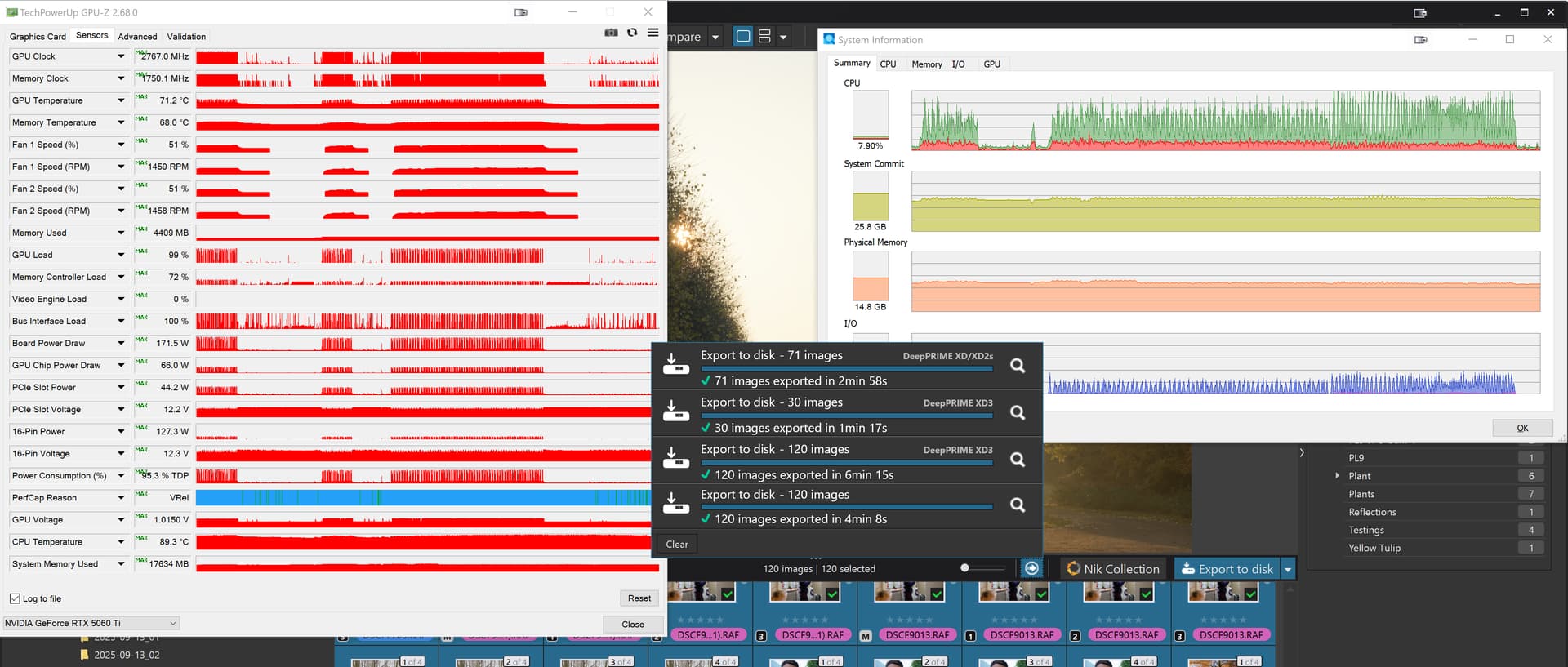
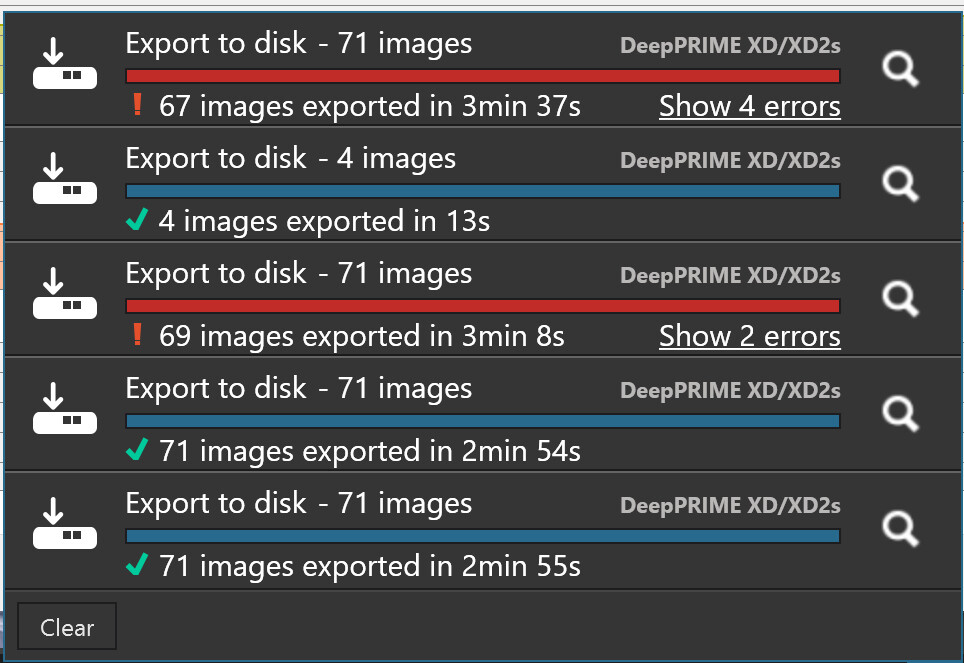

So it may or may not improve AI handling and/or AI exporting but the abysmal export prospects with the images I have been testing (some NO AI & NO NR and other NO AI with NR) appear to be a thing of the past @Wolfgang and @andras.csore or so I hope.
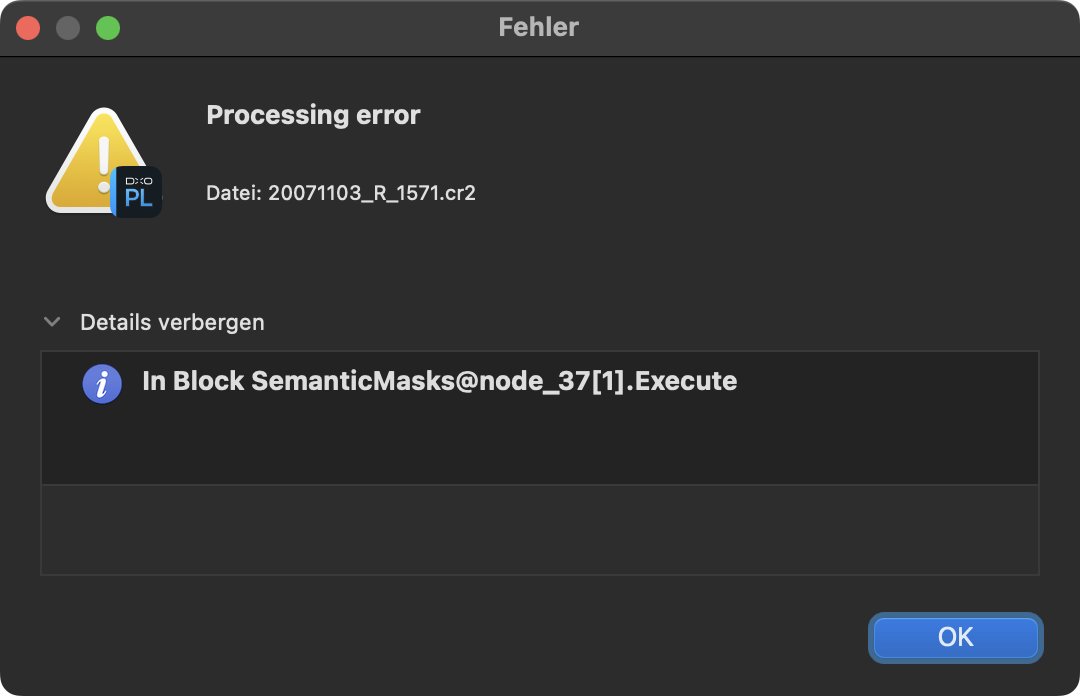
I have also updated to version 9.2.1 Build 32, so far no errors or issues, not even during export. The masking even feels faster than before 
(MacBook Pro M3 Max, 64 GB RAM, FUJI-XT3)
If someone get ‘Internal error’, i suggest to read my comment (link see below, its long comment), where i describe in approx numbers (but based on my observations) the GPU VRAM usage math. May its explain few thing what can behind ‘internal error’. I also suggest to check thru that forum thread.
@platypus Shall we test if the error occurs with us as well? If so, you would need to provide us with the RAW file.
I tested it with PL 9.2.1_542 (Win) / Nvidia driver 581.57.
-
Most of the AI masks used were recognized, and the files exported without crashing. It even worked with the image from the cheetah by @akirstein.
-
The AI module “Subject” has difficulty recognizing objects and works better when they are clearly visible like these examples by @LVS.
… but the abysmal export prospects with the images I have been testing (some NO AI & NO NR and other NO AI with NR) appear to be a thing of the past @Wolfgang and @andras.csore or so I hope.
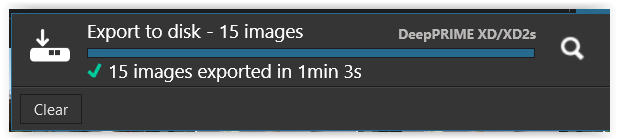
This time I could export 15 images from different cameras without crashing,
-
PL 8.10.0_677
-
PL 9.2.1_542
,
however from PL9 it is still significantly slower (no AI used !).
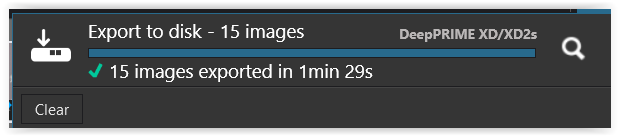
feedback to @Fabrice-B
Note that export without denoising or Standard denoising (i.e. non-DeepPRIME) suffer from leak in ‘Shared GPU memory’, as it’s called in TaskManager, memory managed by Windows WDDM (not reported by GPU-Z or nvidia-smi). This problem is reproducible here as follows (tried 3 times with exactly same results):
Directory with 300 Nikon Z8 raws, 45mpx each, with Standard denoising (same story with denoising disabled). Select all 300 photos, export as jpegs (2 “export threads”).
After processing successfully 218 raws, in each of 3 runs DopCor (DxO.PhotoLab.ProcessingCore.exe) crashes, PL restarts it and reports 2 errors, then export is finished. ‘Shared GPU memory’ starts with 0.2GB used out of 15.9GB available, grows steadily, and then DopCor crash happens when it reaches 15.3GB. DopCor crashdump is sometimes generated, sometimes not – the only difference between 3 runs.
There are several bugs flying around…
Thanks @fishmi , no need to test. I just added the error I came across in 9.2.1.
Due to the early release of 9.2.1 and upcoming Tahoe update, I suppose that things will change soon and the export might work again. Thanks again.
Note: ‘shared gpu memory’ usually is half of the system (and not gpu) memory, i guess you have 32GB? Hmm, strange. OpenCL is enabled i guess?
Both your guesses are correct.
I have RTX 4070, 12GB VRAM, used also for display.
Still broken on my MacBook Pro M3 Max. Ai Masks now works some times but unreliable and sometimes mask is present but adjustments to the mask don’t get applied. Also masks sometimes won’t show on the screen and sometimes they will.
Basically still unusable.
I just loaded up PhotoLab to go through a morning session from my local airport. 13 photos edited, 2 with AI masks, 1 of those augmented with some brushing. Export completed as normal for all 13. MacBook Pro with M4 Pro, 48GB.
I’ve certainly had some bugs here and there in the 9.x series, but not once has an export failed on me, no matter what I do.