I have latest Nvdia drivers, latest Win11 patch (updated begnning octobrer)
I have latest PL 10 version.
When i compare between 2 diffrents directories : 360 raw photos versus 3600 raw . ( idont say DNG !) i use sony cams , so ARW.
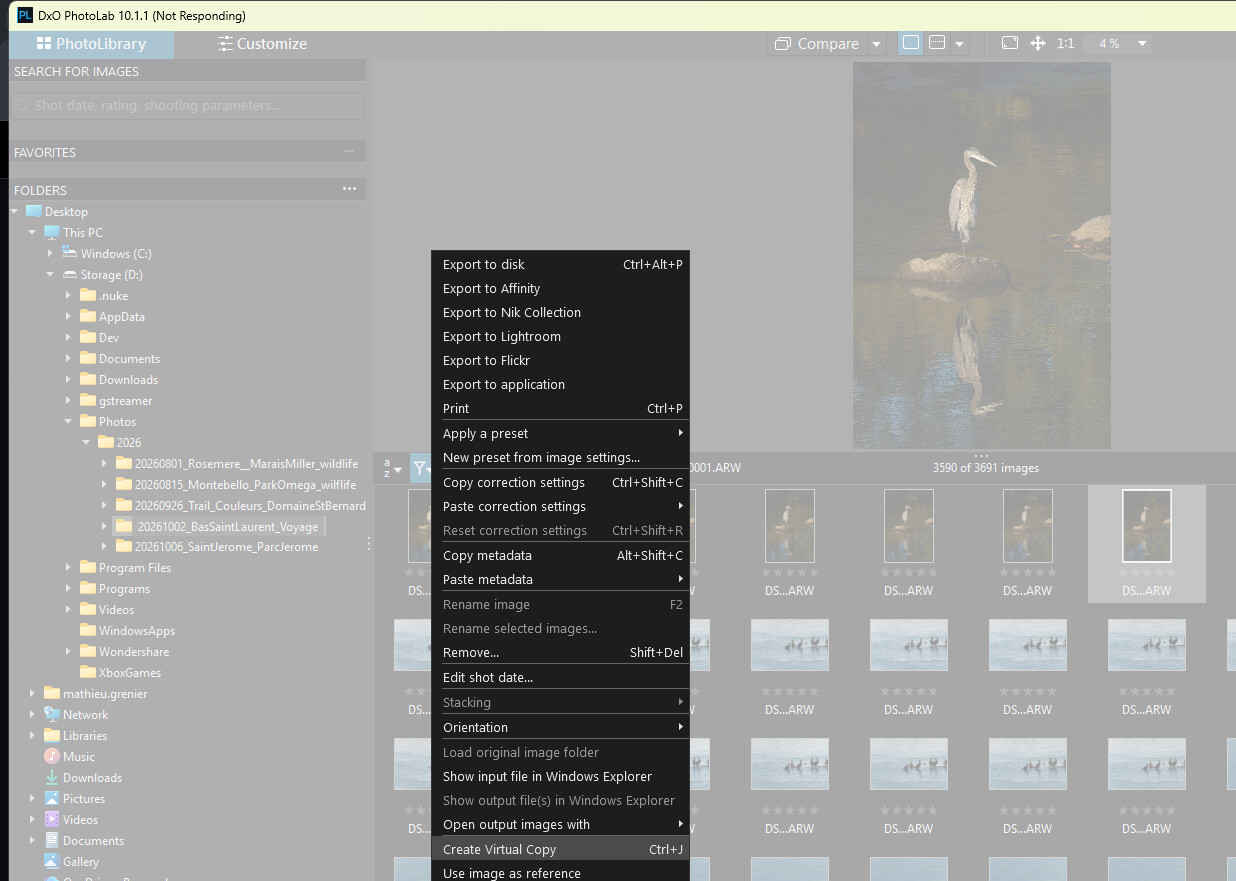
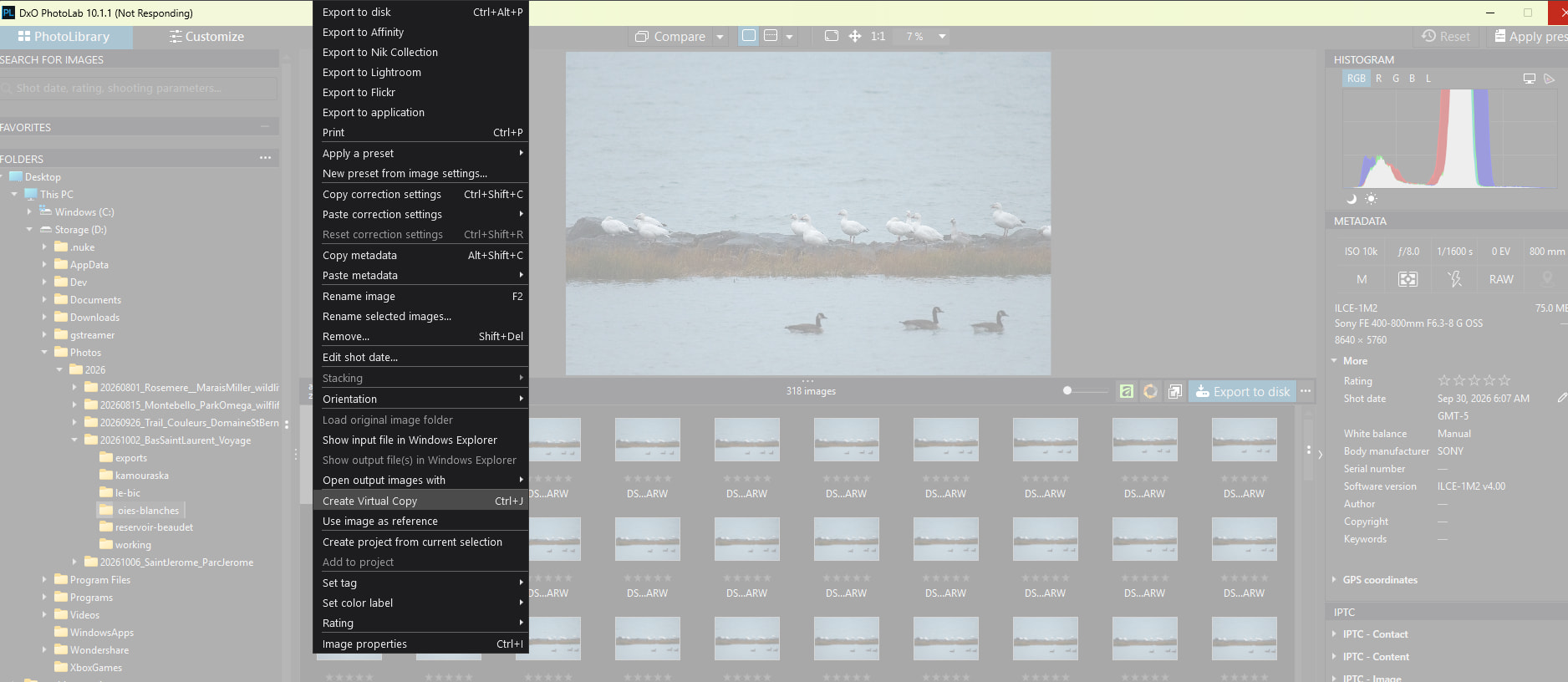
I noticed by creating a virtual copy depend how many you files in the current directory of photos ! Strangely with 360 photos, almost 1sec waiting to create virtual copy.
But in a directory with 3600 photos, PL 10 freeze and i waited around 7-20sec (random variable delay) to received / see the new virtual copy created !
its really not productive to wait for every file and (dont like that) i must create sub-directory to bypass these issue
Kinda, PL inspect / analyse every file of the directory to able create a virtual copy, what wrong ? Normally, virtuial copy is only matter from his master file, not in directory.
There seems to be another difference in PhotoLab for Mac and Win.
On my Mac, VCs appear within less than a second, even while PL is calculating previews for 1200 fotos in a folder. PL takes about 150-190% CPU for these calculations. Note that I tested this after having deleted the database.
A long standing PL database can collect many images, present, past and absent and over time, PL can get slower. Nevertheless, it’s good practice to keep folders small or to have dinner while PL does its calculations. They take a lot of time.
Deleting the database comes with a few downsides, depending on what one does with PL. Better check posts before trashing the DB thoughtlessly.
On my pc too. Creating VC is not a problem. But heavy directories are too much long to discover and to open at each new work session. So I try to avoid them. When I work I don’t have time for coffee
So since the OP has this problem, better for him to avoid both.
yeah after culling, i must create subdirectory by suject by exemple : bridge, city, birds, etc… when i use Photo Mechanic to ingest all raw in a parent directory , that the problem with PL when too many. I managed to avoid this issue exactlyu like you said: each subdir cointains alot less photos… so VC is manageable.
IM myself developer and its very weird how VC work and photo quantity affect him… something PL would work in his way for a good reason, but im not convinced its right approach with VC
PL updates .dop and database when creating VC. Maybe you should look for clues on the database side. I do not have such long time when creating VC, wether too much images are in directory or not.
tried recreate new database, nothing changed
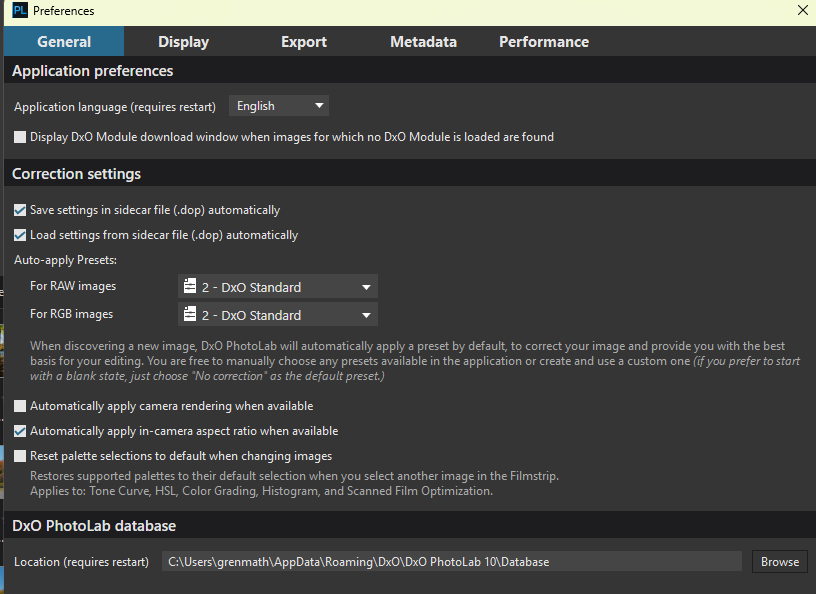
i tested with no DOP and XMP files, but my preferences tell me settings by defaults
Not matter which settings, itrs same behavior with a 3600 photos in same directory
wow, i discovered something interesting !
When you are in PHOTO LIBRARY mode, PL will freeze when you try to create a VC
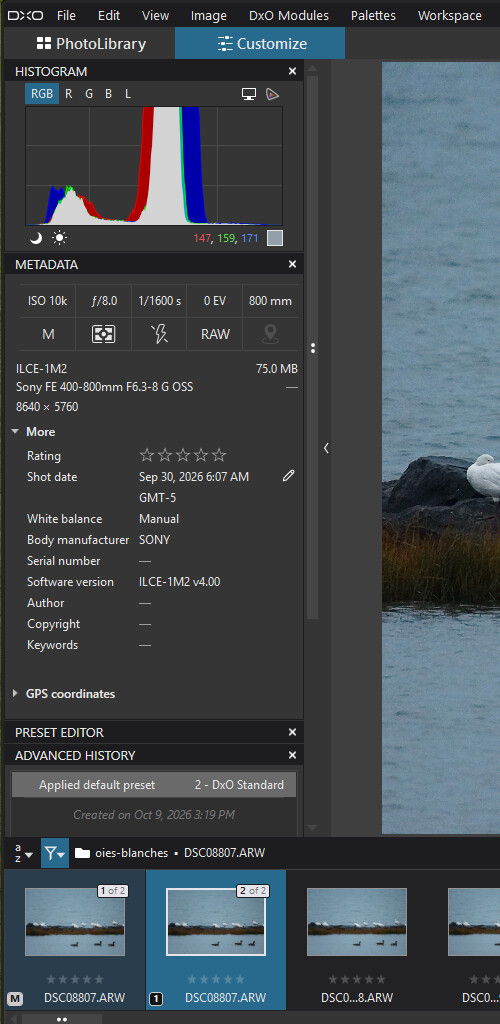
But i switched in CUSTOMIZE mode , i click to create a new VC and nothing freeze and almost created instantaly the VC !
Clearly its “Photo Library” mode was the problem with VC creation !
This is why I never saw this behavior. I do not create virtual copies in this mode.
I even don’t understand why this is a different mode. Just some more tools.
Is it a combination of two pieces of code that weren’t designed to work together in the first place ? Or a separation of the “live” engine from a little bit of the software ?
Just tested on my current work with old 2,900 16mpx raws (Nikon D4) – VC creation is nearly instant, even with quite complex edits. But, as above, I do not create virtual copies in PhotoLibrary mode, and I’ll not try it because it makes no sense to me. Could be interesting for DxO though. But maybe there’s some problem with system resources or timing (e.g. collision with background tasks) and this observation is just a coincidence?
EDIT: Just tried it again in the same directory (in Customize Mode), but with 2,300 16mpx raws now. This time VC creation took about 30 seconds, so the problem happens indeed but not always. Probably the Mode (PhotoLibrary/Customize) has nothing to do here. There was no system resource shortage. Maybe it’s caused by some SQLLite3 DB reindexing ??