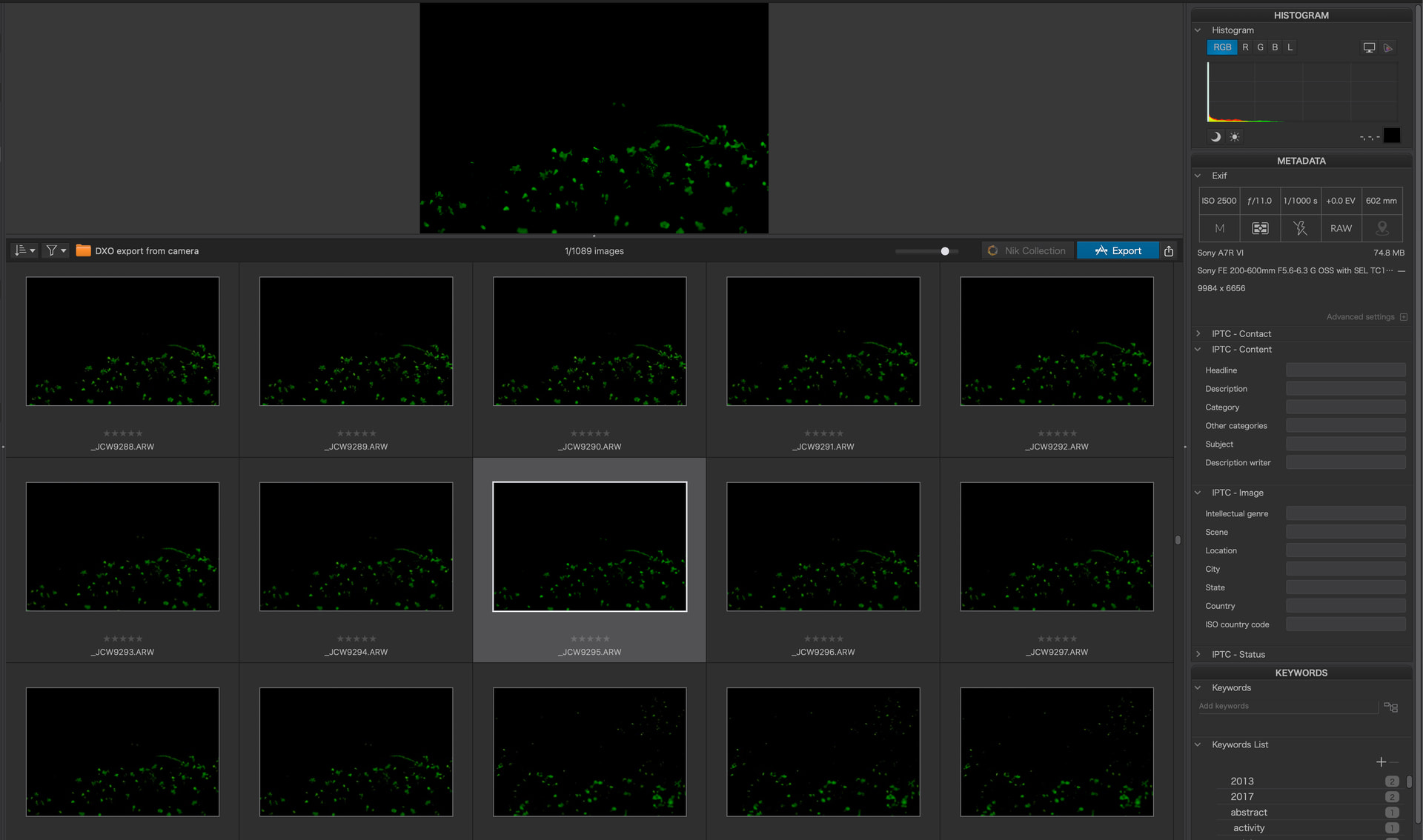
Photos are being displayed as green pixelated and dark, both in Photolibrary and Customize. There are no customisations on any of the photos.
It only started after the latest update to 9.12 and all the photos display perfectly in Apple Photos, Lumina Neo and Sony’s IEDT, it’s only this version of Photolab that I’m having a problem.
Suggestions or solutions to repairing the display would be appreciated.
There is bug with processing any files from the A7R6 that have been taking in Continuous Shooting mode using Compressed RAW. Single Shot images seem to work find.
That’s not correct - if you set your camera to Single Shot and use Compressed RAW you will find PL9.12 or PL10 will open the file just fine. If you take the images using Continuous Shooting PL won’t be able to open them properly - they are 12bit files when captured in this mode which appears to be the cause of the bug.
Compressed HQ is supported and should work in any mode.