@marie Here are couple of samples how Photolab 9 (PureRaw) fails with Fujifilm X-E5 lossless compressed X-trans Raw files . First foto is a crop from left down corner of the sample photo in LightRoom and second is the same after “corrected” on Photolab 9. Third and fourth are uncropped pair and there the whole photo area PL9 corrected is unusable and also the lens geometry is way off.
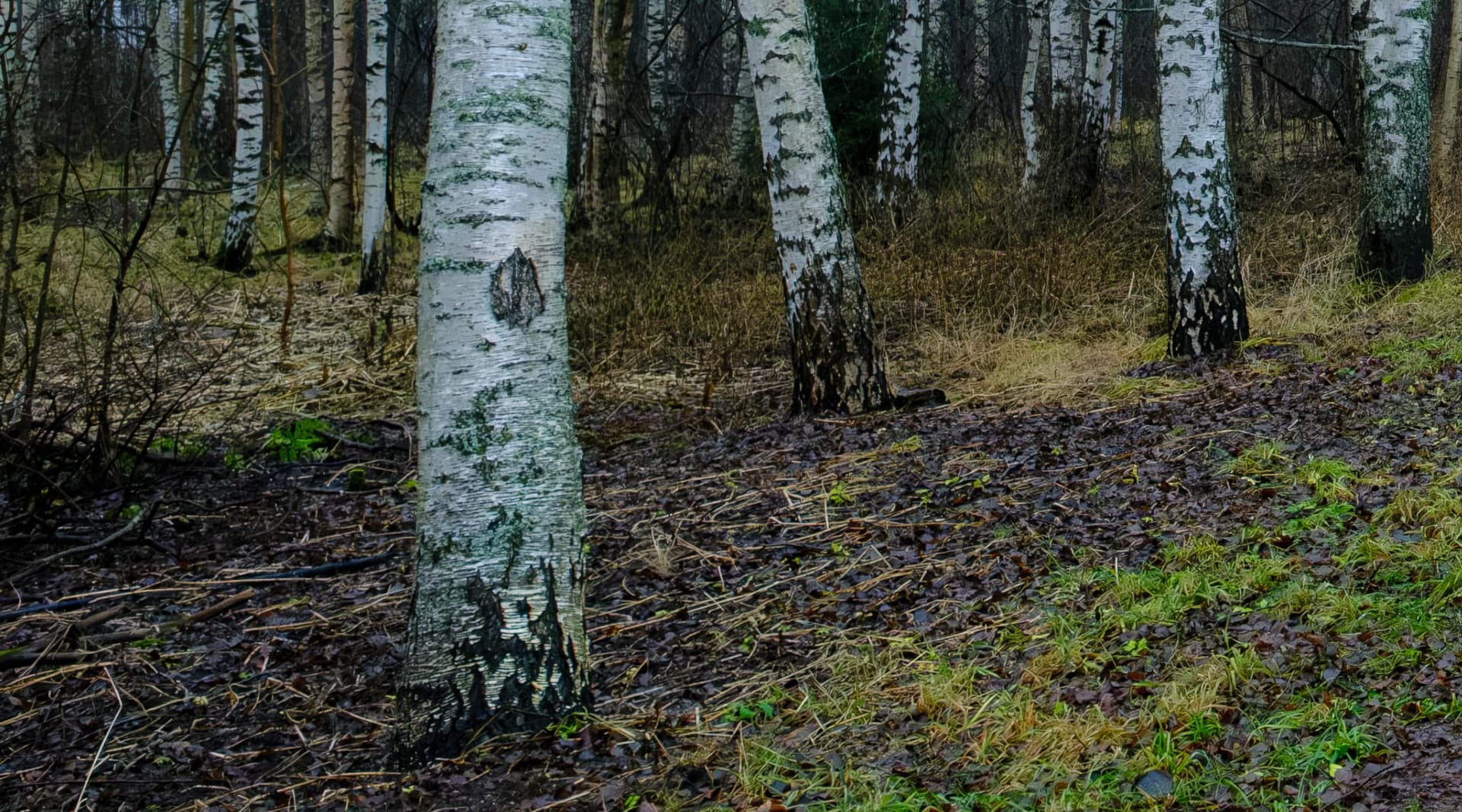
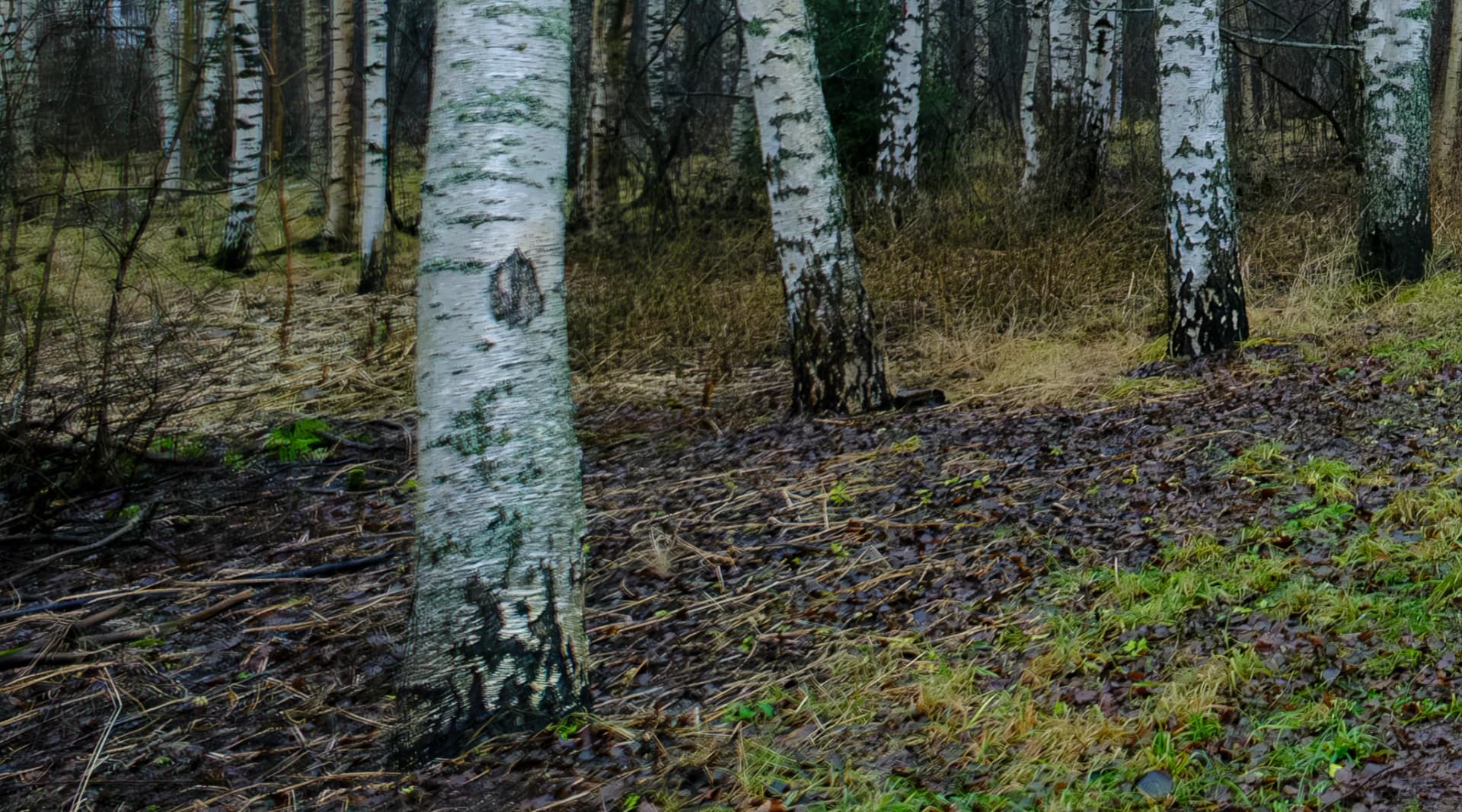
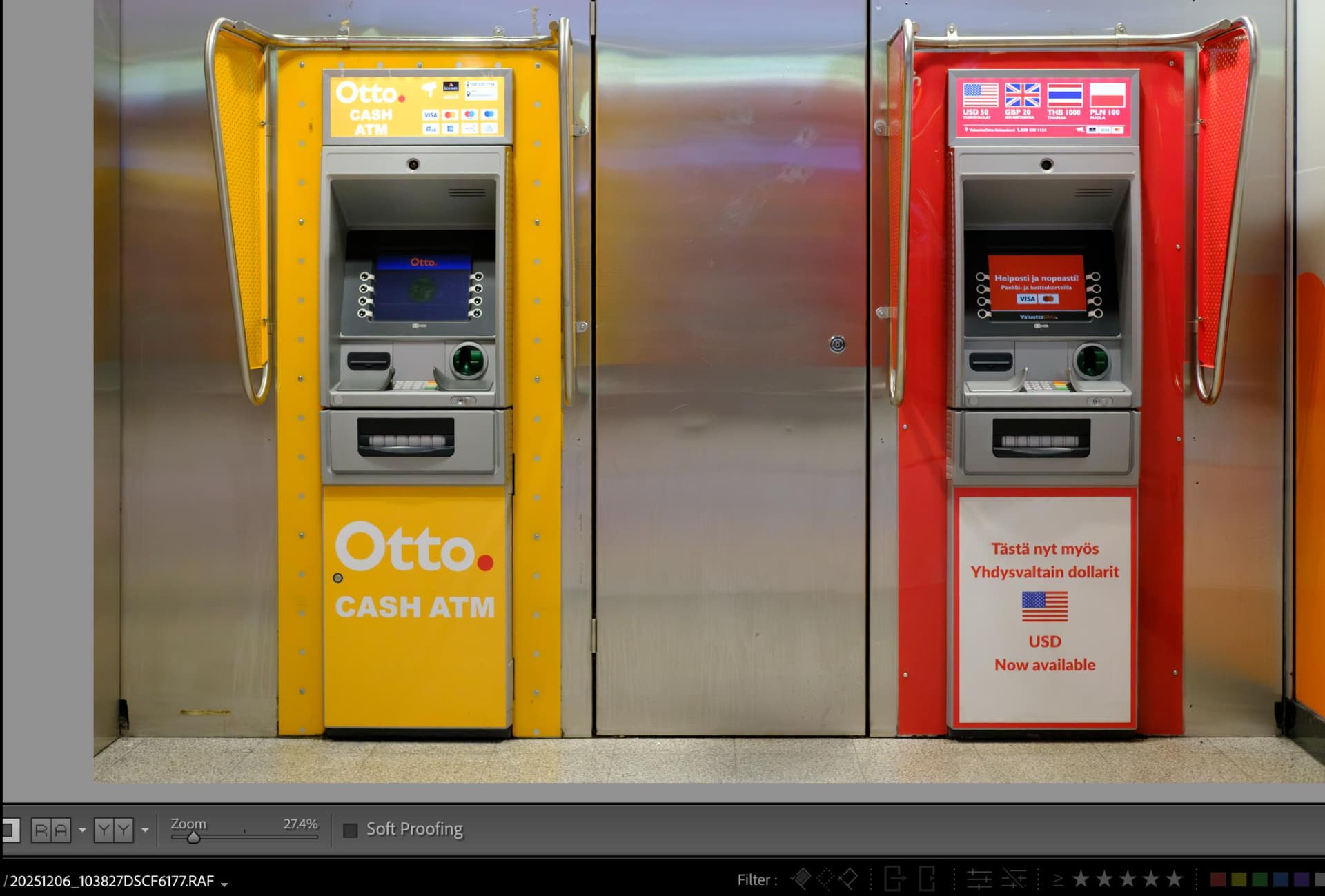

Forgot to mention that this happens on MacOS Sequoia 15.7.2
Some X-E5 raws processed here look OK, so it’s something specific. Can you share raw files for other people to check?
In your example it looks like two photos were merged – one original and the second with distortion corrected. Strange indeed and it doesn’t look like typical image corruption introduced by some graphics drivers, at least not that I’ve ever seen. Is the same flaw seen on monitor and on an exported image?
I’ve checked with PL9.2.1/Win some X-E5 raws from dpreview, studio scene taken with XF 56mm 1.2 R and X-E5 samples taken with XF 16mm 2.8 R WR. Some of them have mild problems with greenish color-casts at the corners (studio scene) but none of them have shown anything similar to your case (checked with various CA and DP settings). It seems it’s something specific to your gear, setup, or raw files.
I found the reason for this behaviour and it was a user error. I had accidentally left LightRoom’s own denoising active. But still I get some strange outputs with some areas of the photos slighty blurred and some are fine. I have used Fujinon 14mm/2,8 18mm/1,4 and 35mm/2. The lenses used doesn’t seem to play any role with this phonemen at all. I thought that LightRoom settings were not supposet to transfer from LR to Photolab but it seems not ti be the case.