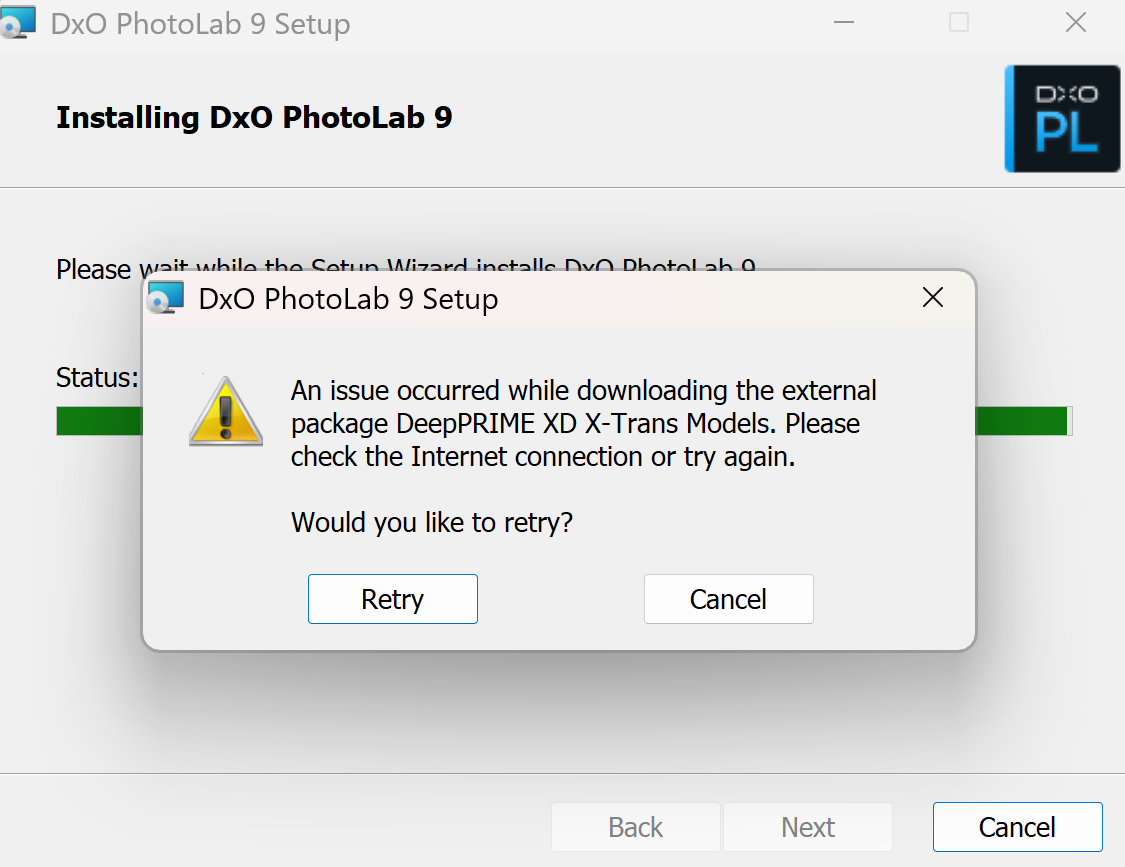
Installation failed when downloading DeepPrime XD X-Trans models. Pls check the model files online. Thanks.
Just downloaded PL9 and installed it without any problems. This was on Windows.
Welcome!
Out of curiosity, have you tried rebooting your computer and running the setup again?
Sometimes (but certainly not always) that is all the “magic” needed to fix problems like this.
Welcome to the DxO Forum, @cheney, but note that this is a USER forum.
- If your problem persists you should raise a request via DxO Support.
- https://support.dxo.com/hc/en-us/requests/new
Hi. I had exactly the same problem and despite involvement from Support, the problem persists. I would be interested to know if you managed to solve the issue.
May try disable (temporary) firewall / antivirus?
Also, may its can be some certification issue? Eg. DxO cant use their own certification(s) (for SSL?) - it was like a month or more with some Mac in the forum?