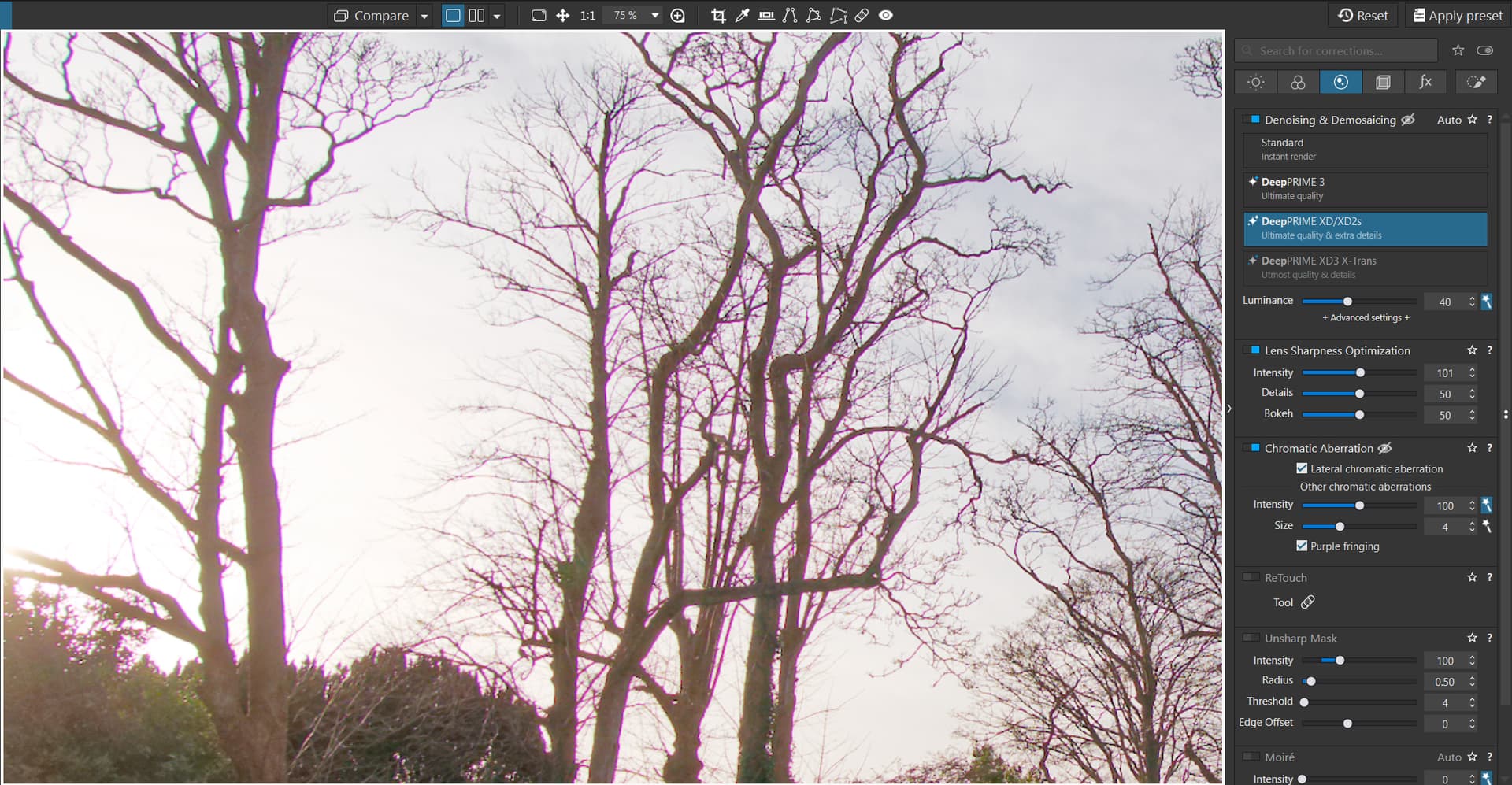
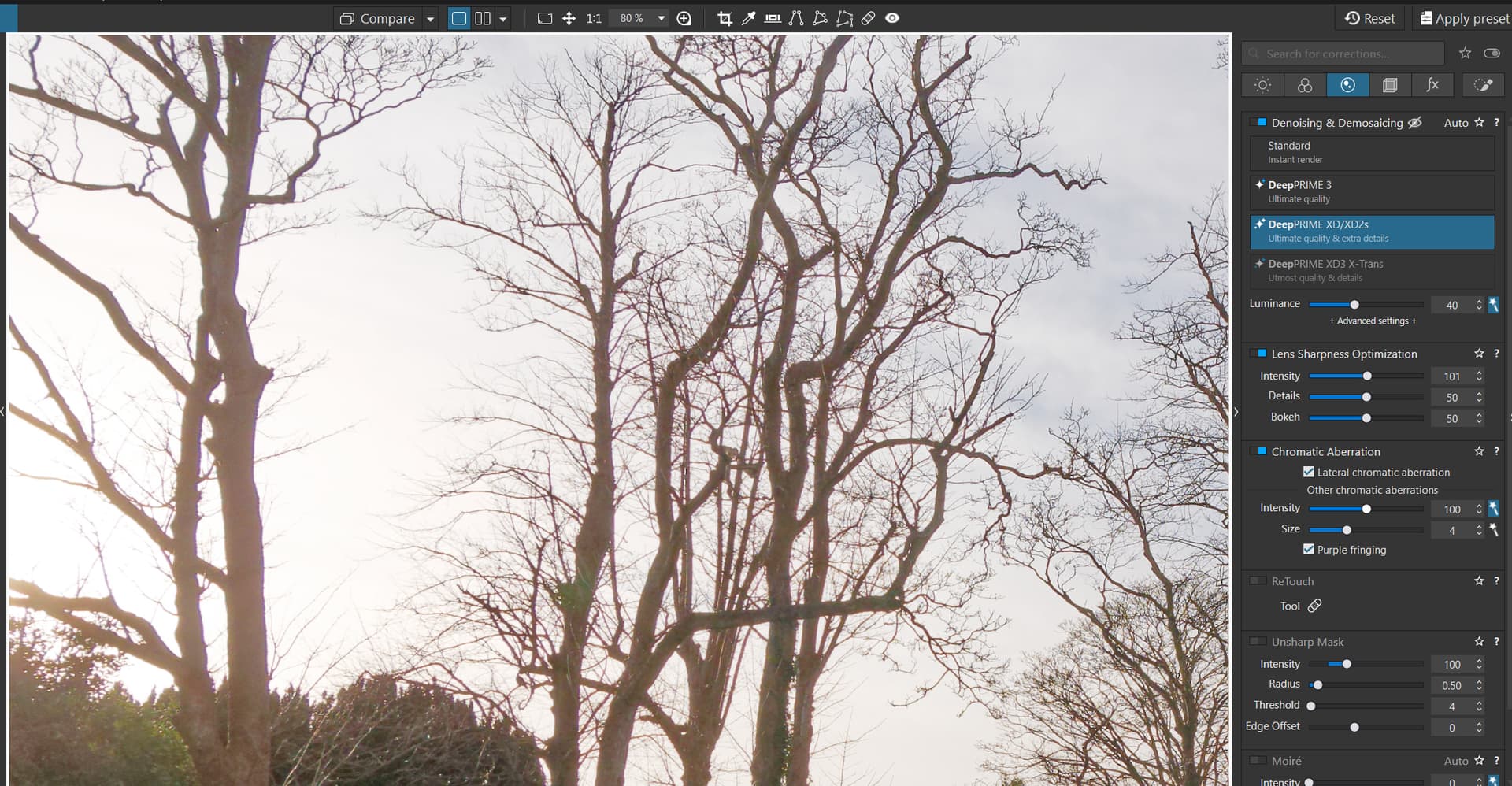
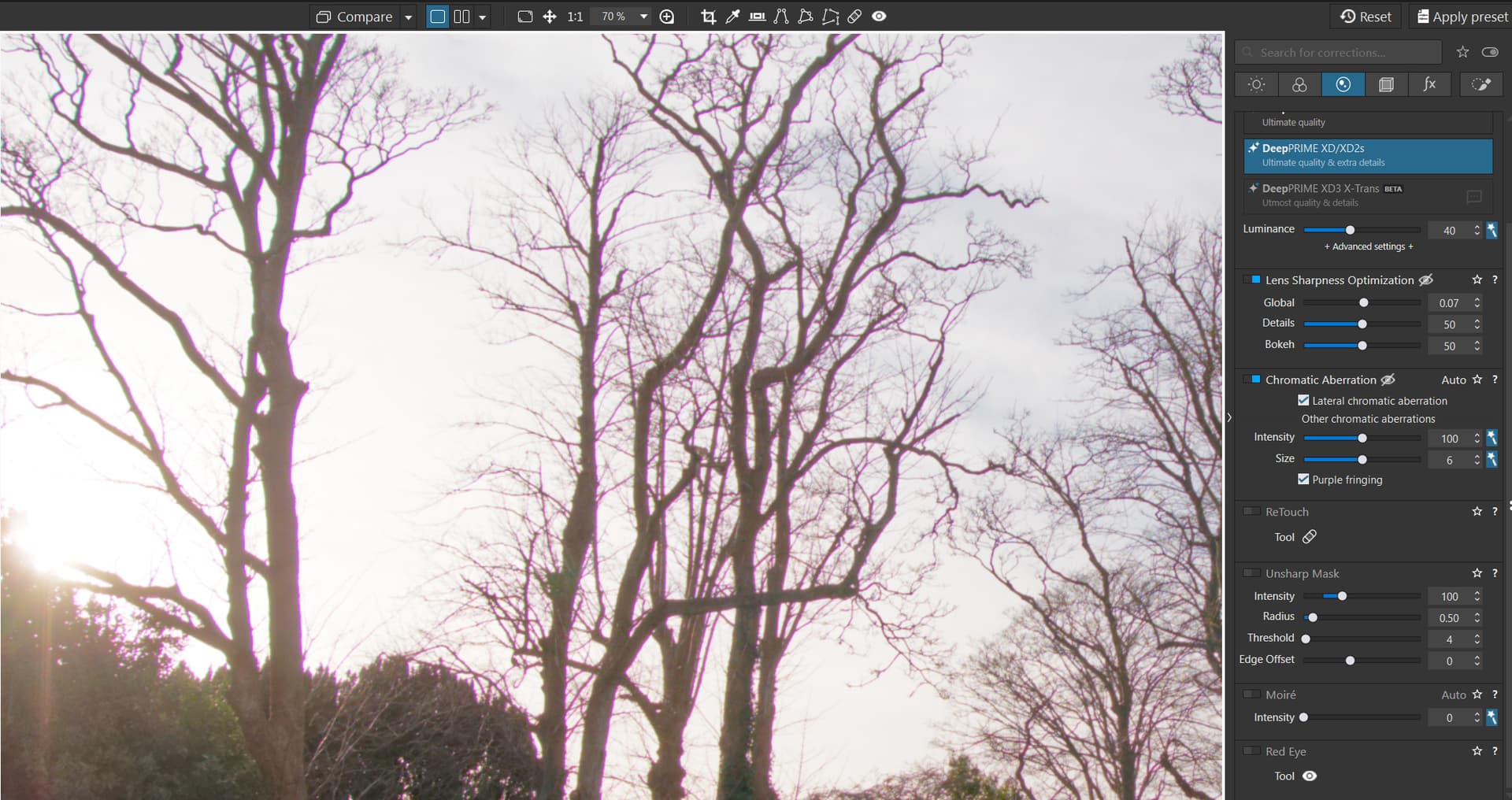
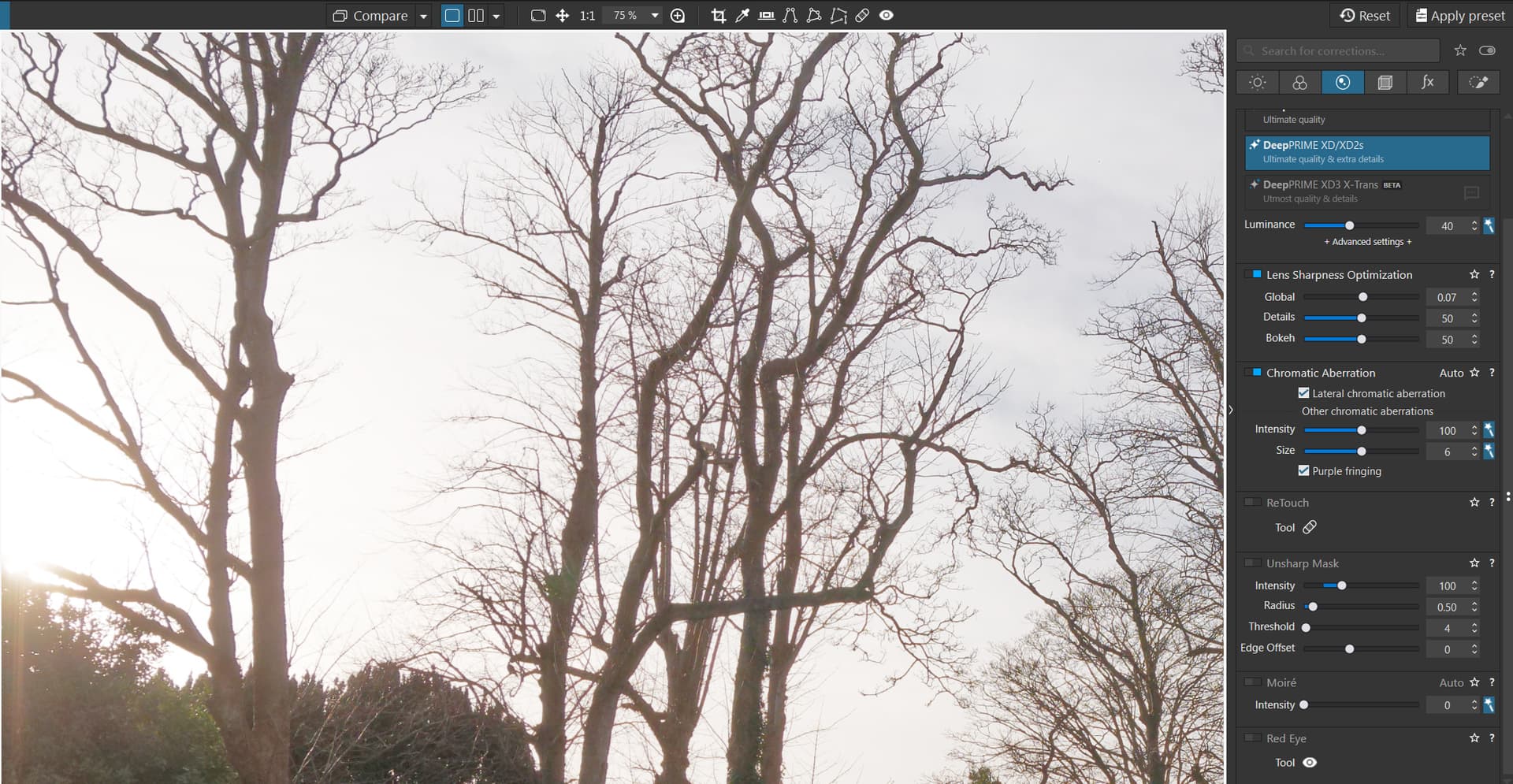
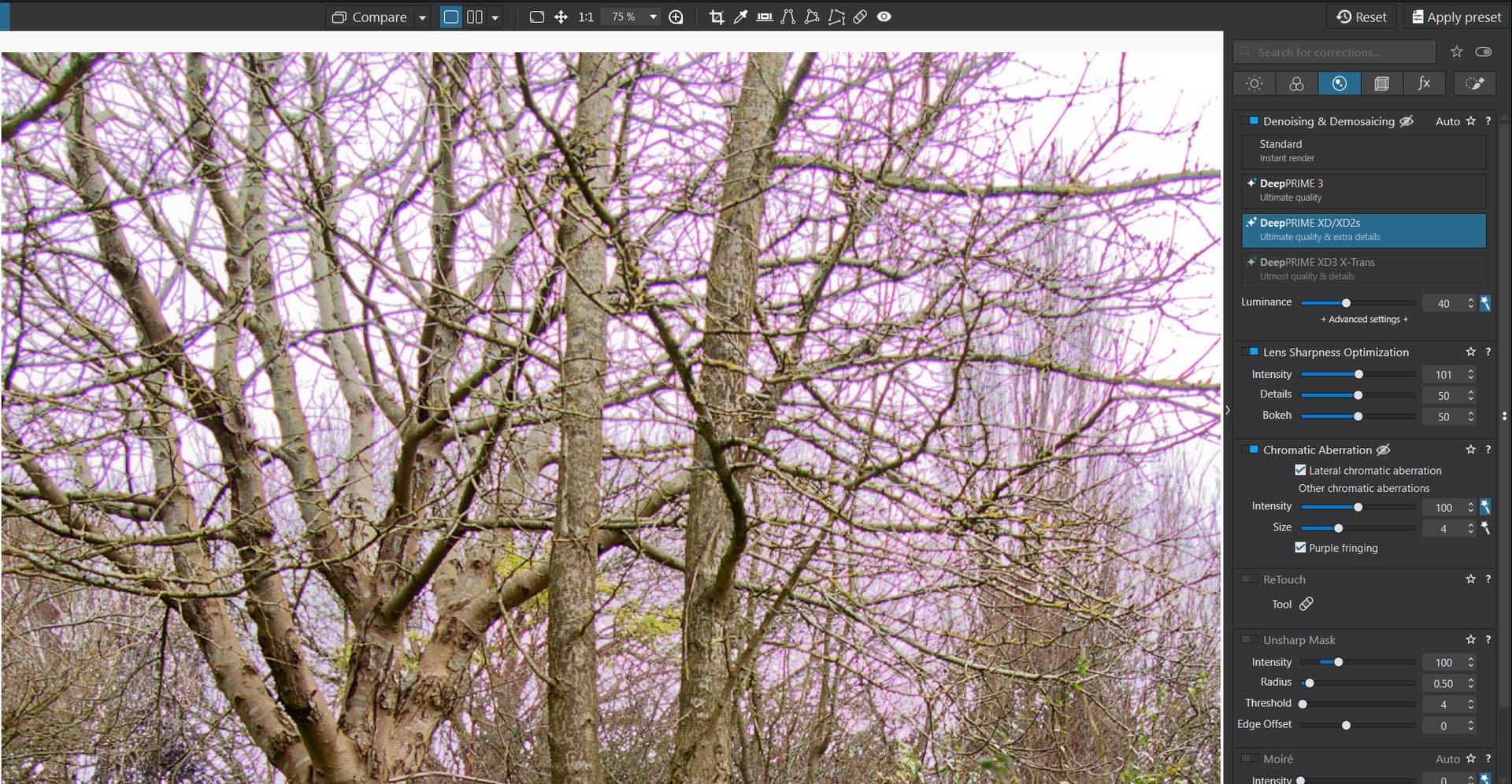
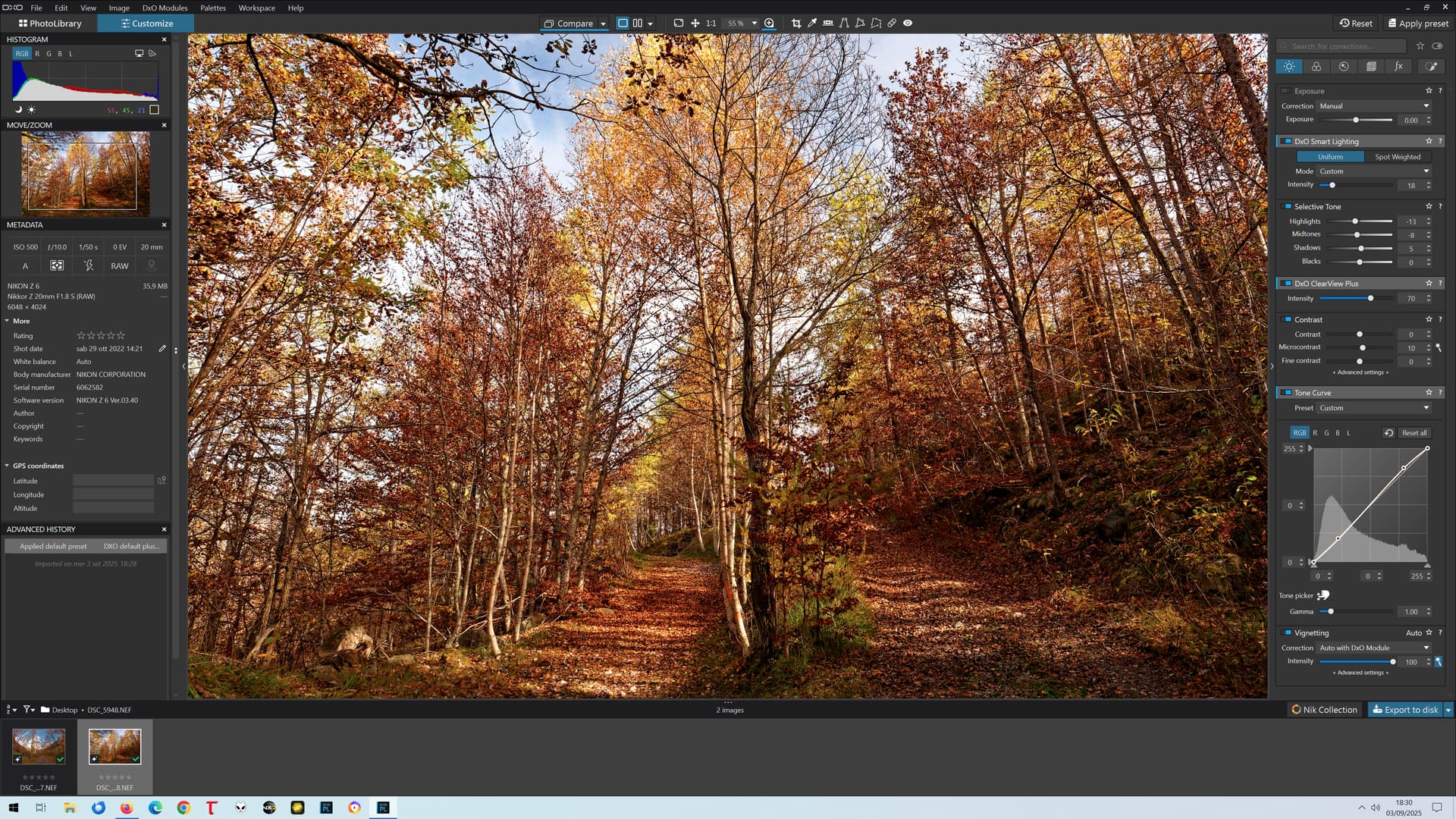
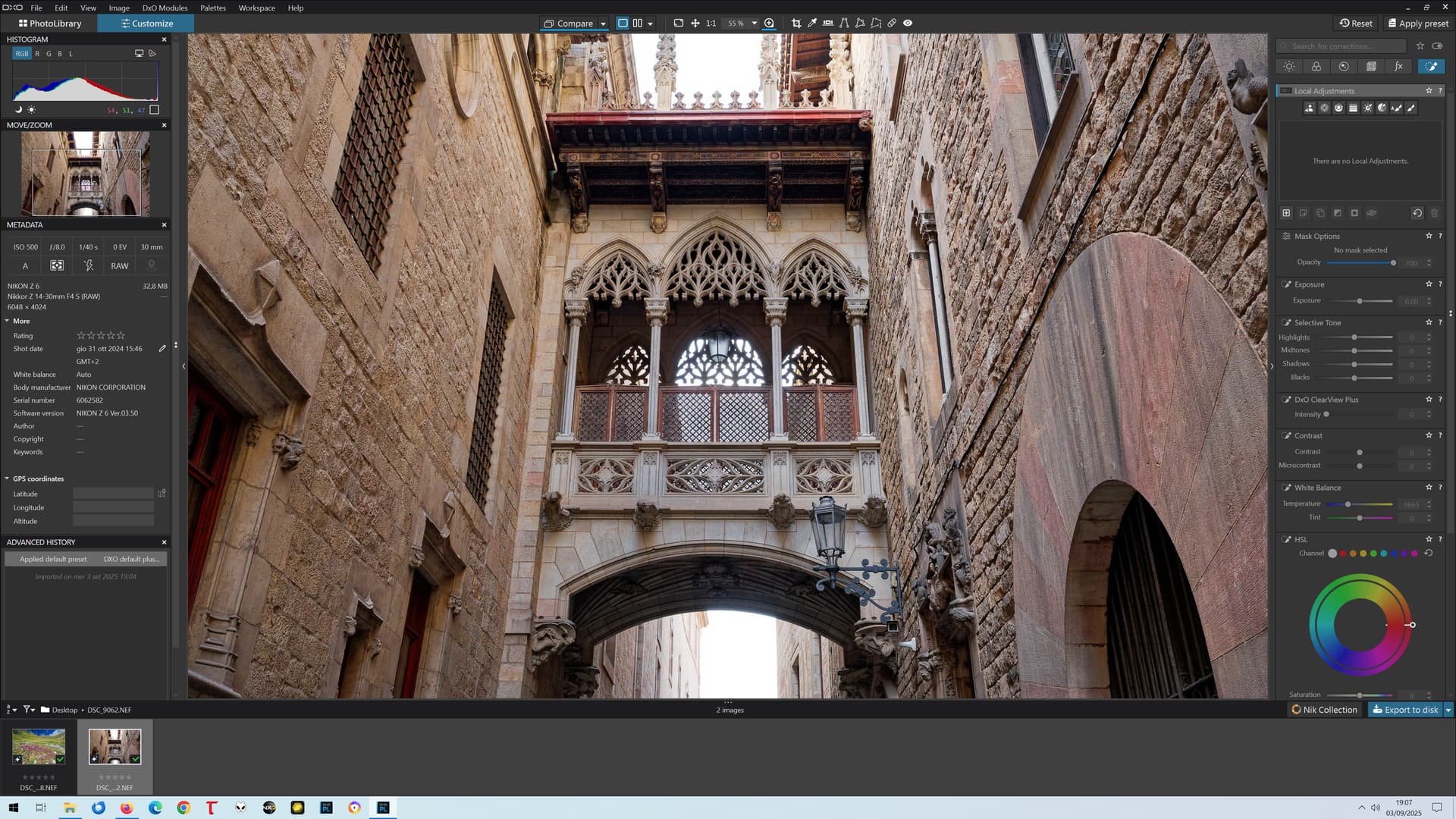
There is an important undocumented upgrade to PL 9 which has been in the backlog forever. PL9 now supports viewing the results of image sharpening using the Lens Sharpness Optimization tool and the Unsharp mask below 75% zoom!! You no longer have to zoom in to view the results of sharpening.
You can now also see the results of the Chromatic Aberration tool at 50% zoom and aboverather than the previous 75% zoom.
More interesting for me than the rest of the new features!
But… couldn’t have made at least an extra effort and give complete preview at 25% zoom too? 50% barely fits a complete 24 megapixel image on a 4K screen…
Whatever the original intent, which was to be even better than 50%, I suspect, the actual released reality is worse than it was before with PL8, at least on the trial that I have installed!?
@Peter-S Because, if I am right, and it is always possible I have done something wrong somewhere, the proposed upgrade missed the “boat”, when I installed the trial on my 5600G(RTX2060) yesterday I was disappointed, to put it mildly, that things seemed to have gone backwards!?
Two slightly better examples from my CA test folder and PhotoLab CA is still mostly useless!
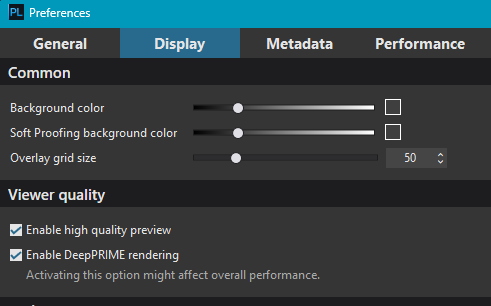
@mwsilvers I owe you an apology @Pieloe Lets just say when I last encountered PL9 I believe that option 1 was automatically set in the options and as a result I never discovered it and its companion so I automatically got the over 50% view
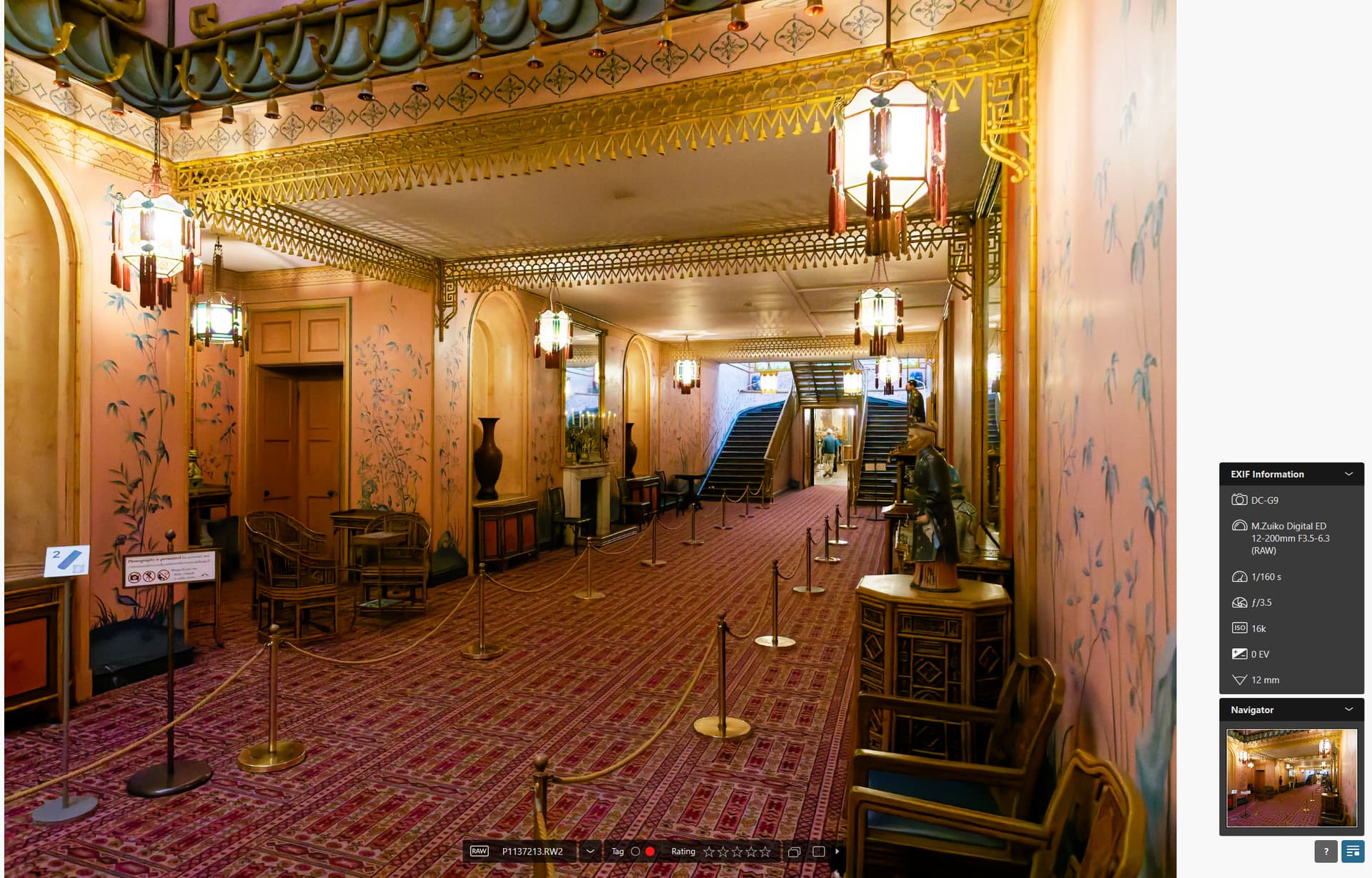
That changes things somewhat so now we can have the following with my 5600G and an old RTX2060 and a normal image (ISO 200)
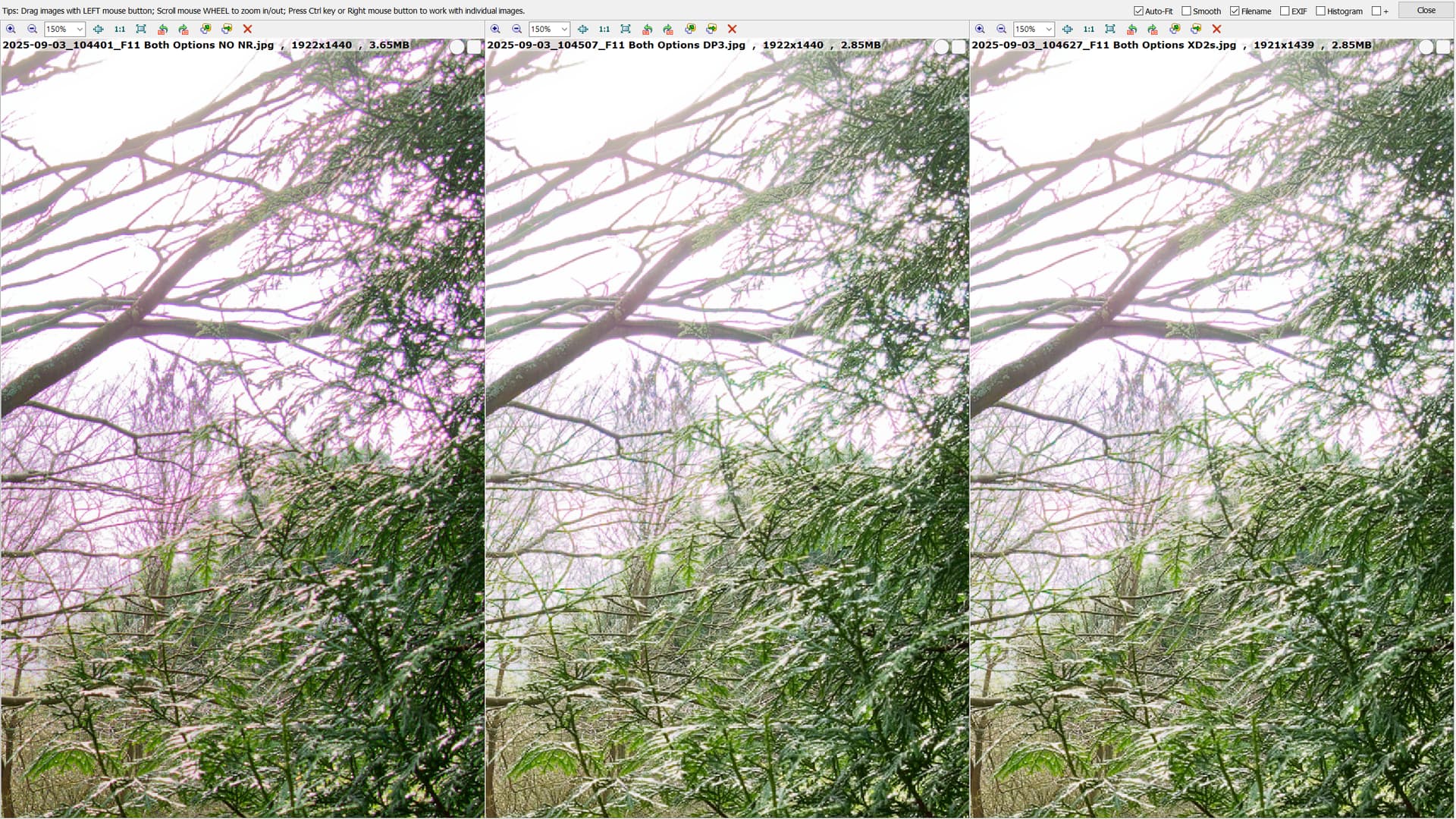
I will leave it at that for now but have run a series of tests at 50 % and 55% and can display the results if desired. Leaving the option set does cause the GPU a bit of anxiety but this is an F11 ISO 16000 image with XD2s set
I don’t quite understand? Does the preview show now deep prime results at any zoom level? And if I don’t activate deep prime, does it apply sharpening and CA correction now below 75% zoom level? The latter is the most important to me.
We can presumably view the results of sharpening, and DeepPRIME, separately or together, at any zoom level in the editing screen, and CA at zoom levels of 50% and above. Whether there are any visual issues or limitations as a result of this, I can not say. To view DeepPRIME full time in the edit window, the option in preferences must be selected.
Perhaps some fine tuning by DxO may be required. However, these are all long requested updates and I suspect that most users will probably be satisfied with the results. Time will tell.
I like where this is going, seems that they follow user feedback a bit more again. A bit more investment in their projects/ asset management, and it’s getting really good.
The new zoom limit to correctly apply sharpening and chromatic aberration corrections, 55% instead of 75%, is an improvement… but not enough. I want to view the whole image with correct colours instead of artifacts, and on a 24 mpx image 55% is not enough.
Was it so difficult to render the image correctly at all zoom levels??? Or at least make it configurable???
At the moment, this is a deal breaker to me. Change this minor thing, and move the limit to 25% instead of 55%, and you have my money for the upgrade.
The “Enable DeepPRIME rendering” does not make any difference: chromatic aberrations are still not rendered correctly, causing colour artifacts, at zoom levels below 55% (lesser than before, but still there). This is a completely separate issue: the new 55% limit works even without enabling this option, which is good.
Just make it 25 instead of 55, and we’ll all be happy.
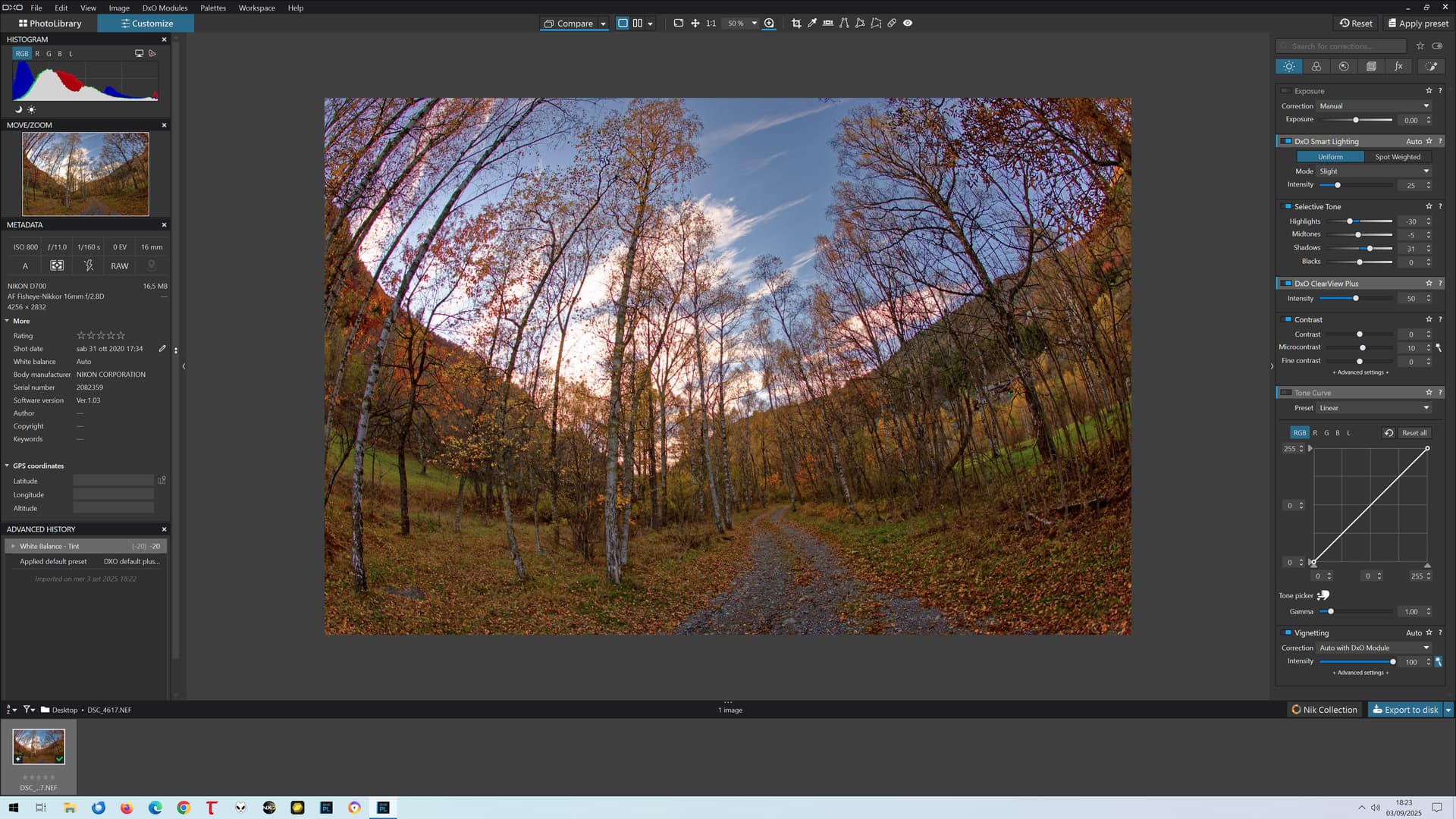
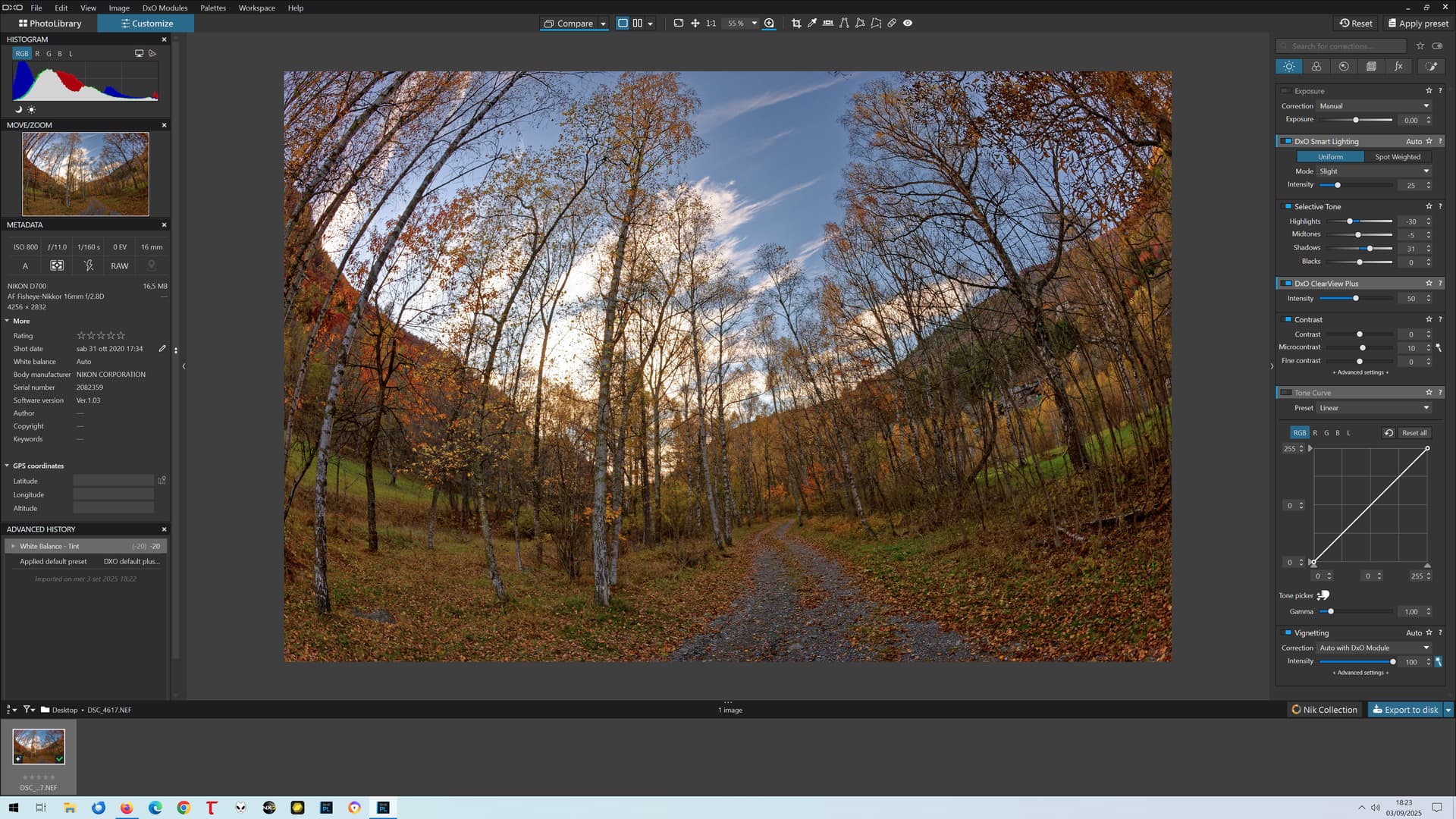
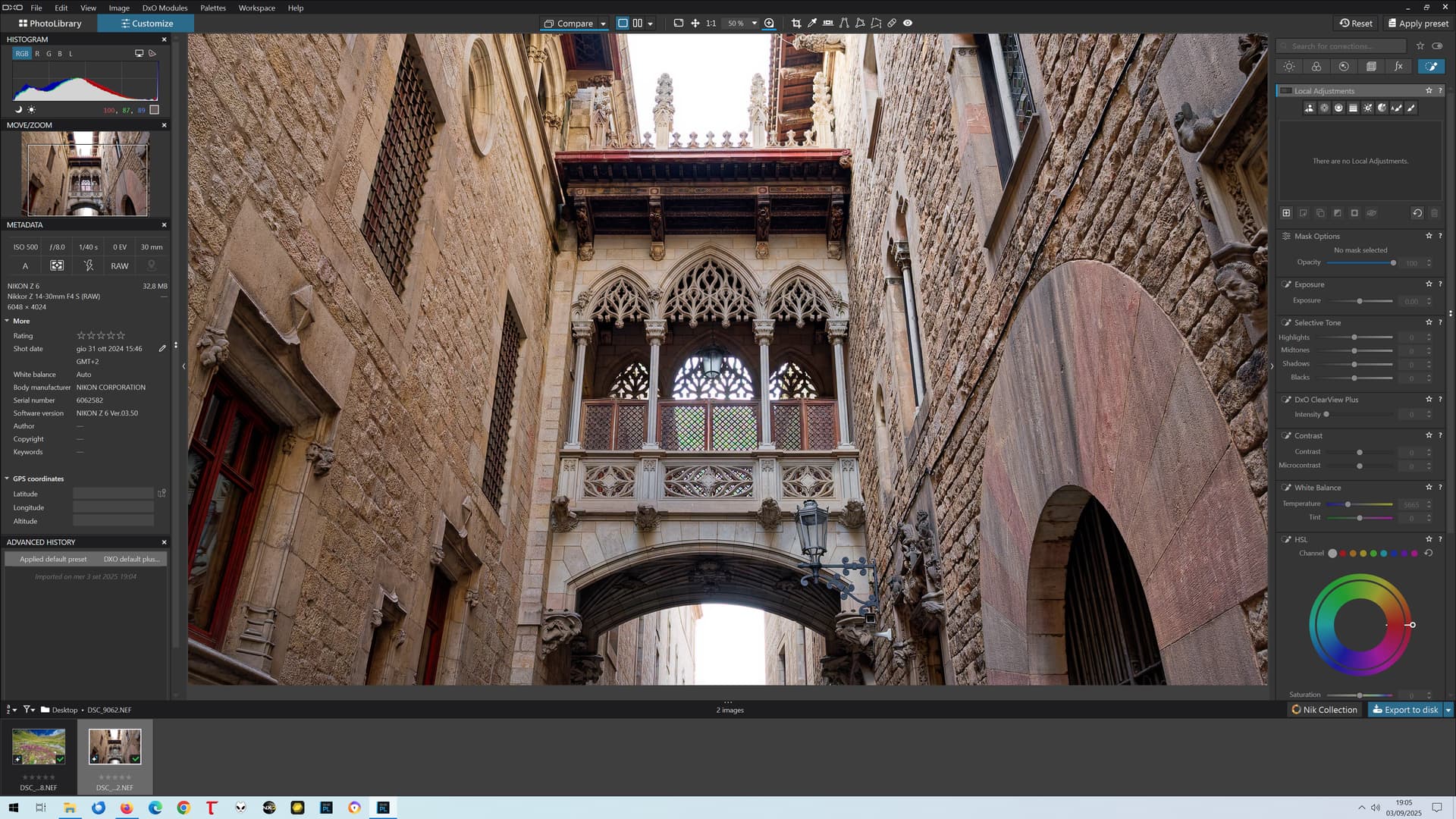
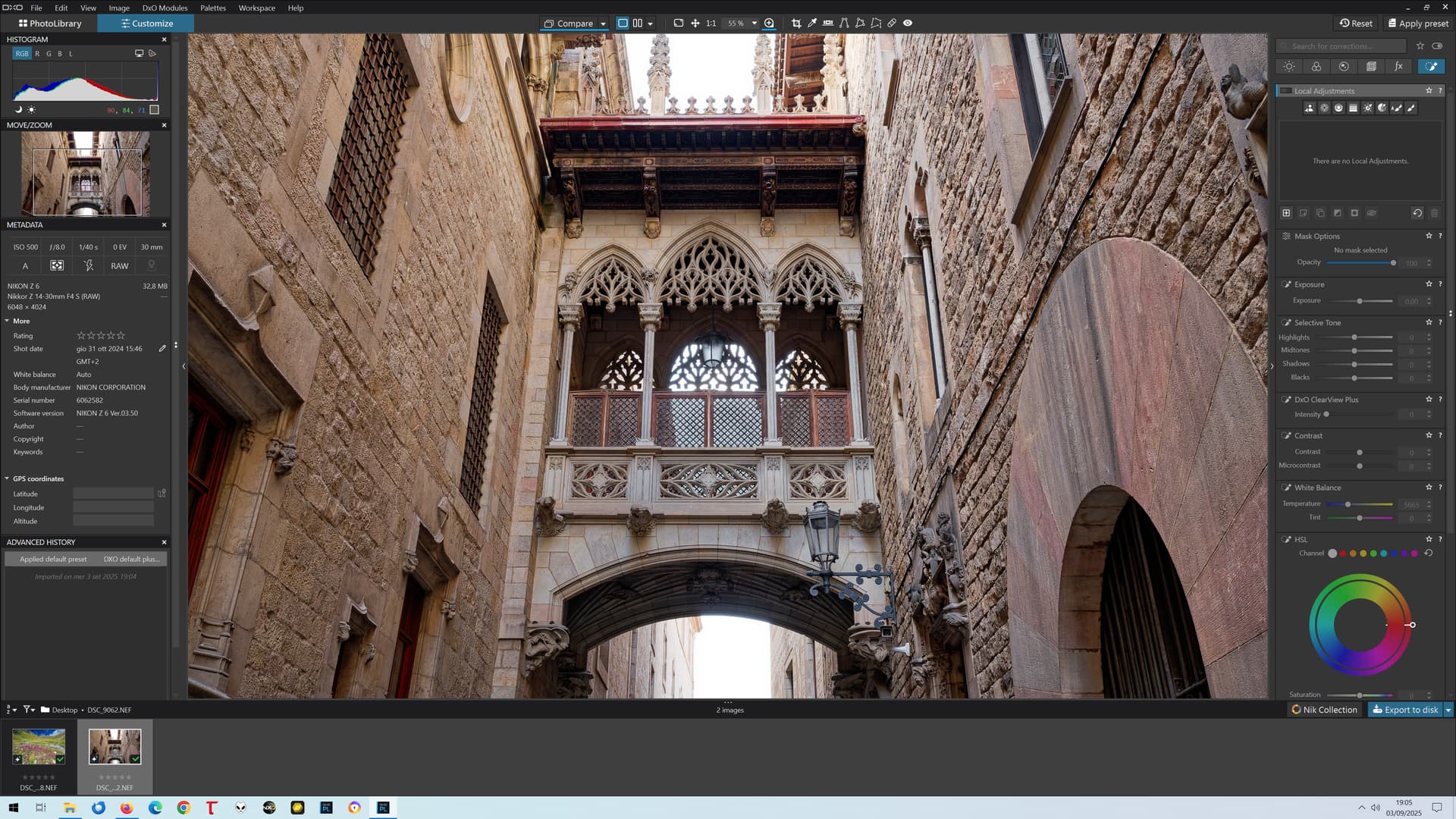
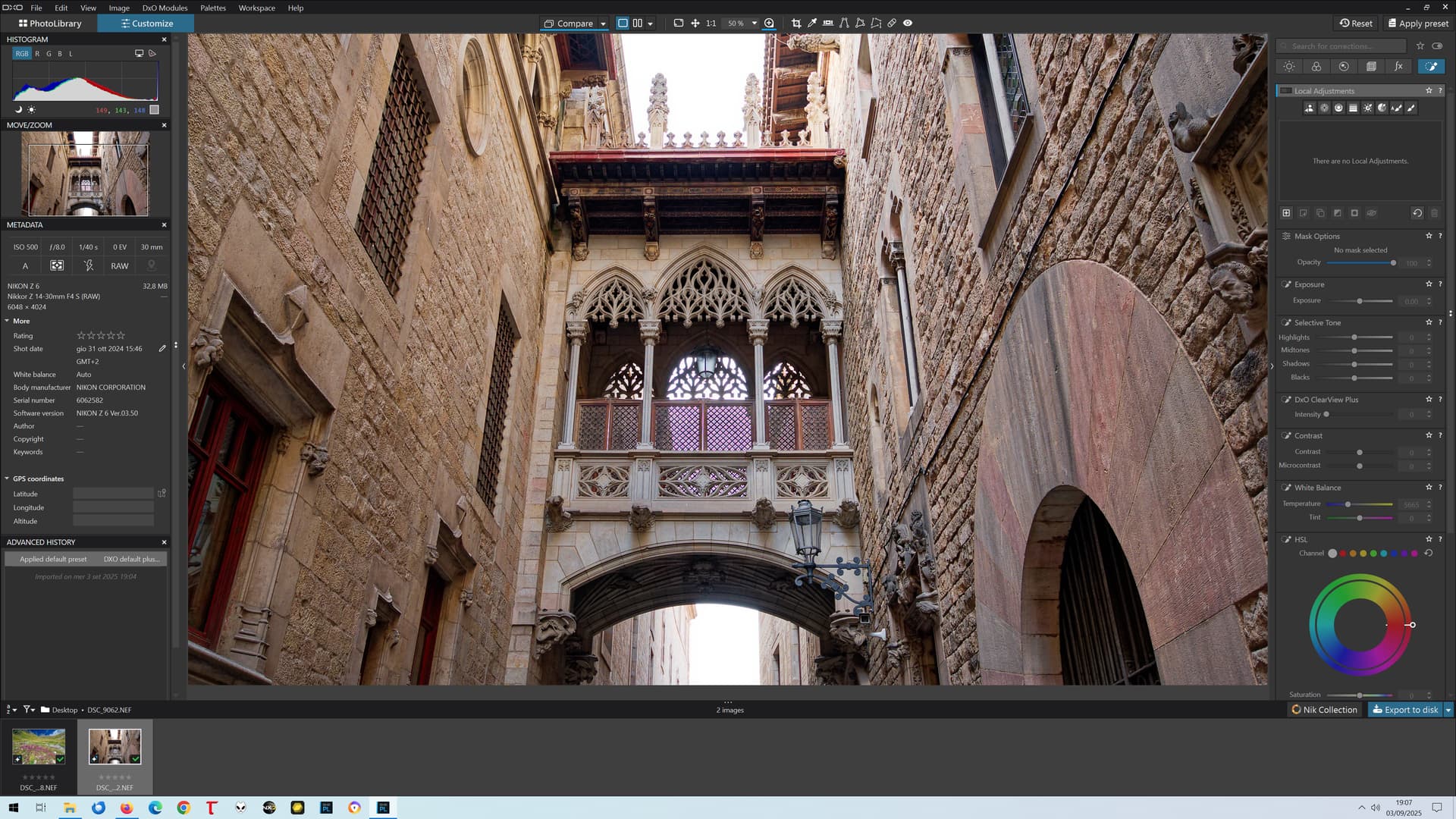
Notice the green artifacts in the center at 50%, which are not present at 55% nor in the exported JPEG? THEY SHOULD NOT BE THERE. (Be sure to open the high res image, or you won’t see them)
Let’s see what happens WITHOUT “Enable DeepPRIME rendering”…
the 75% limit has been lowered to 55%, but it still is NOT enough
you may choose to enable “DeepPRIME rendering” (at the expense of a little bit of rendering speed if you have a good GPU) or not, but the 55% limit still remains: what changes is how the visual artifacts look (in this case, green vs red, and slightly less intrusive than before). But the artifacts are still there, and they shouldn’t. If they are not there at 55%, there’s no reason why they should at 50%.
Will it take 5 more years to fix this and give us correct rendering at ALL zoom levels? Or at least from 25% up? Until then, no more money from me. 55% is an improvement compared to 75%, but still it’s an arbitrary limit WHICH MUST NOT EXIST.