Size more-or-less only related about PL editing ‘history entries’.
Example of my database - not so much photo in there: 10296.
Database size (overall): 400 MB. Some (not all) data table size:
- Folders table (where the folder structure stored: 176 row, size: 0.01 MB
- Items (photos / edited photos + virtual copies): 10296 / 71 MB
- Sources (the files itself): 10036 / 1.8MB
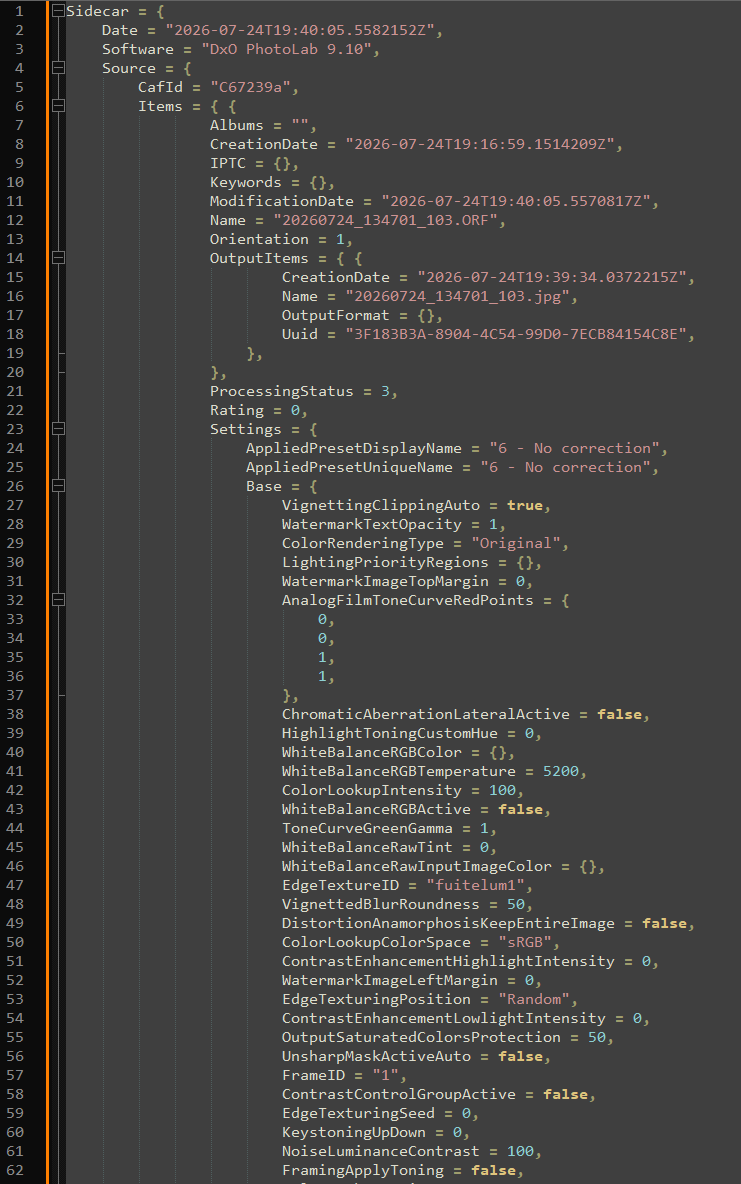
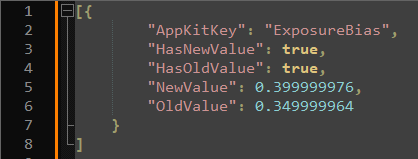
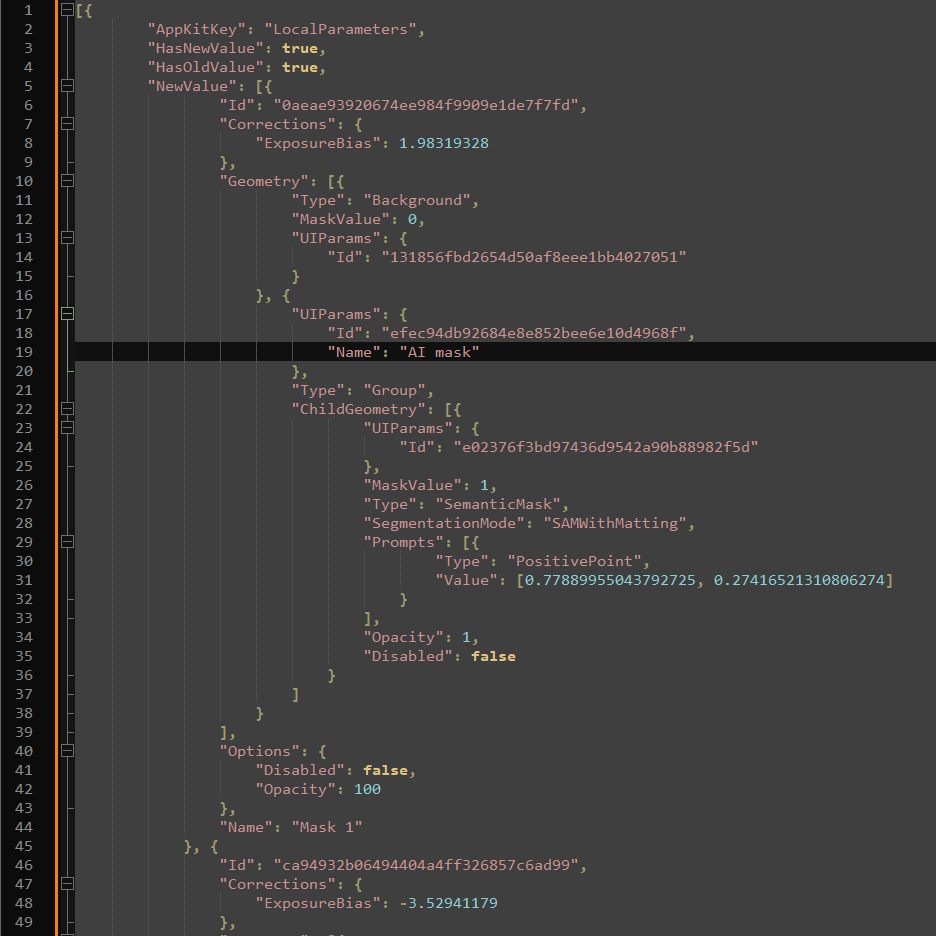
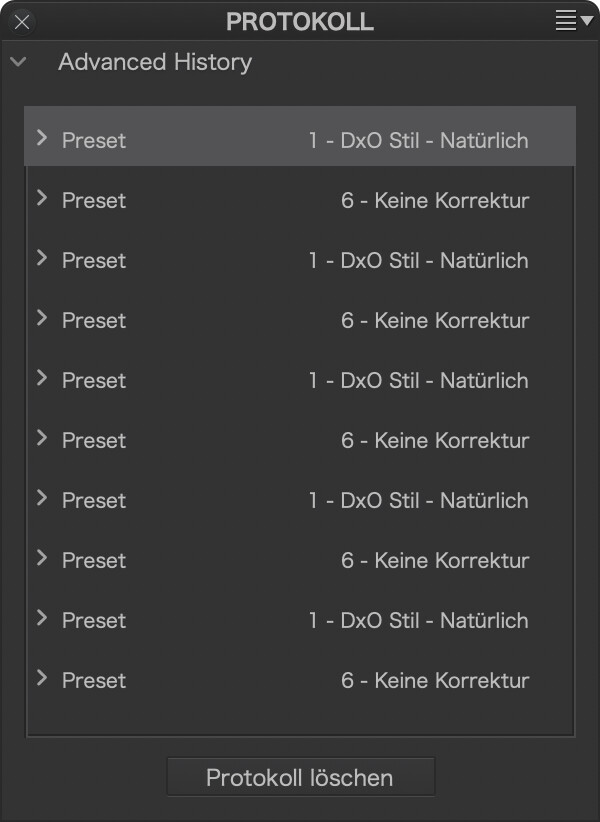
- HistoryEntries: 55342 / 322 MB → and 4340 photos has history entry (approx half of all photos) and only average 13 history entry per photo!
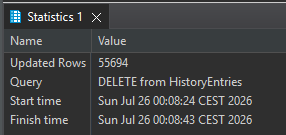
So, i think your 17GB database size due the ‘Advanced History’ - default like 50 for each edited photo (i leave it to default 50 in my database). Example: If no history, for 1GB database size, around 150 000 photo needed, for 17GB → around 2.5 million (may just 2 million)
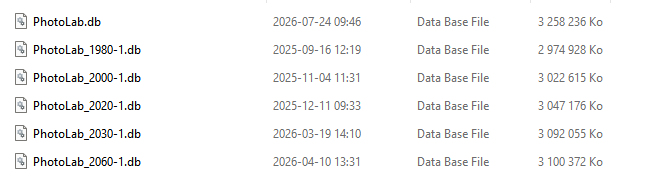
is it possible to use multiple databases instead of a unique one, like one database per year
AFAIK in the file menu → Dxo Photolab database → backup ; restore. May you can do the trick with that.
However, i think it MAY has one small issue → preview cache. I guess, by default its not designed for multiple database. However, cache folder can be changed, so its can also works.
This would maybe accelerate their opening in Photolab.
I dont think its save too much if any. A few times i ‘debug’ what happen in DxO PL startup, folder opening, etc. and comment in the forum about that a few times. As far as i remember, of course its does database reads a lot during startup, but it was ‘not too much’ versus other things during PL startup (but i test with minimal history entries). For me currently like around 25-40 sec to start PL9 (all things in internal drives)
My main photo folders are in an external USB3 hard drive.
May that’s can be the thing behind startup performance.
Other: Data tabe size SQL query’s line by line (Windows database, i think in Mac the same, just folder names others (but similar)
Select count(*) from folders as itemcount_folders
SELECT SUM("pgsize") FROM "dbstat" WHERE name='Folders'
Select count(*) from Items as itemcount_items
SELECT SUM("pgsize") FROM "dbstat" WHERE name='Items'
Select count(*) from sources
SELECT SUM("pgsize") FROM "dbstat" WHERE name='Sources'
Select count(*) from HistoryEntries as itemcount_history
SELECT SUM("pgsize") FROM "dbstat" WHERE name='HistoryEntries'
Select count(*) from (Select count(*) from HistoryEntries group by ItemId)  -- how many photos has History
Select avg(cnt1)  from (Select count(*) as cnt1 from HistoryEntries group by ItemId) -- average historyentry per photo