I am a wedding photographer and recently discovered Photolab8 and now 9 and am currently on the trial version. I’m creating presets for my workflow which sometimes consists of 900 images.
So far I have created presets and they work really well, however I have discovered that the denoise function is very intensive on my workflow and slows it down and so I changed my preset to take that aspect out and I thought I would add it at the end.
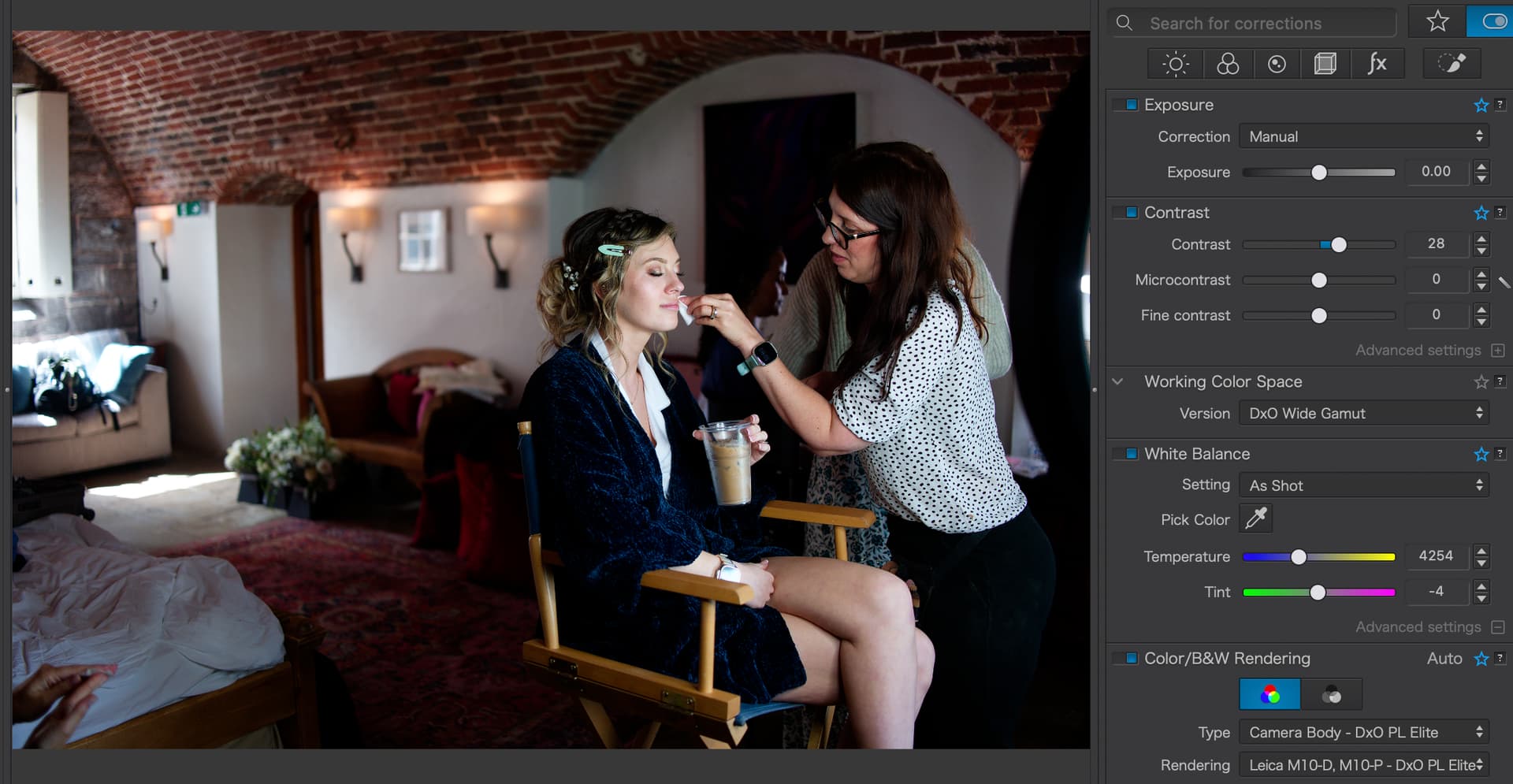
Problem is I cant figure out how. If I make my edits and then create a preset that just adds Denoise the image changes, and other edits are made. I’ve tried for ages to figure out why this is .
Is there a way to just add denoise as a preset to all my images or do I need to add denoise to one at the end and then copy and paste selected adjustments?
I am not at home and on my current PC, I don’t have PL9.
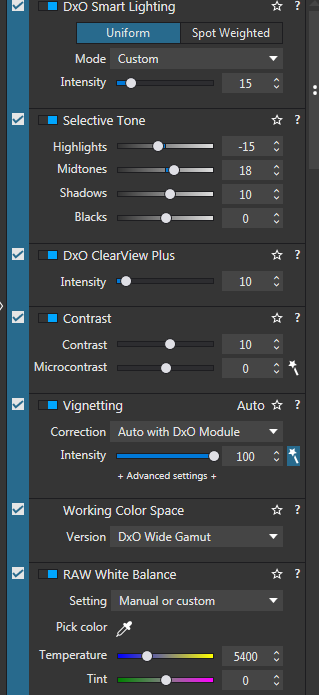
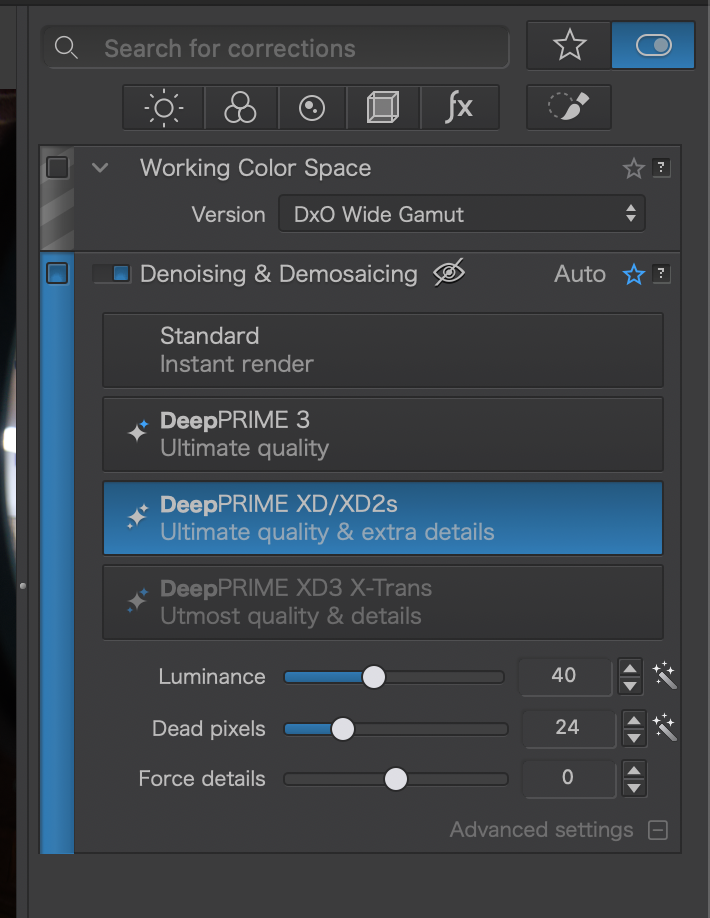
I have just tested with PL8 and I have many other changes (color and geometry) although only DeepPrime XD is enabled in my preset.
Are you sure that there are no other settings in your partial preset that have that blue vertical bar? For this type of use, I recommend using “New empty preset” and only adding denoising.
A little side note: I have found the default Luminance 40 to create a bit of a plasticy look in some situations (like wood grain and other fine patterns in low light). I think 20 is a better default, that still applies fantastic denoising but the result still feels organic.
Make sure to use the Advanced Workspace setting and that you use the Elite edition of PhotoLab. The Essential edition can’t create partial presets (although you might try to edit the preset file).