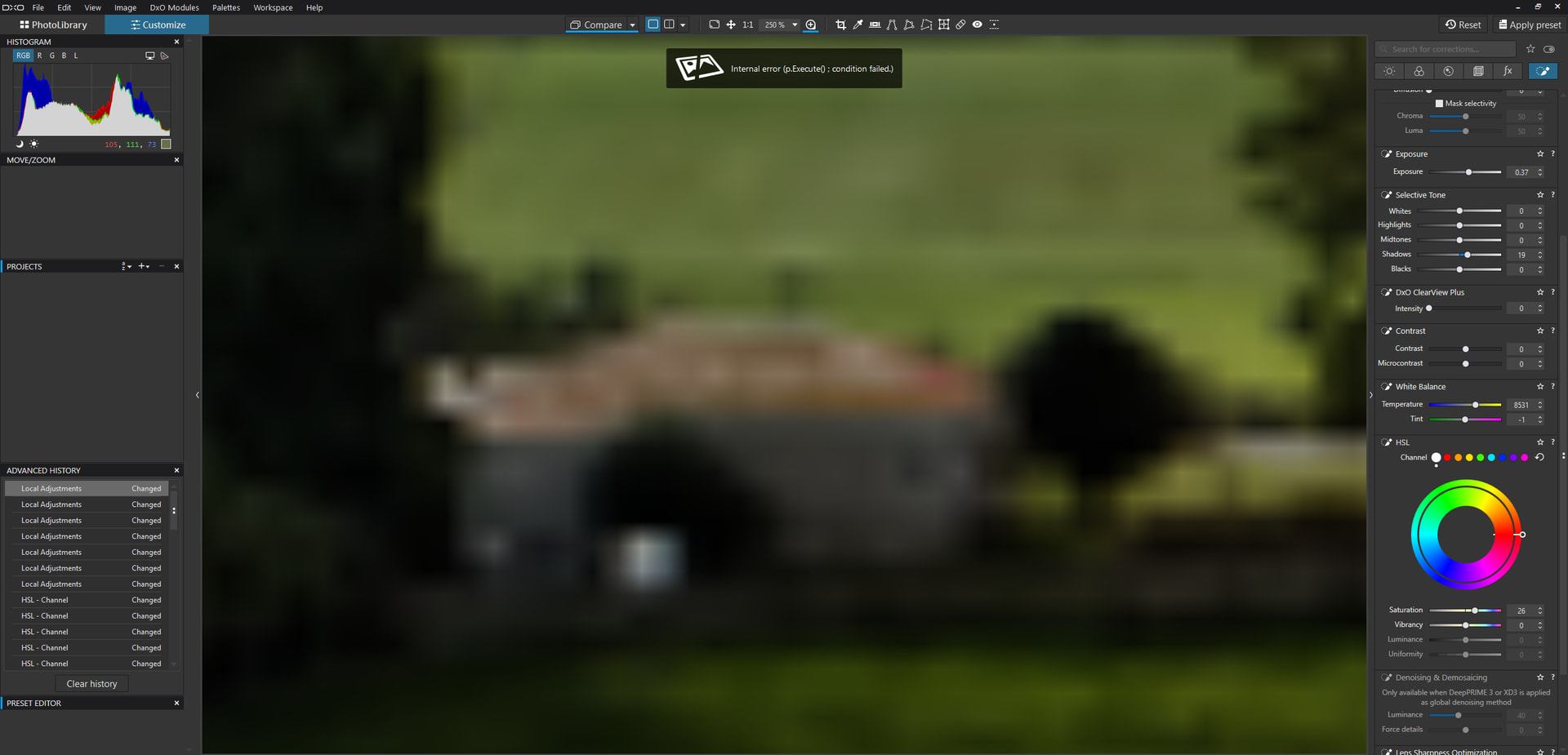
I am getting an error and Photolab freeze. Here’s a screenshot of the error message.
Can anyone decipher the error message?
Thanks.
Craig
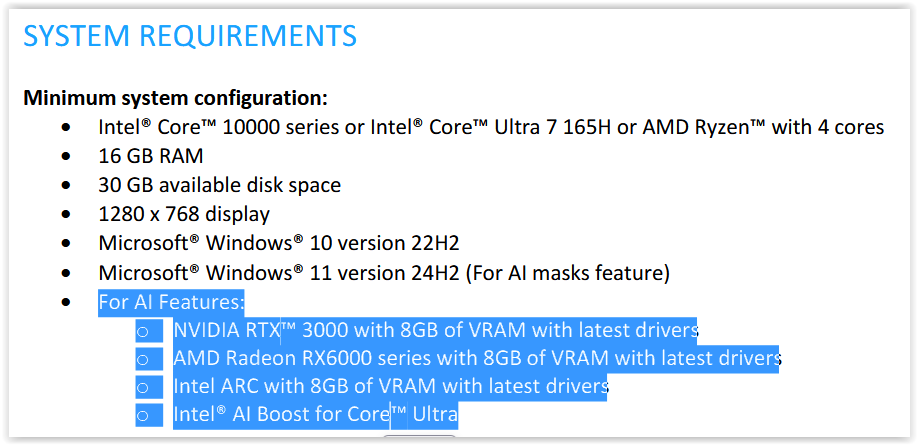
My first guess would be that your system is insufficiently resourced for PLv10 requirements.
It has always run PLv9 perfectly well.
CPU
NVMe SSDs
SPCC M.2 PCIe NVMe
Crucial CT1000T500SSD8 (1 TB)
HDDs
WD WD1003FZEX — 1 TB (×2)
WD WD40EZAZ — 4 TB
That’s a feature of PL 10. Other than before, images are only analysed by the AI once one clicks on the AI Preset button, It then takes a while for AI to find people, flowers etc. before they can be used s masks.
Previously, PL looked at all images of the selected folder which made PL look unresponsive or frozen.
Throwing in a lot of GPU power will help…but in comparison, I see that Lightroom does the same job in much shorter time with any given GPU.
I have also now installed the latest Nvidia Studio Driver - I previously was running the Game Ready driver.
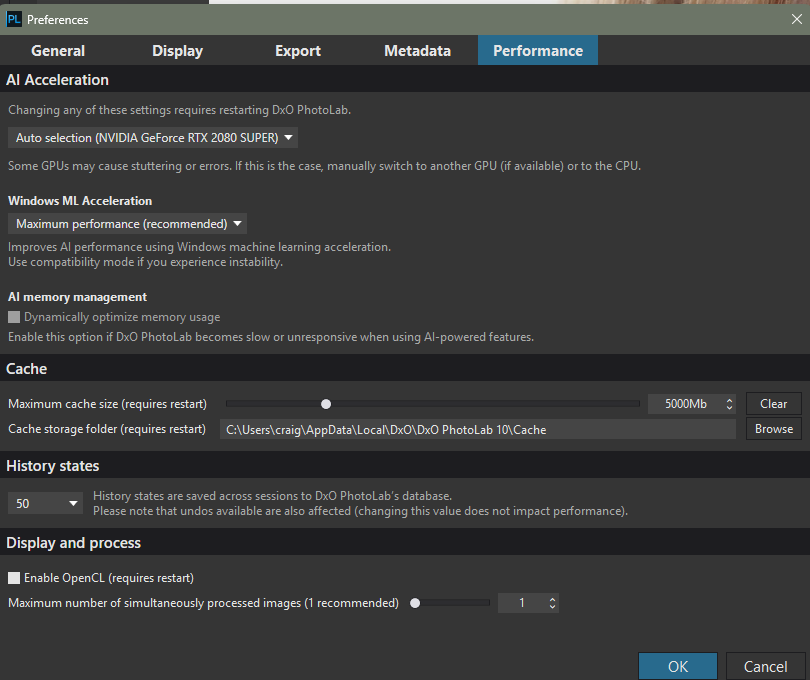
This appears to have corrected the crash with OpenCL checked in the Performance settings of PL10.
For benchmarking, the AI mask tool takes 10 to 12 seconds on my computer to review the image. I can live that but will probably need a GPU upgrade before PL11. Maybe even a CPU upgrade.
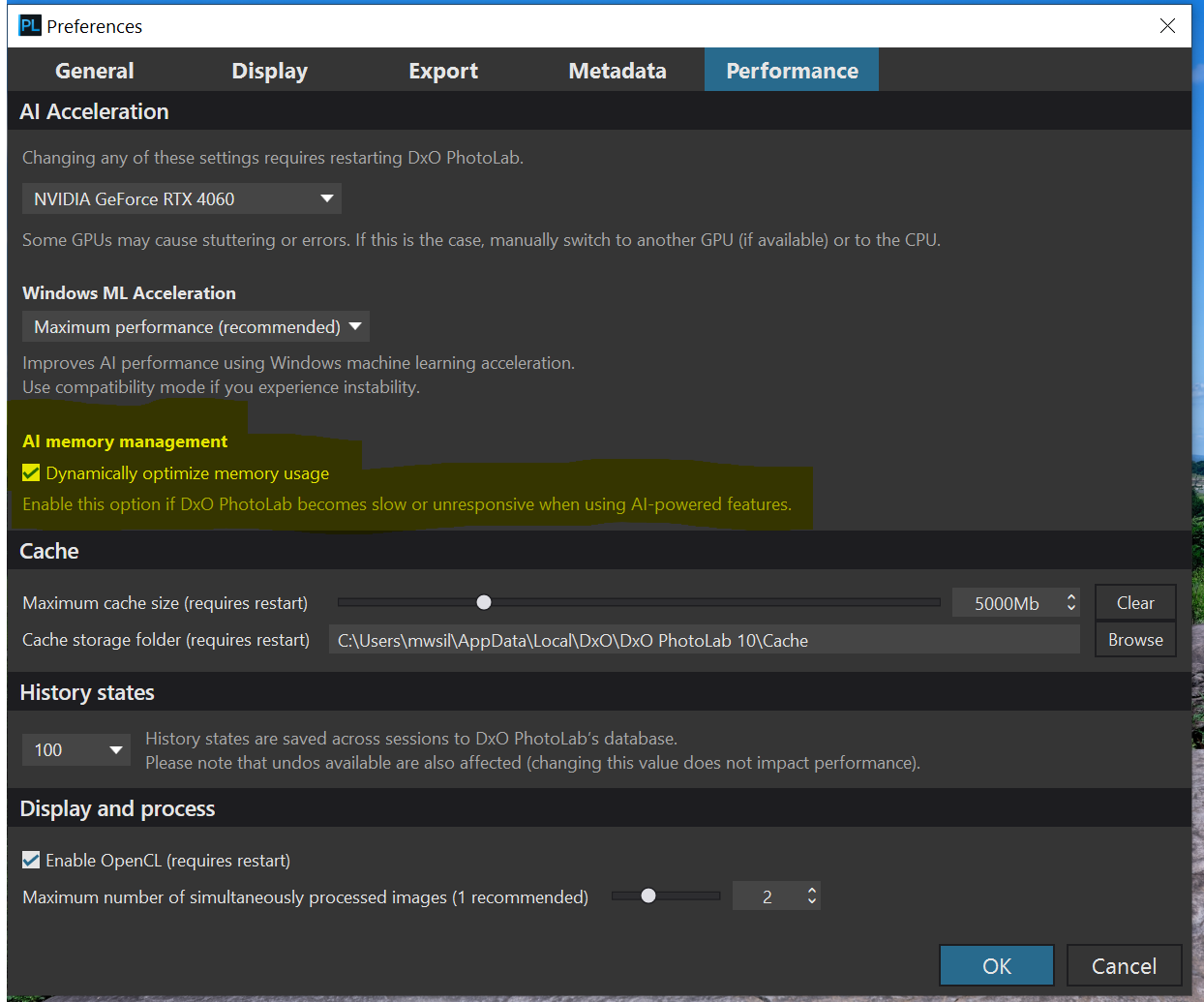
I have a computer that meets the requirements for AI features, but interestingly, even though selecting the depth mask works quickly and smoothly for me, I get an error when exporting the photo. It’s possible that this is because I have an AMD graphics card. For other AI masks, it generally works well and quite fast. I still find it a bit surprising why these features require such powerful components.  Competing software handles this much better. In my case “Dynamically optimize memory usage” option does not produce any noticeable result. Although the AI features seem to work better and more stably than in version 9, I still have the impression that we are dealing with a beta version.
What makes you think it is beta ?
The AI memory management option is greyed out for some reason on my computer. Probably either too old or that I have Win AI features disabled.
The only problem that I have had that causes a freeze is if I use the Hue mask. The other masks are working.
That was a bit of a sad joke, because of course I realize there is no such thing as perfect software. However, unfortunately, I can’t say that the AI features especially preset masks work exceptionally stably and fast in PhotoLab. You just have to read this forum to notice how many posts there have been regarding this. It’s understandable that there are many hardware combinations (especially concerning Windows), but the number of issues suggests that code optimization probably isn’t the best. I really like the results I get from PhotoLab, I like this program and I’ve been using it since the first version but it annoys me a bit that by paying for it, I feel somewhat like a beta tester. Even so, there are probably a bit too many problems. I have a powerful computer and up-to-date drivers, and yet not everything works as it should. Unfortunately, that’s a bit irritating. I have a comparison with applications like ON1, Zoner Photo Studio, and Lightroom, and in all of them, AI-related functions run much faster and more stably for me. That doesn’t change the fact that I still think PhotoLab’s results are the best, so I’m sticking with it after all.