PL 10 “features” expanded export options, but it’s not working right.
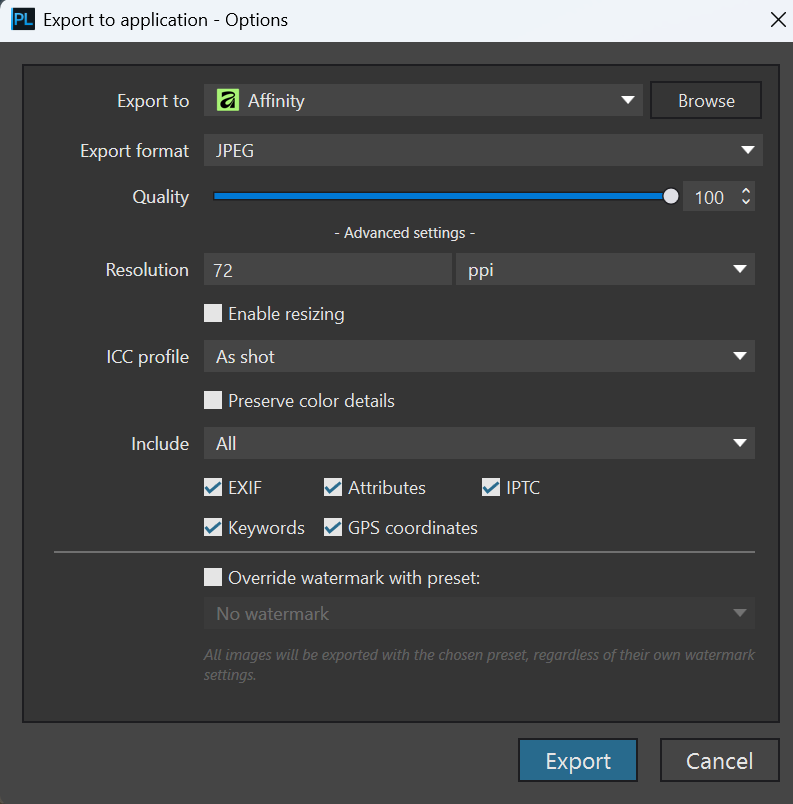
The Affinity link is gone
I cannot place Photoshop in the film strip, yet Lightroom is there, even though I do not have LR installed on my computer. Photoshop is installed, yet does not appear in the list of software I can place in the filmstrip. ???
HOW do I get Photoshop placed in the filmstrip as an external export option?
I have exactly the same question, where is the Affinity link? I don’t use PS so that does not bother me so much, but it would have been a lot simpler if we could just select what apps we want to have a direct button to.
Stenis
(Sten-Åke Sändh (Sony, Win 11, PL 6, CO 16, PM Plus 6, XnView))
3
Hope I understand the issue right.
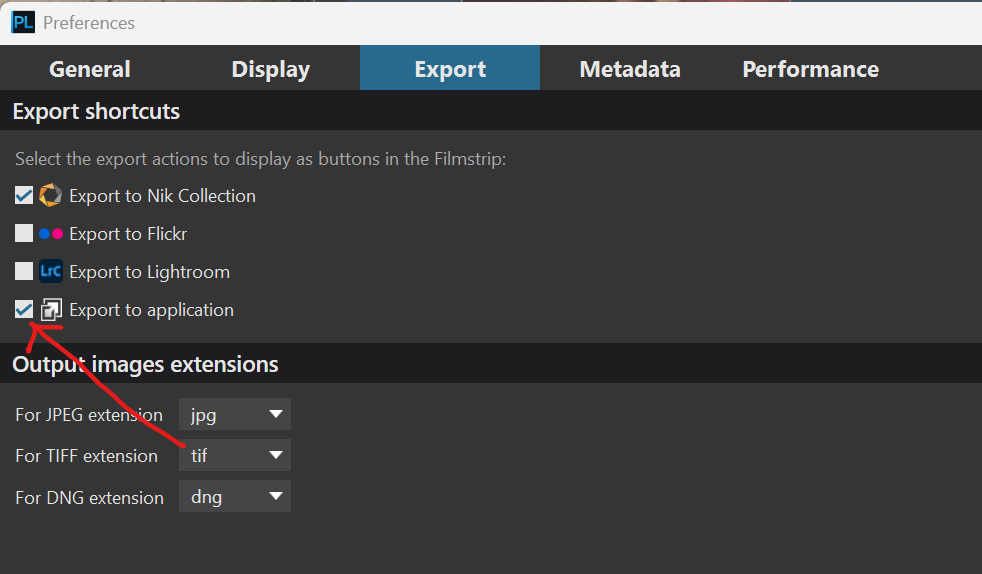
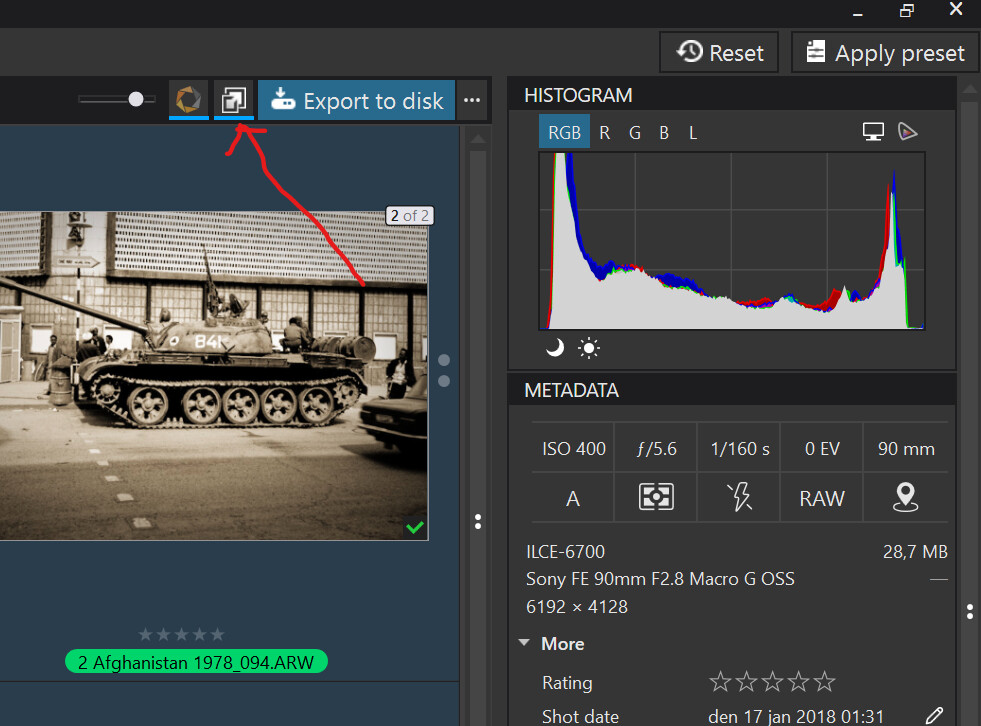
First you have to activate export to application if you want to have access to it in PhotoLibrary Window.
You can always access Export to Application the old way. The new saves a few clicks but is nothing special. Is there anyone who knows if there is a short-cut command?
Then the last used application stays selected until you slect anything else which probably most people will like. I have activated Topaz Photo AI myself nad this is a little better that the old way but not as good as in iMatch where I just have to press F3 + F2 to make the same happen. I wwould like to have something similar in Photolab.
I asked DXO support and they told me they delayed it for a later update because other software (Affinity I assume) were not released. So we have to with for an upcoming update to PL10