Depending on how one interprets certain words, you’re spot on.
This is what the user guide says:
-
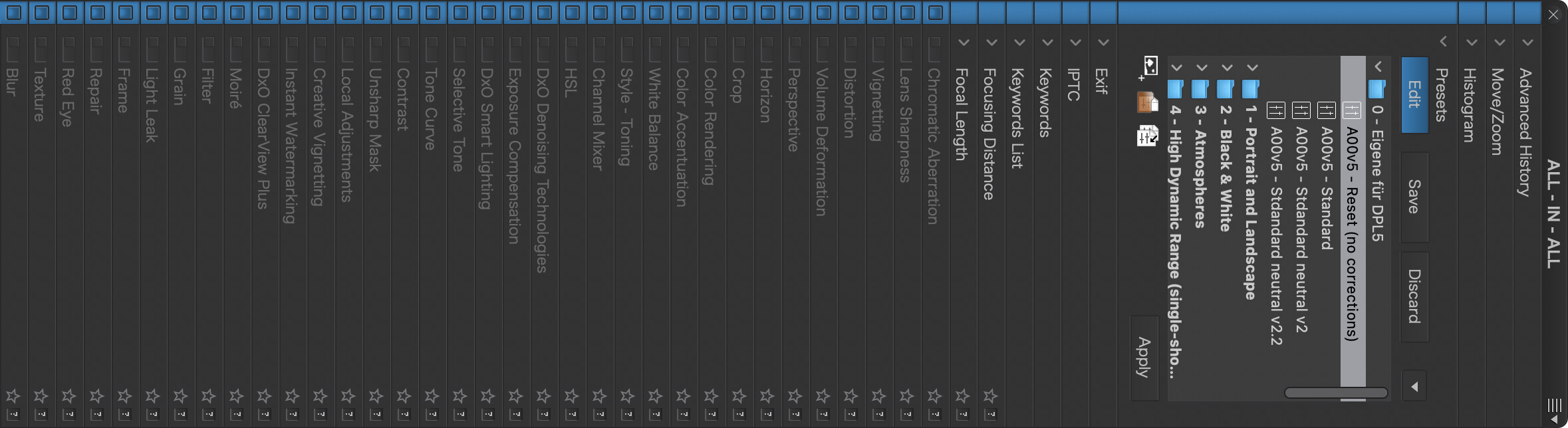
Full presets cover all the existing corrections available in the Customize tab, meaning that each correction has a status of either activated (with defined setting parameters) or deactivated.
-
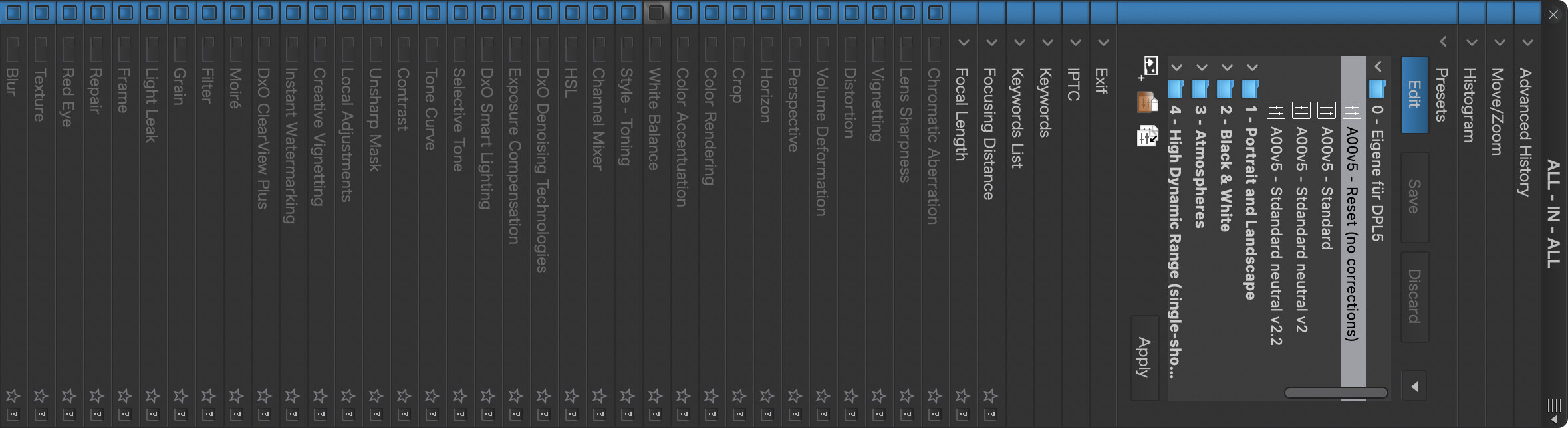
Partial presets, on the other hand, cover only a limited number of corrections among all existing corrections, with the status of some corrections remaining undefined.
Imo, the word “undefined” should be understood as “unchanged”, specially in a situation where several partial presets are applied consecutively.
DxO’s wording leaves some white space too… “Available in the Customize tab” depends on workspace settings, which means that something that is a partial preset in the DxO Advanced workspace can become a full preset in the DxO Standard workspace…
Full Preset:
Partial Preset:
Corresponding workspace (Mac)
All-In-All.dopworkspace.zip (1.7 KB)