I did not need to locate that information. I have been using PhotoLab since version 1 and had been on various beta test teams in the past .
Mark
I did not need to locate that information. I have been using PhotoLab since version 1 and had been on various beta test teams in the past .
Mark
Mark, Thanks very much!
I am on a Mac and the very first time I downloaded DXO was version 9.7.1 which has given me no problems at all. However, for any future updates I will play it safe until there is enough feedback to ensure that a new update works fine.
That’s not a bad way to do things.
I usually jump right in unless I had already delayed for external reasons (like being away from home) and then I see issues reported.
Here’s a little thought experiment… if everyone waited… how would we find out about the problems? 
I do agree with your experimental attitude which leaves me slightly ashamed in my own attitude of treating those who dare as lab rats in a software lab.
If you are a high volume shooter[1] get yourself a culling tool ASAP. I recommend FastRawViewer. Cheap as chips, totally configurable, extremely fast, better than the competition, some of which costs twenty times more.
When you have narrowed hundreds or thousands of photos down to a few dozen four star and five star images, then move them to a separate folder and bring just those images into PhotoLab.
events: sports, concerts, exhibitions, weddings, etc ↩︎
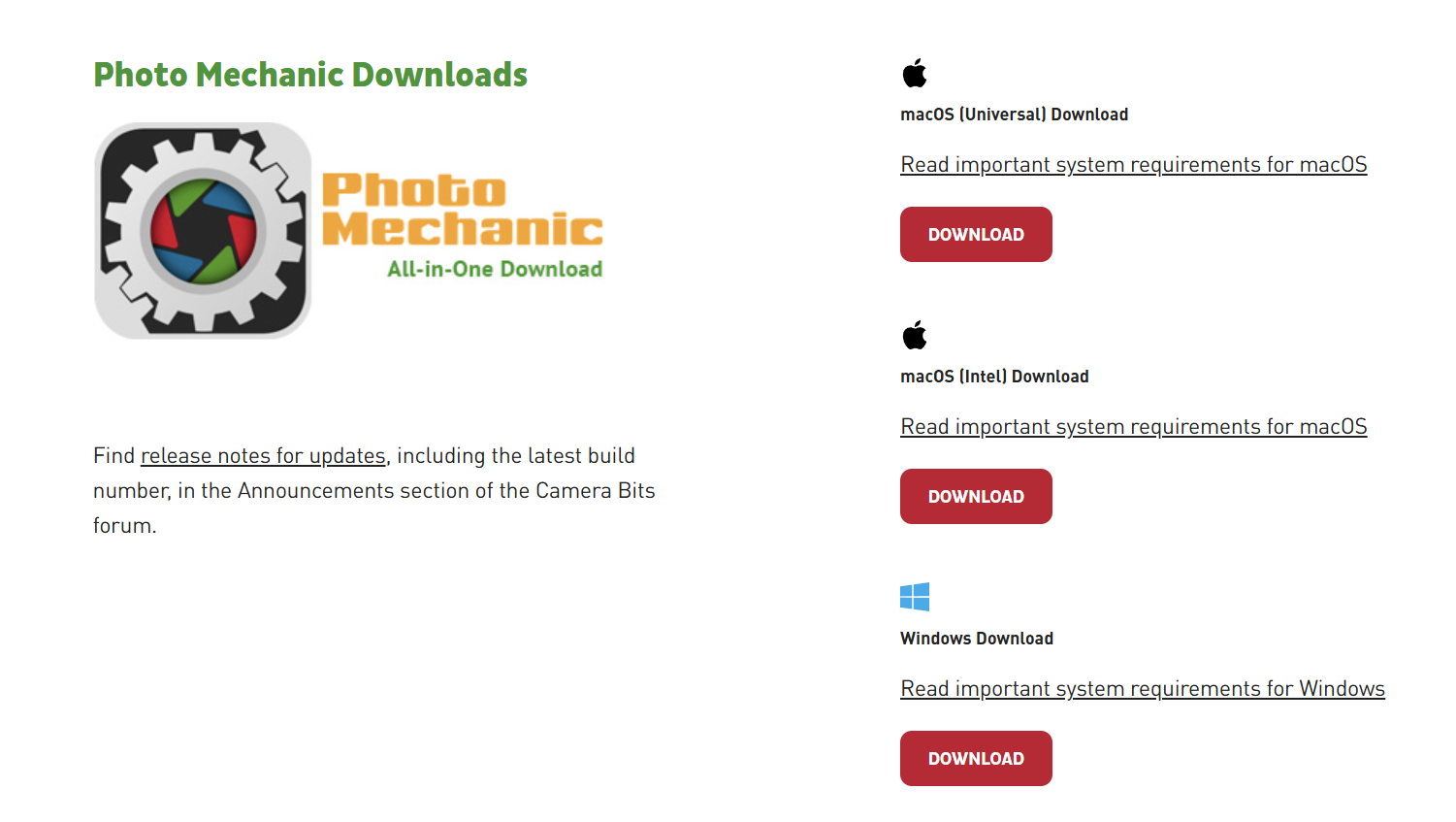
If you can snag a copy of PhotoMechanic, that’s really helped me too.
It loads RAW files very quickly and lets me toggle through everything. I’ve keys configured to apply red or green colour coding to my images so I can quickly sort everything into “discard” and “keep”. It can be made more complex if you’d like to go further than that too.
I had a shoot of around ~1,500 images culled in about 30-40 minutes yesterday. Very efficient.
PhotoMechanic is fine, but display RAW files quite poorly in comparison to FastRawViewer. It also costs 20x as much. I own and use PhotoMechanic but only for editing metadata like IPTC. PhotoMechanic may be my least favourite expensive photo software purchase. For photographers who have to do a lot of editing of metadata PhotoMechanic has been a bit of a monopoly. I saw earlier today while doing my rounds of high resolution image viewers that ApolloOne and XNView have improved their image metadata editing tools substantially. As has PhotoLab.
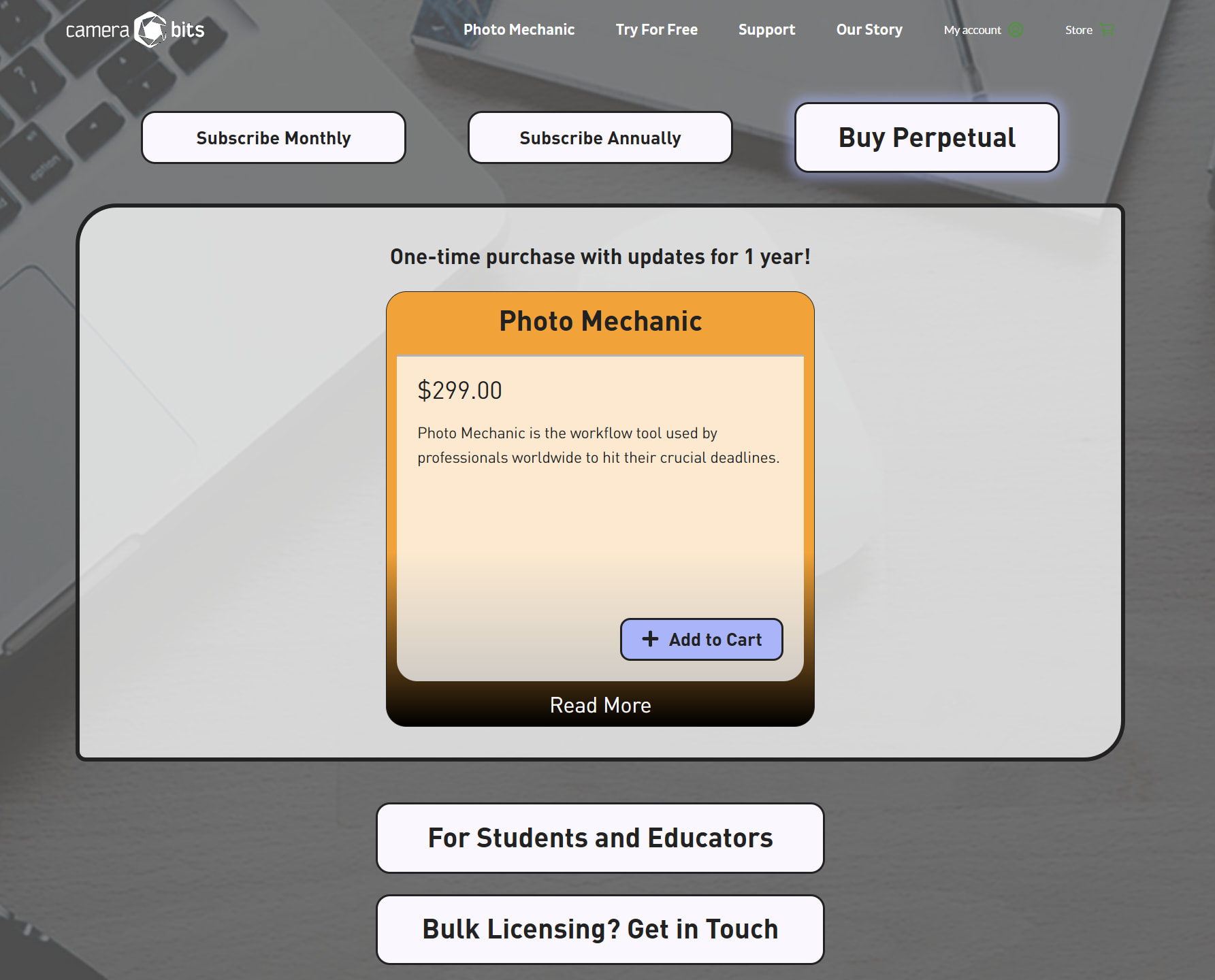
A photographer can probably get by without PhotoMechanic. Since I own it and have my saved templates, I’m less tempted to create alternative workflows. If I didn’t already own PhotoMechanic, I certainly would. CameraBits’ new subscription only model does them no honour.
That’s fair, there may well be better options out there - and - I only use it for one very specific thing (which I find it does well).
It is (as you say) very expensive for what it is, though.
Hi Alec, isn´t there a few mistakes in this tread around PhotoMechanic? To my knowledge PM is still possible to get with a perpetual licence as before it is just that it has become very much more expensive. Another mistake (I think) is that PM doesn´t support Mac. That is wrong too.
Mac-versions
Perpetual License
Did I say something which does not correspond to what you posted? It looks like CameraBits does did take a small step back from subscription. CameraBits also killed Photo Mechanic Plus (the expensive version I purchased). PhotoMechanic starts to look like a house of cards, with a clunky tech stack, big revenue appetites and a less than appealing interface.
There’s now space for DxO to step up with an advanced metadata manager but it should really be a separate module. The basics should remain in PhotoLab.
Hi all, thank you for your help. The issue is compatibilty with NVIDIA GPU. AI requires a newer GPU for DXO. I have no problems with running Adobe Generating AI or ON1 AI. That said, I will be sticking with Adobe for now. I appreciate your help!
Hi Alec, there was another source here that did not believe PM was working for Mac-users. That is wrong.
More than ten years ago I started to use Lightroom as a metadata editor and DAM but found it completely hopelessly inefficient to use for serious DAM and metadata work. I also had a couple of database disasters too and got enough. Rested my metadata case. I also later learned that I was not alone of that opinion.
The Lightroom guru Scott Kelby wrote this:
“I don’t use Lightroom. Or the Bridge. Ever.
I’ve tried both. It’s a death-trap for pro sports photography. Every pro sports shooter at an NFL game (or otherwise) uses a program called Photo Mechanic (by a company called Camera Bits). If there are 40 photographers in the photo work room, you see 40 copies of Photo Mechanic open on their laptops.”
My Sports Photography Workflow (so far) - Scott Kelby’s Photoshop Insider
(by the way, this seems to have been written already 2012)
I read that too and found PhotoMechanic Plus (at a bargain introduction price when PM Plus was released). It was far more efficient than Lightroom (it has very efficient batch updating functions) and I used it for four-five years and was pretty happy with it until I found that I wasn´t anymore. I still have the last version of version 6 but I don´t use it anymore since I migrated to iMatch DAM.
The reason for this migration was threefold:
First, I really got pissed when Camera Bits decided to go subscription and on top of that double the price for a perpetual license of PM Plus. It seems just like another of all these once tech driven companies has been hijacked by these counting gnomes.
Second, during these four years almost nothing has evolved or developed in PM. I guess the user interface still 2026 will get old users that was new to computer software 1990-95 to feel right at home - but it is 2026 now.
Third, I found that in Europe and Germany a one man company had been working in parallell with Camera Bits also during 20 years plus to develope and refine the competitor iMatch DAM. Unlike both Lightroom or PM Mario Westphal had succeded in solving the main bottle necks of both Lightroom and PM Plus. Already in 2023 he developed “Autotagger” that not just uses AI Image Analyzing and Face Detection to create “Descriptions” and Keywords but also to preserve a controlled vocabulare as defined in this softwares “Thesaurus” - also har to maintain hierachic keywords. PM Plus keyword-solution was and is still is a cumbersome joke compared to The really refined iMatch keyword system. On top of that iMatch uses open interfaces towards both cloude and local AI-models. So there is always a wide variety when it comes to AI-sources both for generation of Descriptions and Keywords but also when it comes to both map-sources and “Location” “Reverse Look Up”-sources.
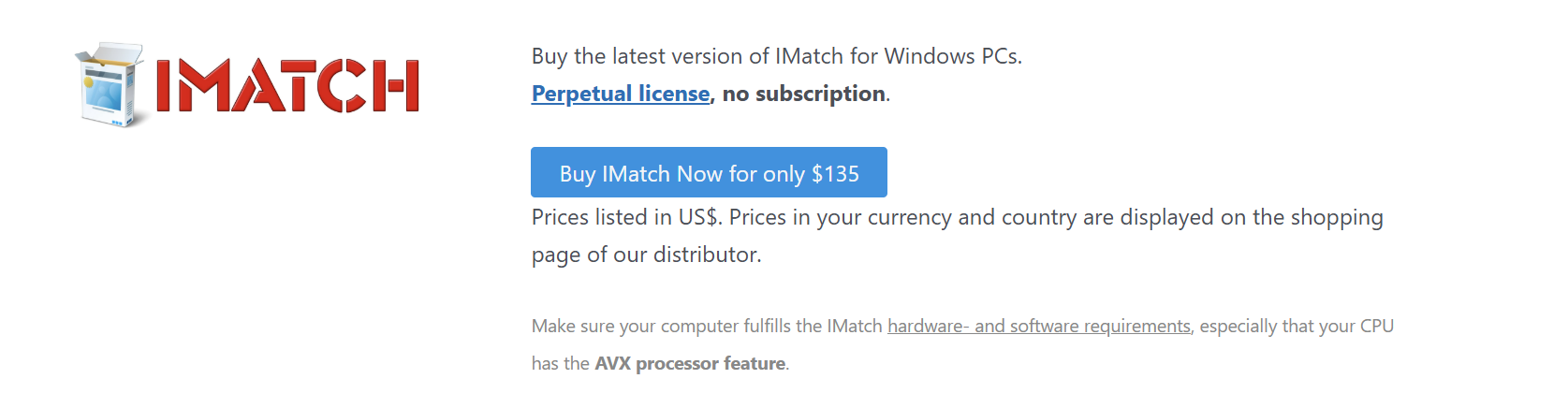
2023 this tech was in its infancy but today it is mainstream and a very mature and extremely efficient system. A perpetual license of iMatch doesn´t even cost 150 U$ (I think it was 135 U$) and that is cheaper than Camera Bits is charging for a one month of subscription. The only “aber” is that it is Windows-only.
IMatch even scales and integrates beautifully with both DXO Photolab and Topaz (that I use when repro photographing color slide films). If we activate “Synchronizing” of XMP-metadata in Photolab all the updates in iMatch will get propagated to Photolab Picture Library instantly. Photolab has unique properties compared to both Lightroom and Capture One that makes it far better suited to use with iMatch than the others. Only Photolab is working straight on to the files in the filesystem without any clumsy import processes to any DAM-databases. On top of that to my knowledge iMatch is the only “personal” DAM to offer XMP-support even to “textfile formats” like MS Office-documents and PDF-files which is a huge plus beside the support for videos. It is also to my knowledge the only personal DAM-system to fully support XMP to the core natively. Both PM, Photolab and even Lightroom I think is working internally with the old IPTC and forkes the updates to XMP or stores that data in their DAM-databases instead of directly update the XMP.
So if you feel Lightroom or Photolab Picture Library doesn´t meet your expectations fully out, you might give iMatch DAM a spin after downloading a trial.
Finally I feel that I don´t have to wrestle my way through loads of inefficent metadata tools to build and maintain my Photo Archive metadata. Finally it feels like tasks like that actually is doable. Maintaining metadata can be a hell and a true Sisyfos-undertaking causing a lot of anxiety over pooly used time (life is short) and using suboptimal tools has torpedoed more than one attempt to build a photo archive. It might be more of the rule really than the exception.
The only backside I have found is the learning curve. It is due to both the fact that it is such a massively competent and sofisticated software and that it has a truely sofisticated, modern, smart and flexible user interface that it might surprice us at a first glance. Often, traditional “guys guessing” is just not enough because, as I said, iMatch often does things in its own, often quite sophisticated way that is not always completely obvious,
Great detailed post and real world field report, Stenis.
You had me confused for a moment. For those following this discussion, the cost for an iMatch home license with both Windows license and remote web version (two active users out of five registered) is about $200 for anyone following at home. A Pro setup with five active users (out of ten registered) is about $350 (great deal).
If iMatch had a working macOS or Linux version, I’d be intrigued enough to try. Unfortunately, even under Wine, Whisky or Crossover, iMatch won’t run reliably. Windows is a hard no, mainly as it would be a time sink (zero Windows here for almost fifteen years).
Sorry, it was one zero to many. The right price shall be 135 U$ for one perpetual license.
That is comparatively a very low price for a software like that and a perpetual license. I would not have any problem with paying three times that price considering how muck time iMatch has saved me and the quality of the metadata it really delivers with some help of the AI-models I use. Today Google´s Gemma-models are Open Source and totally free together with the AI-model handler Ollama. It stranghely enough generates better XMP Descriptions even than the far bigger Open AI cloud API I also have used earlier. The reason for that is probably that Google Gemma is trained on better “Location” and “Landmark” data. It is also very good at identifying and describe animal and plant species with it’s AI-image analyzes.
So if you have a good graphics card with say 16 GB ´don´t hesitate to give iMatch a spinn with the model Google Gemma 3 12b or something else that suits your needs like Qwen. There is a lot of time to save there pretty effortlessly - and it is totally free from costs other than a suitable hardware.
If you also happen to be one of these photographers that gets bothered by the thought of sending your pictures into Google’s or Open AI’s AI cloud services these local AI-models are really for you.
I don’t see any Mac-version coming because Photools is a one man company and probably won´t have the resources to port it to Mac. It would probably be be to ask too much even from a guy like Mario Westhal that already has made some remarkable wonders for his present users that not even Adobe or any other metadata centric software company has managed to do so far on the market. He is as close as a genious I guess it is possible to come and I have had the great pleasure to discuss a few matters that has been very important to me to get the most out of his software. He almost always answers the same day! That is extremely unusual today and is great value on top of the software itself that I think is totally outstanding. What a guy and what a software and what an outstanding value for my money!
All well and good but there is negative value for anyone living in a Windows free and/or a telemetry minimised world.
Mario might go Linux before too long, many people, especially developers are. Maybe not. He might have been at it too long to switch. The old guard struggle to give up their telemetry station.
It depends on of how skilled you are as a user. There are ways to live in Windows without getting disturbed at all of Microsofts efforts to imprison their users. It is just a matter of a few configurations - that’s it. Do you think you really have that luxury as a Mac-user where you are totally locked in in Apple’s gated community?
Linux on desktops has a lot to prove as the guys crying over a lacking Photolab-version for Linux so obviously reveales. You can always choose an OS like Linux but with that comes an almost total lack of support för industry standard applications. Still you are stuck there with the second best or even worse. Often nothing at all. Where is the iMarch for Linux?
The OS is nothing - the applications are everything. An OS is just a platform for handling these applications and manage the files they are creating. I have never understood how people can confuse that and build a religion around an OS. In my world that is to get it totally upside down. An OS shall just be there, that’s all. It is nothing more about that really.
In the nineties people were obsessed with OS-systems - that is a long time ago. In all these years they hadn’t even managed to gain even a 5% marked share. Let us at least se what happens in Europe first as a result of Europe is decoupling from US but that will take at least 5-10 years.
Just like the analgous, real world community — if you live there, you will know you are free to come and go.
The gates mostly keep stuff out, not the users in.
I have nothing against Linux than it inherited the same mess that earlier came with using UNIX … eh which UNIX. Linus started LINUX sort of as a new take on UNIX and then failed to protect it from the same fate as we saw and see in Christianity all these sectlike fractions around the Communism-Annarkism. The Linux-people ought to try to get their act together before if kan be a real alternative. The mess they have created is inefficient and costly and I´m not talking about licens fees but other costs this mess in causing. the Linux-world shows all signs there is of a very immature eko-system.That just has to be sorted.
I run a few Linux-things even on my Windows 11 machine without any fuzz and I appreciate for example Docker and WebUI to handle all sorts of AI-services both in the cloud and locally even from commercial sources like Google and Open AI. Apple though is a different story.
The promise of the “standard” of Unix.