At the suggestion of a friend/pro photog, I am investigating DXO Photo Lab as a possible replacement to Adobe LR Classic & PS. I am an amateur photog and have been shooting since 1971. I currently use a Nikon d500 as primary with a d7200 as backup. All Nikon lenses.
Considering, I hope to replace Adobe, what should I be aware or concerned about? If you have taken the plunge, I would really like to hear your story. Thanks, in advance!
You need to edit out your email address asap. Unless you are happy to have it harvested by a passing bot and subsequently get spammed.
As for what you should be aware of regarding PL as a replacement for Adobe applications. You need to take advantage of the 30 day trial of PhotoLab and give it a thorough test. When questions arise as you do that, ask for help in this forum.
I used LR until v6 wouldn’t work any more. Have used a number of products since ditching LR, and now I’ve been using PL for about 18 months. I love it - the first product that I have settled down with.
Your best bet is to get the 30 day trial and see if it works for what you want to do. All of us on here work in different ways, shoot different things, have different expectations and so on. None of us can guess what your experience will be like.
The forum is brilliant when you have a particular problem, or you want to find out how to achieve something specific with PL.
I am a new user of PL9. Used LR years ago, then Capture One 9 and for a while was in limbo using Apple Photos for basic stuff and the Nik series for more serious editing.
My impression of PL9 is that the noise reduction is amazing and opens up a lot of new possibilities regarding ISO choices when shooting.
The masks in PL are good but I don’t use them a lot.
I do not use PL9’s cataloging (digital asset management) because it does not integrate with Apple Photos which works fine for me and not worth a wholesale change of all my tagged and key worded images.
I find that PL9 puts pretty heavy processing demands on your computer so before buying make sure you have the hardware to run it. I have not had crashes but some edits that are heavy on AI noise reduction and masks can be slow at times. Not a deal breaker for me since I am not a pro and do not batch process.
I do not find its B&W conversion options to be very good at all but I already have Nik Silver Efex which is great and integrates with PL9 fairly well.
Anecdotally I it seems like DxO are not great to deal with in regards to licensing issues but I have not had any problems myself. If I continue to hear issues I will not stick with DxO simply as a matter of principle. I do not need to support a company if they are going to act like a little Adobe. But I suspect that PL9 will be more than sufficient for me for at least 5 years.
If you use Lightroom to manage keywords, finding fotos etc., stick to Adobe, even after ending subscription payments. Check cancellation conditions on how to get out.
Imo, PhotoLab is years behind in functionality, stability and reliability as an asset manager. Some of it might go away with upcoming (paid) upgrades. And DxO has a history of introducing new feature sets piecemeal, so don’t hold your breath.
When Lr went subscription, I started to search for alternatives, but since then, I’ve not found any product(s) having the feature set and value of Lr. I do want asset management, but PL’s is not there yet. Photo Mechanic is more expensive, as is Capture One. Others don’t integrate well etc.
In general, getting out of something only makes sense if you know where you want to go. For that, you need to compare feature sets, price (a.k.a. total cost of ownership), transition effort etc.
Thanks. I run on Windows and my colleague runs Mac. Even Adobe is behind on Mac development. I dl’d the trial software and will see what it can do with some raw files. The DAM features are important. LR has had its issues with corrupt catalog files. I don’t like that Adobe stops working when you renew late. That said if DXO can’t cut it, I can continue seeking and use LR. I appreciate your help.
What @platypus is referring to here is that when you remove your subscription plan for Adobe, you still have an Adobe account and that is enough for the Library module (and only that module) to remain fully functional in Lightroom Classic.
I agree with @platypus that, possibly Photo Mechanic aside (I’m on a Mac so it’s not an option for me), Lightroom Classic is far and away the best photo asset manager.
If your needs are simple, PhotoLab will do a decent enough job. But, for example, if you want to use keywords for anything more than “horse, mountain, sky” then stick to LrC. Some people may suggest Adobe Bridge which is demonstrably free, but it’s not quite as good as LrC. When you know LrC can also be “free” there’s no contest.
Just a word of warning — if you do continue to use both LrC for management and PhotoLab for processing — you’ll have a much easier life if you get your files where you want them using LrC before you process them in PhotoLab and after you’ve processed, don’t move them. (If you need to, move them in PhotoLab and then re-link in LrC.)
From a processing standpoint, PhotoLab is just different. It will take some getting used to. The same is true in the other direction — after processing in PhotoLab for a long time, LrC can seem ‘foreign’.
I also come from LR / Photoshop and my main program is PhotoLab Elite and some Affinity Photo mainly for scanned images.
Fist of all, I use PhotoLab only for image editing, nothing else. Everything DAM-relating (ingest, culling, keywording, labeling, moving, copying, searching et cetera) is done elsewhere. PhotoLab is not strong in DAM. For all that I use IMatch. When I want to manipulate the image itself, I choose it in IMatch and then, from inside IMatch, I call PhotoLab (or, for example Affinity Photo). When I am done manipulating the image I return to IMatch.
PhotoLab Elite is very strong in colors, noise reduction, geometry and masking. These are the things it does very well, for me better than Lrc or Photoshop. It is less strong in retouching and sharpening (considering scanned images). There is no direct equivalence to Photoshop adjustment layers. In Photolab you create local adjustments, but they are local, you mask a certain area in a way or another but the adjustment does not as default apply to the whole image. But these local adjustments, as been local, work quite well.
Some functionality is in Filmpack, which is a separate product (I think fine contrast is in Filmpack) and some, less important for me, is in Viewpoint.
I really do not miss LrC or Photoshop. that is partially because I use IMatch for everything DAM and Photolab Elite just for image manipulation and definitely would not use PhotoLab as a DAM-software. But for image manipulation it works fine. I also have Nik Collection but I use it less and less and more just Photolab Elite itself.
This is a really important point for new users who think they can buy PhotoLab alone and get full functionality.
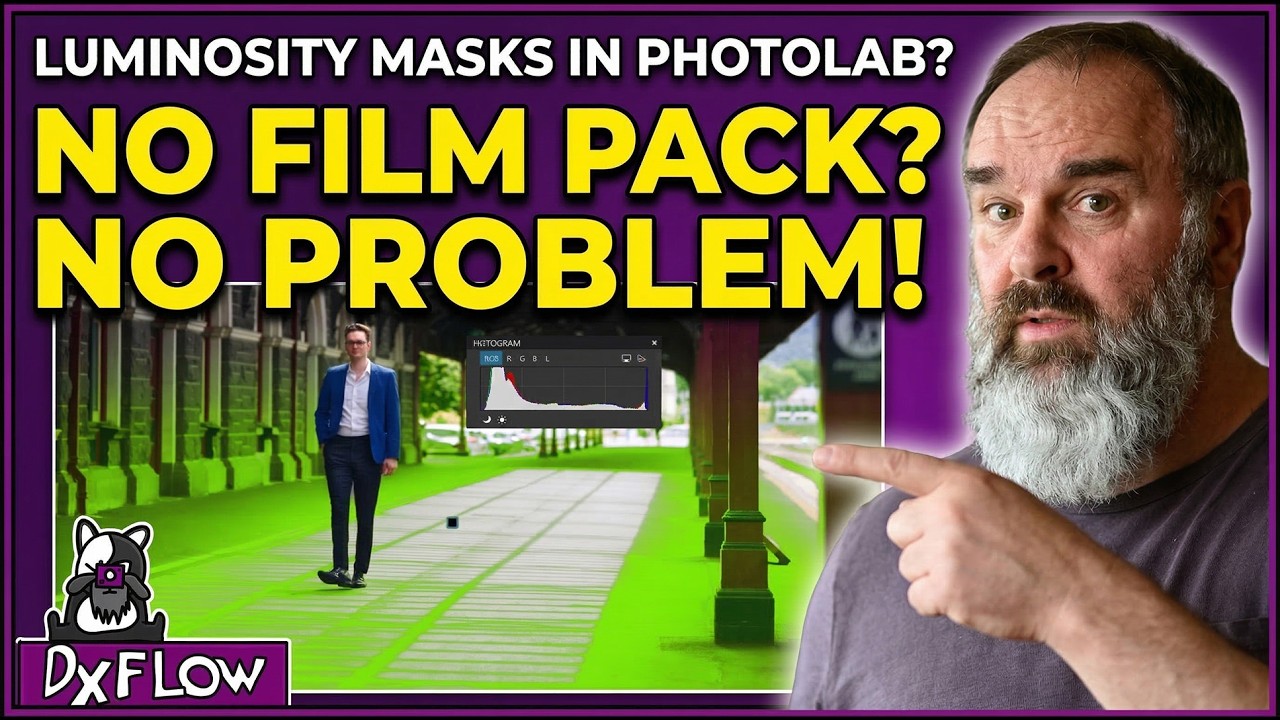
Unfortunately DXO has put certain (what I’d argue ‘core’) functionality behind the paywall of buying bolt-on products (FilmPack and ViewPoint). If you want stuff that comes with LR as standard e.g. Luminosity Masking - you’ll have to buy FilmPack too.
You could see if there’s a separate DAM that would suit your needs, as PhotoLab is absolutely a powerful editing product, you could use them in tandem. However it’s true that its DAM offering is currently lacking.
It’s definitely a good idea to try the trial and use it a lot, if you haven’t already. See if it works for you and how it performs on your computer. PL is a demanding application and can be more sluggish than e.g. Capture One or LR on some people’s systems.
It’s also worth noting that DXO usually releases a large update (a new PhotoLab version) yearly around September. They release minor updates throughout the year and you’ll get those for free if you have bought PhotoLab, but if you want the major version updates you’ll need to pay again for each update and they’re not necessarily cheap.
Also the new version launches can be quite buggy. With the latest release we had to wait several months before the product was truly usable (its new AI masking features in particular really struggled at first) but they have worked hard to rectify this at least.
Yes, you can definitely call Luminosity Mask core functionality nowadays. If you move to PL, it might be a good idea to consider an external DAM-software.
Indeed, and if I look at the app’s size on my Mac, I see PL9 having grown by more than 100% compared to PL 7 and 8. All that code for new features added within a year longer in preparation, I presume. It’s a miracle to have PL9 working at all!
Thanks! I am converned that PL doesn’t use a database platform for DAM, however, I have experienced catastrophic database failures in LRC and ACDSee. More than once with LRC. I no longer use ACDSee. When the database craps out it is a nightmare. For one, almost all edits were lost with flags and rating. I recovered 3 years worth and the most recent for that time. The sidecar approach that DXL uses can hold the same problem when the associated files are lost or corrupted due to a drive starting to fry. I was fortunate to keep raw files on one drive, exported files on another drive and software specific files and backup on a third drive. It’s costly and requires managing the drives, but it saved my bacon a lot of times. I own a license to On1 Photo Raw which also uses the sidecar approach. To date, I have not had any issues using sidecar. In fact, the sidecar approach gives me more flexibility. As a retired IT engineer, I have a few decades of database experience. When a database is working as designed life is good. Just backup, backup, backup. The same is true for sidecar files.
1 Like
mwsilvers
(Mark - New Jersey, USA, Win10, RTX 4060, PL9, FP8, VP5, Nikon Zf )
18
PhotoLab uses it’s database extensively for its DAM features..
Thanks! I saw DXO’s decscription of how the DAM uses sidecar. Where did you locate info on using a database for index and catalog? That would be terrific. Please let me know as I did not find any indication in the trial software which I think is the complete version without add-on modules.