Local adjustments:
a) seems to get stuck in AI mode - no matter where I go in the app, hovering shows selections. I’ve changed to a different mask, and to one of the non-Local adjustment panels.
b) sometime with a mask selected the control sliders have no effect.
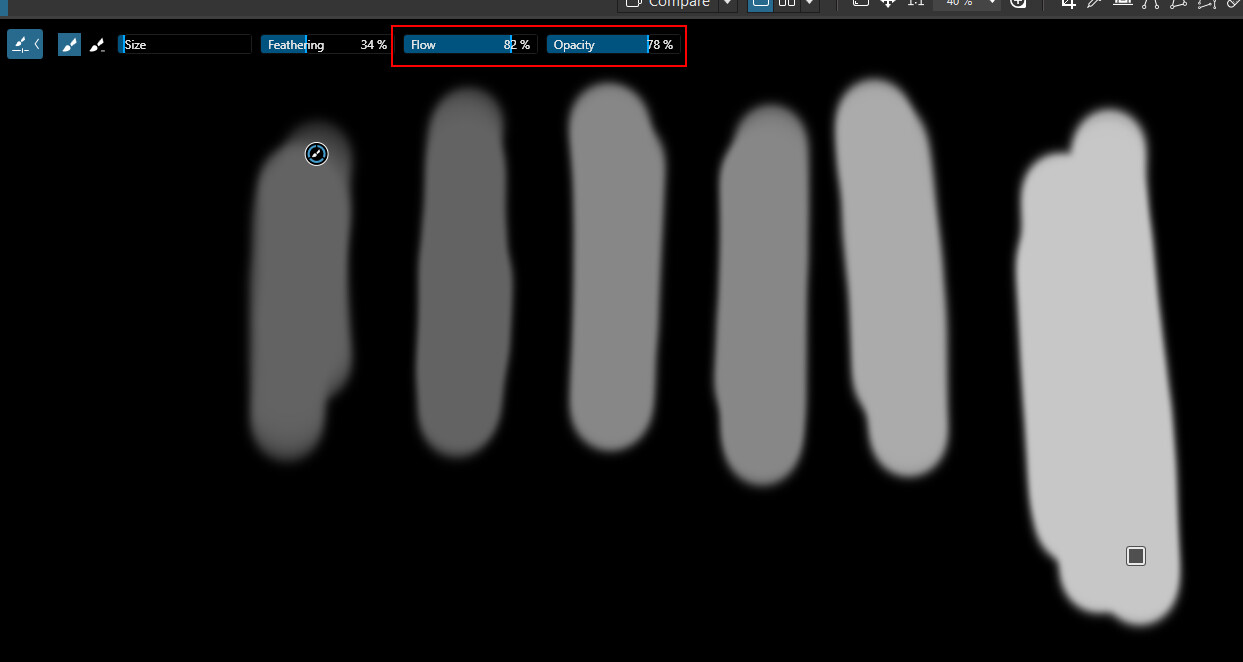
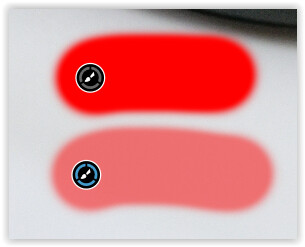
Brush mask: I can’t get a solid mask when selecting an area. Just a light pink (Red is selected for mask color). I’ve tried 0 and 100% feather, but no difference that I can see.
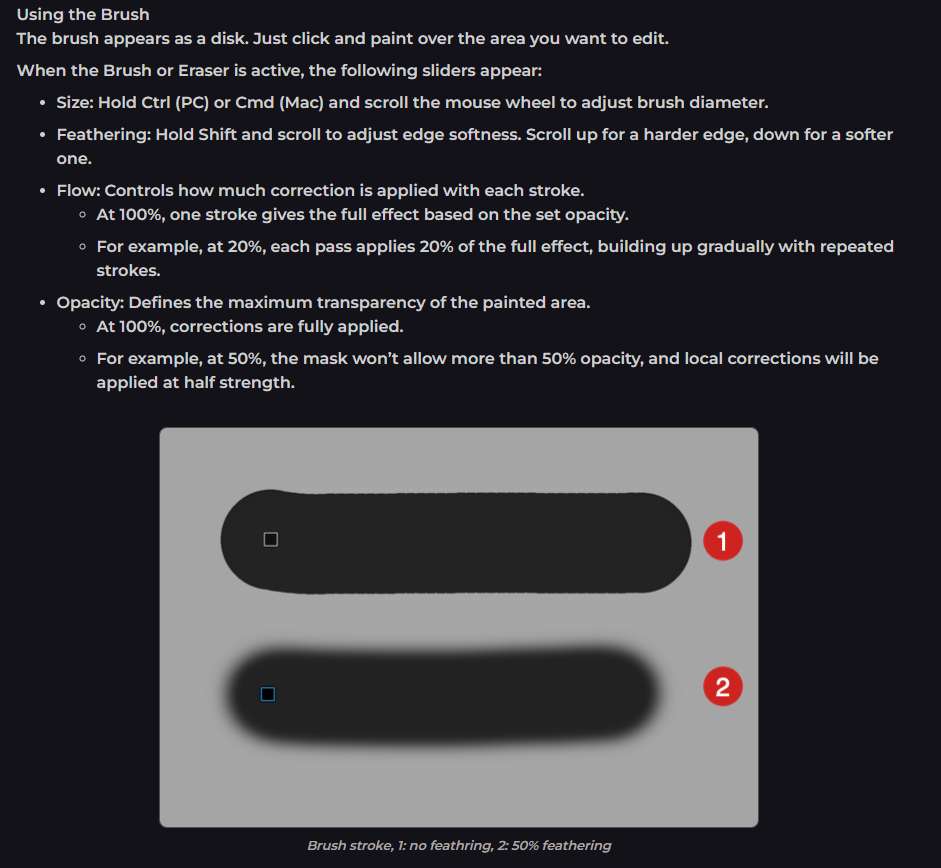
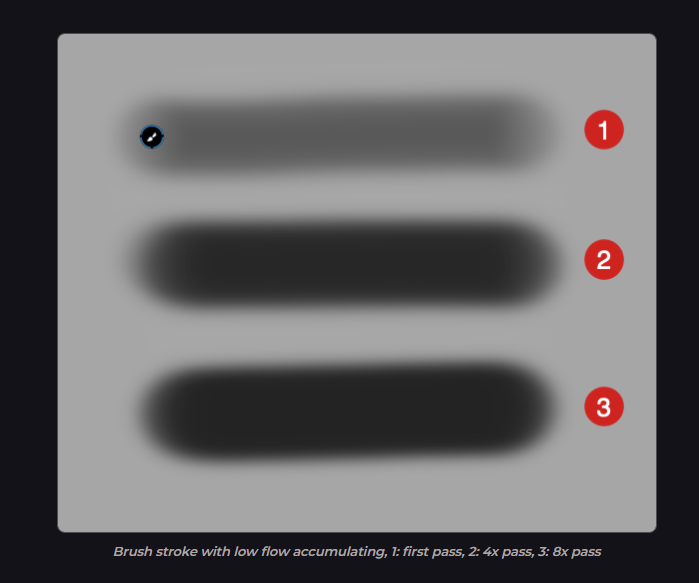
Thanks, Andras. I have tried all combination of feathers and flows, including the one shown in photo #1 ( no feathering) The brush never changes at any setting in my PhotoLab (PC). It continues to be fuzzy, indistinct. This is frustrating!
mwsilvers
(Mark - New Jersey, USA, Win10, RTX 4060, PL9, FP8, VP5, Nikon Zf )
4
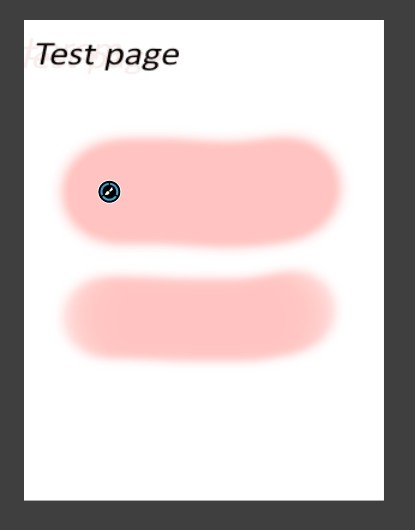
Hi, When I activate the clipping tool the brush info disappears from the page so it’s not part of the snip. Top brush: flow and opacity = 100%, feather = 30%. The lower brush is flow = 50%, opacity and feathering the same as top brush.
.
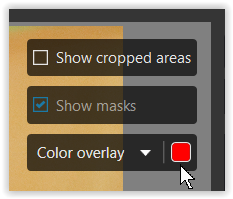
If you prefer a more transparent overlay while painting so that you can still see your subject, set → A to a lower value.
.
To better spot important adjustments while painting, you might even want to disable the mask overlay using the keyboard shortcut “M” (on Windows).