Feature Requests for DxO PhotoLab
First of all, I’d like to thank the DxO team for creating what is, in my opinion, one of the best RAW converters available. However, there are a number of areas where PhotoLab could be significantly improved.
1. A More Powerful Keyword Management System
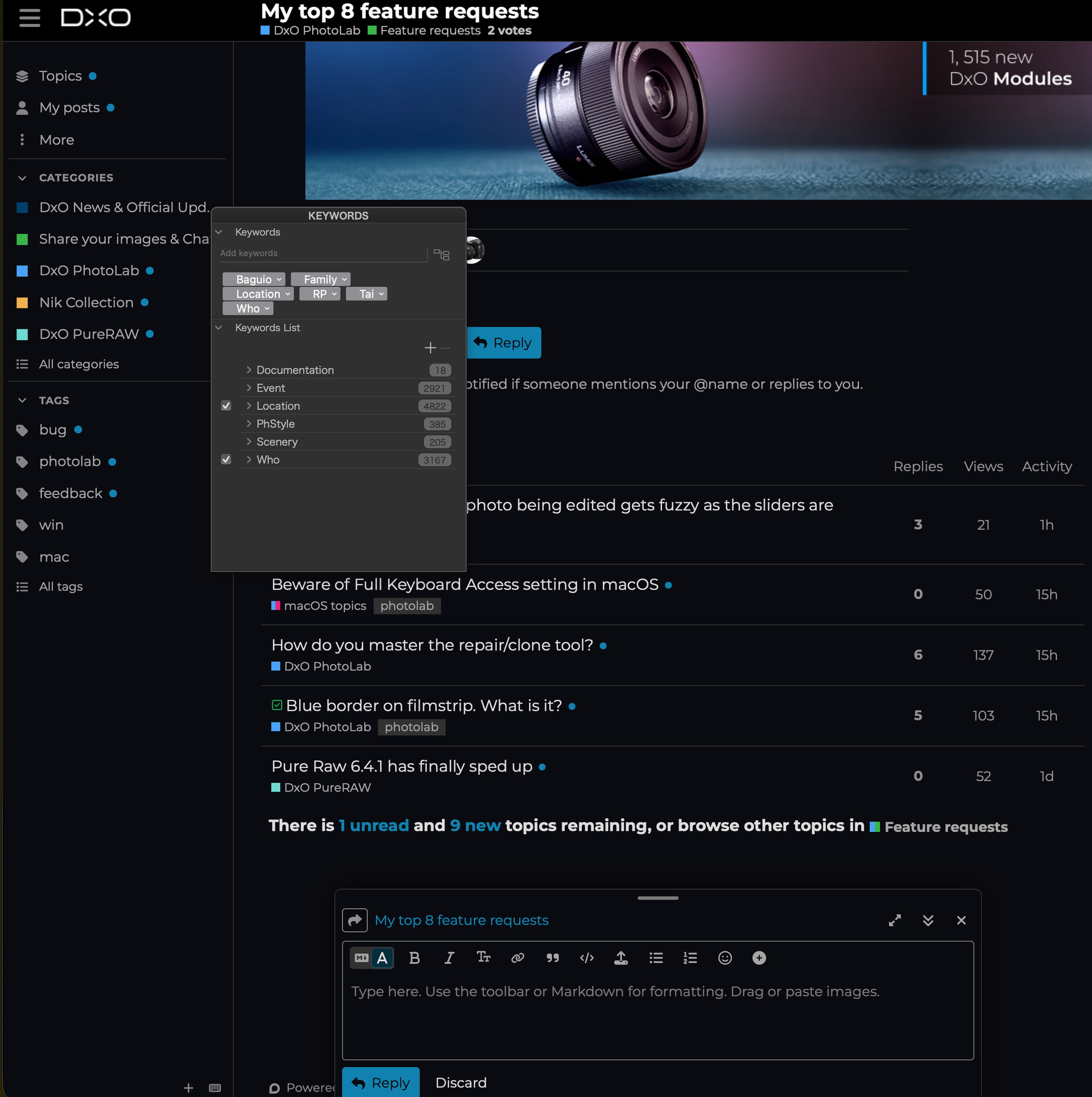
The current keyword management is very limited. I would like to see a dedicated keyword editor with:
-
A larger image preview.
-
The existing taxonomy tree, allowing users to expand branches and assign or remove keywords using checkboxes.
-
The ability to merge duplicate keywords. At the moment, if duplicate keywords exist in the taxonomy, there is no way to consolidate them into a single keyword.
-
The ability to export the complete keyword taxonomy.
In addition, many applications (for example, Immich) ignore XMP hierarchical keywords. Therefore, PhotoLab should provide an option to copy hierarchical keywords into the standard IPTC keyword fields to improve interoperability with other software.
2. Proper Geotagging Support
Geotagging in PhotoLab is currently almost unusable. The only option is to manually enter known GPS coordinates into the metadata fields, which is extremely cumbersome.
A modern geotagging workflow should include features such as:
-
Displaying photos on an interactive map.
-
Assigning locations by clicking on the map.
-
GPX track matching based on capture time.
-
Reverse geocoding (country, city, location names).
-
Searching for locations by name.
At the moment, users are effectively forced to rely on third-party software such as HoudahGeo for this task.
3. A Linux Version
I realize this is probably unlikely to happen, but I would still love to see an official Linux version of PhotoLab.
4. Full DNG Support
It is difficult to understand why the industry-standard DNG format is still not fully supported. Native DNG support should be considered a priority.
5. Additional Export Formats
Currently, PhotoLab can export primarily to JPEG and TIFF. It would be great to have support for additional modern formats, especially HEIC.
6. Better Multi-Monitor Support
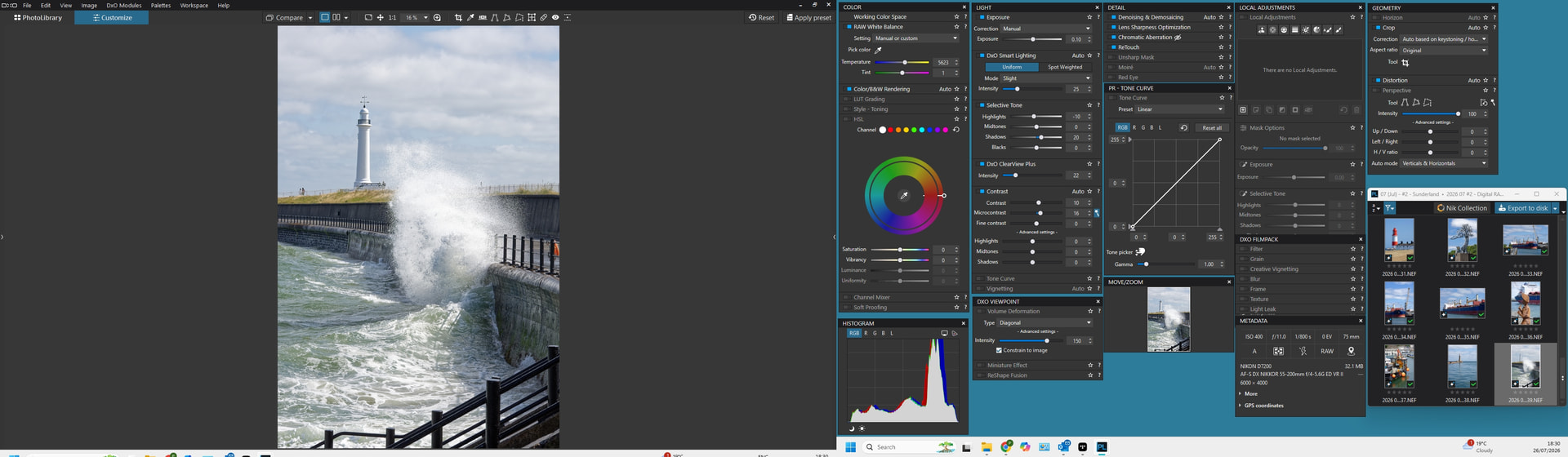
When editing photos, I would like the image to be displayed as large as possible on one monitor while moving the tool panels to another monitor, similar to how the image browser can already be separated today.
This would make much better use of multi-monitor setups and provide a more efficient editing workflow.
7. Luminosity Masks Without Requiring FilmPack
Luminosity masks are an essential editing feature and should be included in the core version of PhotoLab instead of requiring FilmPack.
8. Better Compatibility for Star Ratings
The star ratings written by PhotoLab are unfortunately not interpreted correctly by many other applications.
PhotoLab should write ratings in a way that conforms to common metadata standards so that image viewers, DAM software, and other applications can reliably display, search, and filter images based on their ratings.
These improvements would greatly enhance PhotoLab’s usability, interoperability, and professional workflow while making it a much stronger DAM and image editing solution.