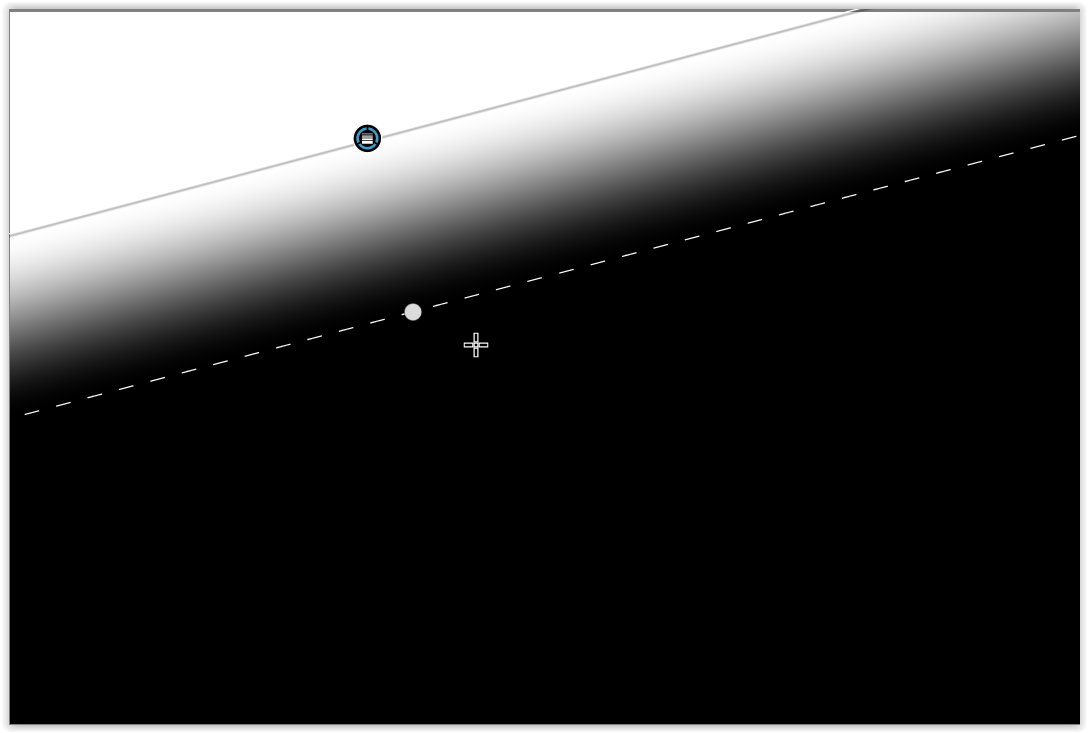
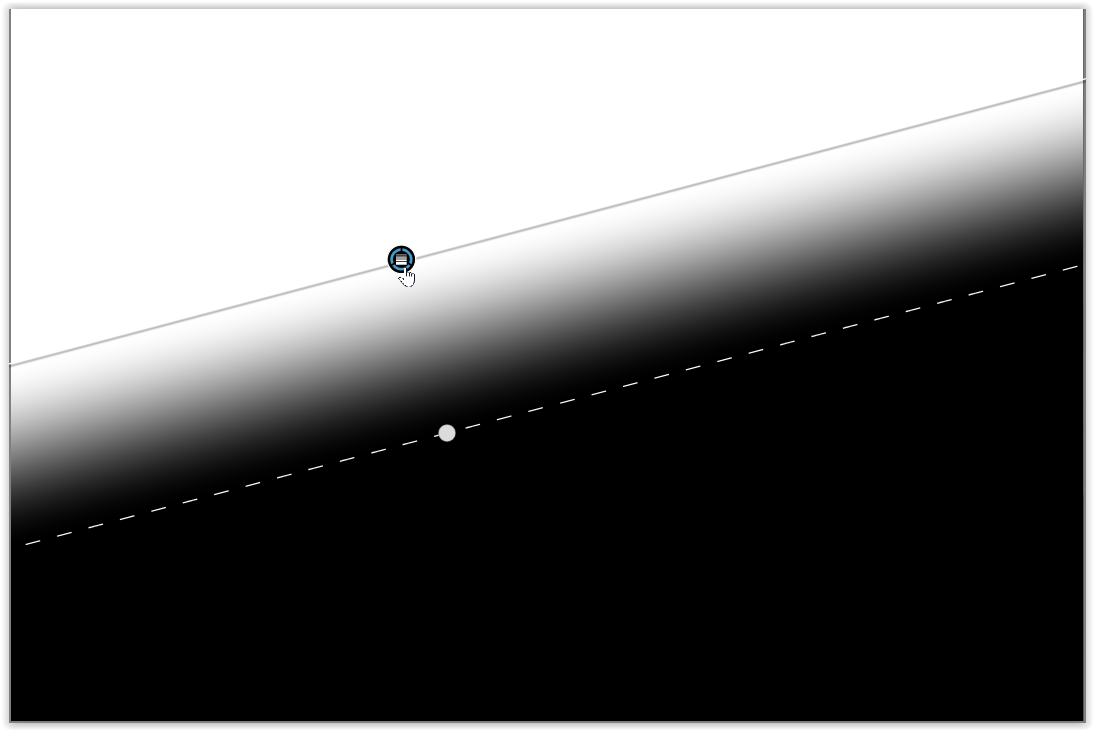
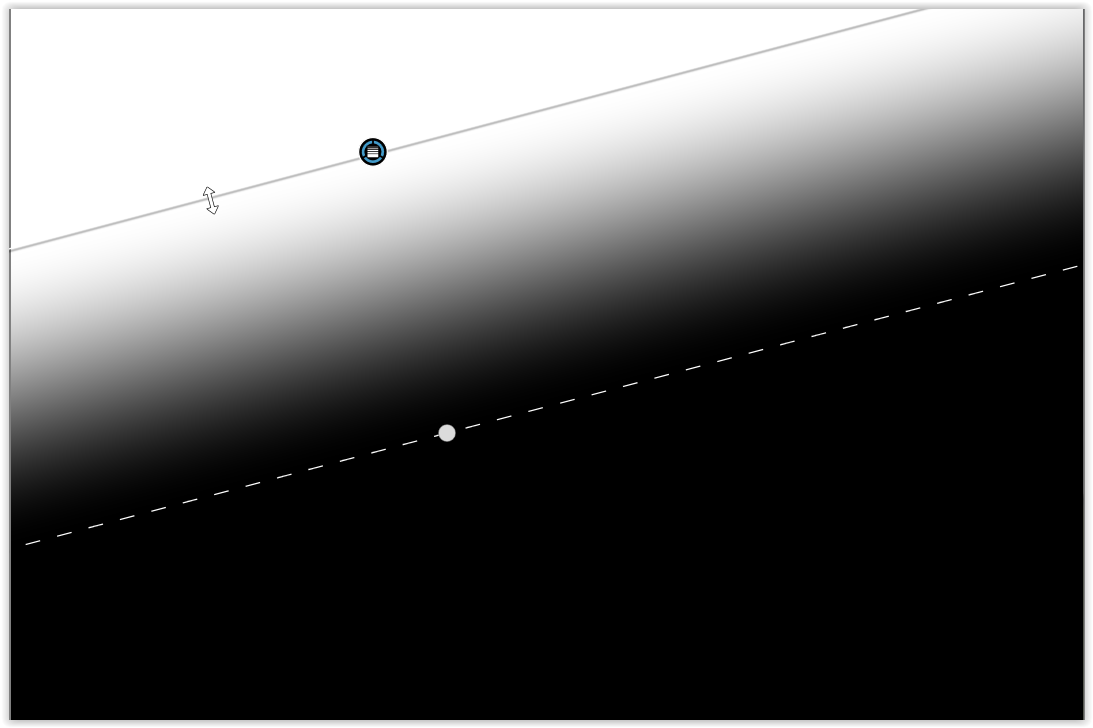
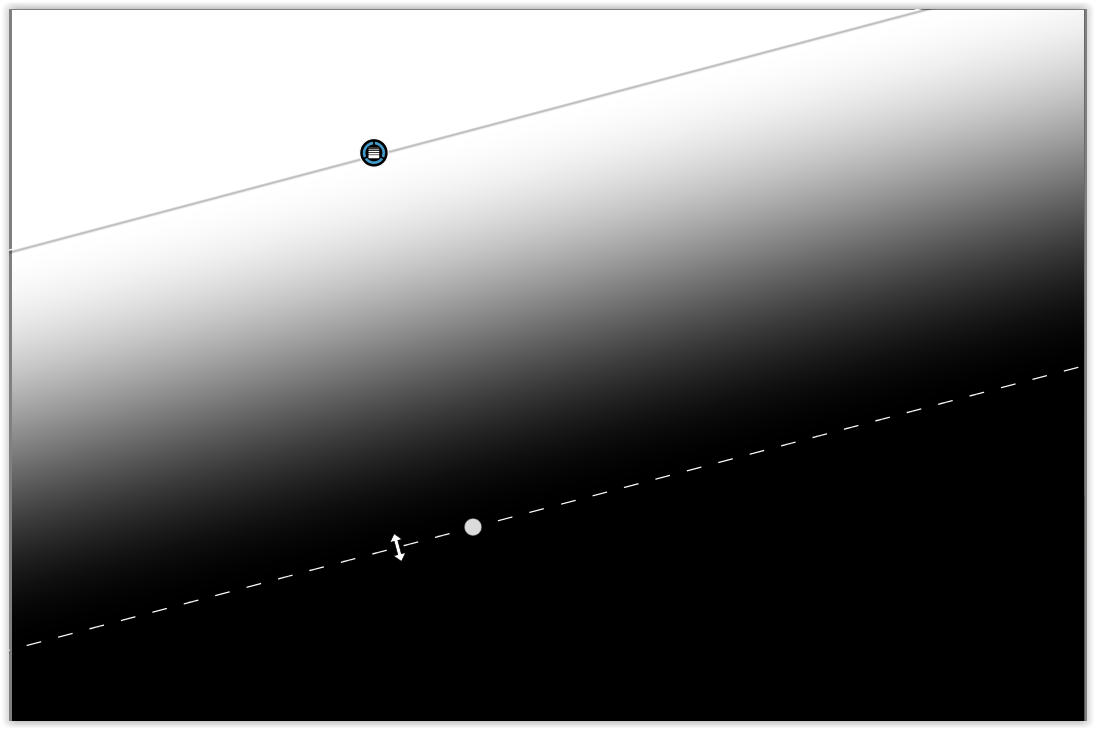
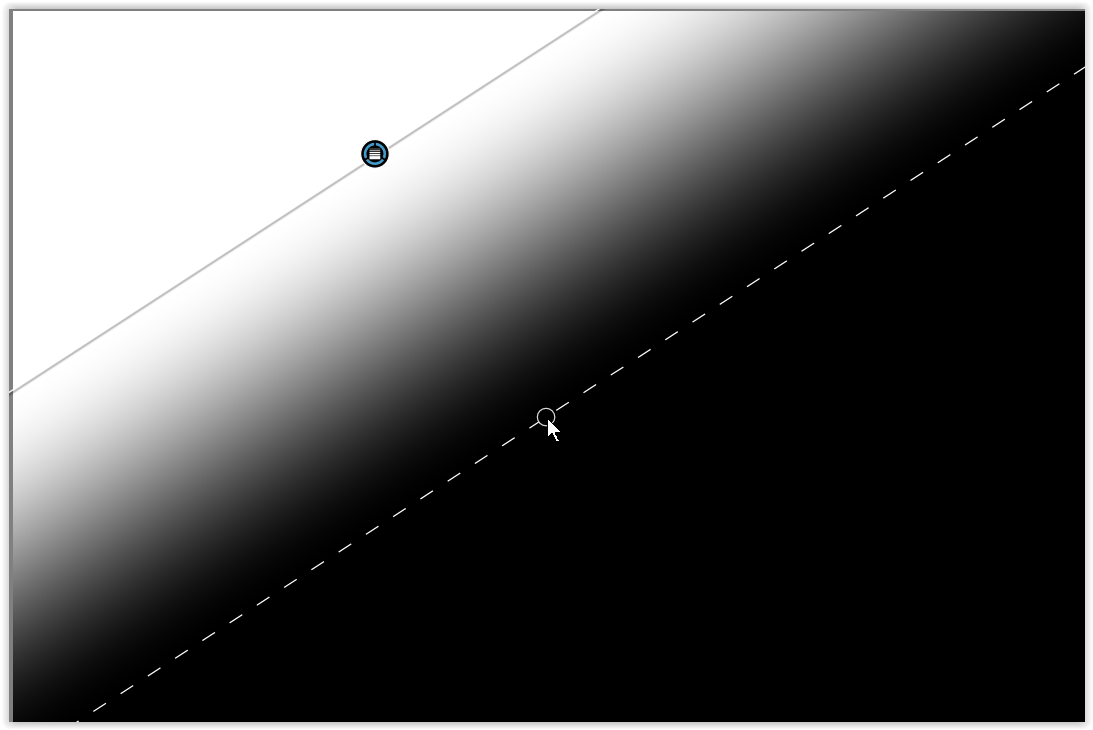
I’m just flabbergasted. I really cannot imagine a worse experience in masking. I was seeing some pretty wonky masking behavior, decided to delete all masks and start again, this time with a “simple” gradient mask dragged from the top of the image. No Ai stuff needed. It’s just a single, simple gradient.
BG: Trialing the latest version, Macbook Pro M1 Max with 32GB ram. Never installed a program that this machine has struggled with, including lots of demanding image and video editing software.
Settings: No HQ previews, Deep Prime Rendering enabled (but no denoising on image in question).
The “simple” gradient mask, after initial placing, could not be adjusted. If I dragged the feathering falloff line, the mask wouldn’t update from its initial placement. I thought if I made an adjustment to a slider it would update. Ha! No. The “update” was that it caused the feathering line to jump back to where it was initially. This happened also with dragging the whole mask to another location, too. It wouldn’t update/the adjustment wouldn’t move accordingly, and when I clicked to add a single extra amount of exposure, or take exposure away, the mask would jump back to where it had been!!! And this is on top of other crazy, crazy things happening with masks, like toggling a mask off and then on causing the masked area to go totally black even with only a small adjustment applied.
How is this software even able to be sold???
Edit: Okay! So you HAVE to drag on the middle icons in order to actually get the mask to change it’s placement and shape!!!??? Got it!!!
Change my flabbergastedness to: Why allow the line to be dragged at all, then??? This and so many other things that DxO just does very poorly.
Edit 2: The “toggle mask off and on, get wildly different results and changed mask” behavior persists.
I should file a bug report if you’re having trouble, although I’ve not seen anyone else have this issue here.
On PC at least, gradient masks work fine and can be adjusted by pulling the central mask dot (repositions the whole mask) or moving either of the two lines by grabbing them away from the dot (allows the line position to be adjusted without moving the whole gradient).
The circular dot lets you rotate the mask and holding “alt” lets you rotate it without it snapping to a particular angle.
I certainly agree that there are some masking issues that need greater refinement as well as better documentation. After reading your post it seems to me that the biggest issue you are facing is a lack of familiarity with how PhotoLab’s masking features work.
Thank you both for replies. I was caught off guard by having to drag the actual marked locations in the horizontal centers of the gradient mask to either move entire mask or change the feather, but if it is correct that the line themselves should also be able to be used to adjust the feather, then this is definitely broken for me on MacOS. If I adjust the mask using the lines, no matter what, the mask doesn’t update, even though the line remains where I placed it, but then upon clicking somewhere to try to get the mask to update, it just snaps back to where it had been. If that isn’t happening for others, then something is broken on my end.
The other issue, however, is probably even worse. I can get the gradient positioned and working how I want if I drag without using the lines themselves, but if I click the eyeball icon to toggle a mask off and then on (only on the submask part, though… toggling the main, mask number doesn’t do this), in some situations the mask quality changes and the effect changes drastically, even though no changes were made to any slider inputs.
I was just about to do a screen recording to show this behavior but as I did I found other weird things happening. It’s quite maddening…
You should have considered that possibility before expressing doubt about the appropriate choices made for this software by the users who help out here.
The obligatory response that is uncalled for. Defend subpar performing software all you want. MANY Mac users from what I can tell are still very unhappy with performance. Or do you deny that???
I’m running PL on a 2020 M1 MacBook Air and find that standard masks work as expected when I test them against macOS 14, 15, 26 and 27Beta.
AI masks are slow in comparison to what they are in Lightroom Classic. From a performance point of view, there definitely is room for improvement.
Occasionally, I get the impression that things act strangely and then, the manual can help me understand how to operate a feature correctly. My expectations can be different from what I then discover. C’est la vie!
Masking works. AI masking works but is either a bigger resource drain and/or not as polished as regular masking. LR masking and C1 masking feel like they work faster, but then that can be said of the whole program.
I would say that some parts of PhotoLab are not intuitive at all. Experimentation helps, but it should be more obvious.
(For example, changing colour uniformity in the HSL panel gives zero indication of what it’ll do in either direction until you can observe it).
Sincerely appreciate everyone’s replies and experiences/perspective.
Here’s my problem. I really want to be able to justify buying a license because, with patience, there are things that PL can do that give a more pleasing result than LR. But it’s difficult to do when various things make it harder than it needs to be to get a good result. Masking is just several steps behind LR, and in ways that seem it shouldn’t be. Tone controls are not nearly as well tuned as LR. The HSL is not precise and adjusting luminosity of colors is almost bound to cause a poor result… I actually think DxO team has just not ever actually figured out how to properly feather any of the adjustments. It’s hard to imagine how this can be the case, but it seems to be. Falloff of selected colors and luminosity is never properly smooth from what I can tell.
And for all of that… it is still good and capable of producing amazing images. I can’t tell you how many times I gave up and almost deleted the trial copy… and then thought, “Wait. Maybe doing it this way will work.” I know. I’ve used many different pieces of software and understand, in many cases, you can get the same, similar, or even better results, while the way to get there is different. I want to “get there” with DxO, but boy it seems to not be easy at all.
Edit: I should add, I LOVE the way the tone curve works! If that was included in the layers/masking section, I could almost certainly do anything I needed. Unfortunately, one global tone curve is insufficient, especially since the tone controls are not well tuned at all.
First of all: I am working on Windows, but the exact same thing should work for you, too. For demonstration only, I am using mask mode with a white-an-black overlay. And you should have noticed, that the mask remains visible as long as no adjustments are made to the image.
click on the image where you want to start with 100% adjustment (white overlay),
hold and drag the mouse until you release it with 0 % adjustment (black overlay)
Can you describe what you understand as “pleasing”, please? Pleasing, better and similar words create an impression of almost universal scope and objectiveness while dealing with personal and subjective matters.
I’m interested to know what properties of an image makes it pleasing. Saturation high/low? Warm/cool colours? Low/high contrast? Noise, grain, structure, impression of depth.
Please feel free to use simple words to characterize your targeted appearance.
Just and empathetic ear here. It took me several starts and stops to make the transition from LR.
I’m on a Mac and just verified the Graduated Filter works as expected here. Click to starting point, drag and then release to set the graduated zone. Also, take a look at the Control Line as an alternative. Draw the Control Line like a normal GF. Then move the eyedropper to an area you want tune the filter around. Use the Chroma and Luma sliders to adjust the selected colors and brightness. To the left is less selective, and to the right is more selective based on the selected eyedropper spot.
There are a number of videos demonstrating Photolab techniques on the DxO learning hub (Menu>Help>Dxo Learning Hub) as well as PhotoJoseph, Robin Whalley, “TakeBetterPhotos”, and others on Youtube.
Understanding how PL9’s masking has changed has been a struggle for many long-time users. Searching this forum might help.
Many, many folks wish for: all the “global” adjustment tools were available in “Local Adjustments”, more precise color wheel adjustments and toning, radial control points, and better database management.
Many folks are frustrated that you must buy the “Filmpack” add-in to get the luminosity tool and the fine contrast tool.
While it was hard for me to make the switch from LR, I have learned PL enough now that is much easier and quicker for me to get the results I desire.
Wishing you success in testing out PL which ever way you choose to proceed.
No. My gradients aren’t behaving that way. I can drag on either line, but the gradient will not update if I do. I HAVE to grab one of the icons to get it to update properly.
Uh… firstly, I use pleasing because, of course, better is not going to work for this subjective subject (if you can say, ““pleasing”, please?” I can say “subjective subject…). But, I also use pleasing because I don’t know what it is or might be in any given image.
In one image, I might like how PL has treated the colors over LR. In another I might like how it has given better… er, more pleasing… contrast in certain areas. Though I am less and less a pixel peeper, I might still find that the rendering of detail is better…. wait…. more pleasing.
I just came across an image that I really liked how PL treated the colors and made them “pop,” and it took more tweaking in LR to get similar results (it’s almost always the other way around, however… I have to work hard in PL to match what was easily achieved in LR). BUT! I then noticed some horrid CA around important details of the image in LR, introduced/made obvious by the tweaks in Color Mixer (HSL), that were totally absent from PL. I then realized that LR still doesn’t have a lens profile for the Nikon Z 40/2. I suppose if they did it would not be an issue, and this is a case where DxO’s focus on getting the underlying demosaicing right based on camera / lens combo pays off. (I’ll note that the image in question was a “monster” image in that the high contrast edge that caused the CA/fringing was literally a strong magenta flower against the bright, vibrant green of water’s edge. No amount of fiddling with the defringing in LR did anything to reduce it… it made it worse!)
So… it could be this, or that. If it was a consistent thing I suppose I would already know if I would purchase PL or not. But, the original reason for trying is the superior noise reduction. I’m not that unhappy with LR in this regard, and I don’t care about totally obliterating noise from my images. I like to leave some much of the time. But, I shoot events rather often that, while I wouldn’t be unwelcomed, if I used a flash it would be distracting. My ISO soared to 40 and 50 thousand on some frames in my last event. I got by with LR… I didn’t have to reject any images I wanted to use due to noise. But, PL is even “better,” though I dare say that LR has its advantages in that while it can’t get to the level of clean of PL, when it must leave some noise, it looks more “natural/organic” to my eye.
So, that’s my subjective explanation of the subject.
Have you ever considered using a combination of PureRaw and Lightroom?
Personally, I’ve never tried PureRaw and therefore don’t know the (exact) differences or the workflow with Lightroom. Instead, I work with the DxO Suite (PhotoLab + FilmPack + ViewPoint) and a very old version of PS for advanced editing and printing; I also use the Nik Collection (and occasionally AP 2, ON1).
I see…and it’s not too easy to verbalize one’s taste.
I prefer colours that are less saturated than in the majority of images that can be found in the Internet, and I occasionally do screaming colours - if the subject permits it.
Noise is usually nothing I have to get rid of, unless it’s chroma noise.
In general, I see apps evolving towards increasing saturation and pop, so all I do is dial things back to where I want.
As for masking, I find DxO running behind their colleagues from Adobe. They manage to mask things in shorter time and less apetite for computer power.
That’s what it seems regarding masking. I hope DxO gets there.
I think I’m leaning heavily toward the conclusion that I can achieve everything I need well enough, and in some cases “better”, in PL, but it is just not as smooth of an experience and the DxO team really needs to start being honest with themselves that the editing experience is extremely important.
Even with superior results, not many users will put up with an experience that isn’t smooth. I would say that is why Darktable isn’t used nearly as much as it might otherwise be. Results are top-notch, while the experience is anything but. I think it is what will keep me from grabbing PL right now. Even Luminar Neo is a much better experience.
Edit: (I must be the king of editing my posts…) I really believe the best thing for DxO would be to stop all innovation and focus solely on performance for the next year to two years. If this software worked smoothly as does LR, people would absolutely ditch Adobe. I think there are some new features that would be great, but even as is, I’d surely jump in if it was a smoother experience.
That is not going to happen. I am also guessing that very few of the regular posters here would be in favor of stopping all innovation for the next year or two.