@Jgregory, you can use Spotlight to search for the files.
- First create a new dummy preset to help you locate it, call it “schtrounce” or something that is probably not present on your Mac.
- Search in and below your home folder’s Library folder.
- Search for “schtrounce” to find the path to where presets are stored.
On my Mac, most user presets can be found here:

Note that Dfine asked me to create a “Standard Profile Folder”
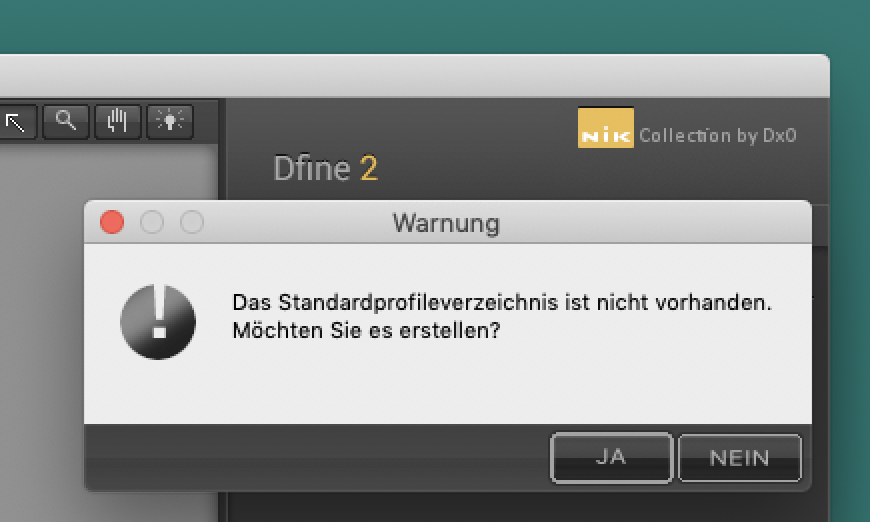

Why this folder is somewhere other than usual, only DxO might be able to tell…
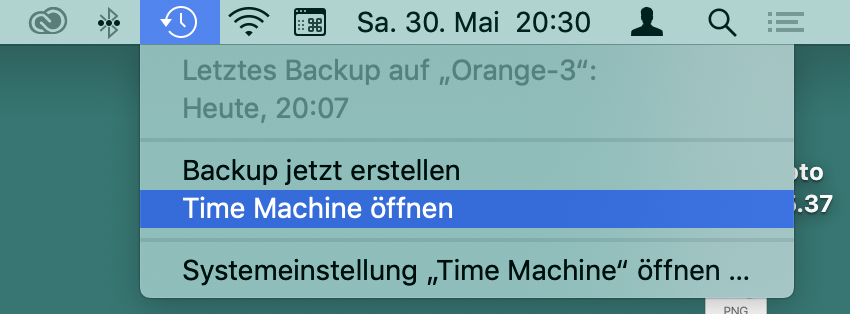
Once you found the presets, you can then restore the files from Time Machine or any other backup you have. If you use Time Machine, just select the folder with the preset (as above) and then click (see below) to make your time travel back to where your presets are.
Just another point: Are those hundreds of presets from Nik while it was still Google (or earlier)? If they were, their location might not be the same as DxO’s.
BTW: I posted a request for consistency in this matter here.