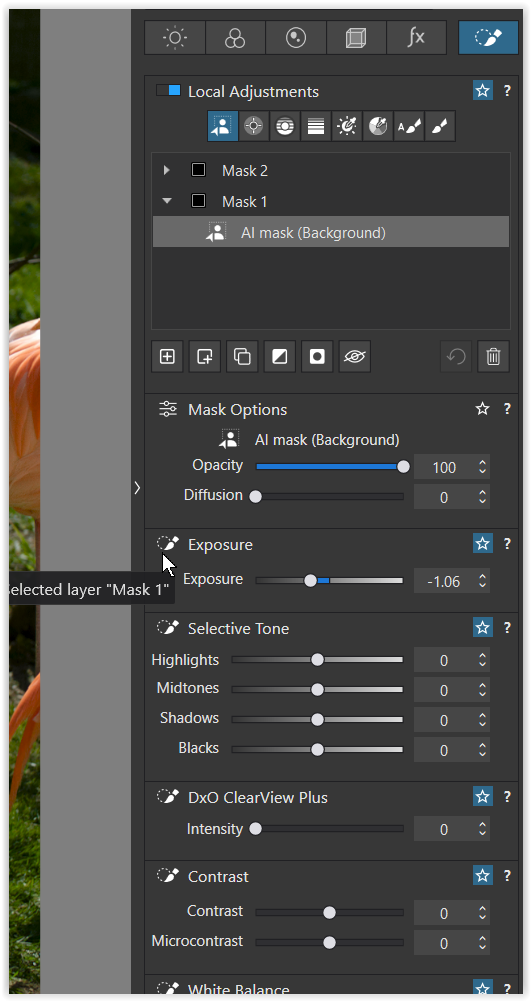
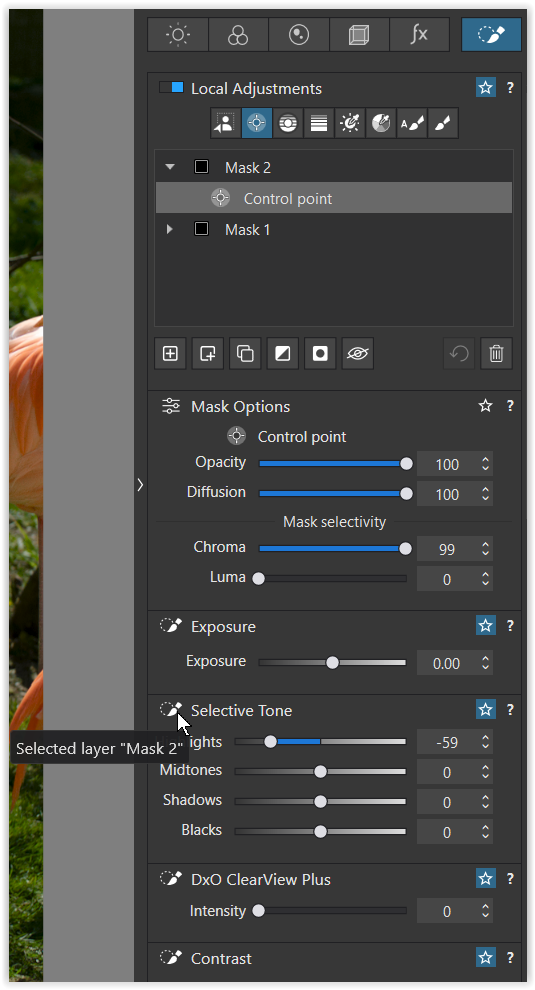
I have noticed that when I have multiple local adjustments in a photo quite often the values for one adjustment get stuck and remain visible when I switch to another local adjustment. At this point I typically can only see the values from this adjustment no matter how many times I select another existing local adjustment.
The problem clears if I create a new local adjustment with “+”.
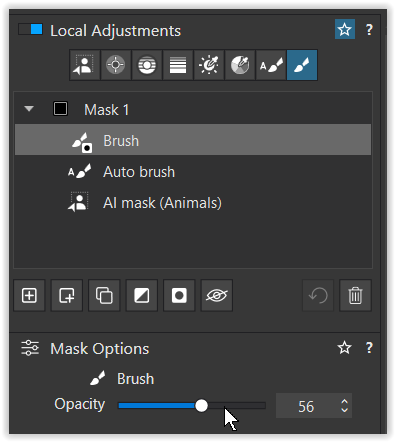
The (various) sub-masks determine the selection / area to be corrected. For example, with an AI mask, you select the subject, add parts with the auto brush, and remove other parts with the eraser.
As shown here, you can also → adjust the opacity of the eraser, which affects the selection.
I was trying to describe multiple main masks that initially have different settings in different areas of the photo. At some point, as I move between those main masks, the settings displayed for all main masks are the same. However these settings are actually only associated with one of the main mask.s. If I create a new main mask, the values displayed go back to being the one associated with with each individual mask.
Perhaps I can capture this behavior in a video and attach it here.
I recreated the problem by starting with a new file and adding 4 local adjustments: two AI masks (Background and Subject), auto brush, and a control point. The attached video shows that the Mask Options are stuck on the AutoBrush (called Eye) until I added a new mask with an control point. Hopefully the screen capture file is accepted.
I submitted an official bug report along with screenshots and a sample RAW file. Tech support has passed everything along to the development team. Hopefully they will fix the issue in an upcoming release. In the meantime, we will have to work around the problem by adding an additional local adjustment to clear the problem.