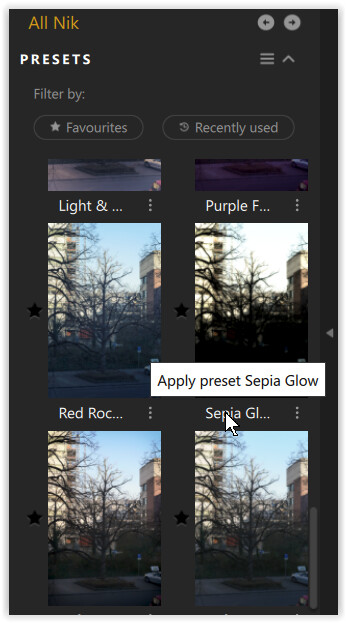
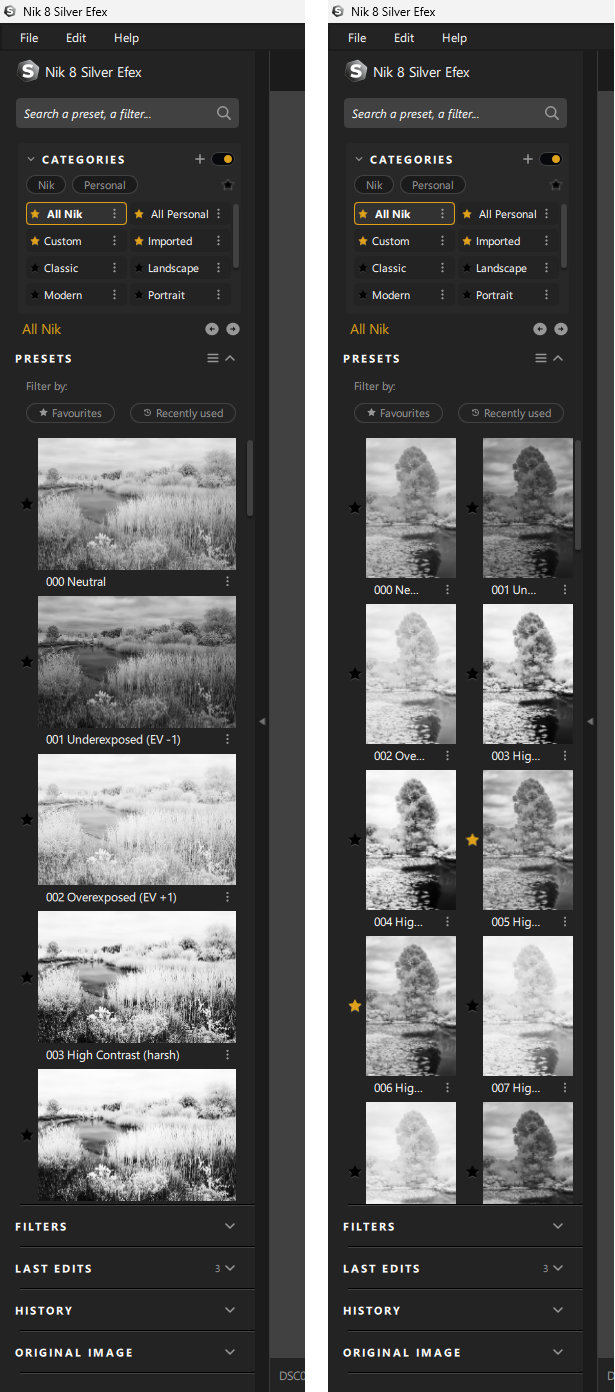
If I open a portrait image in Nik 8 Silver Efex (or Colour Efex) the presets display two wide, the captions can’t be read and the previews are very small.
If I open a landscape image, the presets display correctly in a single column and I can read the captions.
Is this a common problem and has anyone found a workaround?
I raised this with DXO and after several troubleshooting exchanges, DXO came back with the following:
" I’ve received an update from our development team and confirmed that the behavior you’re experiencing is a known issue in the current version of the software. Unfortunately, we’re unable to provide a timeline for when this will be fixed or resolved."
This is what it looks like in Nik 8 (left landscape image, right portrait)
It’s dissapointing to hear that this bug has been round for a long time.
I guess it’s one that DXO can’t be bothered to fix!
Makes presets for portrait images not at all user friendly
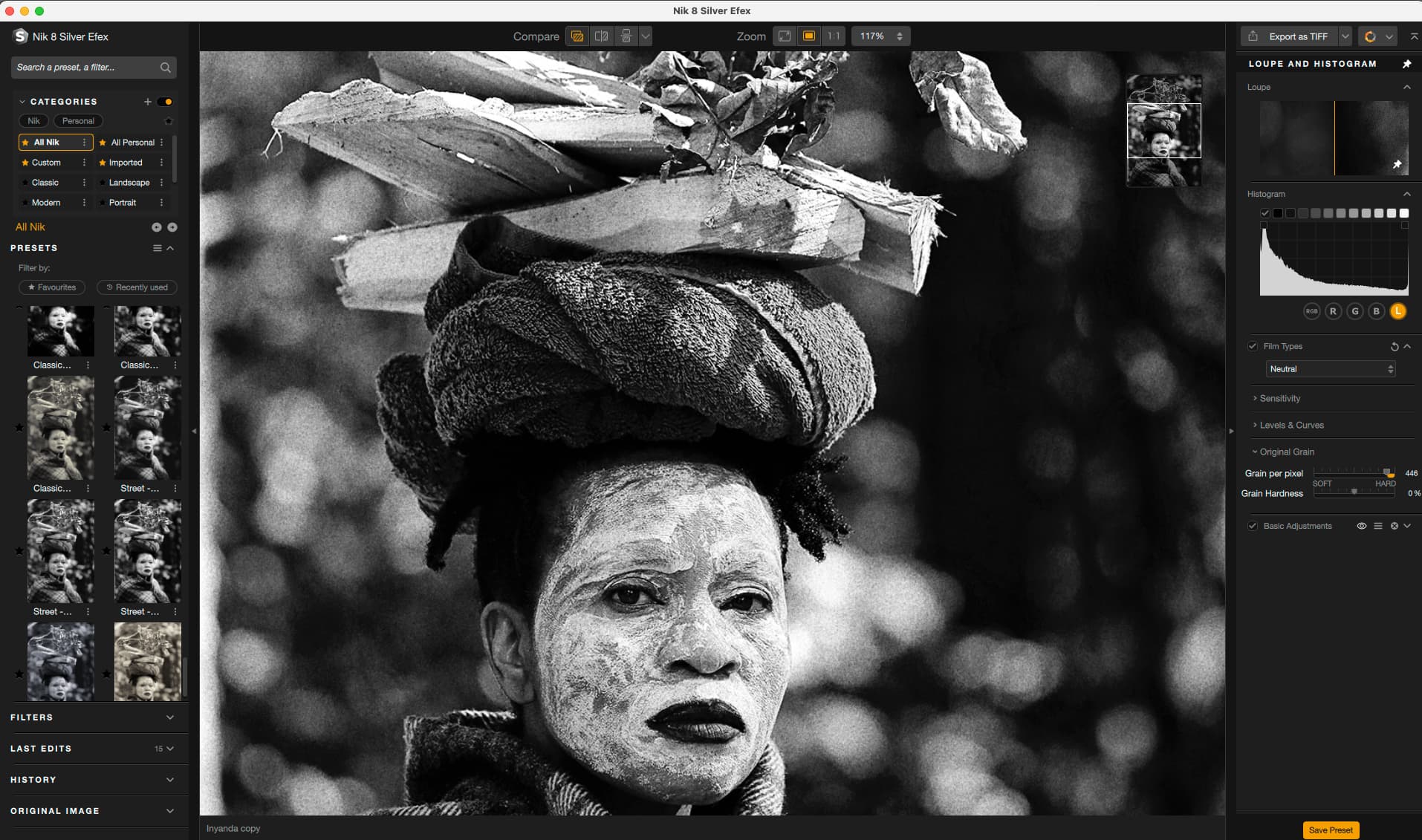
I have the same problem. I can’t read the name of my presets. I wish there was a way to just list the preset titles, so I could read them? See screenshot attached. 3x presets that start with ‘Classic…’ and 3x Presets that start with ‘Street…’ but no idea what any of the presets are?
The solution would be an option to display the previews in a single line instead of side by side. – For now, hover your mouse over the preset description.
Yes, this is inconvenient and prevents a quick overview of the presets, especially annoying in Silver Efex, where the various B&W versions are displayed subtly.
If you apply the preset directly to your image, you can use the preview for comparison. However, if you have already made local adjustments, you should save them beforehand.