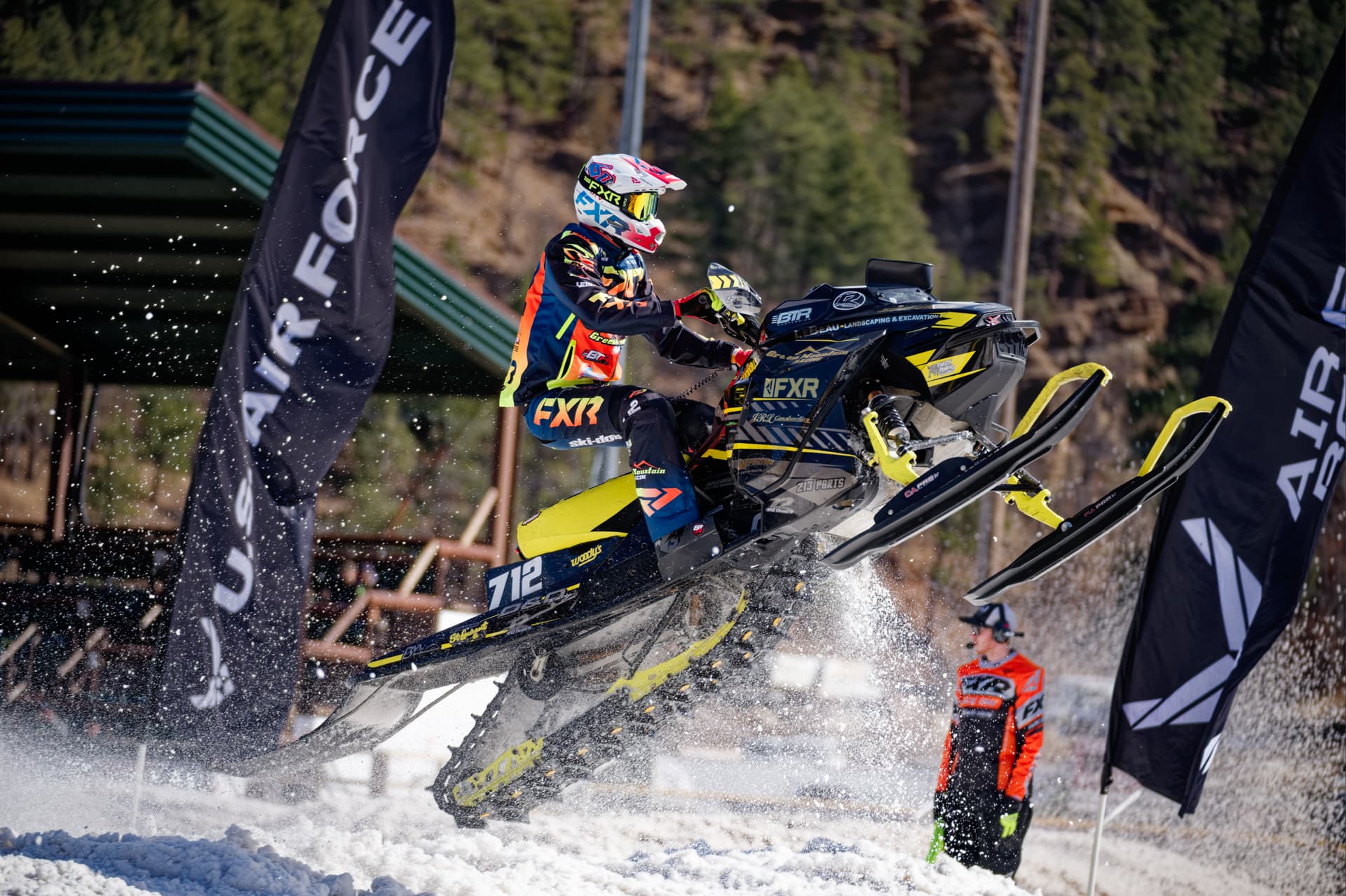
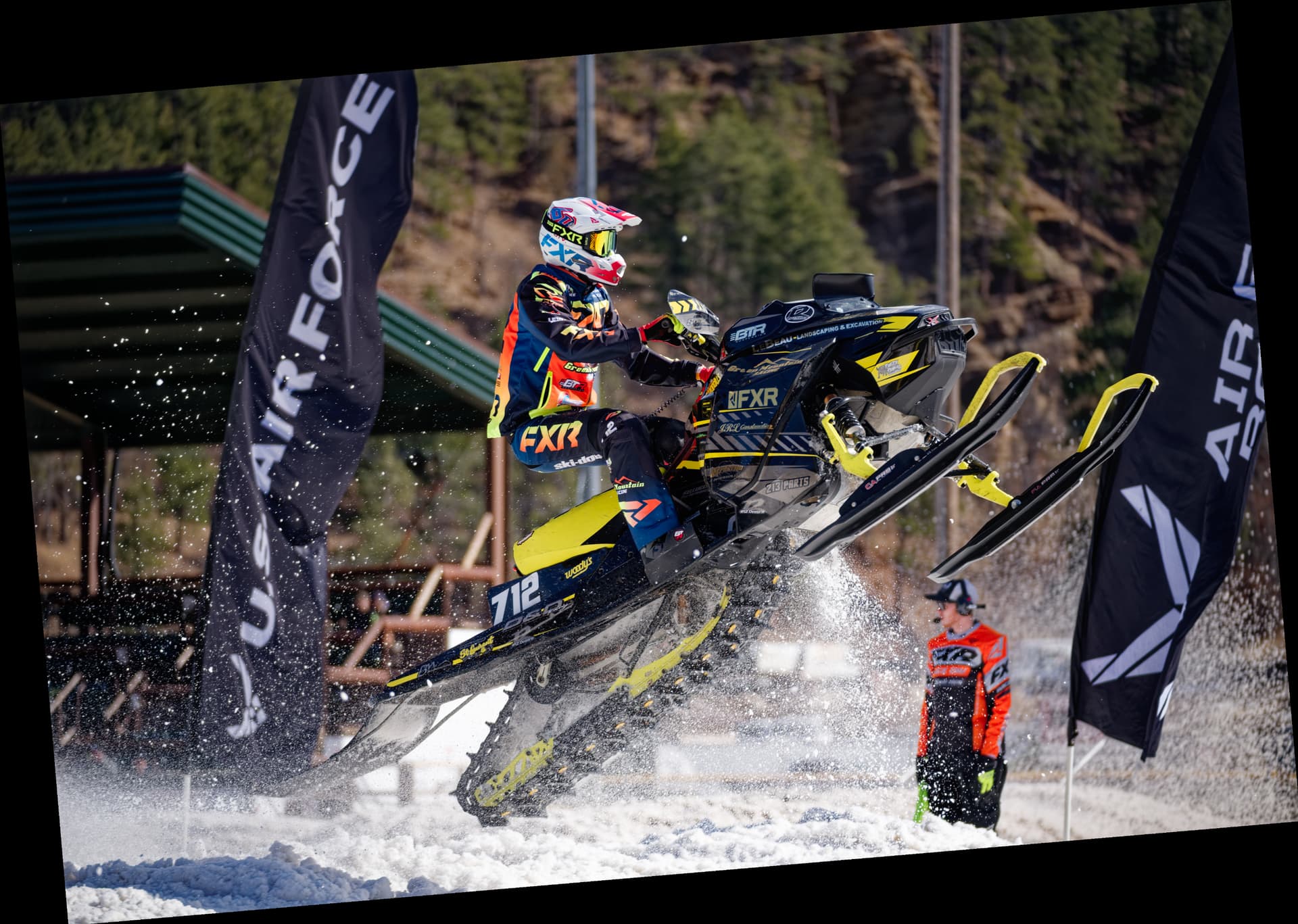
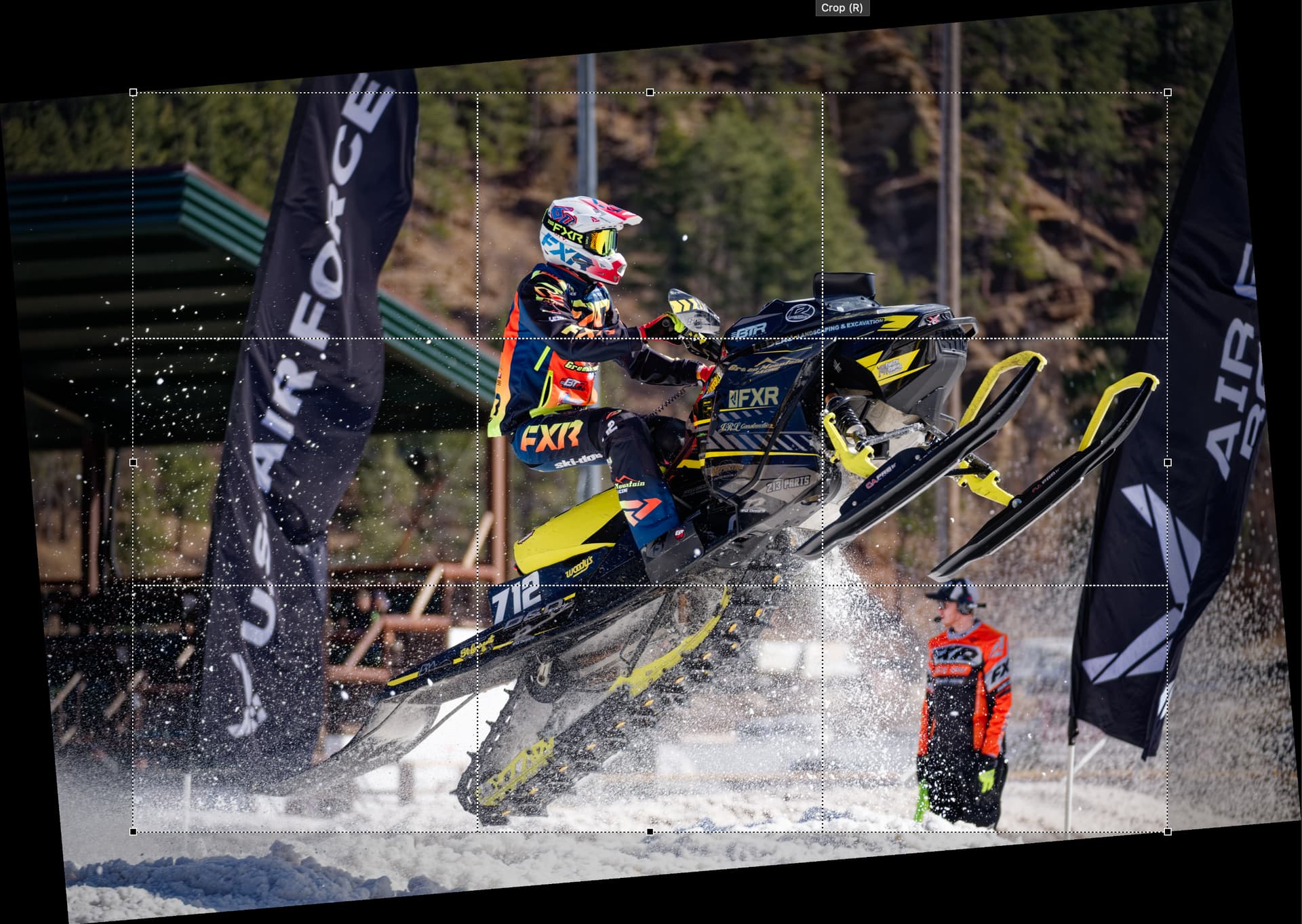
I’m testing Photolab 9, to eventually purchase it. I’ve encountered one strange issue. Some of my photos were automatically cropped. It chopped half the head of a bird off the crop of several photos. I noticed while culling, that something was off. A reset of all photos fixed it. Maybe this was just a fluke. But I’d rather avoid it in the future as I had started rejecting photos that were perfectly fine.
I’m looking to a way for the app to default to correction adjustments without cropping, for all and any photo without having to choose this manually. Is there a way to do this? Can’t find it in settings.
To note, when I went to check on the corrections tab, the crop module was set to Manual not Auto. Not sure how this works.
Got it. Thank you! I hadn’t notice that wand by the horizon module. So yes I have to turn horizon and cropping off for bird photos as it probably tries to align the horizon to something in the background even though the main subject is straight.
IS THERE a way to do turn them off by default other than creating a workspace or a preset?
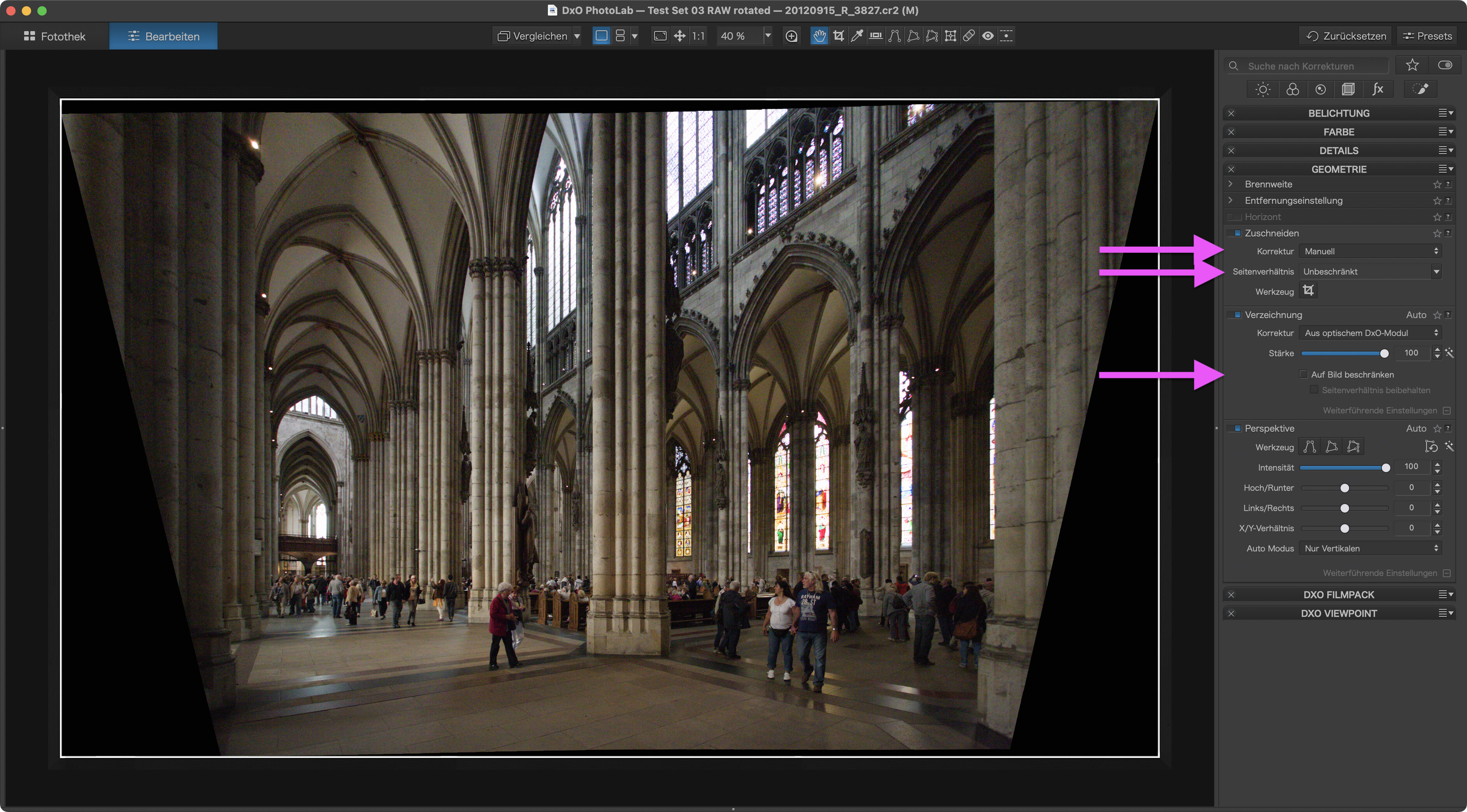
Note that the white frame is part of a frame I added with FilmPack. This only serves the purpose of better showing the corrected image without cutting any pixels.
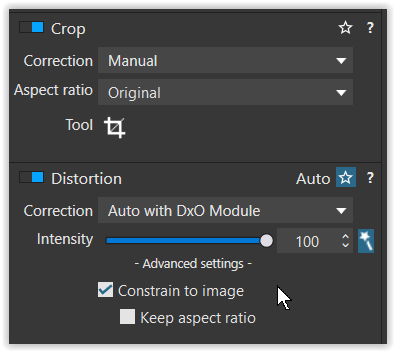
For best results, I make these items parts of a custom preset. Cropping off the black wedges is best done with a little change: Set crop from manual to automatic. This leads to no wasted pixels with 99% of all images.
Other than that, I crop images as one of the last steps of customising. After all other things have been set to my liking. Perspective corrections can get off track at times and if crop is done early, these correction errors stick to an image. It’s therefore advisable to NOT crop early on.
Somehow the ‘Distortion’ correction was not yet mentioned. In its advanced settings, there are ‘Constrain to image’ and ‘Keep aspect ratio’ checkboxes. Also customize “Edit–>Preferences–>Auto apply presets” to your needs.
PL9 should remember what you had set for this function, it does for me. But if you are applying a preset then it may override it.
I don’t see the Horizon Auto in the No Corrections preset, so if you are using that preset then you should be okay.
To make sure, select no corrections preset for an image then make sure Horizon Auto is turned off, then apply your normal preset (if any) and check the Horizon function again. If it’s still off then you are okay, if not then turn it off and create a new preset based on current settings, use that new preset going forward.
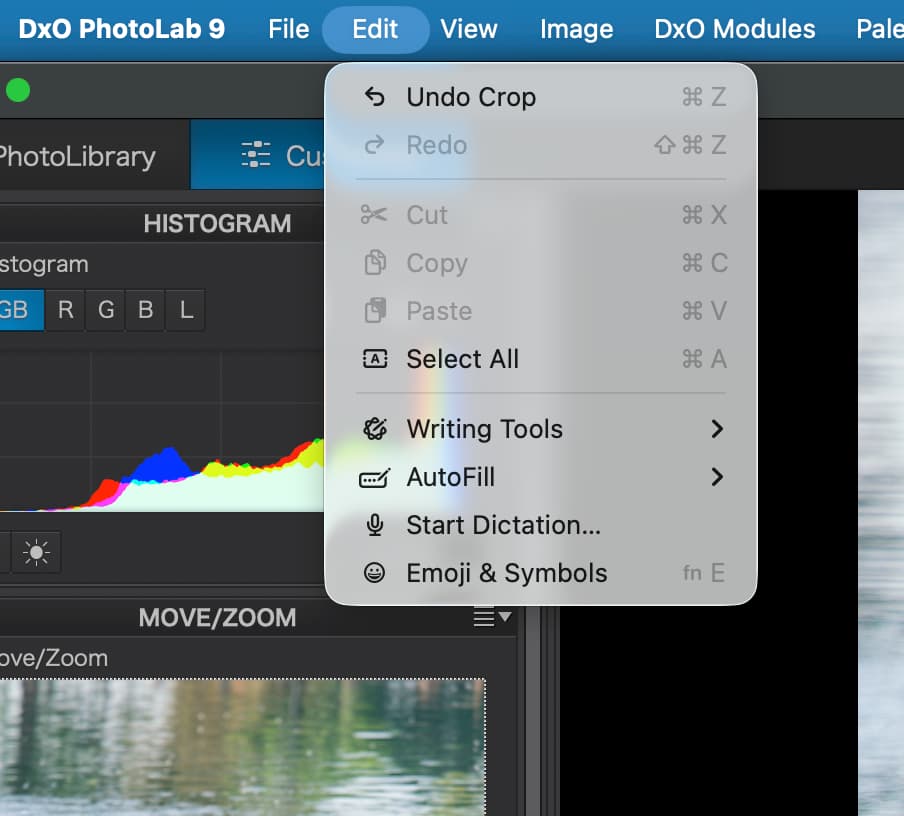
Thank you. I followed your suggestion on Constrain to image, etc. Can’t find Edit > Preferences > Auto apply presets though I looked in Settings but nothing. Help doesn’t bring anything up when searching by Auto Apply Presets. Using macOS Tahoe, and PL 9.
PhotoLab defaults to saving full presets. They set ALL tools and you’d probably not want that. Instead, save the preset and then, make it a partial preset.