As it’s Black Friday week the question of upgrading is relevant. I’m very happy with PL7 Elite, don’t use the masking functions, and don’t have any equipment newer than the modules already available.
I have a reasonably high spec W11 setup with Intel I5 14500, RTX4060, 64 Gb RAM, 2TB SSD, 12TB of HD etc, which runs PL7 (and everything else) nice and fast.
All I see in this forum are problems with PL9. Problems with colours, masking, exports etc etc. My question is - is it sufficiently stable to be worth upgrading right now, as you only get the upgrade price for 2 versions and BF price is a moderate reduction in cost.
Have you tried the trial of PL9 on your system? If not, I would strongly urge you to do so. Some have problems that others do not… and it could be down to their hardware, how the software is being used, or dumb luck at this point.
In my case, AI masking is 95% stable now (though not always reliable in terms of its usefulness in detecting objects e.g. sky, a person, a vehicle…) - although I did just have it crash on me this afternoon, prompting a restart.
Performance is my big problem. The very latest version (9.2.1.542) performs terribly on my system, with one image export taking over 2 minutes 30 seconds. The previous version (9.2.0) performs better, with each image taking around 30 seconds.
It’s worth noting that my system is around 10 years old. It can still handle other software and modern gaming without much trouble (so long as I don’ expect RTX/DLSS, but that isn’t relevant for DxO software). Currently Photolab is the worst performing software I try and use on this PC.
But you may have better luck - so do try the trial. If it works for you then it does have more (and better developed) features than PL7, but if it’s not stable (for you) then I wouldn’t say that’s worth it.
Upgraded from PL7 a couple of days ago……………………………….
The AI masking is variable. It’s far from the finished article. I am getting a green colour cast when I try to reduce shadows. Perhaps a Beta-
The loupe is slow. It will allow examination over 100%. For me nothing over 100% works. So for this to work I need to spend big. The old magnifier is quicker and works.
In short, I should have waited. I have paid my £89 but I don’t really have anything better than before. Your spec will probably be OK and the magnifier will probably be ok.
The AI? How do DxO phrase it “it’s on our to do list”?
I would download a trial first and see what you think.
I’ve been trying to make it work since Friday, it’s a never-ending string of hard crashes that sometimes require a reboot; during export, using masks (the big selling point) or even things as mundane as clicking on a button. It’s far, far away from ready. I’m on Windows 10 (extended for another year), latest Intel Arc A770 drivers, latest Adobe software (not that it matters), etc. 32 core CPU, 64Gb RAM, everything on Name drives. I should’ve stayed away from it, it’s unusable.
Rhetoric question: Why would one want to upgrade if there are no new features that one wants or waited for?
Starting from PL7, you can get PL9 with an upgrade discount and upgrading to PL10 next year will require a new license. Discounts come and go - also at other times - and the Black Friday discount we get for PL this year doesn’t look that good to me. YMMV though.
Agree with the others who suggested you go for the trial.
I have PLE8 and FP7. I’ve purchased the upgrades but am waiting to install v9 and FP8 on a new system. I’ll have it built this weekend, then I’ll install the OS. I suspect we’re going to see a new v9 build shortly. I’ll probably start with it. v8 and FP7 are running great for me in the meantime, until I get the new system in production.
I am looking forward to the new mask(s) features which was the primary reason I upgraded. Not in a hurry though. The holidays are upon us. I need something that works without issues.
You’ll have to gauge your upgrade strategy as others pointed out. No need to pay full price for PLE unless you wait. Only you can make that decision. Sounds like you have the hardware you need.
Actually now i’m pretty happy with PL9. Frankly, in the early beginning i was in the other side of opinion. All in my point of view below.
AI mask - Manual (selection, area) works fine. Event better than my expectations. Find things what i never expect ot find - sometimes things what even hard to see with my Mark I eyeball.
Auto Bush (what is practically AI brush now) far-far better than previous Auto brush.
Mask layering, invert mask, invert shape definitely great. I use a lot and love it. Its breath new life to all masks. I really like manual AI + graduated mask together. Great improvement. If you use more than few CP its great time saver / quality of results.
Control Point - diffuse can be fine sometimes
NR / Lens sharpness for masks → can be nice, usually for backgrounds / foregrounds. I use for backgrounds.
All others in their website (like extended History, etc). ‘DeeprimeRendering’ (for screen) does full screen DP NR (no loupe needed)
Pre-defined AI masks (like: sky animal, etc.) detection quality can be better. Especially in Sky is far from great (this ‘sky’ definitely weak at least now). Seems others pre-defined AI masks seems works okay.
May rare cases some ‘AI hallucination’ alike things can happen. What can i say - AI. But i not read user feedbacks on this cases that after PL newer versions, they not drop the samples sources to the forum so we cant test it, etc. So…
Export may some cases smaller issues (not image quality issues). But nothing deal breaker.
nVidia driver quality may vary - what may impact on AI stuffs. But seems we over that times for a while (as nVidia fix it). Regarding AMD drivers i not see issues in forum. I have no idea regarding Intel GPU - a few weeks back someone was happy with 10GB Intel, just in the few post back in this thread someone less happy with his Intel GPU.
Seems near all (but i think all) AI ‘issues’ in this forums (like ‘internal error’) connected with GPU VRAM amount and what you use (and in the past with nVidia driver issues). I already write a lot about that. Seems with less GPU VRAM (like 6GB) the pre-defined masks (like: animal) not love to work. Users in the forum for example with 12GB can use multiple pre-defined mask fine.
Users upgrade to bigger and faster GPU VRAM quite happy (like from 6GB->12GB) and say ‘its a totally different experience’ (or some similar happy things)
DxO release notes say: minimum req for AI mask and DP3: 6GB of GPU VRAM. And its not say with 6GB GPU VRAM you can do all pre-defined AI masks and DP XD2s NR and DeeprimeRendering and export at once. Its just say: AI mask and DP3. So, until as your GPU VRAM enough, you can do the things. For some 6GB okay for their work, 8GB looks fine, and so on. Think about to get the concept: Manual AI mask use less GPU VRAM than ‘Pre-defined’ AI masks. DP3 use less GPU VRAM than DP XD2s and so on.
Regarding other issues i cant say a thing. I read the forum, and also see the ‘color in some zoom level’ , etc. But i think this things not seems a deal breaker.
As others suggest, give a trial period test.
Fun example: i use PL9 even with only 4GB GPU VRAM! Even its under any minimum spec. ‘Manual’ AI masks + export with DP3. Anything over that like ‘Pre-derfined’ AI masks cause ‘internal error’ as its runs out from 4GB of GPU VRAM.
Don’t believe everything what’s in this forum, as it may be biased by “beliefs” or faulty hardware. Double check yourself testing the trial. PL9 engine is like PL8, except for new features.
To put it short, yes if denoising and new local adjustments mask features are important to you, putting aside AI masks. Probably yes, if you intend to use XD3-XTrans, but I’ve seen too few examples to judge. Not sure otherwise, depends on your specific needs.
If you look again you will find PL9 success stories too.
I’ve just upgraded from PL7 to PL9 at the BF price. My experience is pretty much as described by @andras.csore. The AI preset masks are not great, yet, but manual selection works well.
Your hardware specs are better than those of my Win 11 laptop. I see no reason why it wouldn’t cope with PL9 but you can only make an informed decision if you run the trial for yourself.
PS while I’ve only activated PL9 on my Win 11 laptop so far, I can actually run PL9 on my ancient Win 10 box (3rd gen Core i5 CPU, 8 GB RAM, GTX 1050Ti 4GB VRAM). Unsurprisingly with such a low spec machine it’s not a great experience but as long as I’m patient (very patient) and I don’t use the AI preset masks, it does work.
“Don’t believe everything what’s in this forum, as it may be biased by “beliefs” or faulty hardware.”
Seriously? People report problems and this is what you say?
Their hardware suddenly became faulty? They believe that the AI mask isn’t very accurate on a lot of scenarios, but it really is perfect?
As you correctly mentioned. Get the trial first. See if you can use the AI and export first, if this fails and AI is important to you then you have a problem. It’s your problem but you didn’t cause it.
Even if you CPU, GPU, VRAM and RAM never max out, it can still fail to export. So I can’t find the solution because none of the relevant components fail. The good news is that the AI is barely at Beta stage so you are not losing much, the question is do you need to upgrade until DxO gets things right (ish).
This a a valid question if the only feature of interest is the new AI masking. However, PL 9 has by far the most extensive number of new and updated features that has ever been included is single release since PhotoLab 1.
So many posters are focused only on the AI masking issues and seem to ignore everything else. Choosing not to upgrade because of the current AI masking issues is unfortunate because it means missing out on so many other feature updates, some of which users have been wanting for years.
I may have missed a few additional features, but below is my current list of new and upgraded features in PhotoLab 9. And, of course, for the thread starter @nputtick who is still on PL 7, this list doesn’t include the additional dozen or so features that were included in the PL 8 upgrade, I hope he is also aware that if he does not take advantage of the upgrade to PL 9 he will have to pay the full retail price for PL 10 when it is released.
Mark
· Removal of sharpening restrictions below 75% zoom for both Lens Sharpness Optimization and the Unsharp mask.
· A new Lens Sharpness Optimization algorithm.
· Ability to apply DeepPRIME in local adjustments.
· Ability to apply Lens Sharpness Optimization in local adjustments.
· A new option to view the effects of global and local DeepPRIME denoising in the editing window, full screen and at all zoom levels, while editing.
· New AI based object selection masking in local adjustments
· New local adjustment masking and sub-masking layers.
· The ability to combine various local masks.
· The ability to erase and shape portions of control line and control point masks. and to do the same for AI masks.
· The new ability to set the edge diffusion of control point mask edges.
· Removal of PRIME noise reduction. Perhaps a problem for some people but it helps save space in the interface.
· New filmstrip stacking features, including the stacking of virtual copies as well as separate image files.
· New advanced batch renaming functionality.
· New exported file renaming in the export dialog.
· New project creation features
· Pro RAW support
· HEIF/HEIC support
· The retention of Advanced History entries across editing sessions in the Windows version which has been a feature of the Mac version for quite some time.
Thanks. I have never tested it myself. However, my Nikon Z f has the capability of creating HEIC output so I will put this on my list of features to test.
Yes, it has been stable enough for me other than one export issue scare, and other than being about twice as slow to export XD2s files as PL8, using my M4 Max computer.
Worth trying my phone imiges loaded but very slowly and kept reloading all time. They were editable but the behaviour made them unusable and as you I thought from what was said they should work but support said bug off its apple phones supported. Others can’t even get far. Pitty as my ultra 22 files are 10 bit rather than jpgs 8 bit and I dont what to keep messing about with multiple programs for camera and phone
That is true. DxO’s first attempt at AI masking has gotten off to a rocky start. However, even if they had not included AI masking in PL 9, it is still an extremely worthwhile upgrade based on everything else that is new in this version.
As would a dropdown list in place of the current arrangement.
Removing functionality like this is a big negative for me. It’s fine if you use PL for export and forget, not so much if you like to be able to return to previously edited images with newer versions of software. It becomes a bit pointless if you return to find the rendering has changed.
Deep prime for X-Trans is of benefit to me and appears to be an improvement.
Removal of sharpening restrictions below 75% zoom for both Lens Sharpness Optimisation and the Unsharp mask - is………………… I usually do this at 100% anyway.
A new Lens Sharpness Optimisation algorithm - not seeing massive difference here.
Ability to apply DeepPRIME in local adjustments - so you remove the noise from a subject but leave the noise around it? Well I have tried this, it looks pretty weird.
A new option to view the effects of global and local DeepPRIME denoising in the editing window, full screen and at all zoom levels, while editing - you’ll need a very powerful graphics card for this.
The introduction of masks - been around since the beginning of time.
And then there’s AI………………………………………………..
So in short……… The new X-Trans Deep Prime is the only real benefit I see. The masking is OK but that’s been around since 1990. The rest are tweeks.
I upgrade every two years so for me, it’s not the money, the question is forward progression. Someone once told me that software companies are like sharks they have to move forward or they will die. So it does look like DxO is moving forward but at what cost. How many problems have arisen over the years that have not been addressed. They have about 3 upgrades worth of “To Do List” to do and some of those have been outstanding years.
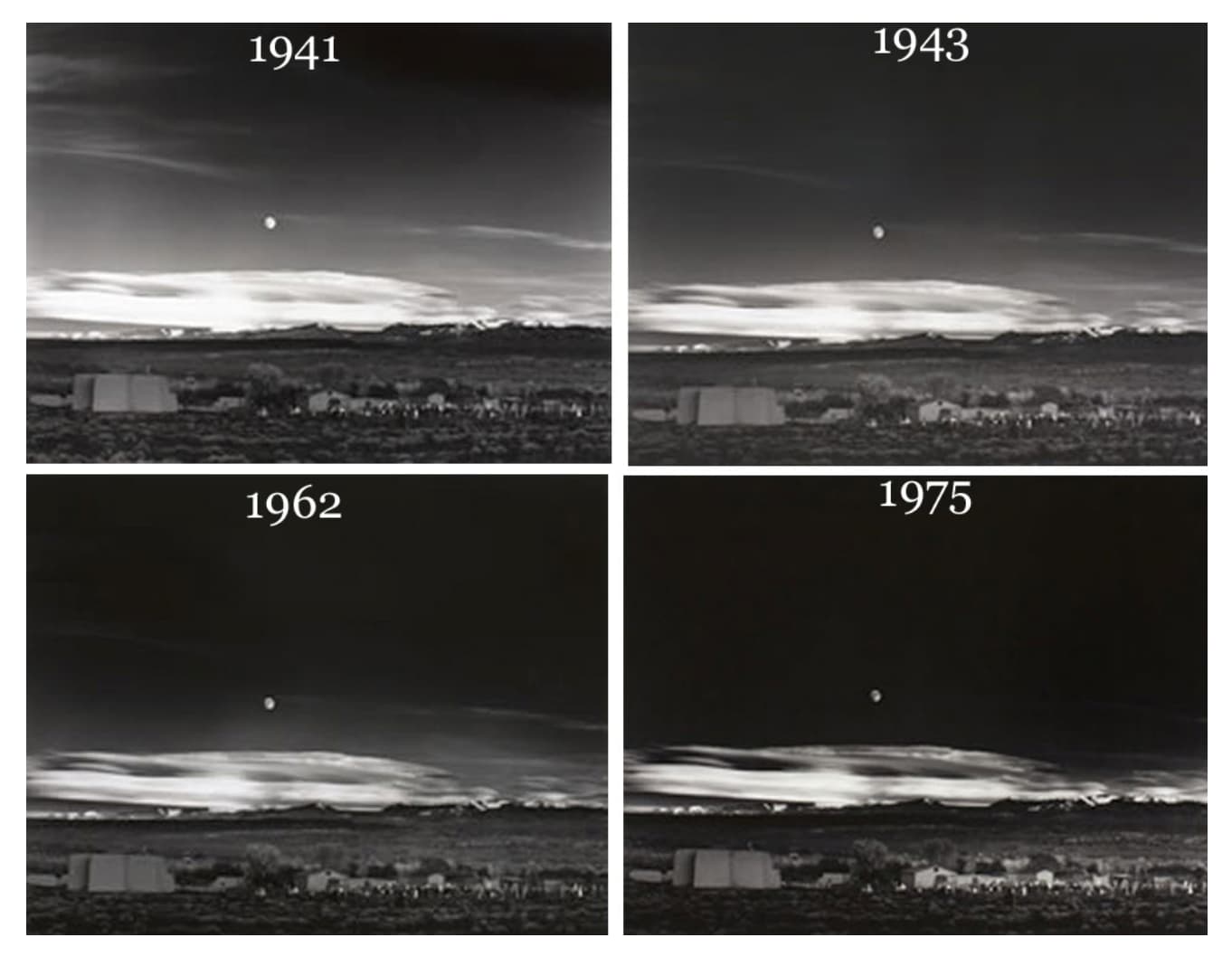
You mean like when we used to have to dodge and burn under the enlarger and try to get the print the same every time?
Surely, if you anticipate coming back to an image, you export a “print” version and keep that safe? Or has digital photography sucked all the common sense out of your brain?
Ansel Adams was constantly revisiting his images and changing how he printed them…