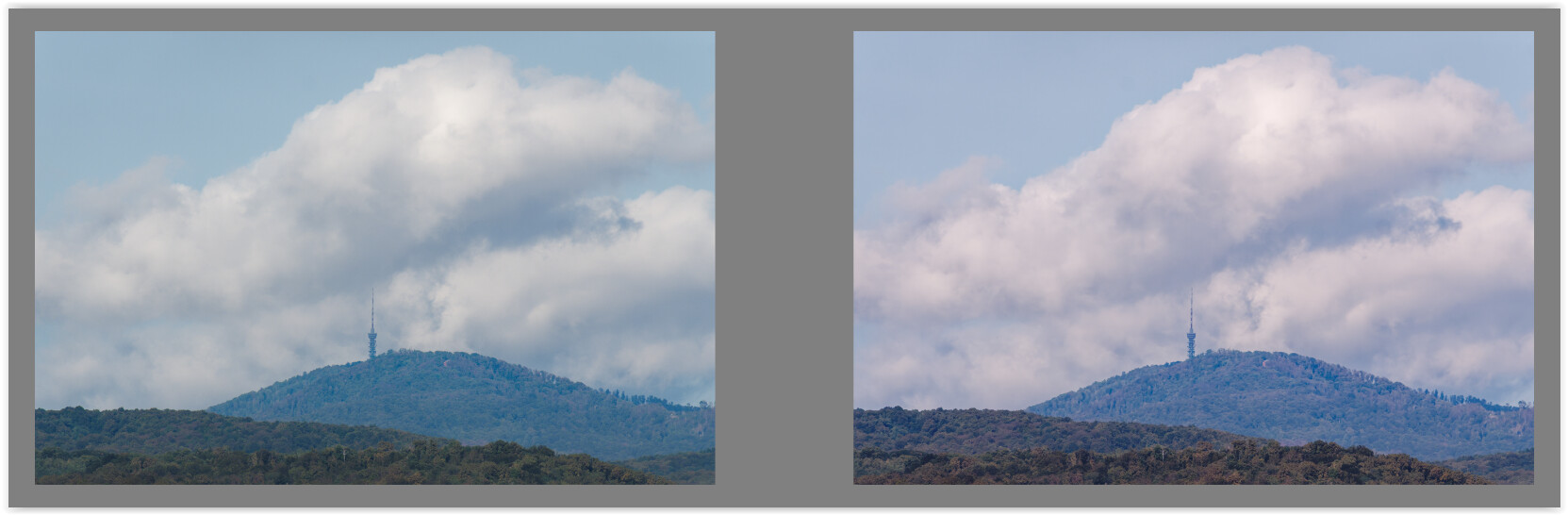
I’m able to make use of Clearview when I’m taking landscape shot of something somewhat close with haze in the distance.
But If I’m trying to dehaze subject of photo, images goes very blue. I try to combat it with adding some other colors with curves etc, but it rarely ends up being natural.
What are your tips and trick of handling haze? Is it something that is reasonable to fight at all, maybe I should just avoid the photo if the subject is hazy.
Can you share a file that gives you the headache regarding haze removal? And please add the corresponding .dop sidecar file.
(post a link to a fileshare or file sharing service like wetransfer)
Pleas add a screen capture of what you have and get. This can help to see what you see.
Your image is very blue (→ use a polarizing or skylight filter in the mountains).
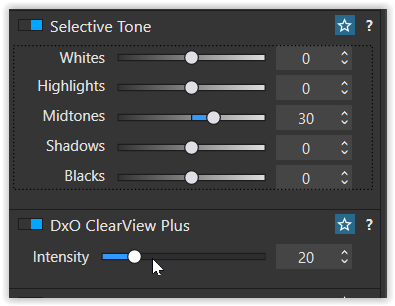
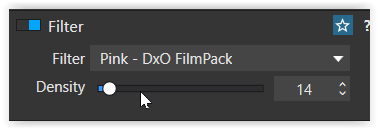
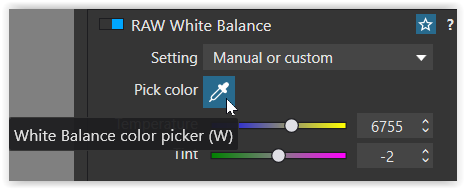
Removing the haze with ClearView Plus intensifies this color and simultaneously darkens the image. To compensate for the latter, you can simply brighten it and also add a pink filter (from Filmpack) to mimic the skylight filter.