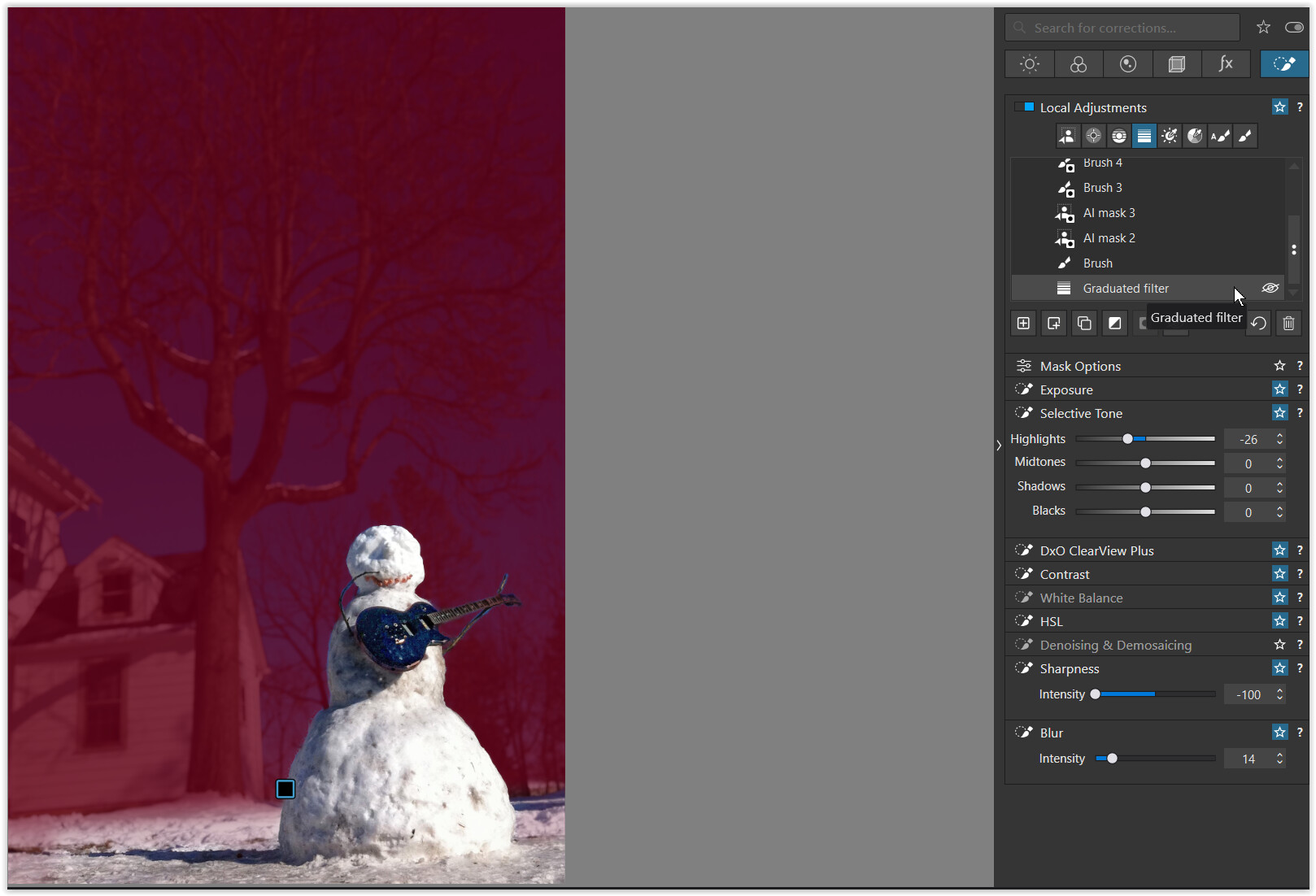
Here too, I started with a Graduated filter
and excluded Frosty from the blurring using “Invert Shape” …
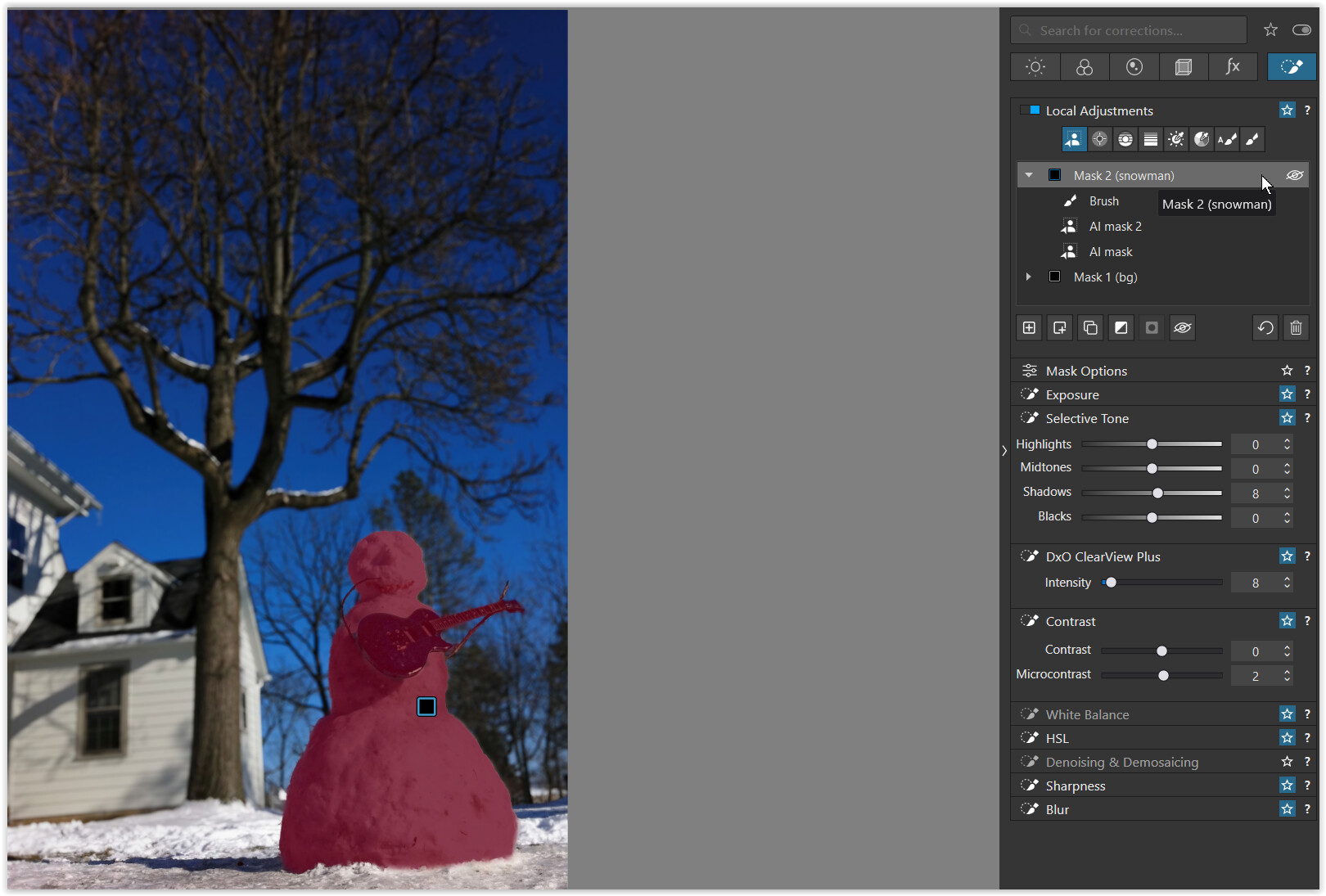
Then I added a new mask to cover the subject
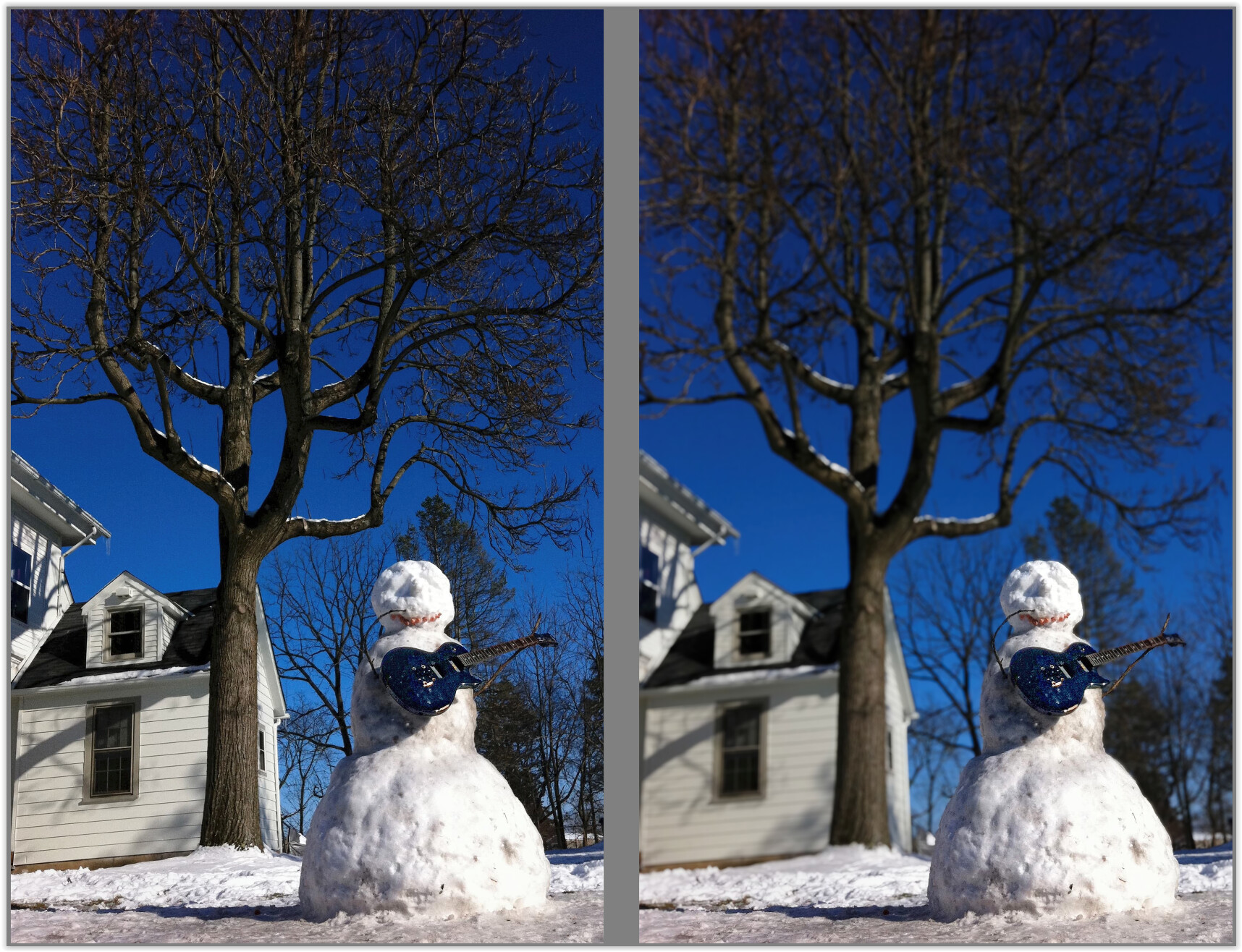
the result
IMG_1394.jpeg.dop (65,2 KB) → VC 1
Lastly I experimented a little more → VC 2
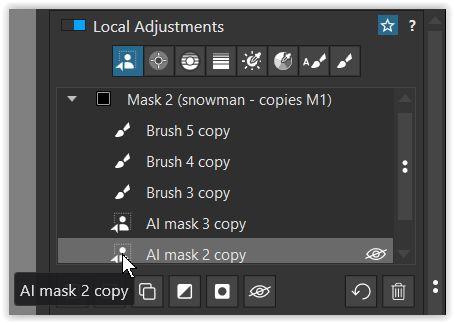
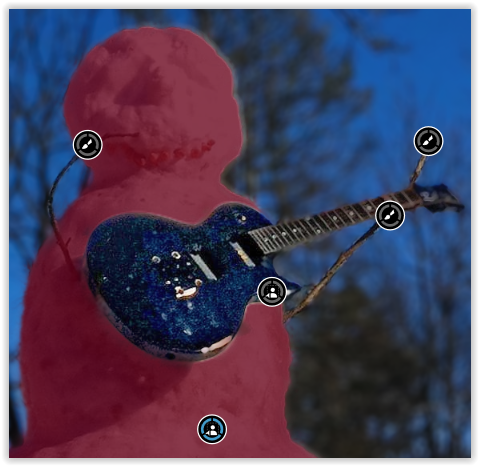
- duplicated all layers “Inverted shape” in Mask 1
- created a new Mask 2
- moved all duplicates from Mask 1 to 2
- reverted the duplicates to “normal”
- applied the same settings to the new Mask 2
While that works … the effort wasn’t worth it.
- mask / selection for Frosty & guitar was not complicated
- limited space for Local Adjustments makes the approach difficult
