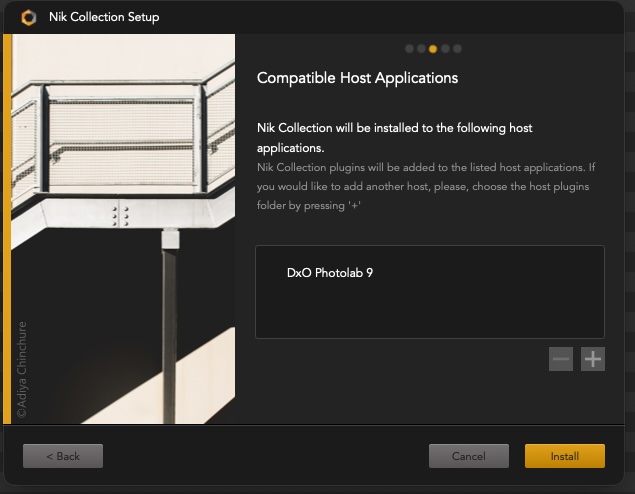
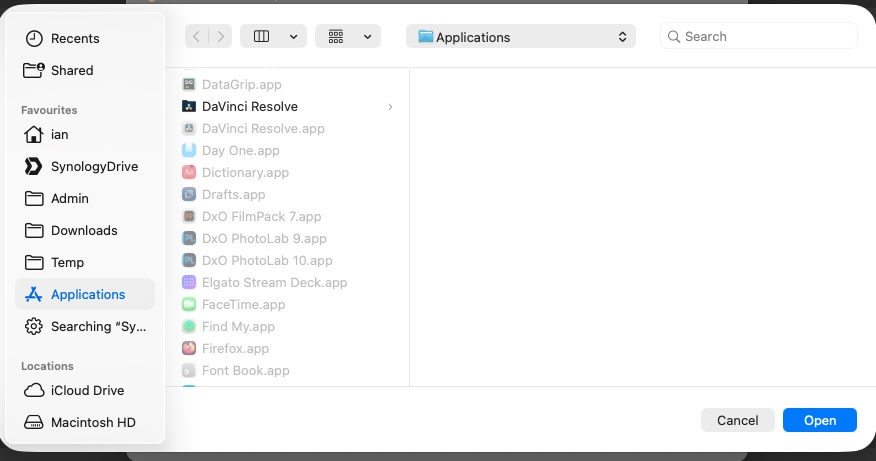
I’ve just installed Photolab 9 on a new macOS machine and then upgraded it to Photolab 10. When I then try to install Nik Collection 7 it only offers to integrate with Photolab 9. Is integration with 10 coming?
I don’t need any of the features of more recent versions of Nik Collection so I’m reluctant to upgrade just to get the Photolab integration.
mwsilvers
(Mark - New Jersey, USA, Win10, RTX 4060, PL9, FP8, VP5, Nikon Zf )
2
The Nik Collection 7 integrates with both PL 9 and PL 10 with no issues in Windows . That is what I am using on my computer. I don’t know why you are have difficulties with it on your Mac.
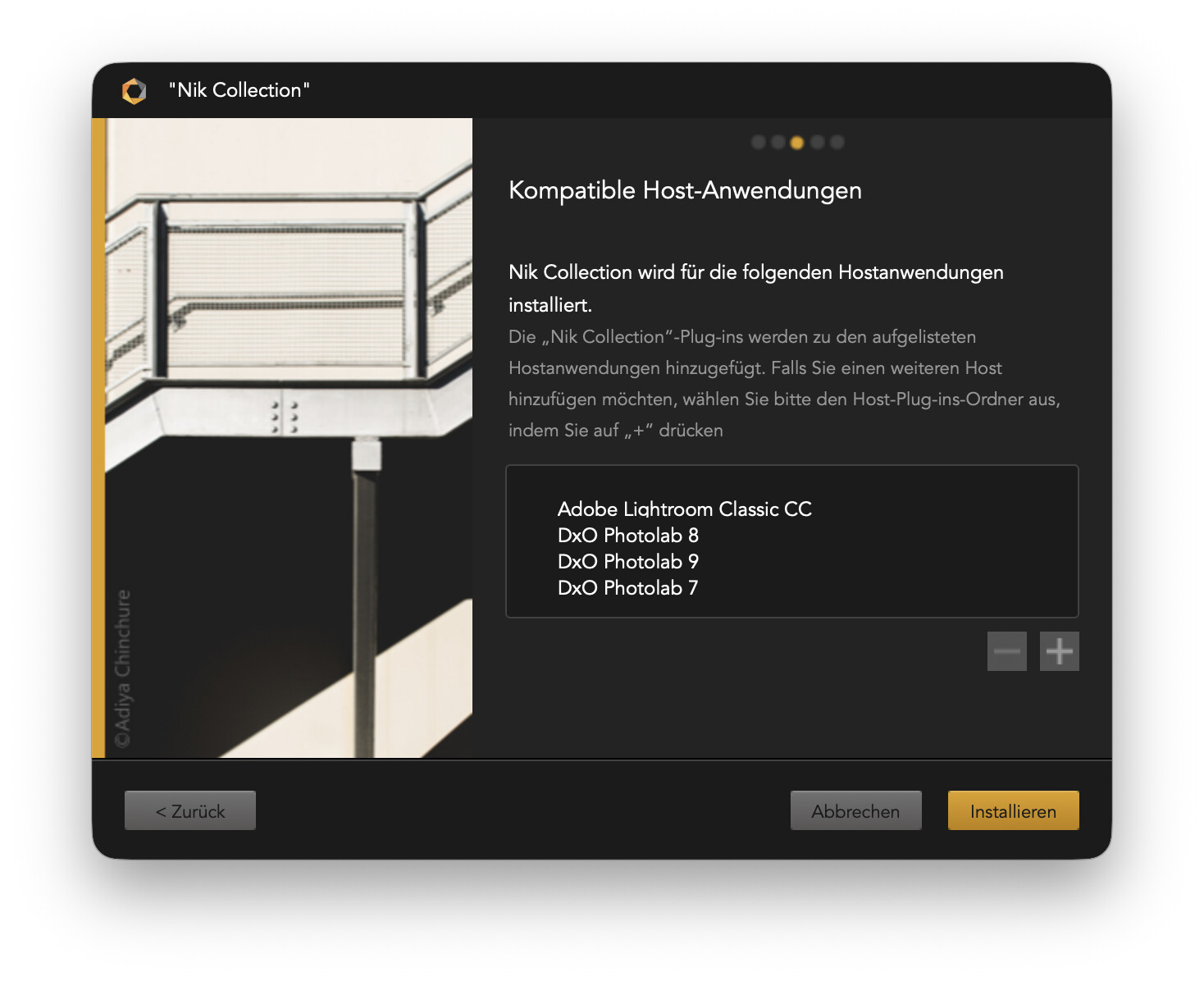
With the selection as shown in the screen above, I’d get to see Nik plugins in Lightroom and PhotoLab 7, 8 and 9.
NOTE: Nik is NOT present/hidden in PhotoLab as FilmPack and ViewPoint. Instead, PhotoLab can show the Nik plugins in PhotoLab to facilitate sending an image to Nik from PhotoLab. Doing so will export that image to RGB and hand it over to Nik.
I tried uninstalling PhotoLab 9 but that made no difference. I suspect I could still press on and install Nik 7 but having the link to PhotoLab is an important part of my workflow.
Nik now installed successfully without any application being selected for integration. Within PhotoLab 10 I’m able to export to the Nik packages . So it might all be working but I’m not sure what the successful round tripping workflow should look like.
Also, if it all works without selecting an application for integration, what’s the point of asking?!
Try it or read the user guide(s). The latter might be somewhat unintuitive, but they’re there and tell us what the products do.
The dialog can add/remove a few apps, but some are immune or absent and get the plugins anyways. The dialog is just not smart enough to cover all situations.