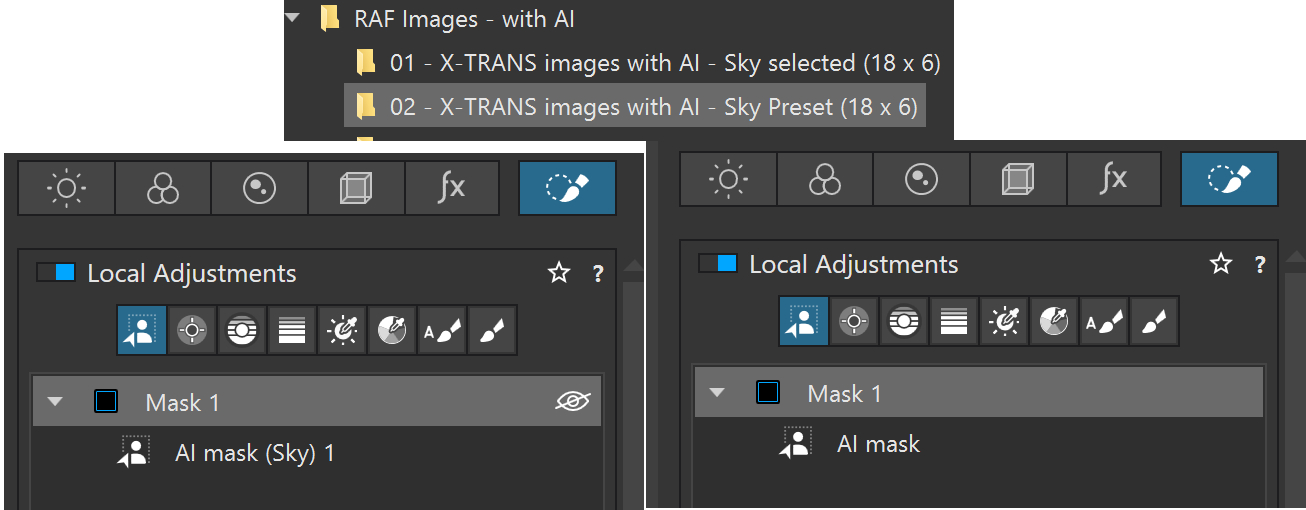
@mwsilvers What I refer to as the “Sky” Preset as distinct from a/the Sky selection, effectively a normal object selection, except the object happens to be the sky.
@TorsteinH I have seen this stated by others but I that is not borne out by my tests, far from it.
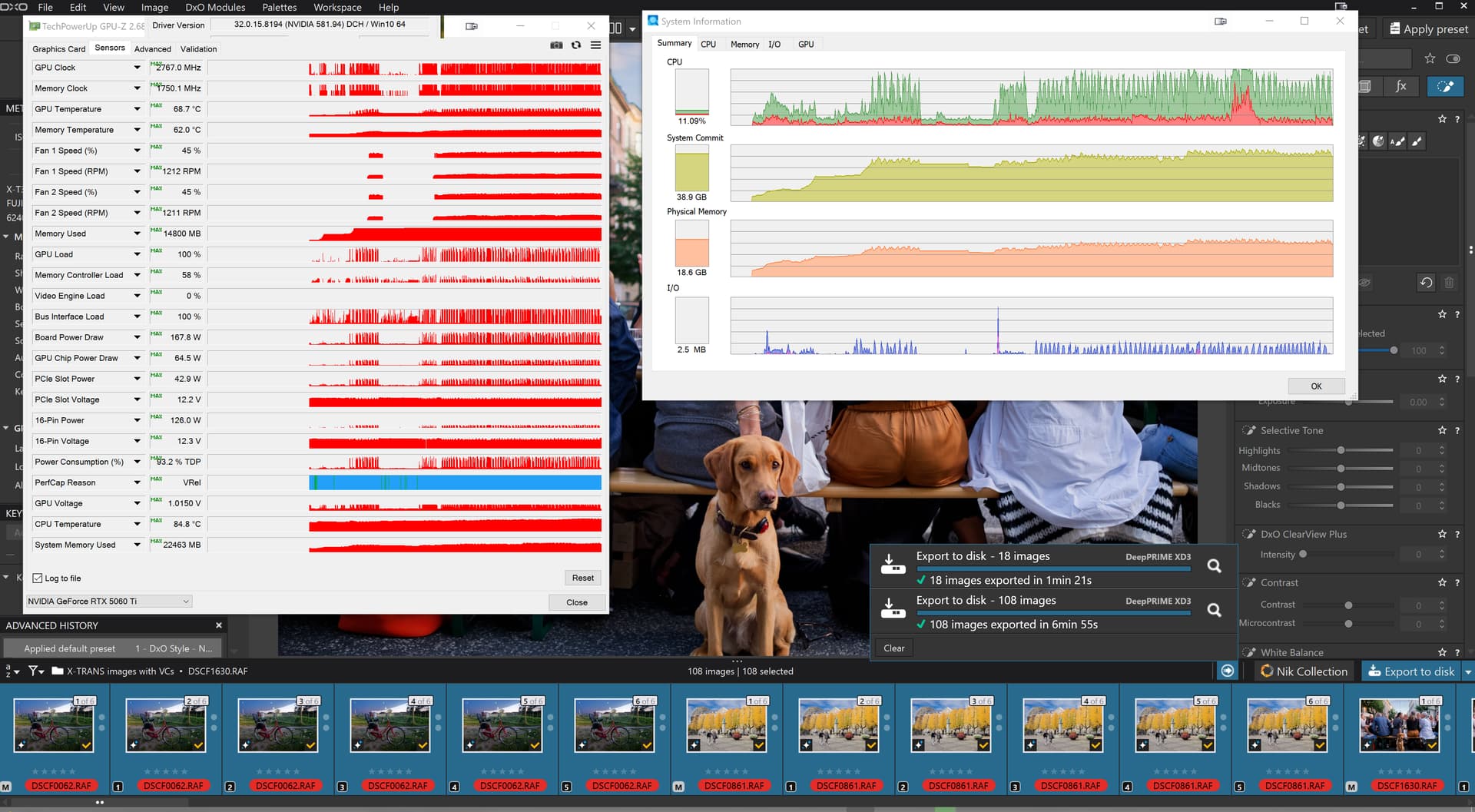
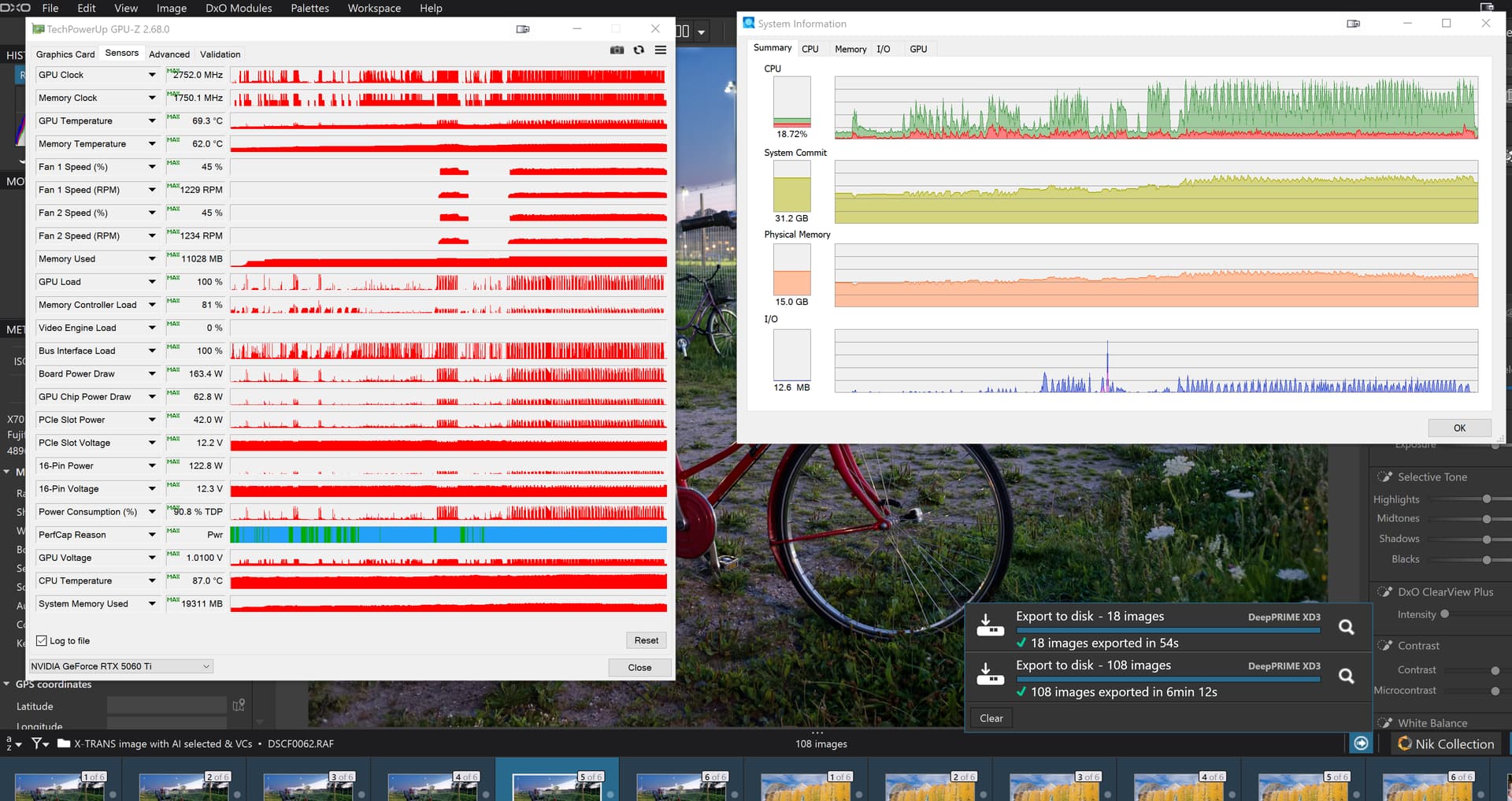
Using the images I tested and posted above, that was a test using the “Sky” preset we have what I reported before
NVIDIA RTX / WinML performance and stability improvements with DxO PhotoLab 9.7
Some Windows users experienced performance and stability issues when using AI Masks in DxO PhotoLab.
After several months of close collaboration with NVIDIA and Microsoft, along with extensive testing and benchmarking, DxO PhotoLab 9.7 brings significant improvements to these issues, combining and extending the optimizations introduced in previous updates.
Performance and stability improvements
On NVIDIA RTX 30xx to 50xx GPUs, DeepPRIME processing is now 14% to 25% faster
On NVIDIA RTX 20xx
Memory management has been improved for systems with less than 16 GB of VRAM
Stability has been significantly improved on Intel GPU configurations
Extended AI acceleration with Windows ML
PhotoLab 9.7 expands Windows Machine Learning (WinML) support to improve performance and compatibility across a wider range of systems:
Broader OS support:
Windows 11 23H2 or later
Windows 10 22H2
Expanded hardware support:
NVIDIA RTX 20xx, 30xx, 40xx and 50xx series GPUs
Automatic activation:
This AI processing mode is enabled by default and can be adjusted in the Preferences
These improvements provide faster AI-based processing and improved stability on supported configurations.
Known limitations
Windows ML is not supported on:
AMD GPUs
NVIDIA GTX series GPUs (including 10xx)
These configurations will continue to use the standard processing pipeline.

 NVIDIA RTX / WinML performance and stability improvements with DxO PhotoLab 9.7
 Performance and stability improvements
 Extended AI acceleration with Windows ML
 Known limitations