Some DxO PhotoLab 9 users on Windows may experience malfunctioning AI Masks when using an NVIDIA RTX 2000 / 3000 / 4000 / 5000 GPU with driver 580.xx (e.g., 580.88 or 580.97). This issue is caused by a known bug in the NVIDIA driver.
Please update to driver 581.57 or later, which fixes the problem. More details in our FAQ article here. If the issue persists, feel free to contact our Support team for personalized assistance.
Note for RTX x60 models (2060 / 3060 / 4060 / 5060):
These GPUs are affected by a separate WinML-related issue. Until NVIDIA provides a fix, we recommend to Use CPU processing, or temporarily avoid AI Mask keywords.
We are in contact with NVIDIA, who is actively working to resolve the issue. We will update this post as soon as NVIDIA publishes a correction.
Do RTX x60 issues mentioned above have anything in common with the following issue on 4070?
CONFIG:
Win11 24H2 (26100.7171), i7-14700KF, 32GB RAM, nvme disks, PL9.2.1.542
GeForce RTX 4070, used also for display, 581.57 Studio driver (clean install), no HDR, G-Sync, etc, Power Management Mode = ‘Normal’, 4K/60Hz monitor connected via DP.
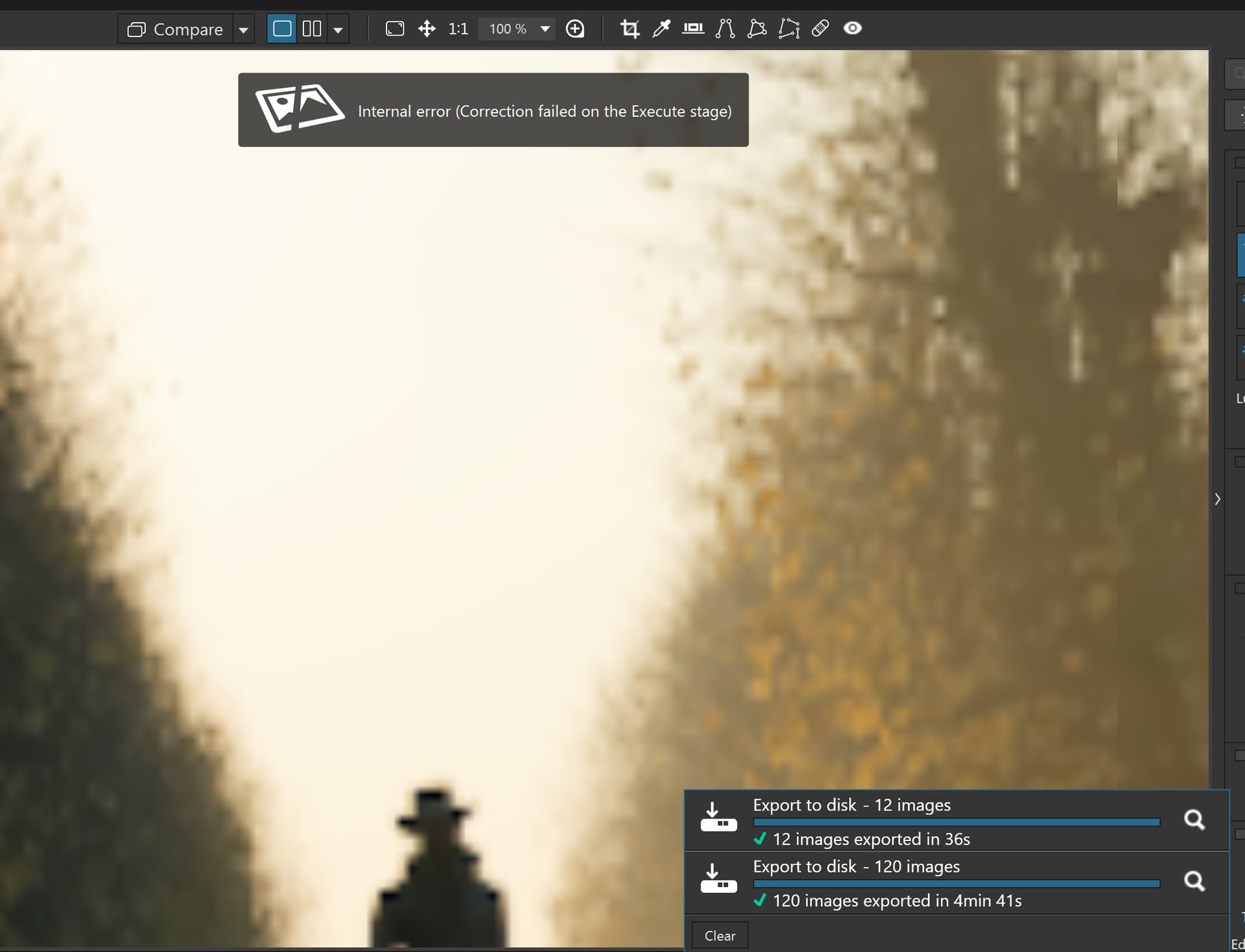
Started PhotoLab, opened LA AI masks and selected predefined ‘Sky’ mask. Got ‘Internal error’ in UI and this in Windows System EventLog:
15:28:55.296 Source: nvlddmkm Event ID: 153 Error occurred on GPUID: 100
15:28:58.279 Source: nvlddmkm Event ID: 153 Error occurred on GPUID: 100
It was followed by this in PhotoLab log:
2025-11-14 15:28:58.382 | DxO.PhotoLab - 8988 - 61 | DxOCorrectionEngine - Error | Exception caught while calling ExecuteTileImage : Non-zero status code returned while running DmlFusedNode_0_0 node. Name:'DmlFusedNode_0_0' Status Message: D:\DATA\Bamboo\Builds\FWK-ONNXRUNTIMEPKG0-ORTPKG\ort_src\onnxruntime\core\providers\dml\DmlExecutionProvider\src\DmlGraphFusionHelper.cpp(1066)\onnxruntime.dll!000001FCBFDCE8FA: (caller: 000001FCBFE5E624) Exception(2) tid(409c) 887A0006 The GPU will not respond to more commands, most likely because of an invalid command passed by the calling application.

2025-11-14 15:28:58.382 | DxO.PhotoLab - 8988 - 61 | DxOCorrectionEngine - Error | InternalError: In Block SemanticMasksEncoder@node_692[1].Execute
In Block DxO::Node::Execute [ identifier=SemanticMasksEncoder m_internalMode=Preview m_outputScale=1 m_inputROIs[DxO::EngineDef::kMainImage].StringRepr()=[ (x=0, y=0, w=4128, h=2753) ] outputs.imagesWithROIs.at(EngineDef::kMainImage)->value=outputImage=computeOutputInfoOk=true outputImageValidROI=[ ] outputROIs=validateOutputPolicy=FullOutputData outputROI=[ (x=0, y=0, w=4128, h=2753) ] invalidROI=[ (x=0, y=0, w=4128, h=2753) ] validROI=[ ] priority=20 ] [ ctx=0000020099E4D510 ]
Correction failed on the Execute stage
2025-11-14 15:28:58.382 | DxO.PhotoLab - 8988 - 50 | DxOCorrectionEngine - Error | Exception caught while calling ExecuteTileImage : D:\DATA\Bamboo\Builds\FWK-ONNXRUNTIMEPKG0-ORTPKG\ort_src\onnxruntime\core\providers\dml\DmlExecutionProvider\src\ExecutionProvider.cpp(962)\onnxruntime.dll!000001FCBFDB2F36: (caller: 000001FCBFDB2CB2) Exception(4) tid(392c) 887A0005 The GPU device instance has been suspended. Use GetDeviceRemovedReason to determine the appropriate action.
repeated many times. No crash dump in %LOCALAPPDATA%\CrashDumps. Not reproducible, worked as expected on a second try after PL restart (which was required because GPU has been suspended, as seen in the PL log above).
Computer: i9-9880H RTX4000 Windows 10 Pro 22H2 19045.6575
With the previous version of PL9 and Nvidia driver: 573.73, AI masking and export to jpg worked.
With the current version of PL9 9.2.1.542 and Nvidia driver: 573.73, AI masking works but export to jpg no longer works. An unknown error occurs and the export is aborted.
With the current version of PL9 9.2.1.542 and Nvidia driver: 581.80, AI masking seems to work better, but exporting to jpg no longer works either. An internal error occurs and the export is aborted.
If you don’t use AI masking, but conventional masking instead, the export also works without errors, provided that PL9 is restarted after the internal error.
When will this faulty behavior of PL9 finally be fixed?
With the current version of PL9 9.2.1.542 and Nvidia driver: 581.80, applied 3 AI masks which worked fine and the first export to jpg worked. The second export to jpg no longer works. An unknown error occurs and the export is aborted.
Now going back to Nvidia driver: 581.57 as recommended by DXO with clean install.
With the current version of PL9 9.2.1.542 and Nvidia driver: 581.57, applied 3 AI masks which worked fine and the first export to jpg worked. The second export to jpg no longer works. An unknown error occurs and the export is aborted.
Now going back to Nvidia driver: 581.80 and avoid using AI masking.
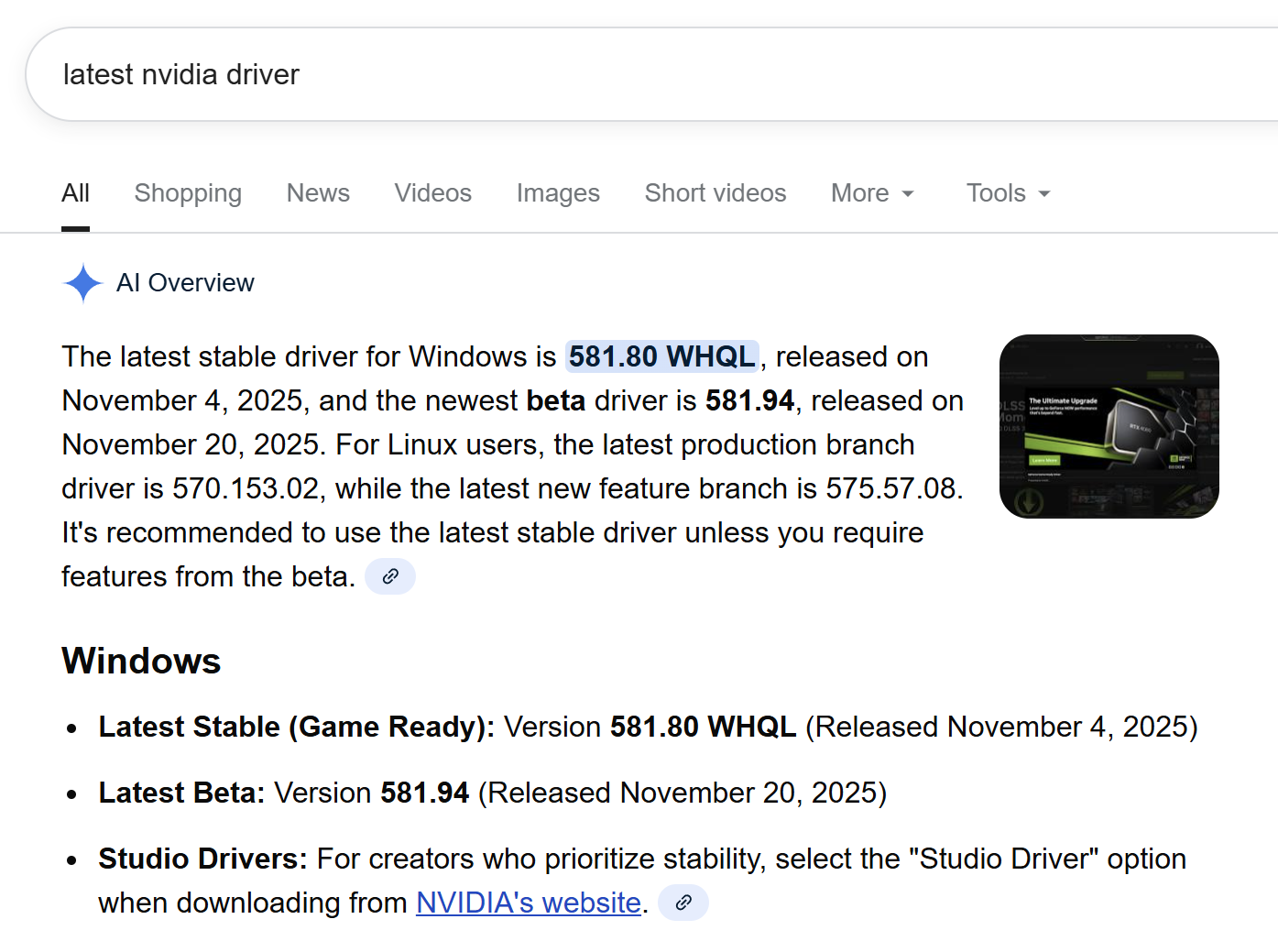
I suggest that those (including the support) reporting and discussing problems about the NVidia drivers, DPL 9 and Windows 11 clearly mention whether they are talking about the Game Ready version or about the Studio version. NVidia have published a hot fix for the Game Ready driver 2 days ago (581.94) while the Studio driver is still at level 581.57. So obviously, they consider that the Studio driver has less problems.
It’s not so obvious for me. Maybe gamers were most heavily affected by KB5066835 (and at least two other MS patches) and it’s a beta release. The Studio driver update is getting late, so I would guess they are working on something complicated.
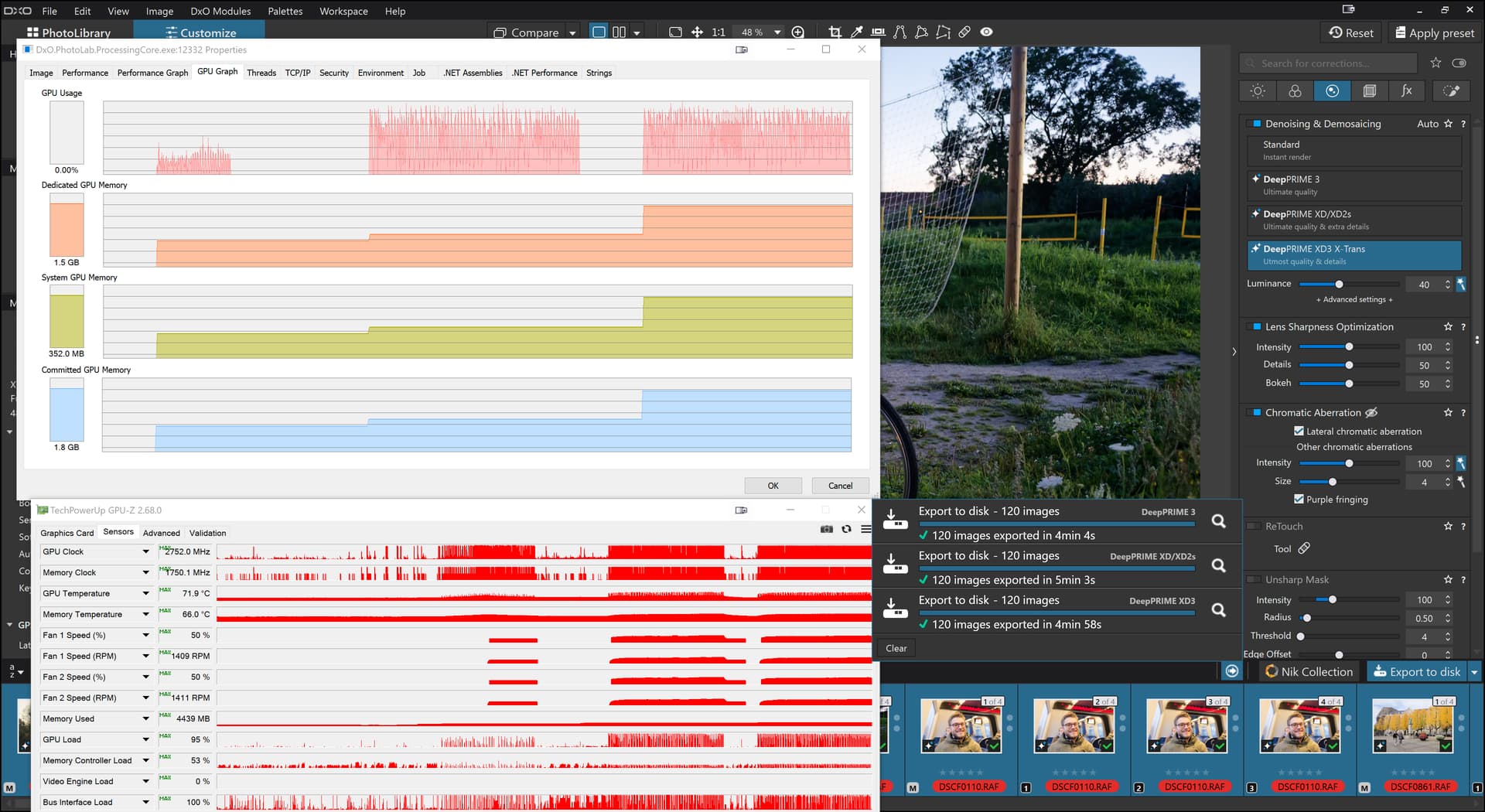
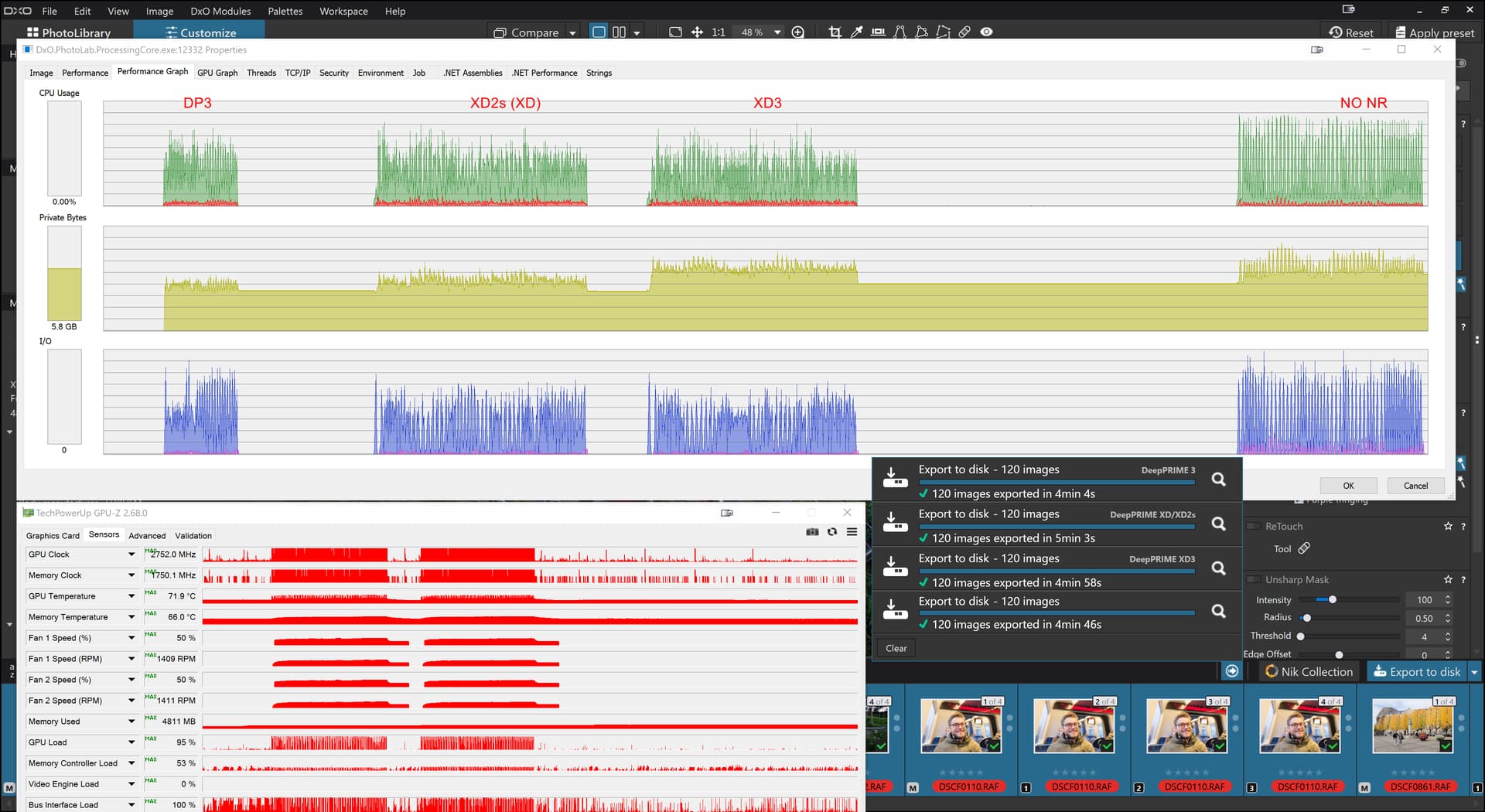
When I exported 30 X-Trans images with 4 VCs each (120 images in total), that went fine but then I set DP3 for all the images and got this on the 5060Ti(16GB)
Please remember that for X-Trans images XD2s isn’t XD2s it is XD, or so I believe.
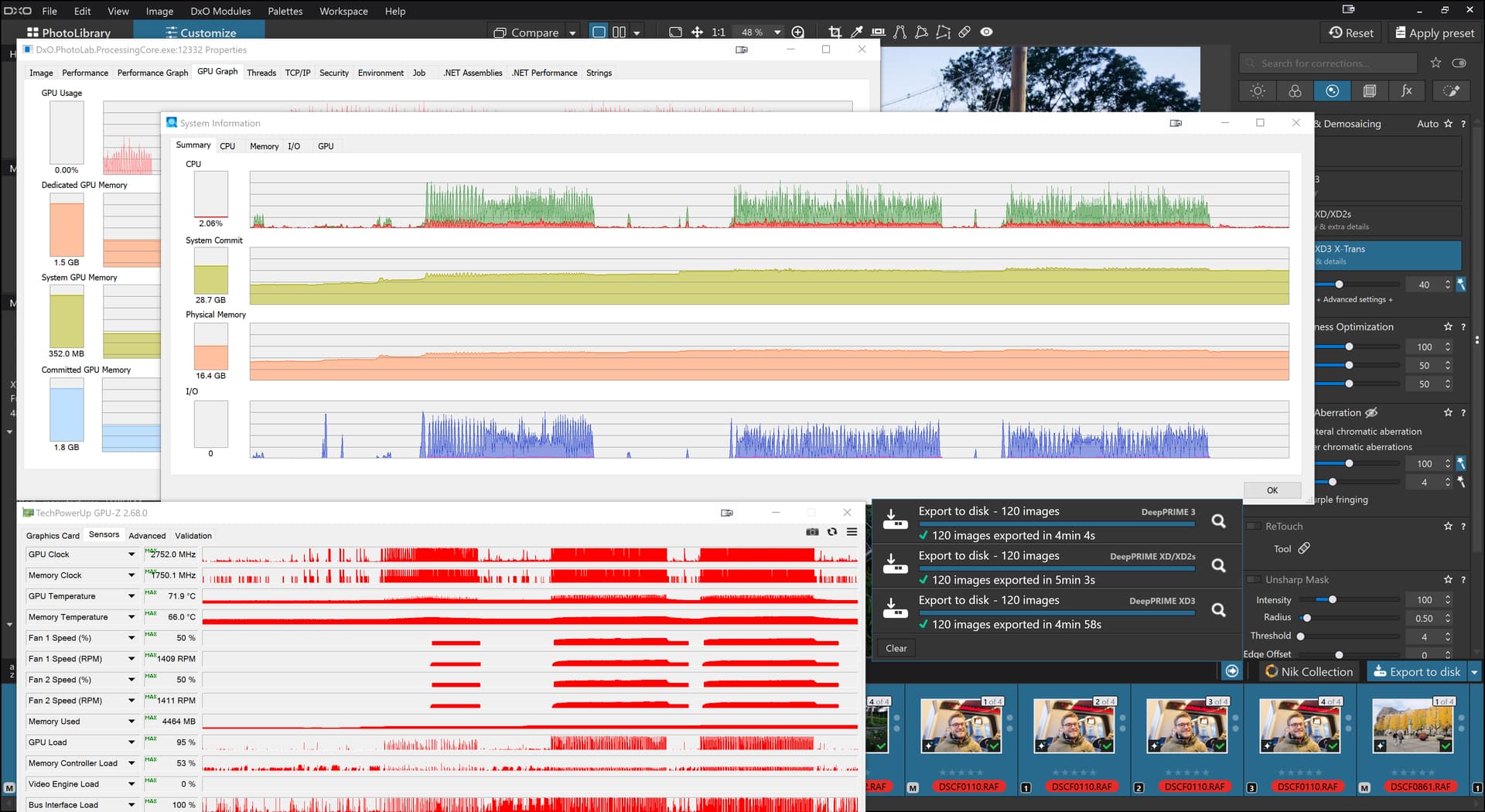
I repeated the first NO NR test and that went without incident (I fiddled with the NR settings to see if they triggered a fault but nothing happened?) so we have on the 5900X(32GB) with 5060Ti(16GB-581.94)
So no further incident and the same export worker was used throughout and no Sleeps to clear VRAM and no terminating the export worker to clear out any “gremlins”.
PL9 update to 9.3.2.573 and new variation of export errors.
Computer: i9-9880H RTX4000 Windows 10 Pro 22H2 19045.6691
With the current version of PL9 9.3.2.573 and Nvidia driver: 591.59, manual masking and AI masking works. With AI animal, sky, background masks can be applied without problems.
A raw picture with only manual masks can be exported to jpeg multiple times without failures.
A raw picture with only 3 AI masks can be exported to jpeg only once, the second export leads to an unknown error in the corrections engine and PL9 needs a restart for further use.
The PL9 log file DopCor.txt shows at the end multiple times that PL9 drops an execption: DxOCorrectionEngine - Error | Exception caught while calling ExecuteTileImage.
In the third line of the log file DopCor.txt the error mess begins with an AI specific exception and continues with lots of further exceptions:
2026-01-09 20:45:21.586 | DxO.PhotoLab.ProcessingCore - 20320 - 89 | DxOCorrectionEngine - Error | Windows Error when calling Run Task Inference-296 : D:\DATA\Bamboo\Builds\FWK-ONNXRUNTIMEPKG0-ORTPKG\ort_src\winml\lib\api\impl/TensorBase.h(111)\Microsoft.AI.MachineLearning.dll!00007FFCCA5BDC5B: (caller: 00007FFCCA5C4F2F) Exception(47) tid(6250) 80070057 Falscher Parameter.
As a matter of fact I do not have a drive named D:\DATA\Bamboo\Builds\FWK-ONNXRUNTIMEPKG0-ORTPKG\ort_src\winml\lib\api\impl/TensorBase.h(111)\Microsoft.AI.MachineLearning.dll!00007FFCCA5BDC5B
MS Copilot analyses the problem indicating that running AI on GPU does not work due to Nvidia driver problems.
Execution provider (CPU/GPU/NPU) differences.
A model may run on CPU but fail on DirectML/GPU (operator support, precision).
Addendum: After a crash of the development engine as a result of using AI masks in raw images, the MS/Nvidia construct is so compromised that a restart of the computer is necessary for the output of raw images with non-AI masks in PL9 to work again.
It seems to be improving marginally with baby steps. Hopefully it will improve significantly enough over the next couple of months so that those who are still having major issues will finally be comfortable using it on a regular basis. We can only hope.
 Important Information
  Note for RTX x60 models (2060 / 3060 / 4060 / 5060):